Colorado Annulment
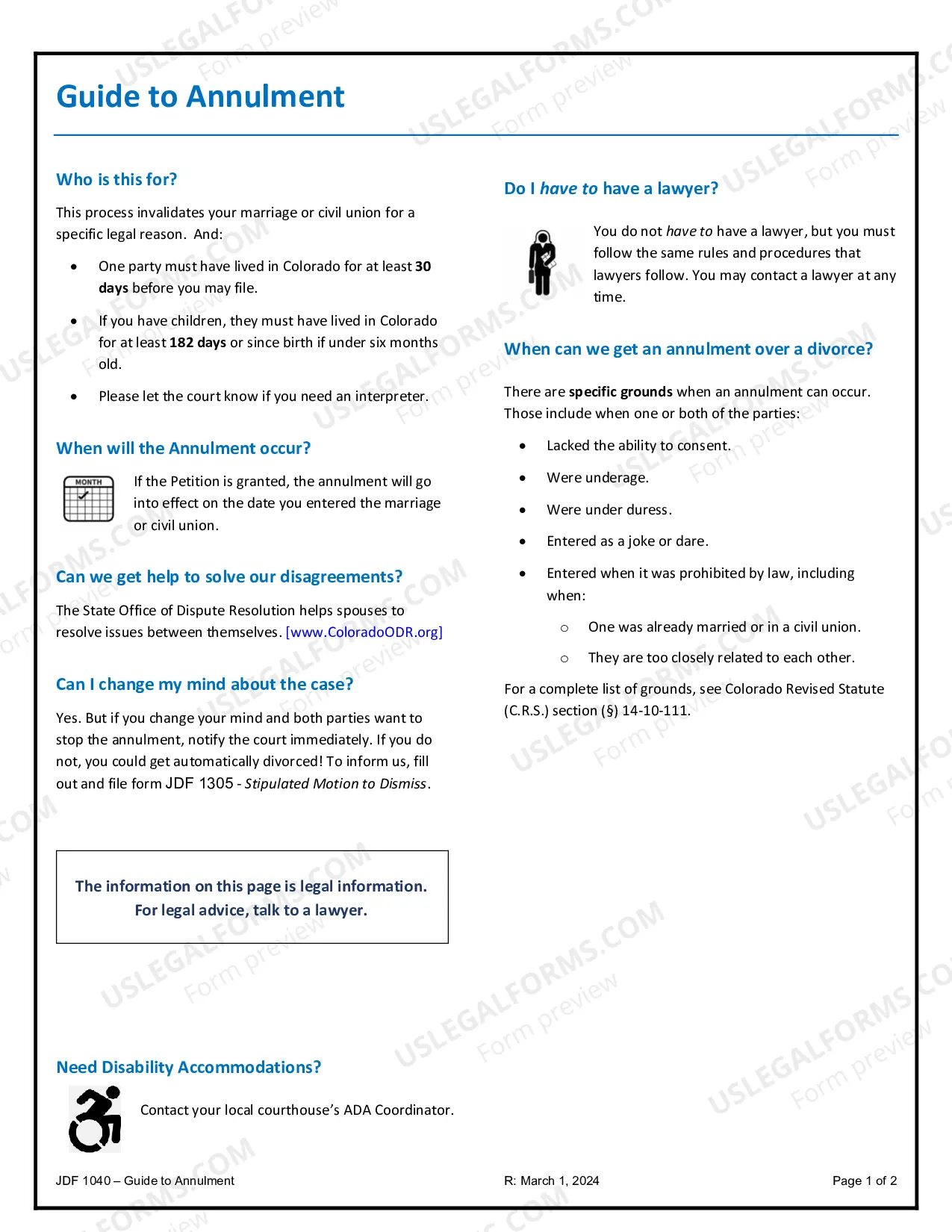
Annulment documents in Colorado help declare a marriage invalid. Our attorney-drafted templates are quick and easy to fill out.

Similar documents: key differences
- Annulment vs. Divorce — Annulment declares a marriage void, while divorce ends a valid marriage.
- Petition for Annulment vs. Complaint for Annulment — Both initiate annulment proceedings, but the petition is generally broader in scope.
- Declaration of Nullity vs. Decree of Annulment — Both terms are often interchangeable but may vary regionally in usage.
- Annulment Agreement vs. Settlement Agreement — An annulment agreement specifically addresses issues stemming from an annulment, while settlement agreements relate to divorce.
Search for more forms
Types of Annulment forms
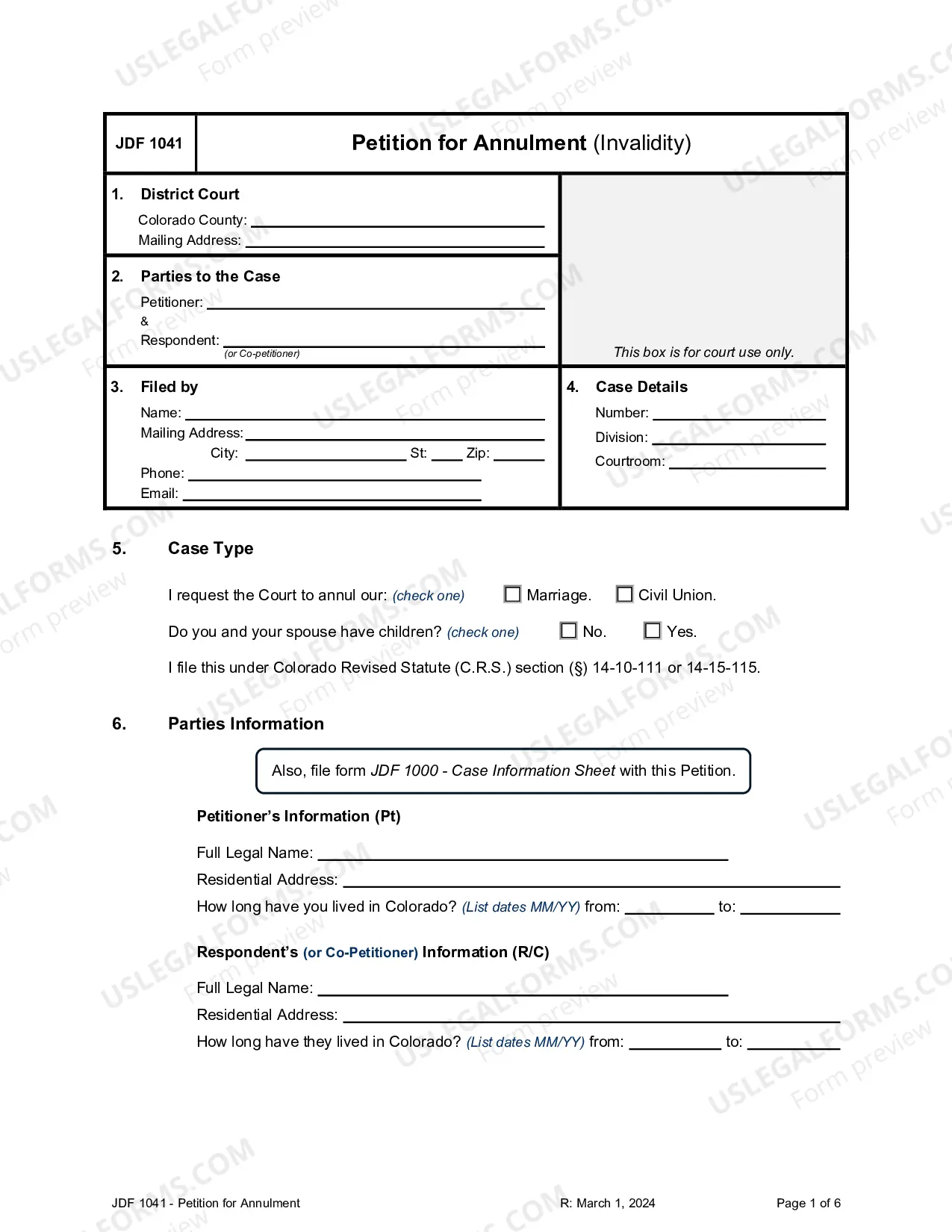
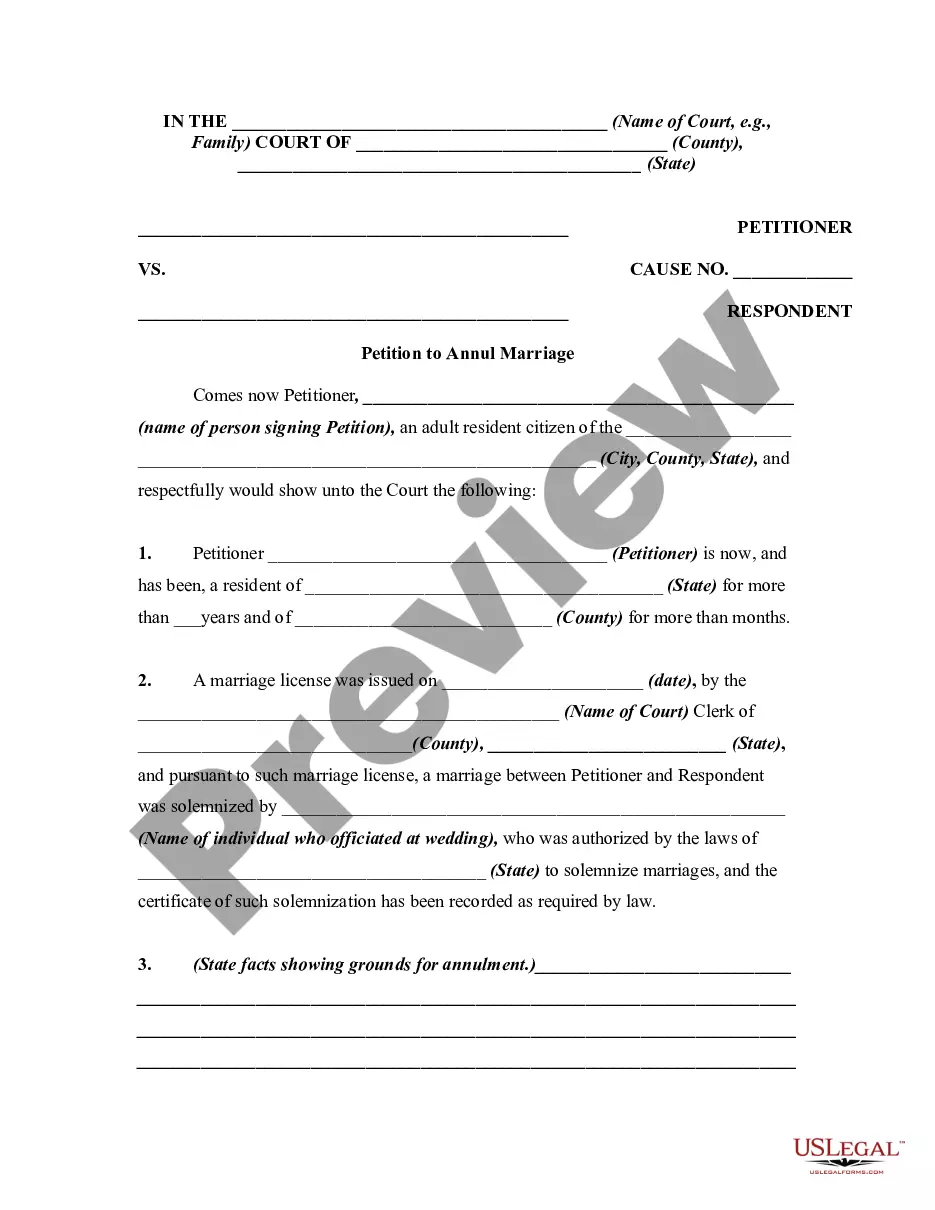
Petition for Annulment — Invalidity
Request annulment of a marriage or civil union with valid grounds, establishing its legal invalidity.
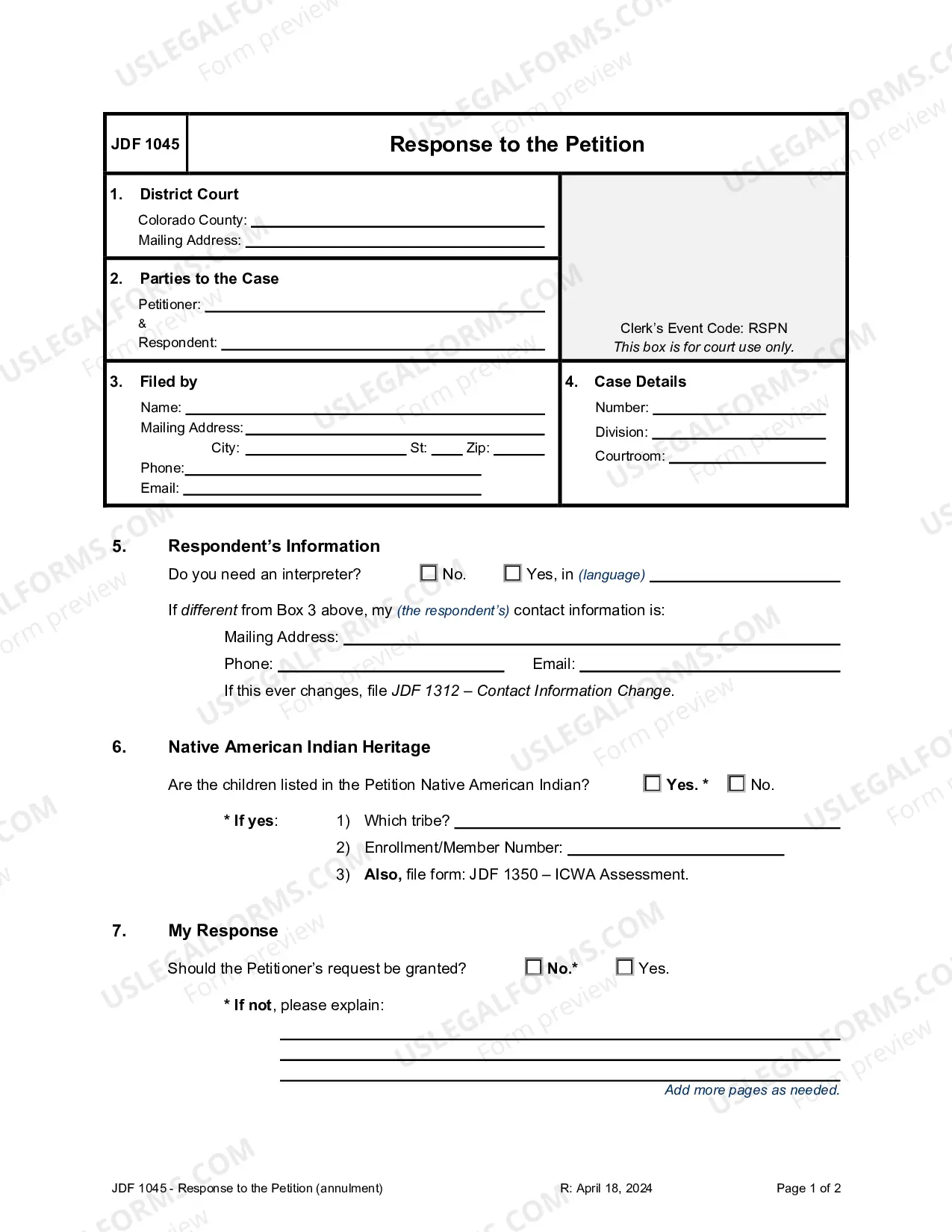
Response to Petition — Annulment/Invalidity
Respond to a petition for annulment and outline your position on the case.
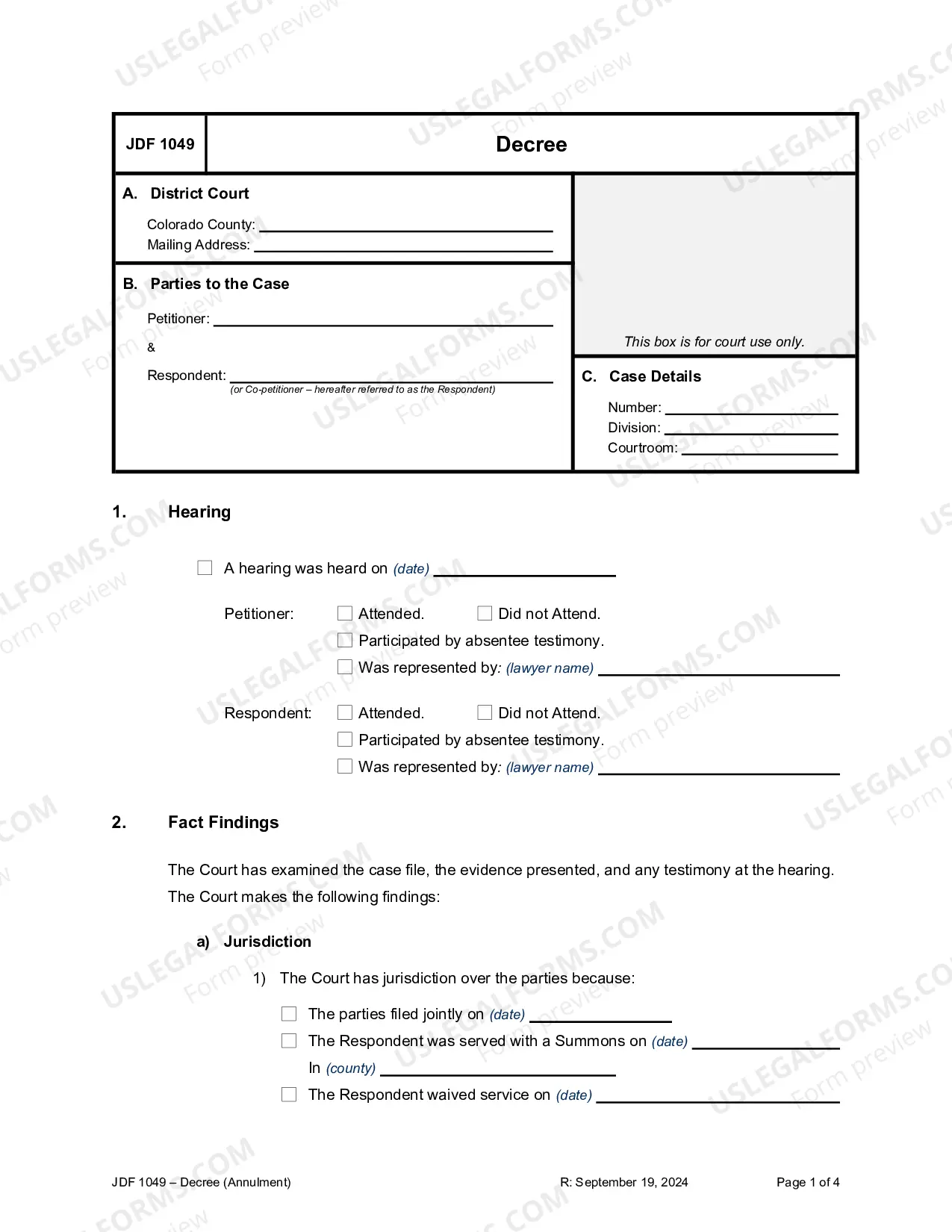
Decree of Declaration of Invalidity
Take action when a marriage is deemed invalid, ensuring legal clarity and resolution for all parties involved.
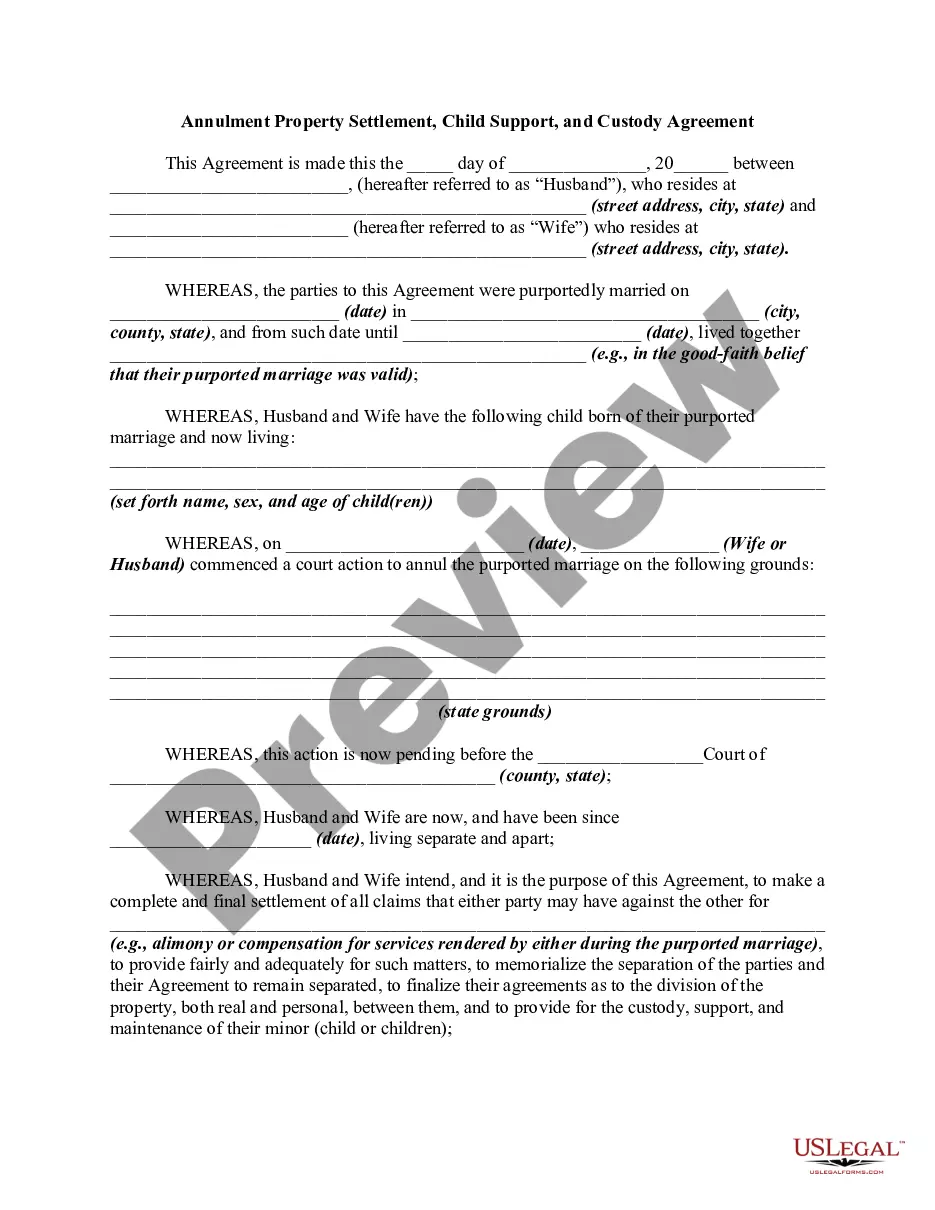
Annulment Property Settlement — Custody and Support
Finalize agreements for property division, child support, and custody after annulment proceedings.
Petition for a Formal Marriage Case
Request a declaration of nullity for your marriage due to defective consent. Essential for pursuing a future marriage within the Catholic Church.
Application for Declaration of Nullity — Catholic Church
Begin the annulment process with this digital application to assess your eligibility for remarriage in the Catholic Church.
Preliminary Testimony — Catholic Church Annulment
Gather essential information for a formal case regarding your marriage or divorce status through detailed preliminary testimony.
Annulment Questionnaire
Use this questionnaire to determine grounds for annulment and whether both partners agree to the filing process.
Checklist: Property Division or Restoration Agreement — Annulment
This checklist helps you navigate property division and restoration during an annulment proceeding, ensuring all important matters are considered.
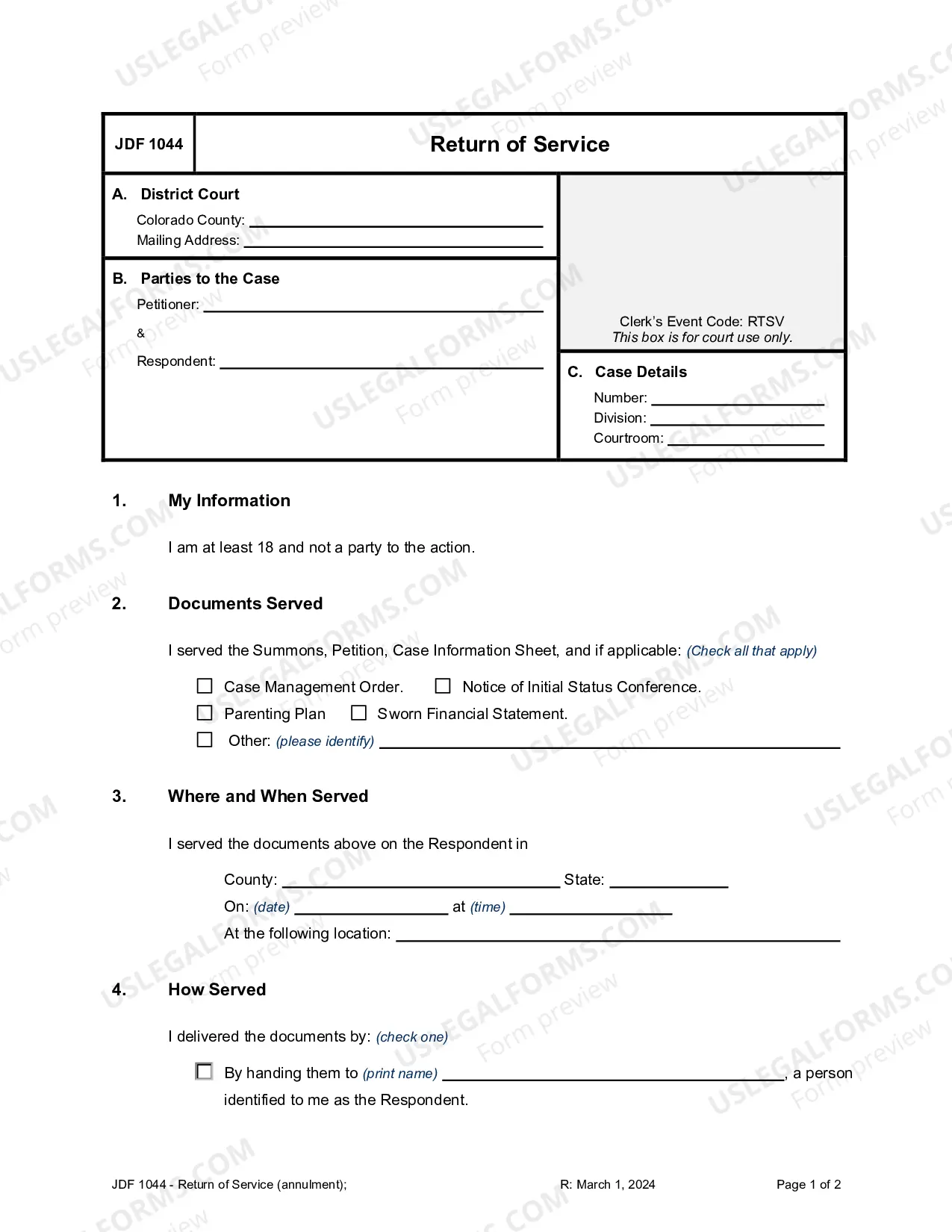
Return of Service — Annulment/Invalidity
Use this to confirm that legal documents were properly served in annulment cases, ensuring compliance with court procedures.
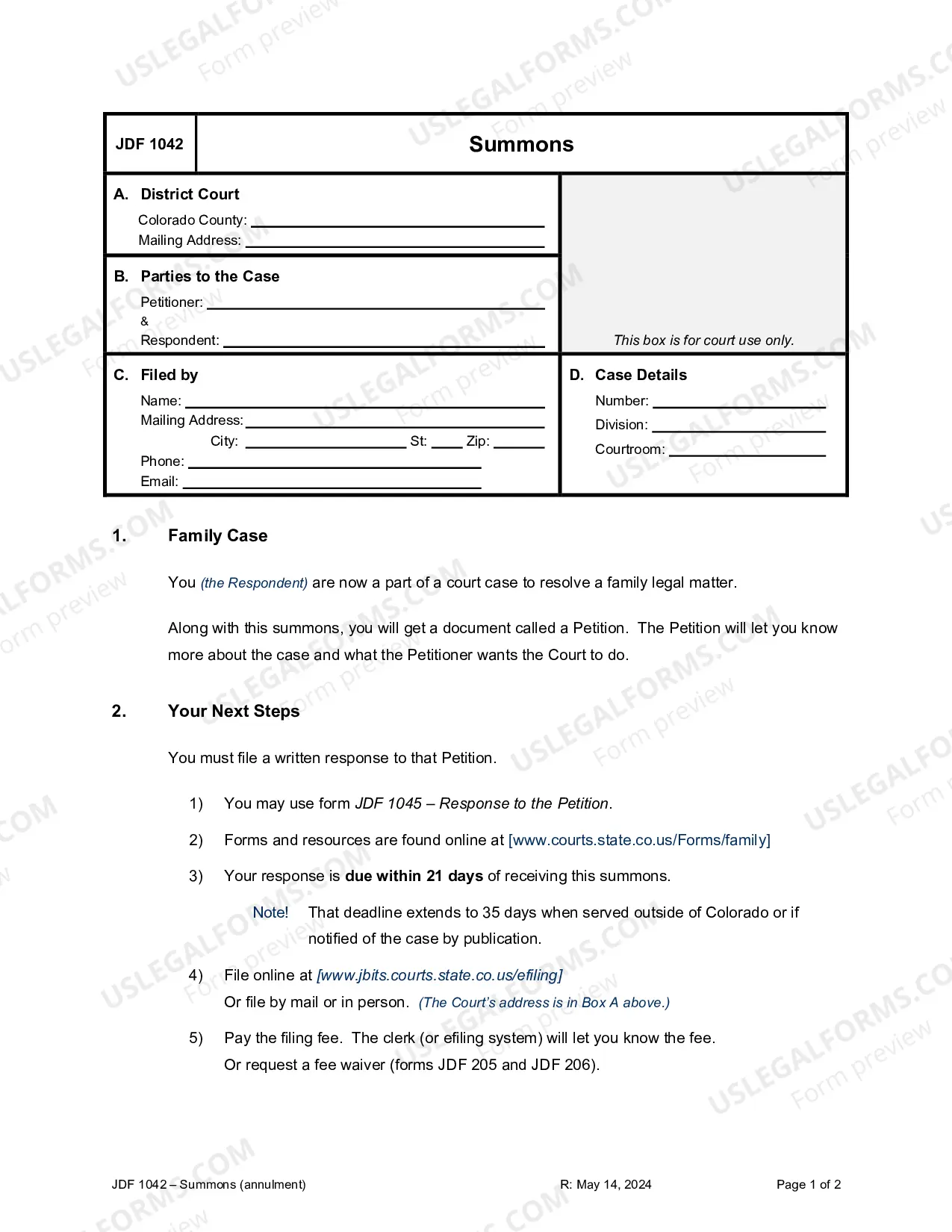
Summons for Annulment — Invalidity
Respondents in annulment cases must understand their rights and obligations after receiving this critical court notice.
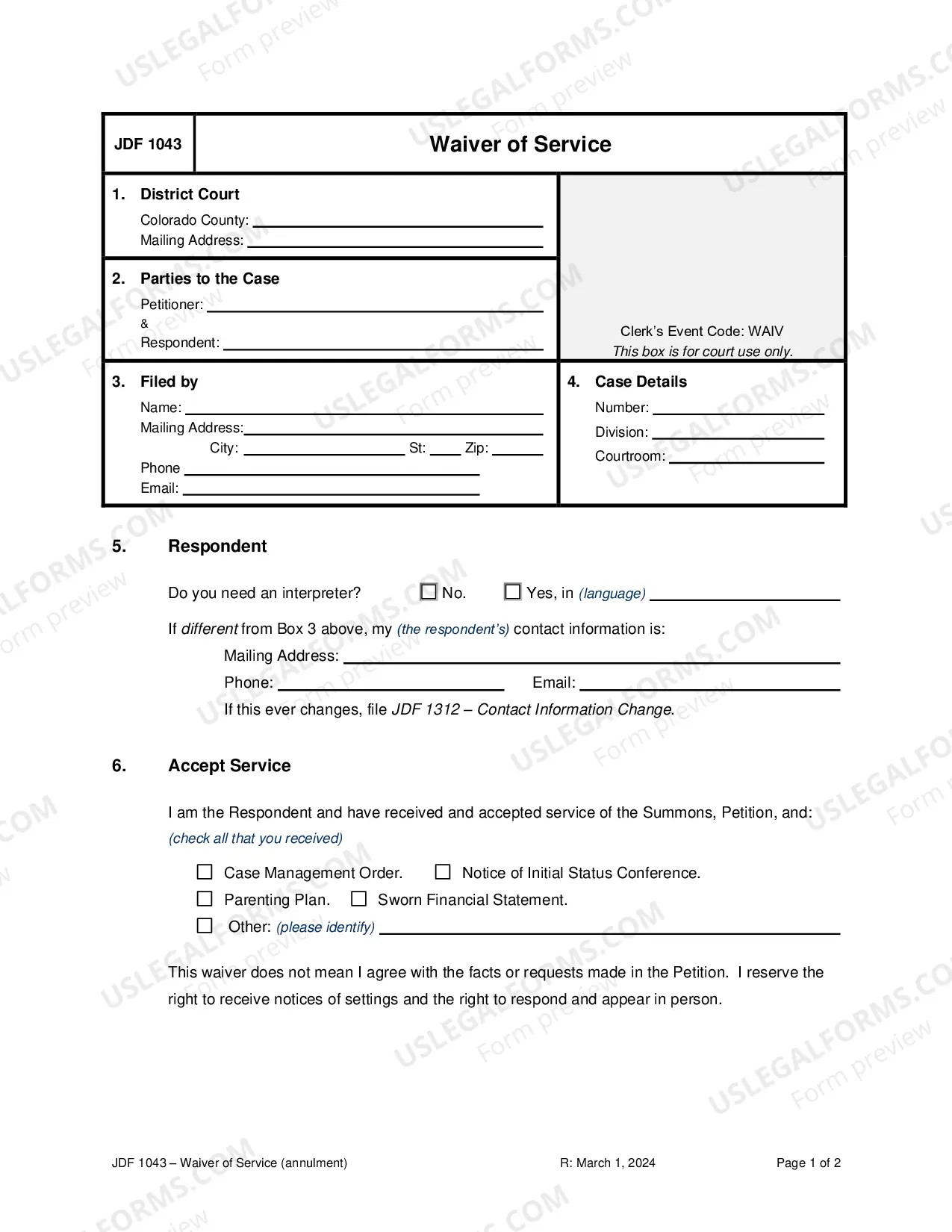
Waiver of Service — Annulment/Invalidity
Accept service of court documents without formal delivery, allowing you to participate in annulment proceedings while retaining your rights.
Common Colorado Annulment documents
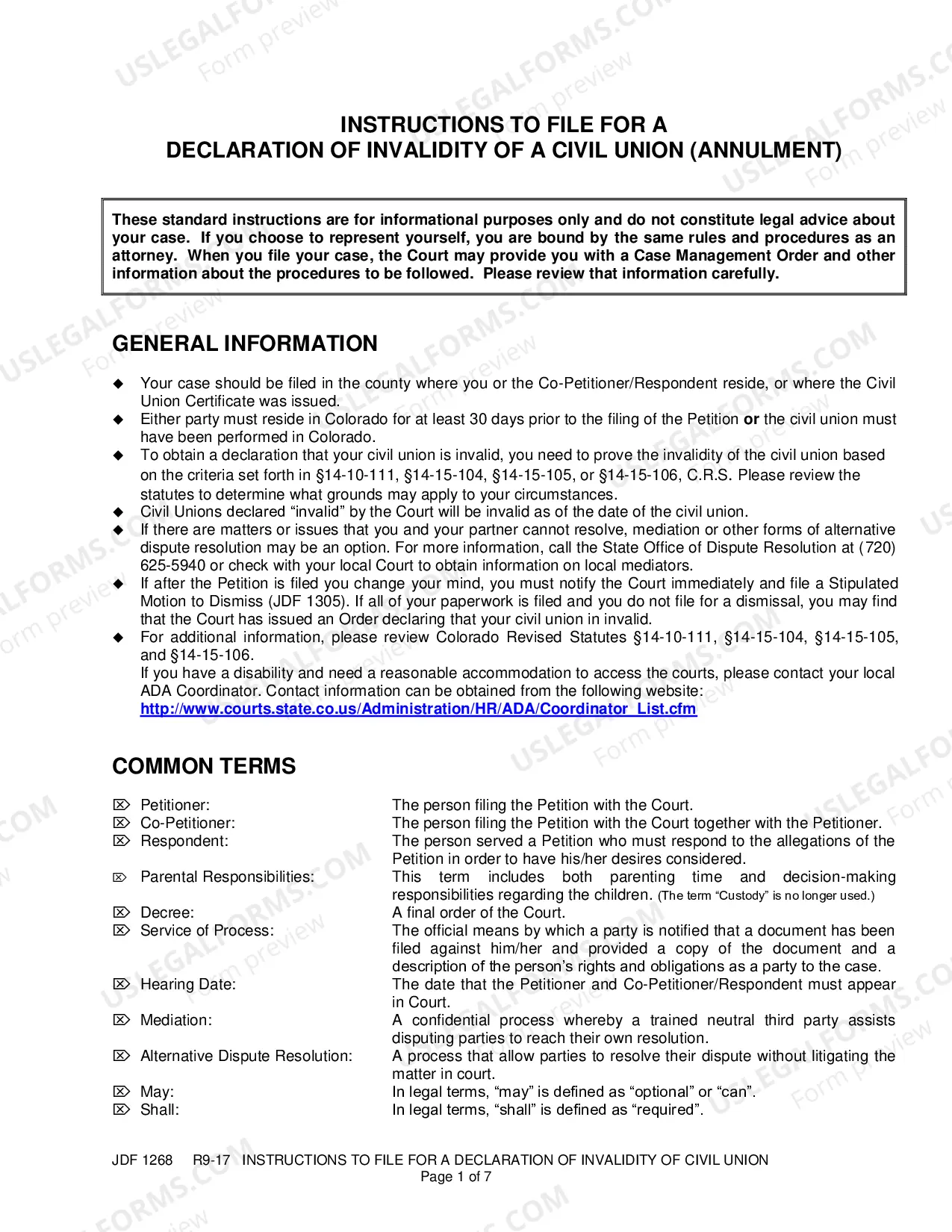
- Petition for Annulment — Initiates the annulment process in court.
- Decree of Annulment — Final order that officially nullifies the marriage.
- Complaint for Annulment — Formal request to annul a marriage based on specific grounds.
- Annulment Agreement — Outlines terms related to annulment, such as property division.
- Annulment Filing Forms — Required paperwork to submit an annulment request.
FAQs
Annulment declares a marriage invalid, while divorce legally ends a valid marriage.
Generally, annulments are sought soon after the marriage, but exceptions may apply.
Common grounds include fraud, coercion, or mental incapacity at the time of marriage.
Typically, an annulment requires court proceedings to finalize the legal status.
Property division in annulments can be complex and is determined by the court.
Key legal points
- Annulment is different from divorce and declares a marriage invalid.
- Common grounds for annulment include fraud, coercion, or incapacity.
- Annulments can affect property division and child custody arrangements.
- A decree of annulment is the final legal document confirming the annulment.
- Many annulment documents may need to be notarized or witnessed.
How to get started
Begin your annulment process with these simple steps.
- Find a template or package that fits your situation.
- Review the description, preview, and signing requirements.
- Get full access with a subscription.
- Complete it in the online editor.
- Export or send: download, email, USPS mail, notarize online, or send for e-signature.
Practical tip
Consider gathering necessary information about your marriage to streamline the process.