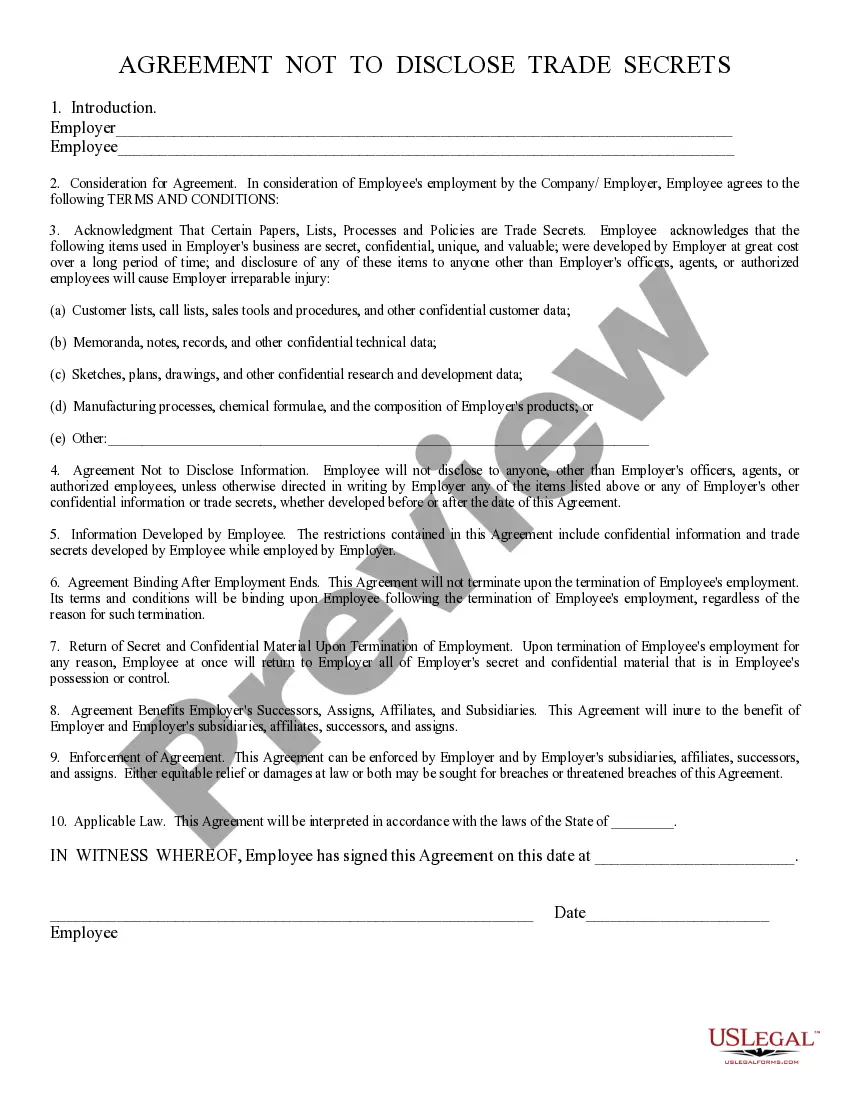
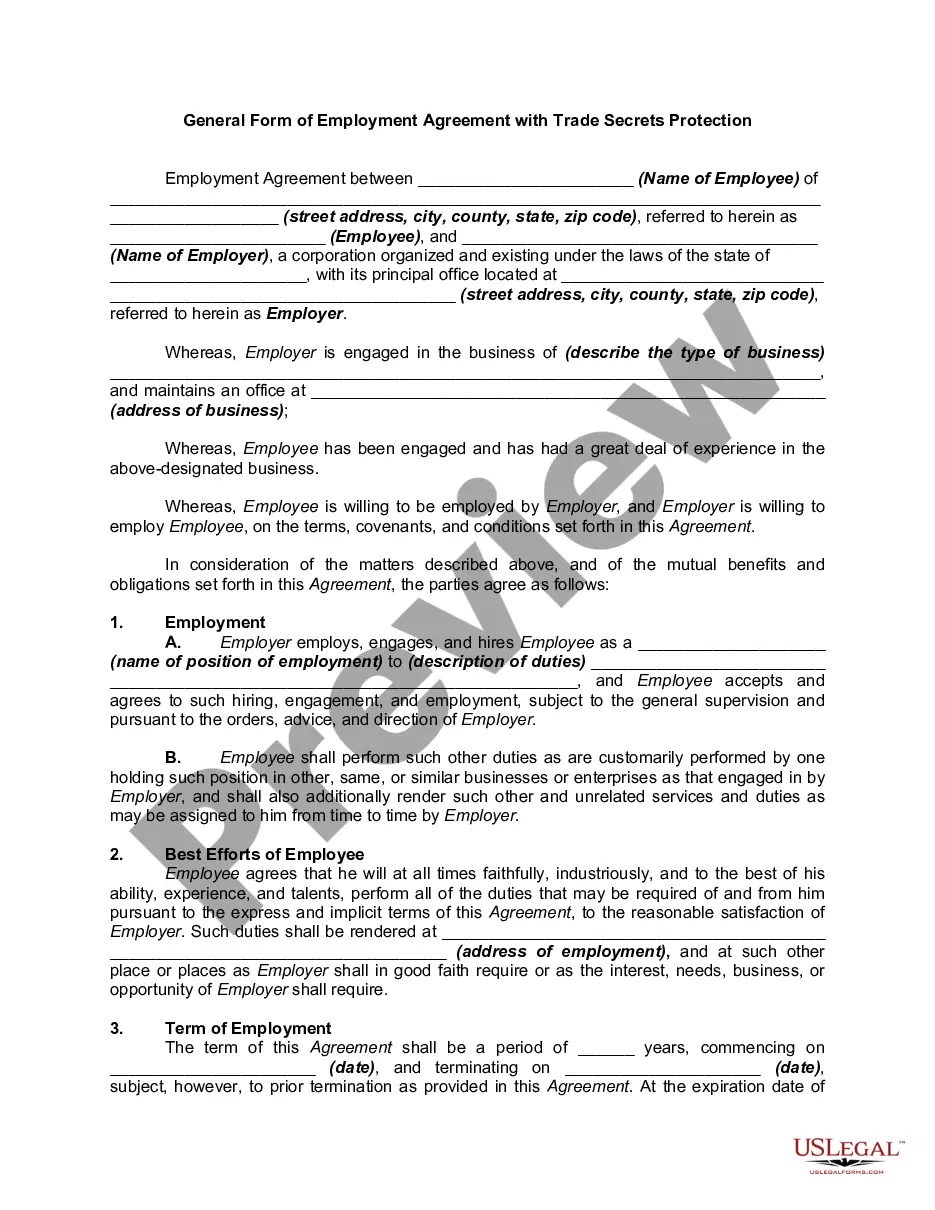
Agreement Not To Hire Employees
Description
Get your form ready online
Our built-in tools help you complete, sign, share, and store your documents in one place.
Make edits, fill in missing information, and update formatting in US Legal Forms—just like you would in MS Word.
Download a copy, print it, send it by email, or mail it via USPS—whatever works best for your next step.
Sign and collect signatures with our SignNow integration. Send to multiple recipients, set reminders, and more. Go Premium to unlock E-Sign.
If this form requires notarization, complete it online through a secure video call—no need to meet a notary in person or wait for an appointment.
We protect your documents and personal data by following strict security and privacy standards.

Make edits, fill in missing information, and update formatting in US Legal Forms—just like you would in MS Word.

Download a copy, print it, send it by email, or mail it via USPS—whatever works best for your next step.

Sign and collect signatures with our SignNow integration. Send to multiple recipients, set reminders, and more. Go Premium to unlock E-Sign.

If this form requires notarization, complete it online through a secure video call—no need to meet a notary in person or wait for an appointment.

We protect your documents and personal data by following strict security and privacy standards.
Looking for another form?
How to fill out Agreement Not To Disclose Trade Secrets?
Regardless of whether you frequently handle documentation or occasionally require to send a legal document, it is essential to have a repository of information where all examples are interconnected and current.
The first step when using an Agreement Not To Hire Employees is to confirm that you have the most recent version, as it determines its eligibility for submission.
If you wish to simplify your quest for the most recent document examples, seek them on US Legal Forms.
To obtain a form without having an account, follow these steps: Use the search function to locate the desired form. Review the Agreement Not To Hire Employees preview and description to ensure it matches what you are looking for. After confirming the form, simply click Buy Now. Choose a subscription plan that suits you. Create an account or Log In to your existing one. Enter your credit card information or PayPal account to complete the purchase. Choose the download file format and confirm it. Say goodbye to the confusion associated with managing legal documents. All your templates will be neatly organized and authenticated with an account at US Legal Forms.
- US Legal Forms offers a repository of legal documents that contains nearly every document template you can seek.
- Look for the necessary templates, evaluate their applicability immediately, and learn more about how to utilize them.
- With US Legal Forms, you can access over 85,000 form templates across various fields.
- Acquire the Agreement Not To Hire Employees templates in just a few clicks and store them anytime in your account.
- Having a US Legal Forms account will enhance your ability to access all the documents you need with greater ease and less frustration.
- Simply click Log In at the top of the website and navigate to the My documents section to have all necessary forms readily available, eliminating the need to spend time searching for the right template or verifying its authenticity.
Form popularity
FAQ
No-poach agreements refer to illegal deals made between competitors not to hire or pursue each other's employees. Such arrangements can range from informal verbal agreements to written promises to avoid contacting a competitor's employees.
Non-Competition Clause Examples Example 1: Preventing former employees from using trade secrets. Example 2: Stopping contractors from competing with you. Example 3: Former partners limiting the geographical reach. Example 4: Extra protection in business contracts.
I agree that during the Non-Compete Period, I will not directly or indirectly (i) induce or attempt to induce any employee, contractor or agent of any of the Companies to terminate his/her relationship with any of the Companies, (ii) in any way materially interfere with the relationship between any of the Companies and
No-Hire Employee means any Person who is employed by or is a consultant or has a similar relationship with any Company Group Entity as of the date hereof or is an Eligible Business Employee (excluding those employees who did not transfer to a Company Group Entity) and either (i) holds a position as of the date hereof
With a no-hire clause, the employee's future employment is not restricted by his or her own agreement, but by an agreement between two other parties.