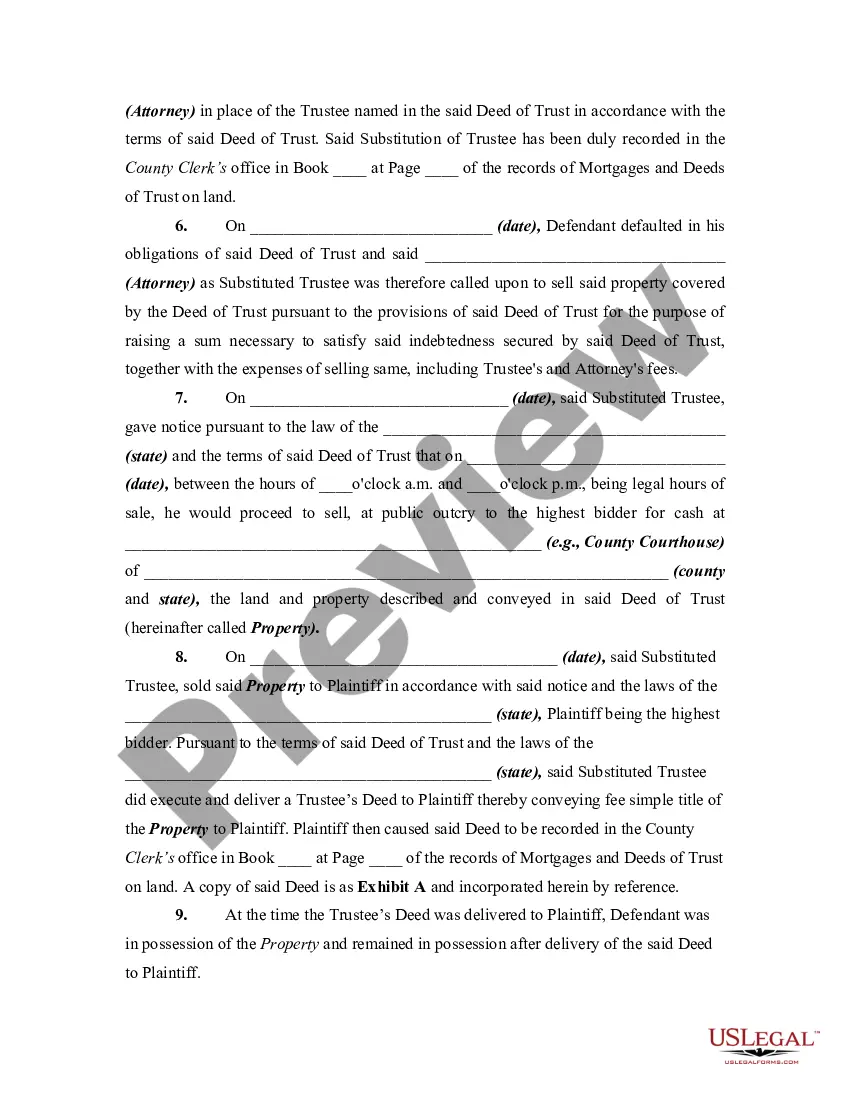
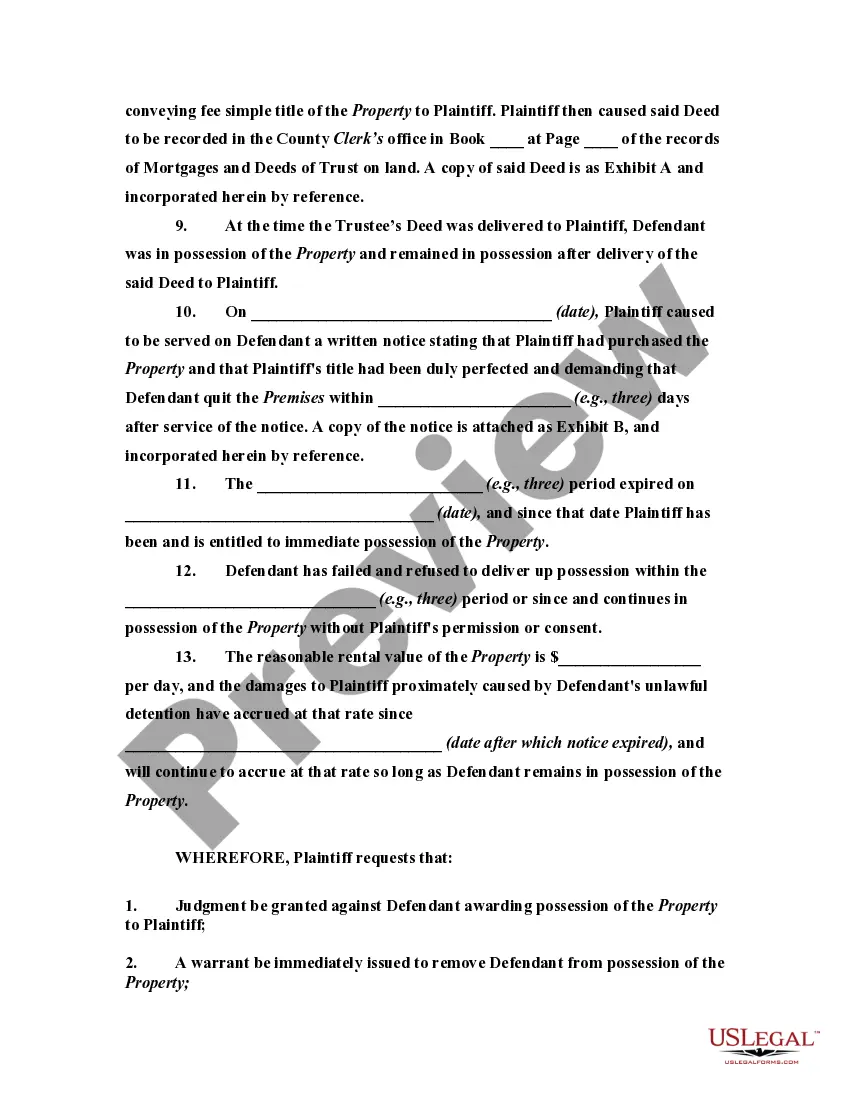
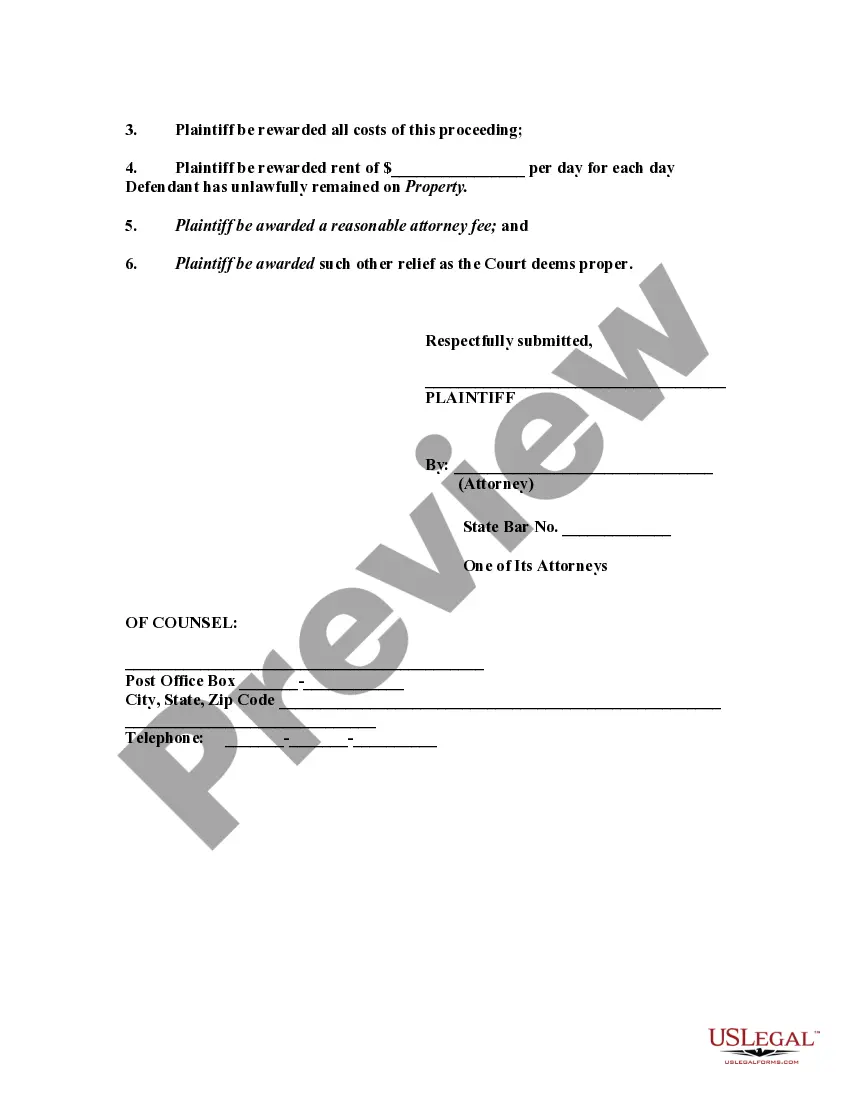
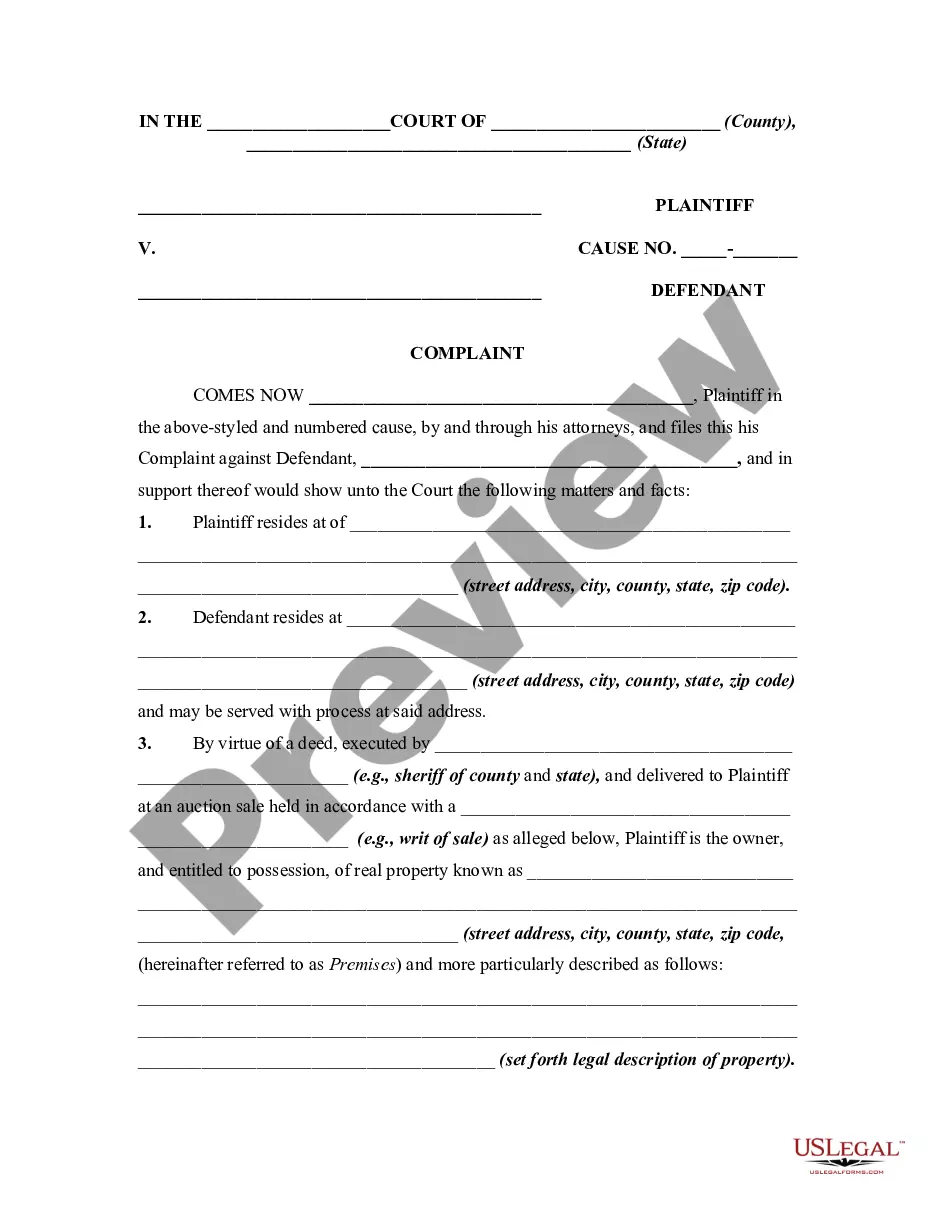
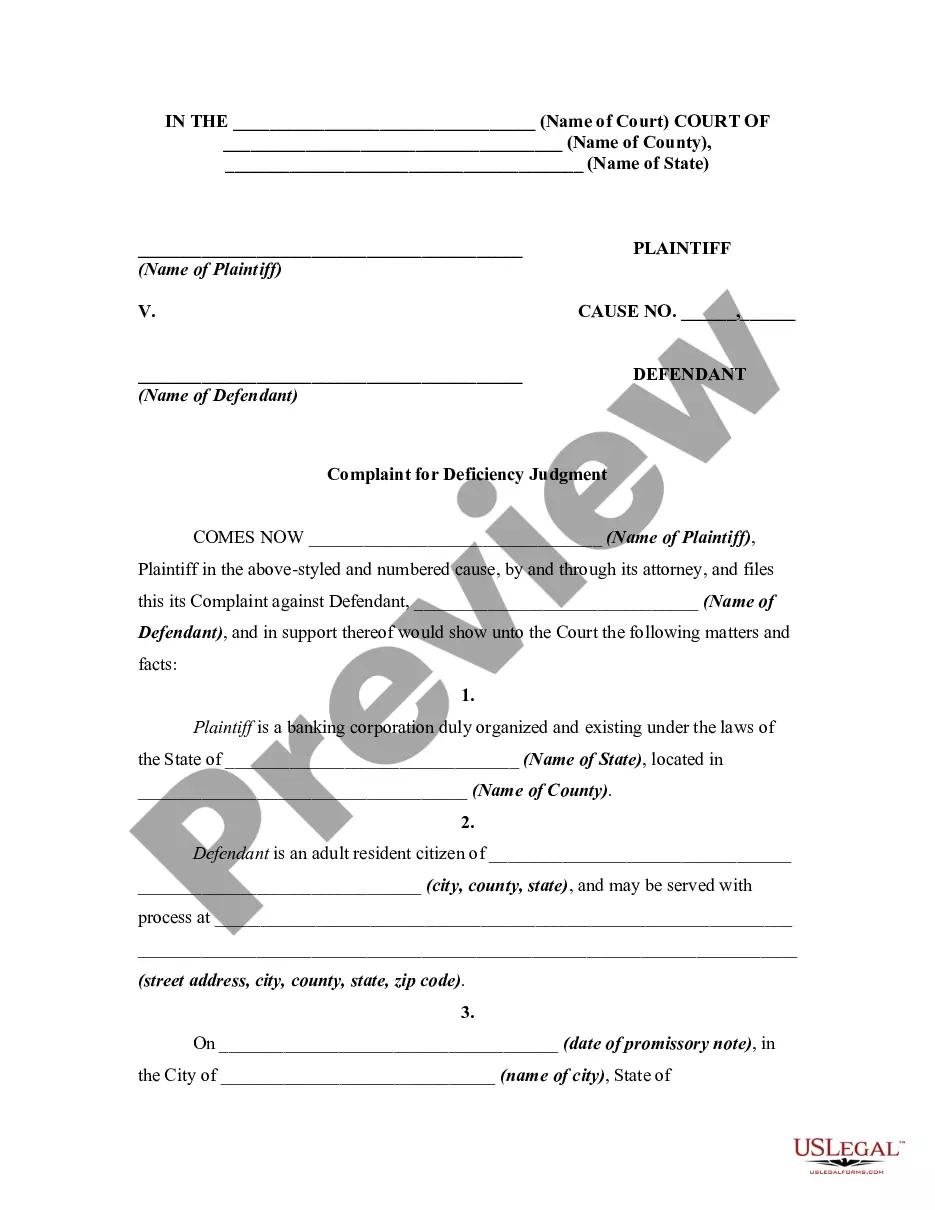
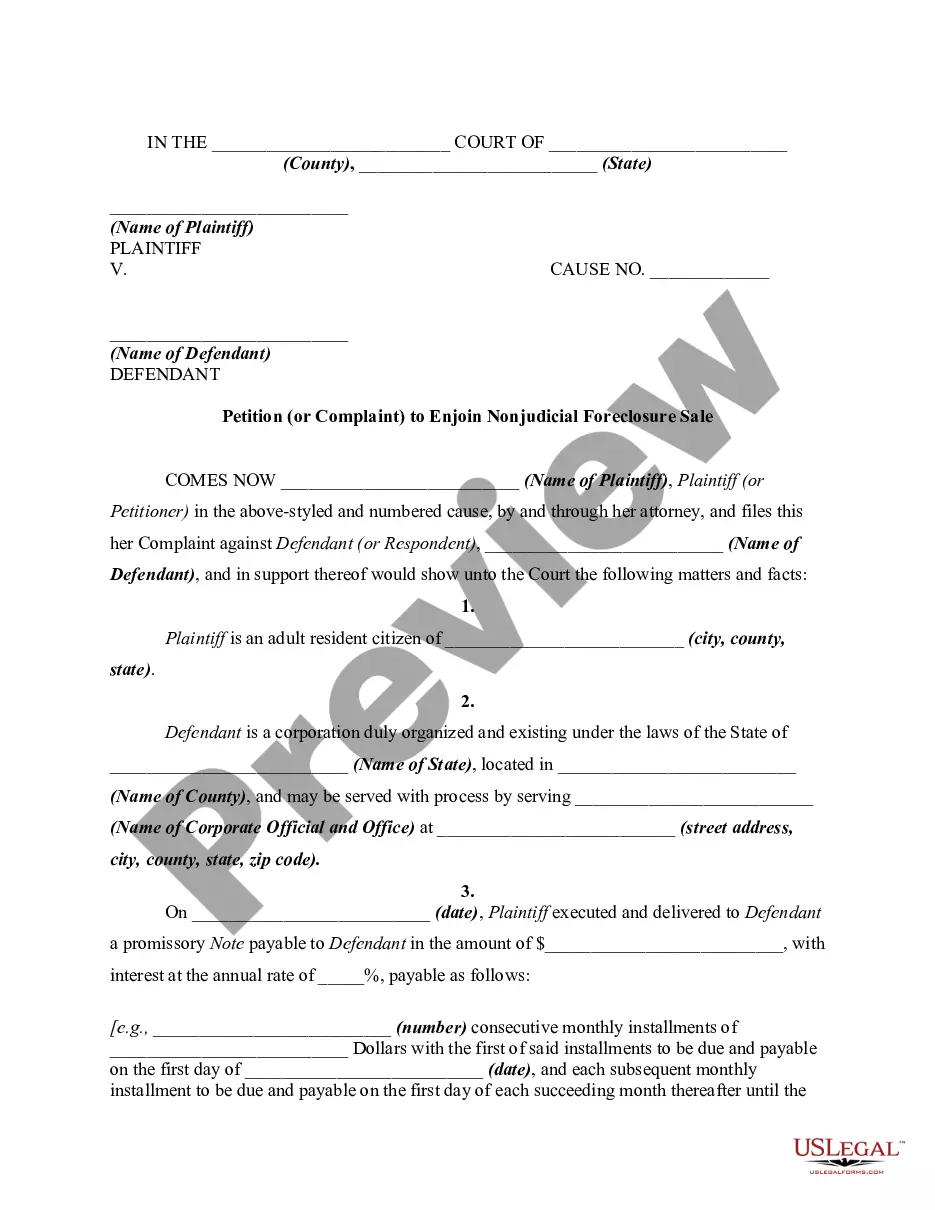
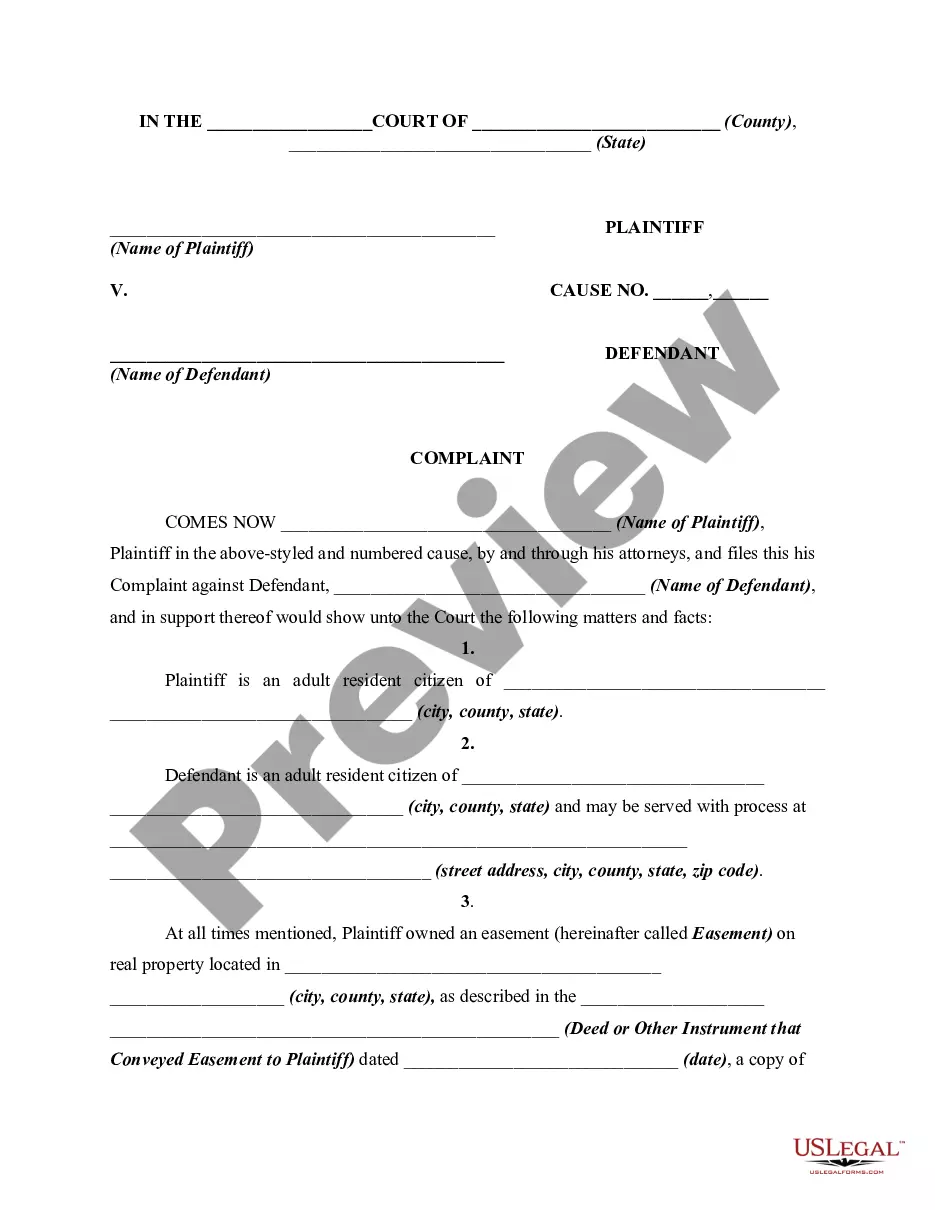
Keeping possession of real property without a right, such as after a lease has expired or after the real property has be sold by the possessor, may entitle the owner to file a lawsuit for "unlawful detainer," asking for possession by court order, unpaid rent and damages. This form is for illustrative purposes only. Local laws should be consulted to determine any specific requirements for such a notice in a particular jurisdiction.
California Complaint or Petition by Purchaser Against Possessor of Real Property After a Foreclosure Sale Pursuant to a Deed of Trust
Category:
State:
Multi-State
Control #:
US-01014BG
Format:
Word;
Rich Text
Instant download
Description
Free preview
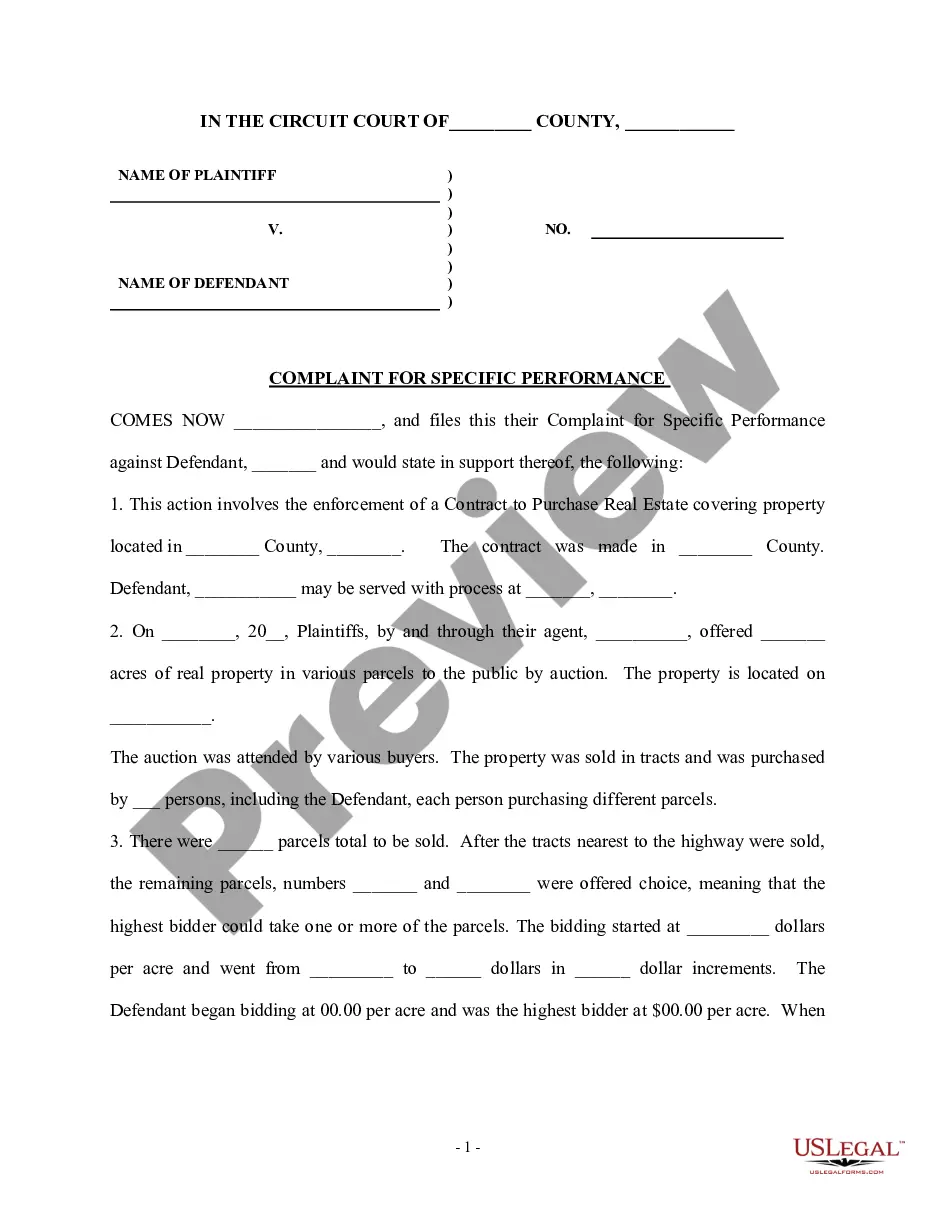
Get your form ready online
Our built-in tools help you complete, sign, share, and store your documents in one place.
Built-in online Word editor
Make edits, fill in missing information, and update formatting in US Legal Forms—just like you would in MS Word.
Export easily
Download a copy, print it, send it by email, or mail it via USPS—whatever works best for your next step.
E-sign your document
Sign and collect signatures with our SignNow integration. Send to multiple recipients, set reminders, and more. Go Premium to unlock E-Sign.
Notarize online 24/7
If this form requires notarization, complete it online through a secure video call—no need to meet a notary in person or wait for an appointment.
Store your document securely
We protect your documents and personal data by following strict security and privacy standards.

Make edits, fill in missing information, and update formatting in US Legal Forms—just like you would in MS Word.

Download a copy, print it, send it by email, or mail it via USPS—whatever works best for your next step.

Sign and collect signatures with our SignNow integration. Send to multiple recipients, set reminders, and more. Go Premium to unlock E-Sign.

If this form requires notarization, complete it online through a secure video call—no need to meet a notary in person or wait for an appointment.

We protect your documents and personal data by following strict security and privacy standards.
Looking for another form?
How to fill out Complaint Or Petition By Purchaser Against Possessor Of Real Property After A Foreclosure Sale Pursuant To A Deed Of Trust?
If you require to thoroughly, download, or print legal document templates, utilize US Legal Forms, the largest repository of legal forms, which can be accessed online.
Employ the site's straightforward and user-friendly search to locate the documents you need.
Various templates for commercial and personal purposes are categorized by categories and states, or keywords.
Step 4. Once you have found the form you need, click the Purchase now button. Select the pricing plan you prefer and enter your details to register for the account. Step 5. Process the transaction. You can use your Visa or Mastercard or PayPal account to complete the purchase. Step 6. Choose the format of your legal form and download it to your device. Step 7. Complete, modify and print or sign the California Complaint or Petition by Buyer Against Possessor of Real Estate After a Foreclosure Sale According to a Deed of Trust.
Every legal document template you acquire is yours permanently. You have access to every form you obtained in your account. Click on the My documents section and select a form to print or download again. Compete and download, and print the California Complaint or Petition by Buyer Against Possessor of Real Estate After a Foreclosure Sale According to a Deed of Trust with US Legal Forms. There are millions of professional and state-specific forms you can utilize for your business or personal needs.
- Use US Legal Forms to find the California Complaint or Petition by Buyer Against Possessor of Real Estate After a Foreclosure Sale According to a Deed of Trust with just a few clicks.
- If you are already a US Legal Forms customer, Log In to your account and click the Download button to access the California Complaint or Petition by Buyer Against Possessor of Real Estate After a Foreclosure Sale According to a Deed of Trust.
- You can also access forms you previously obtained from the My documents tab of your account.
- If you are using US Legal Forms for the first time, follow the instructions below.
- Step 1. Ensure you have selected the form for the correct city/state.
- Step 2. Use the Preview option to review the form's content. Be sure to read the summary.
- Step 3. If you are not satisfied with the form, use the Search field at the top of the screen to find alternative versions of the legal form template.
Form popularity
FAQ
The right of redemption gives mortgagors the opportunity to reclaim their property and stop a foreclosure sale from happening, or, in some cases, even repurchase their property after a sale has occurred.
Right to Redeem After a Judicial Foreclosure Under California Law. If the foreclosure is judicial, you may generally redeem the home within: three months after the foreclosure sale, if the proceeds from the sale satisfy the indebtedness, or. one year if the sale resulted in a deficiency.
The borrower's right of redemption, also called equity of redemption, is the right to claim a property that has been foreclosed by paying off amounts owed to creditors, including interest and cost.
Also called the statutory right of redemption, redeeming your property after a foreclosure sale is useful if you cannot gather the funds necessary to redeem your home before the auction takes place or if the lender accelerates the foreclosure process.
Right of redemption is a legal process that allows a delinquent mortgage borrower to reclaim their home or other property subject to foreclosure if they are able to repay their obligations in time.
It does not transfer the ownership of real property, as the typical deed does. Like a mortgage, a trust deed makes a piece of real property security (collateral) for a loan. If the loan is not repaid on time, the lender can foreclose on and sell the property and use the proceeds to pay off the loan.
Equity of redemption (also termed right of redemption or equitable right of redemption) is a defaulting mortgagor's right to prevent foreclosure proceedings on the property and redeem the mortgaged property by discharging the debt secured by the mortgage within a reasonable amount of time (thereby curing the default).
During the initial ninety days of foreclosure of a deed of trust, the Trustor can either pay back the loan entirely or renegotiate with the Beneficiary. This will stop the entire foreclosure process. After ninety days, however, the right to force the sale to stop is limited.