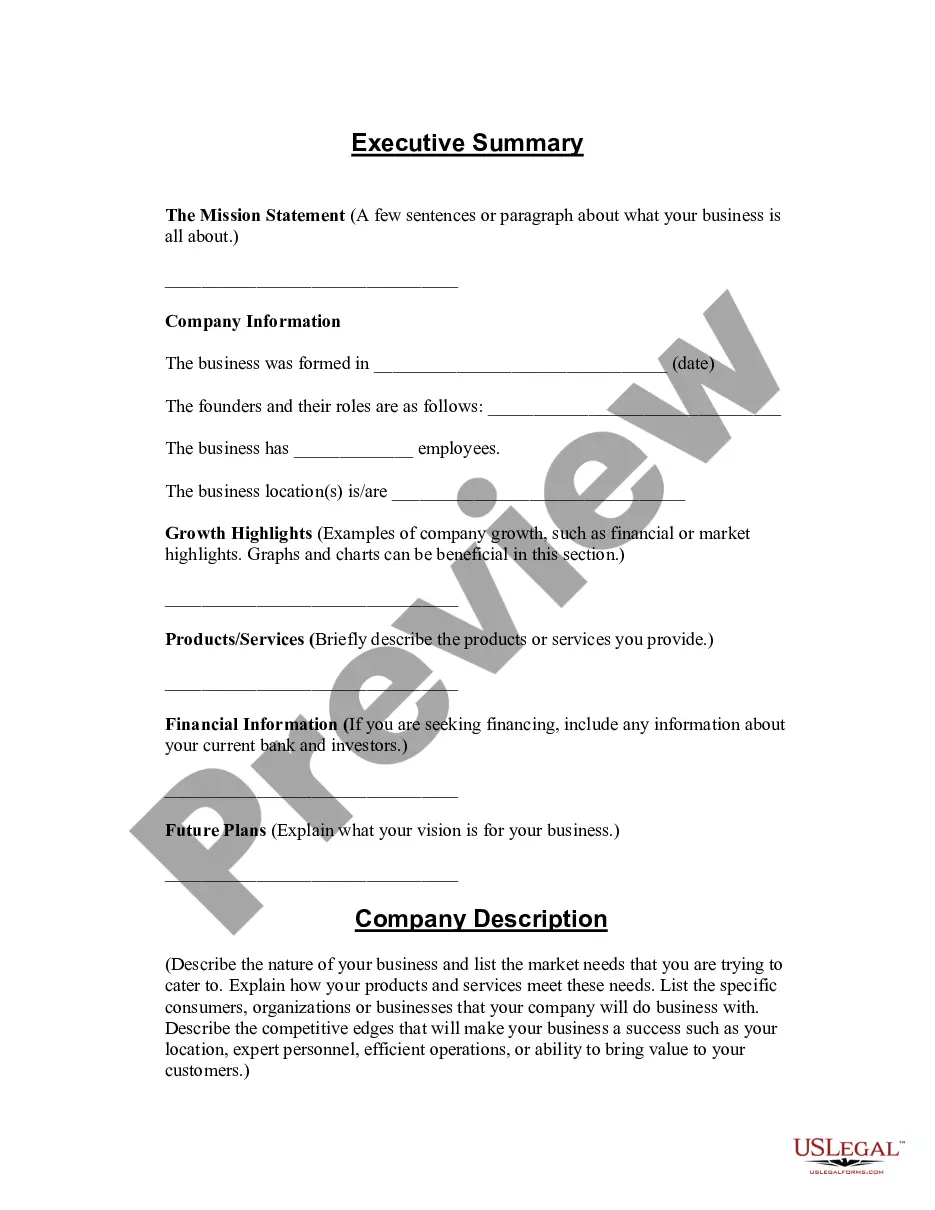
Montana Confidentiality Agreement for Personal Assistant
Description
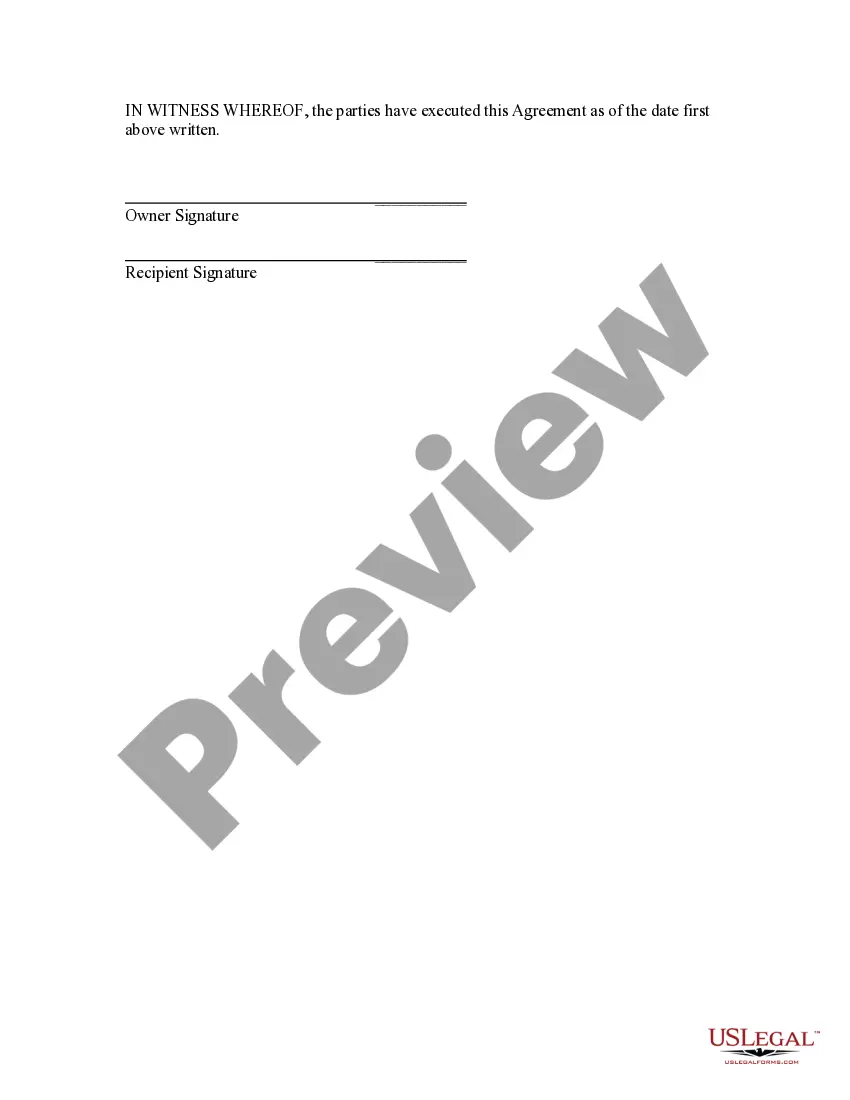
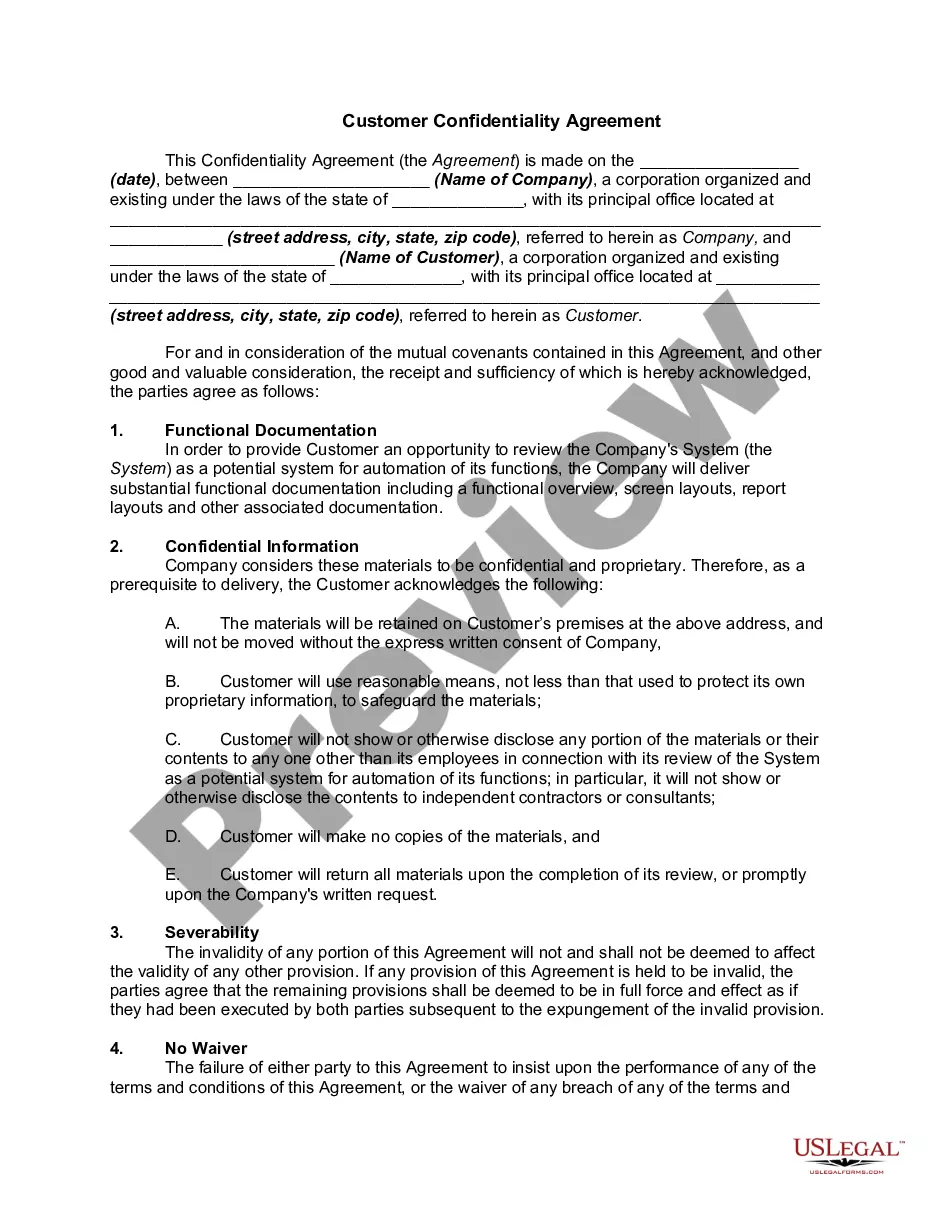
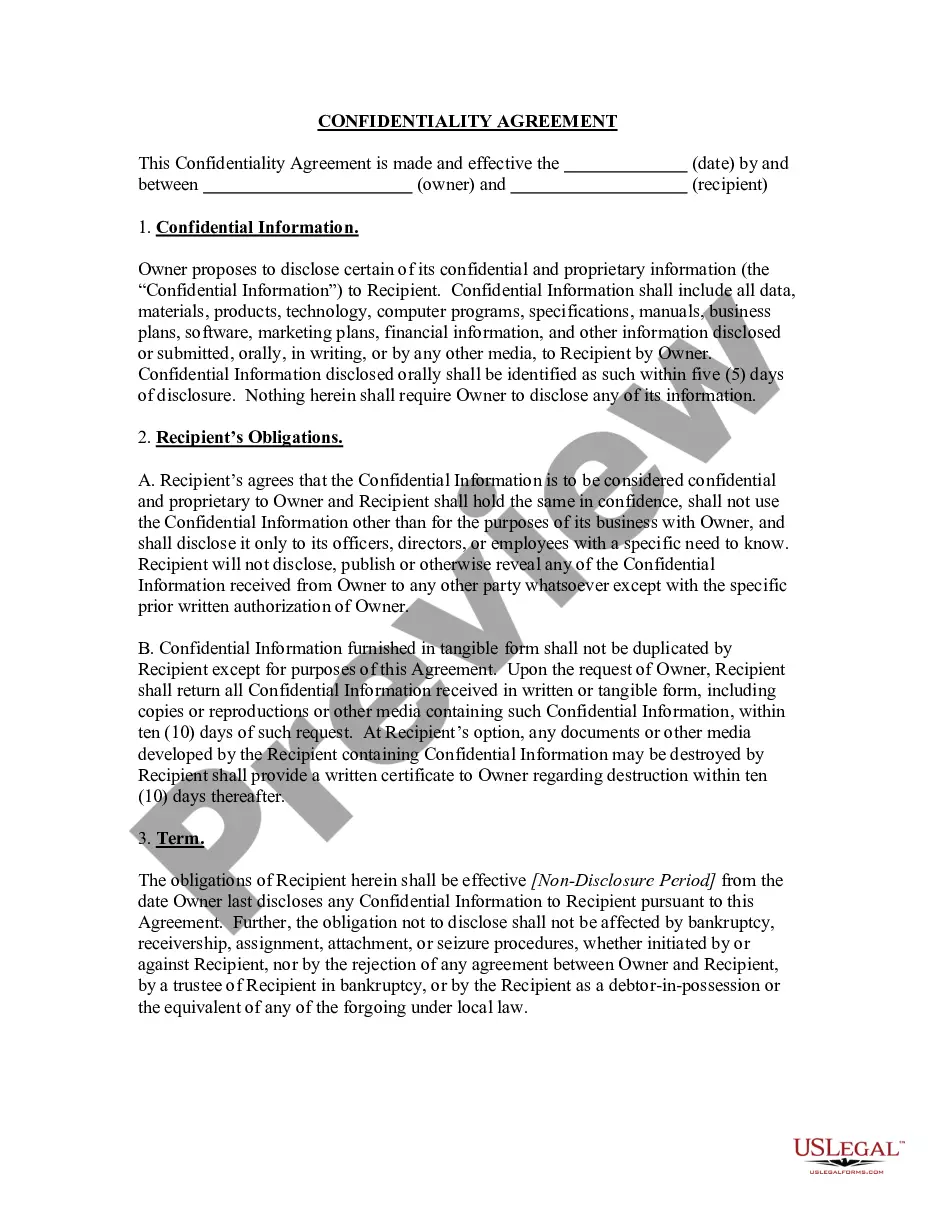
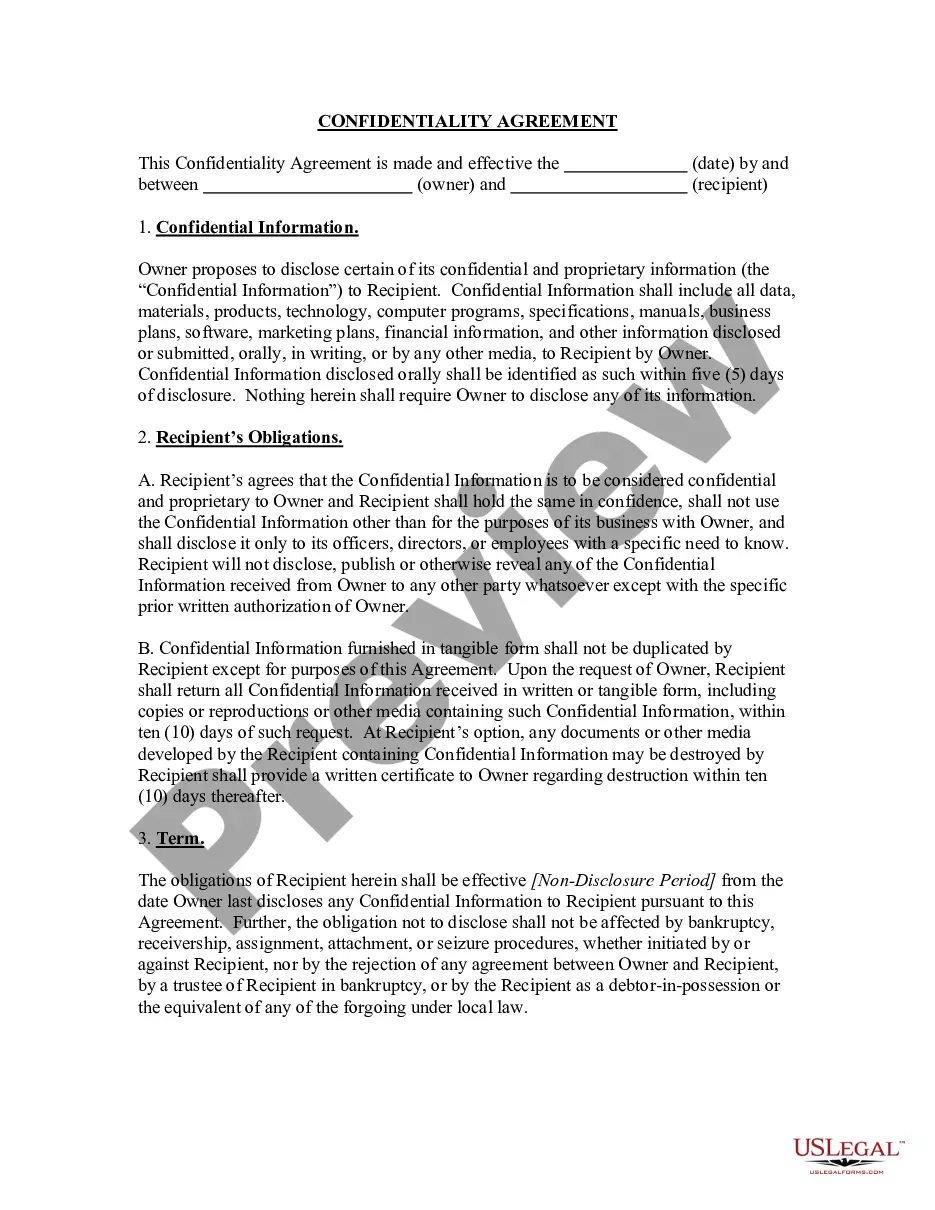
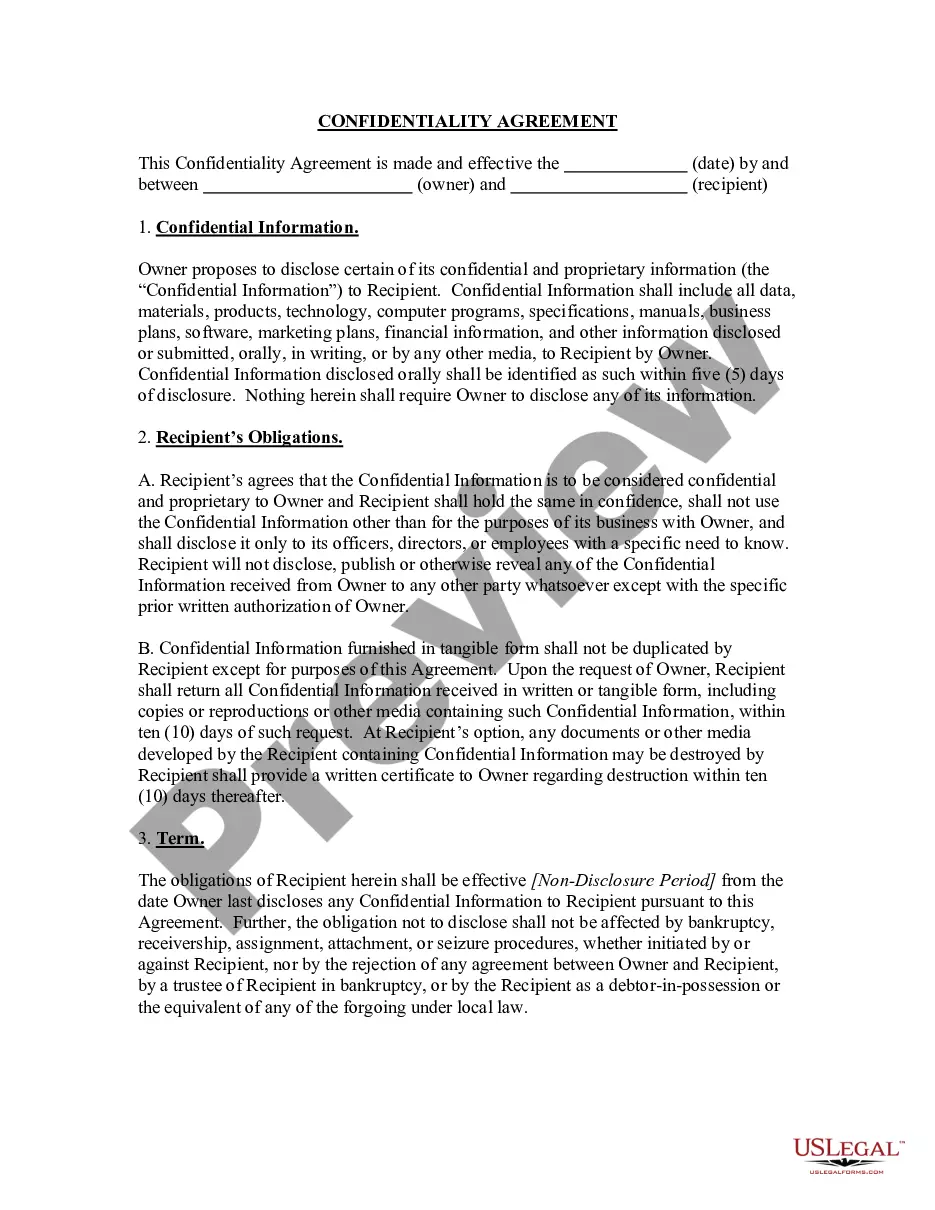
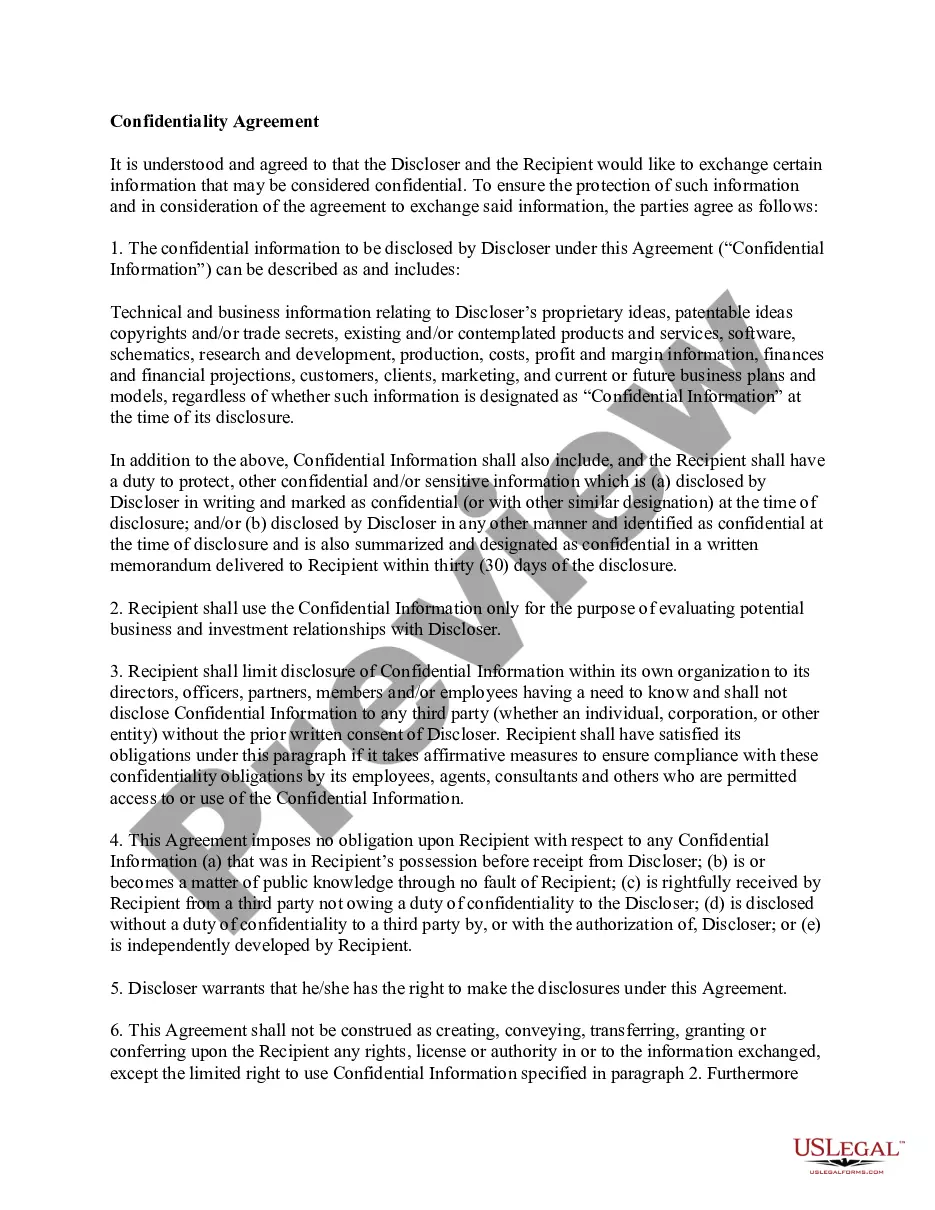
Get your form ready online
Our built-in tools help you complete, sign, share, and store your documents in one place.
Make edits, fill in missing information, and update formatting in US Legal Forms—just like you would in MS Word.
Download a copy, print it, send it by email, or mail it via USPS—whatever works best for your next step.
Sign and collect signatures with our SignNow integration. Send to multiple recipients, set reminders, and more. Go Premium to unlock E-Sign.
If this form requires notarization, complete it online through a secure video call—no need to meet a notary in person or wait for an appointment.
We protect your documents and personal data by following strict security and privacy standards.

Make edits, fill in missing information, and update formatting in US Legal Forms—just like you would in MS Word.

Download a copy, print it, send it by email, or mail it via USPS—whatever works best for your next step.

Sign and collect signatures with our SignNow integration. Send to multiple recipients, set reminders, and more. Go Premium to unlock E-Sign.

If this form requires notarization, complete it online through a secure video call—no need to meet a notary in person or wait for an appointment.

We protect your documents and personal data by following strict security and privacy standards.
Looking for another form?
How to fill out Confidentiality Agreement For Personal Assistant?
You can spend hours online searching for the valid document template that fulfills the state and federal requirements you need.
US Legal Forms offers thousands of valid forms that are reviewed by professionals.
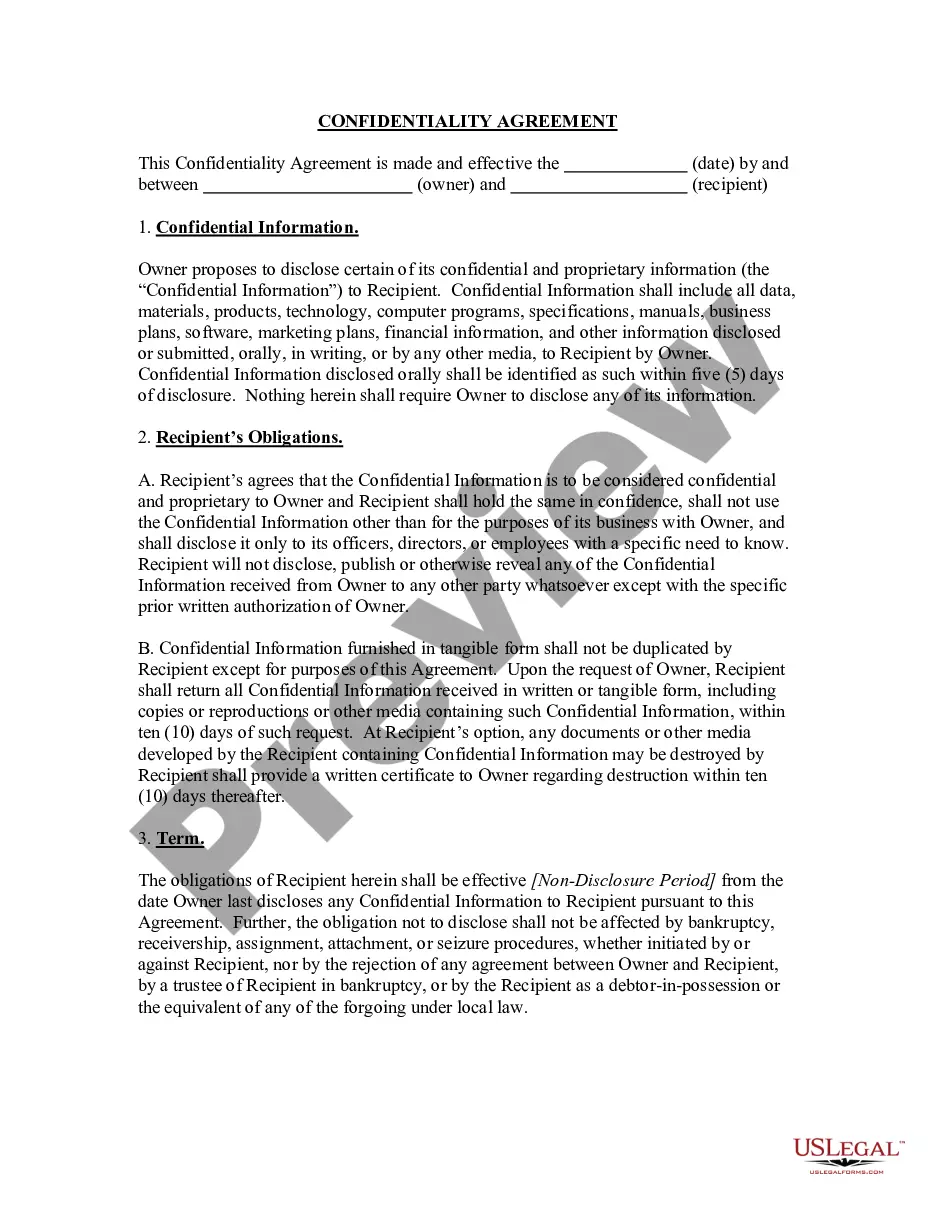
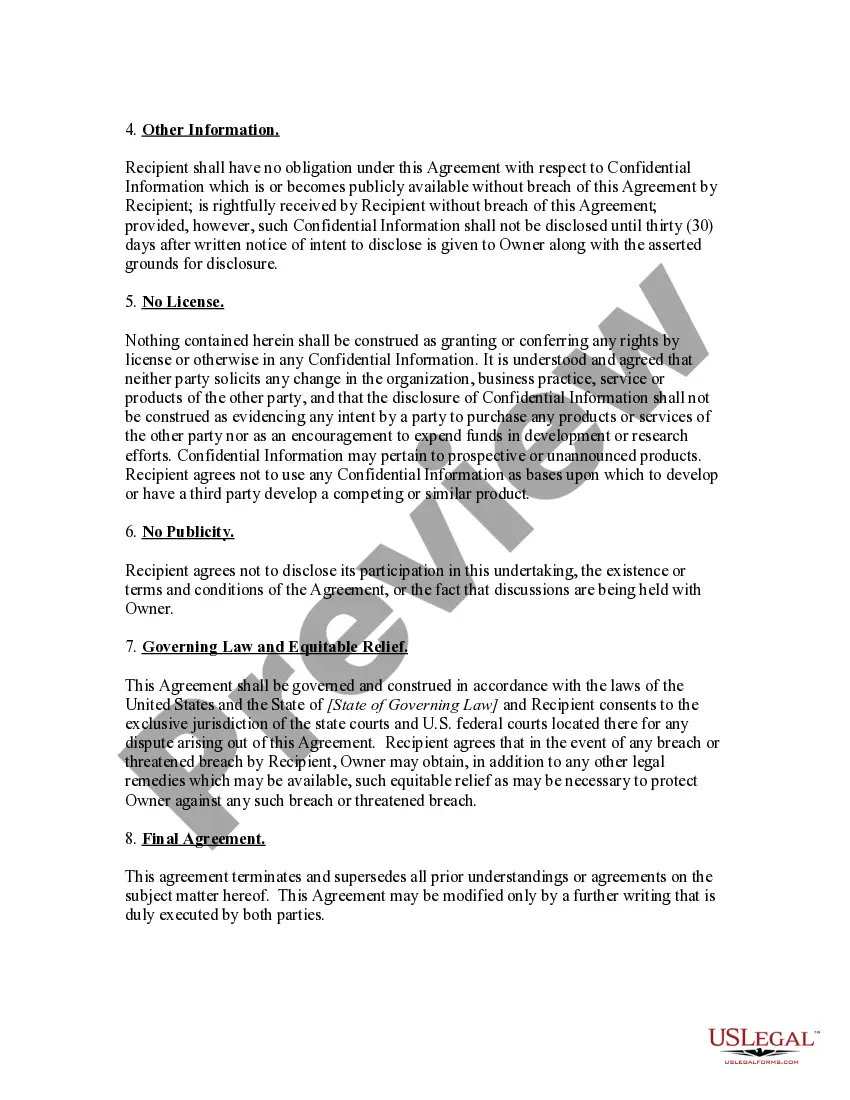
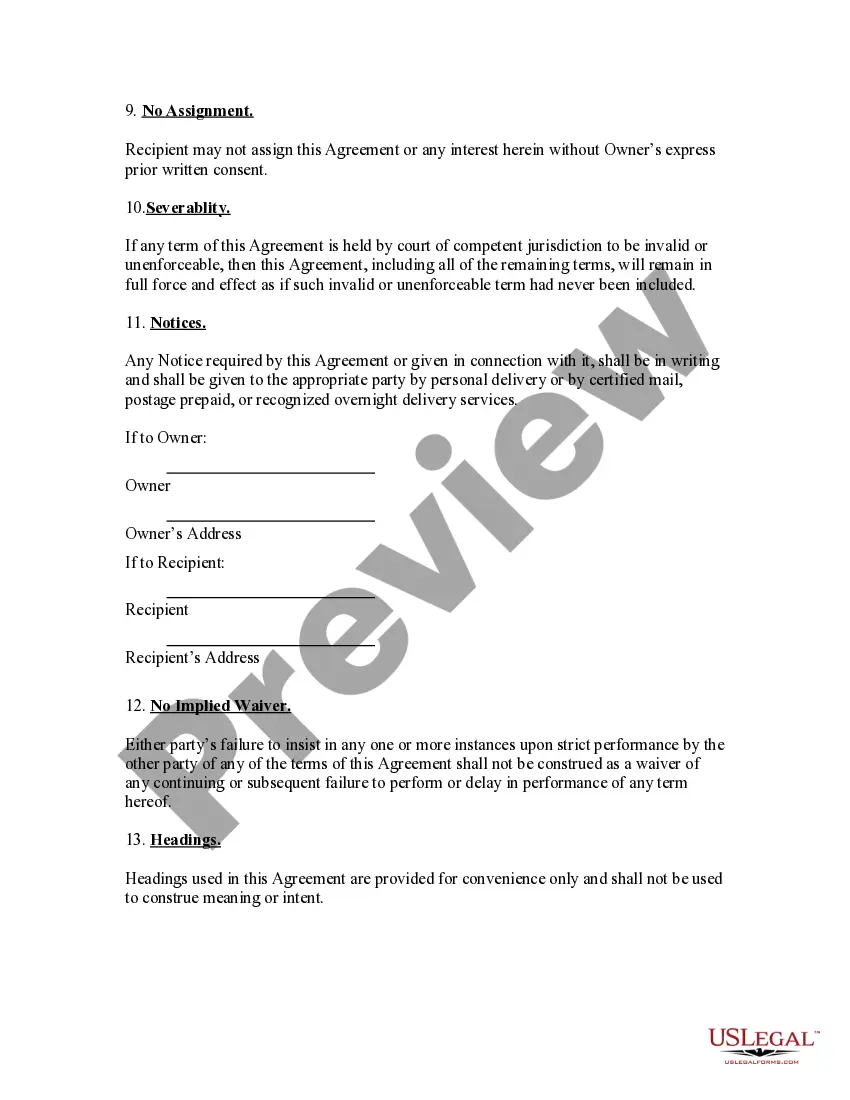
You can obtain or print the Montana Confidentiality Agreement for Personal Assistant from this service.
If available, use the Review option to preview the document template as well.
- If you already have a US Legal Forms account, you can Log In and click on the Download button.
- After that, you can complete, edit, print, or sign the Montana Confidentiality Agreement for Personal Assistant.
- Every legal document template you purchase is yours forever.
- To obtain another copy of the purchased form, go to the My documents tab and select the appropriate option.
- If you are using the US Legal Forms website for the first time, follow these simple steps below.
- First, ensure that you have selected the correct document template for the state/city of your choice.
- Read the form description to guarantee you have chosen the right one.
Form popularity
FAQ
An employee confidentiality agreement, or non-disclosure agreement or an NDA, makes it crystal clear to an employee that he or she cannot under any circumstance, with the exception of prior written approval, disclose company secrets.
An Easy Process. Marking a document "Confidential" is easy enough to do, depending on which word processing software you employ. In Word, click "Page Layout." Then, click "Watermark," and choose "Confidential." That watermark will appear on the printed version of the document.
The agreement should identify the purpose to which the recipient can put the confidential information. All other uses of the confidential information should be prohibited. Sometimes a confidentiality agreement states that no rights are licensed by the confidentiality agreement. This is stating the obvious.
A legally-binding confidentiality agreement must feature the following components:A definition of confidential information.Who is involved.Why the recipient knows the information.Exclusions or limits on confidential information.Receiving party's obligations.Time frame or term.Discloser to the recipient.More items...
Describe what the other party is agreeing to.Exercising reasonable precautions against disclosure of the information.Not disclosing Confidential Information without the written consent of the Disclosing Party.Using the information only for business purposes, and only on a need to know basis.More items...?
Generally, confidentiality agreements are enforceable when they meet the general requirements of a contract.
A confidentiality agreement is a legally binding contract that states two parties will not share or profit from confidential information. A business usually gives a confidentiality agreement to an employee or contractor to make sure its trade secrets or proprietary information remains private.
How to write a confidentiality statement?Use a standard format for contracts.Decide what type of confidentiality statement you should use.Identify the involved parties in the agreement.Define the information to keep confidential.List the information excluded from the agreement.
The key elements of confidentiality agreements are: Identification of the parties. Definition of what is defined to be confidential. The scope of the confidentiality obligation by the receiving party.