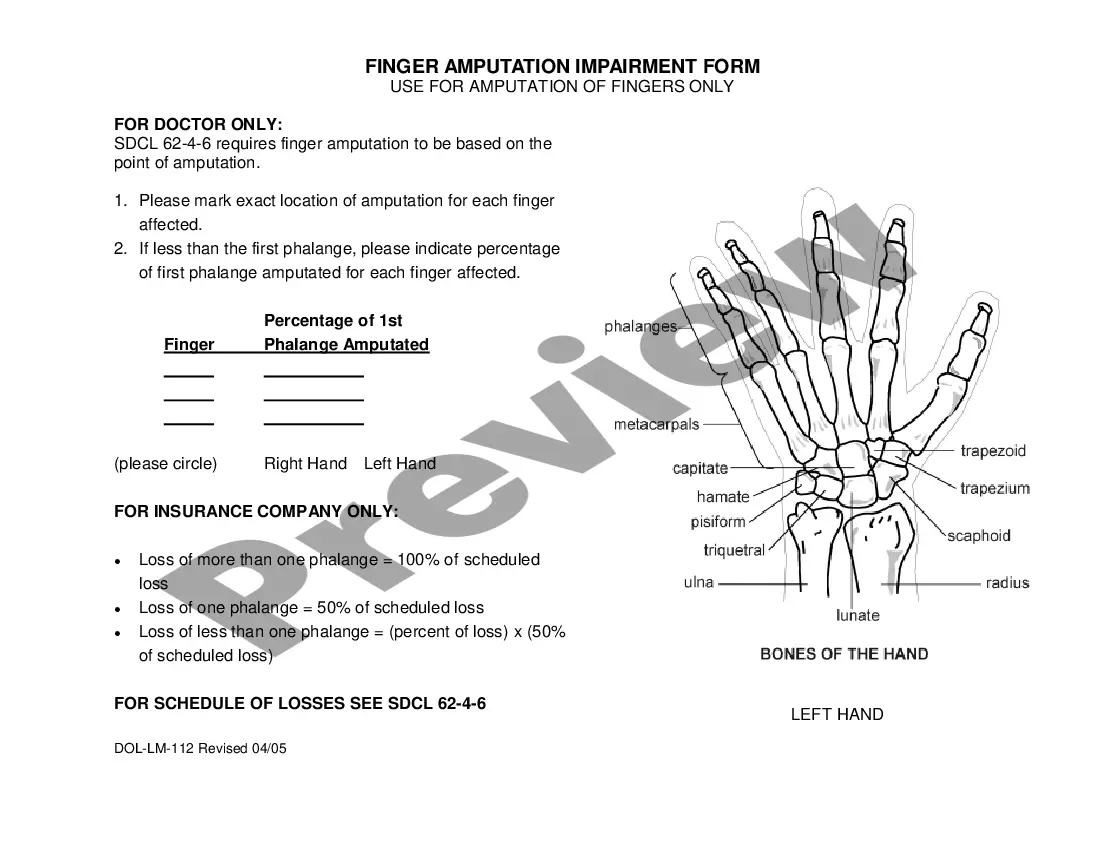
South Dakota Finger Amputation Impairment Form
Description
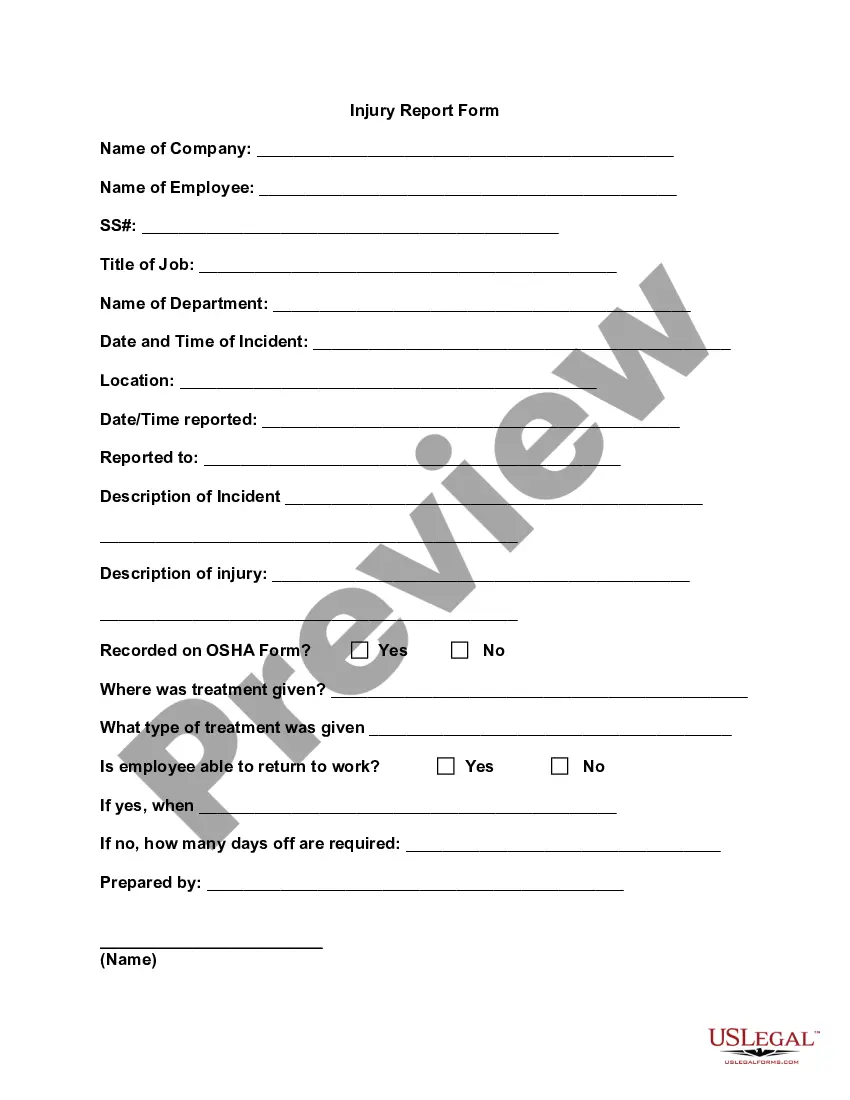
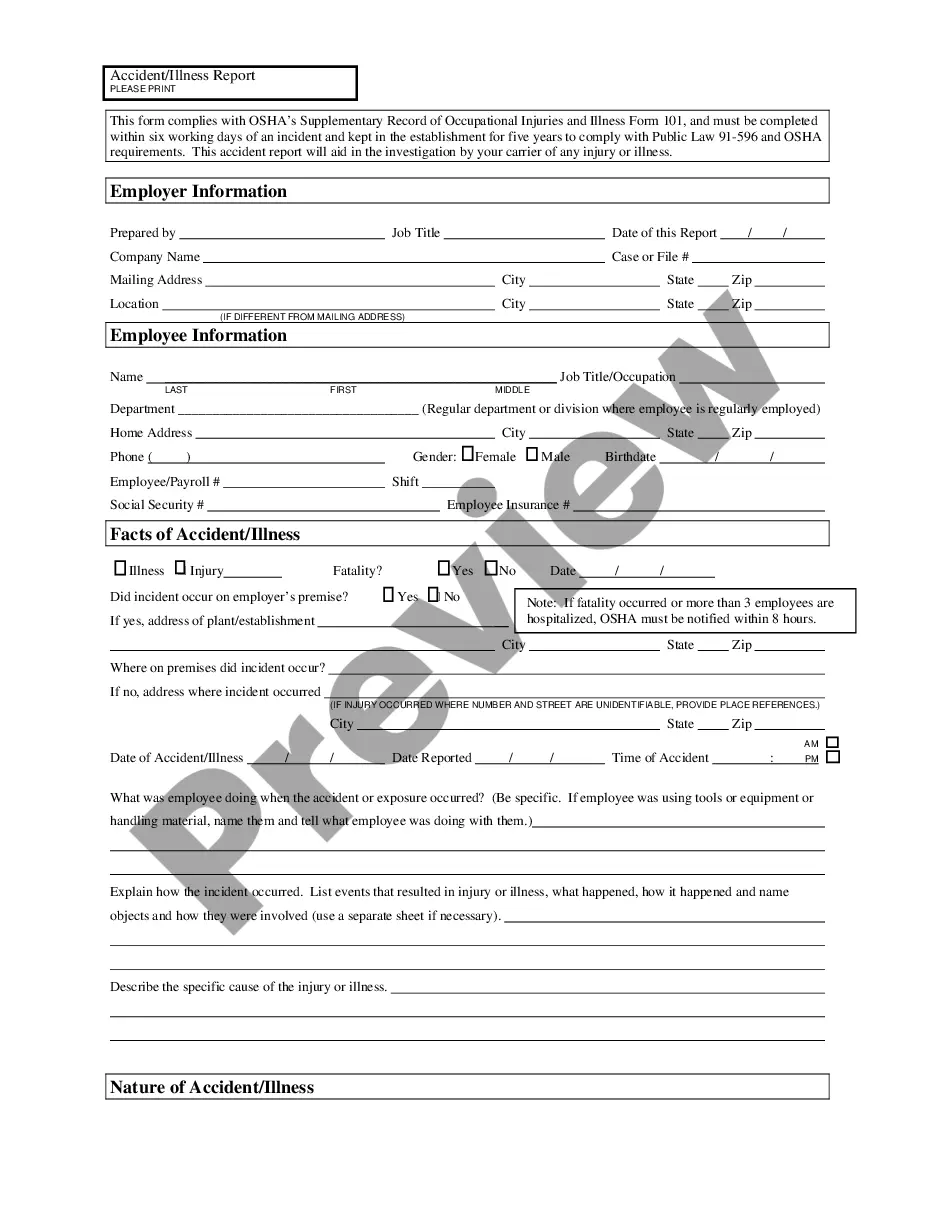

Get your form ready online
Our built-in tools help you complete, sign, share, and store your documents in one place.
Make edits, fill in missing information, and update formatting in US Legal Forms—just like you would in MS Word.
Download a copy, print it, send it by email, or mail it via USPS—whatever works best for your next step.
Sign and collect signatures with our SignNow integration. Send to multiple recipients, set reminders, and more. Go Premium to unlock E-Sign.
If this form requires notarization, complete it online through a secure video call—no need to meet a notary in person or wait for an appointment.
We protect your documents and personal data by following strict security and privacy standards.

Make edits, fill in missing information, and update formatting in US Legal Forms—just like you would in MS Word.

Download a copy, print it, send it by email, or mail it via USPS—whatever works best for your next step.

Sign and collect signatures with our SignNow integration. Send to multiple recipients, set reminders, and more. Go Premium to unlock E-Sign.

If this form requires notarization, complete it online through a secure video call—no need to meet a notary in person or wait for an appointment.

We protect your documents and personal data by following strict security and privacy standards.
Looking for another form?
How to fill out South Dakota Finger Amputation Impairment Form?
Access to quality South Dakota Finger Amputation Impairment Form forms online with US Legal Forms. Steer clear of hours of lost time looking the internet and dropped money on files that aren’t updated. US Legal Forms gives you a solution to exactly that. Get over 85,000 state-specific legal and tax templates that you can download and submit in clicks within the Forms library.
To receive the sample, log in to your account and click Download. The file will be stored in two places: on the device and in the My Forms folder.
For those who don’t have a subscription yet, look at our how-guide listed below to make getting started simpler:
- See if the South Dakota Finger Amputation Impairment Form you’re considering is suitable for your state.
- See the sample using the Preview option and browse its description.
- Visit the subscription page by simply clicking Buy Now.
- Select the subscription plan to go on to sign up.
- Pay out by credit card or PayPal to complete creating an account.
- Select a preferred file format to save the file (.pdf or .docx).
You can now open up the South Dakota Finger Amputation Impairment Form sample and fill it out online or print it out and do it yourself. Consider mailing the document to your legal counsel to make sure everything is completed appropriately. If you make a mistake, print out and fill sample again (once you’ve created an account all documents you save is reusable). Make your US Legal Forms account now and get a lot more samples.
Form popularity
FAQ
NOTE: a valid South Dakota drivers license or ID is required in order to use the online Vehicle Registration & Plates portal.
You will need your original out of state titles, a copy of your state driver license, social security number, and a Motor Vehicle and Boat Title & Registration Application. Take this paperwork to your local county treasurer's office to complete registration process.
Since South Dakota does not collect an income tax on individuals, you are not required to file a SD State Income Tax Return. However, you may need to prepare and efile a Federal Income Tax Return.
Your license plates must be purchased from the Brule County Treasurer's office. You will be required to provide either a Social Security number or a South Dakota driver's license number in order to purchase license plates in South Dakota.