Employee Survey (Short Form)
What is this form?
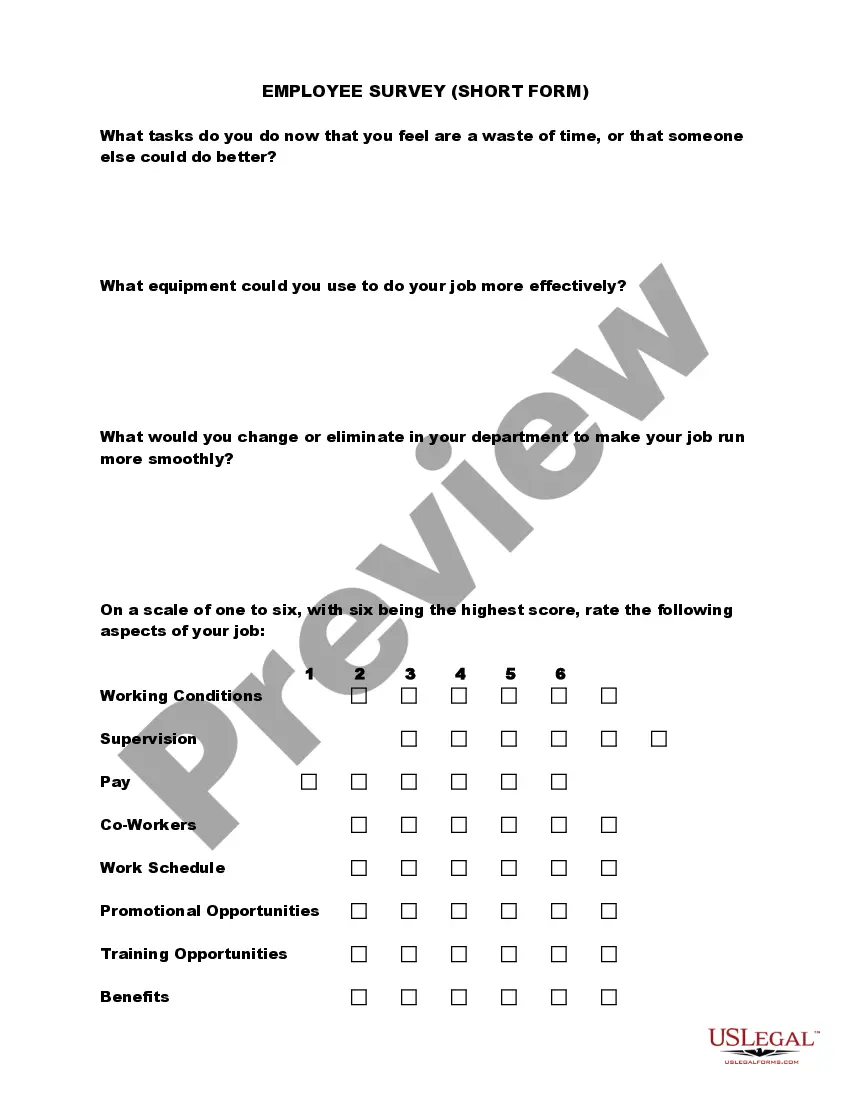
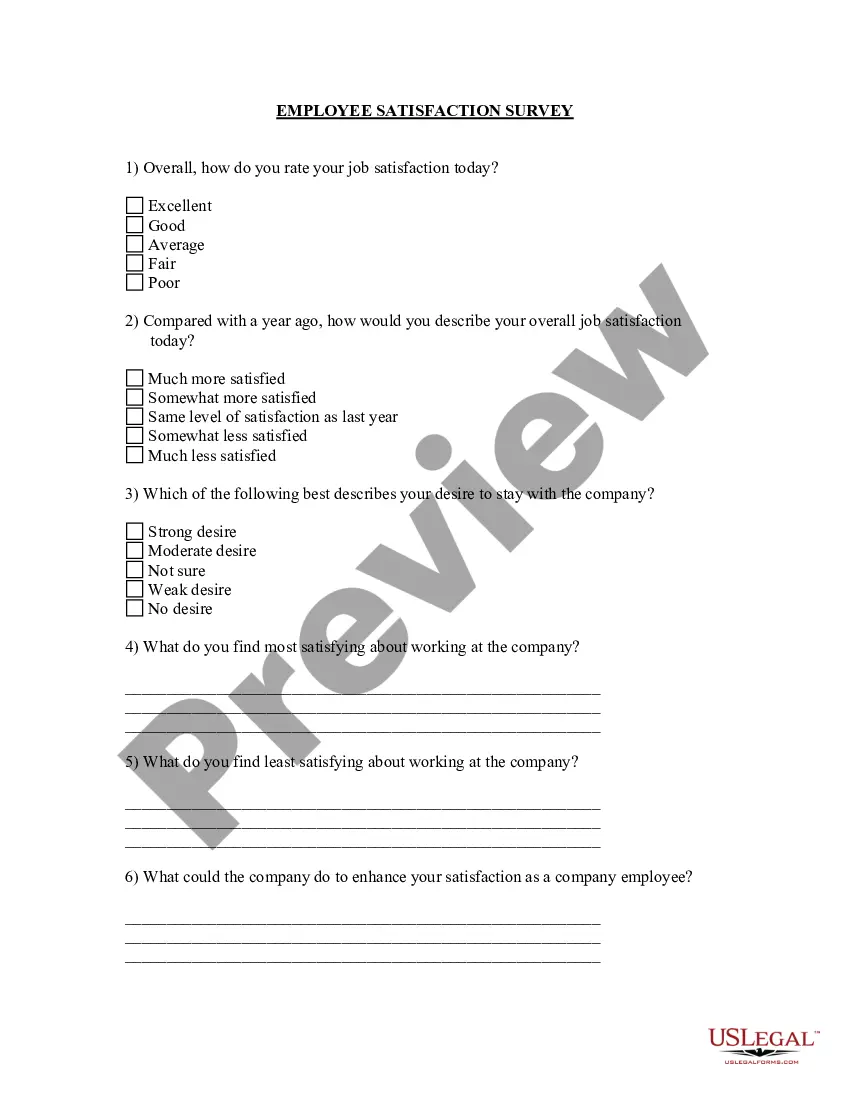
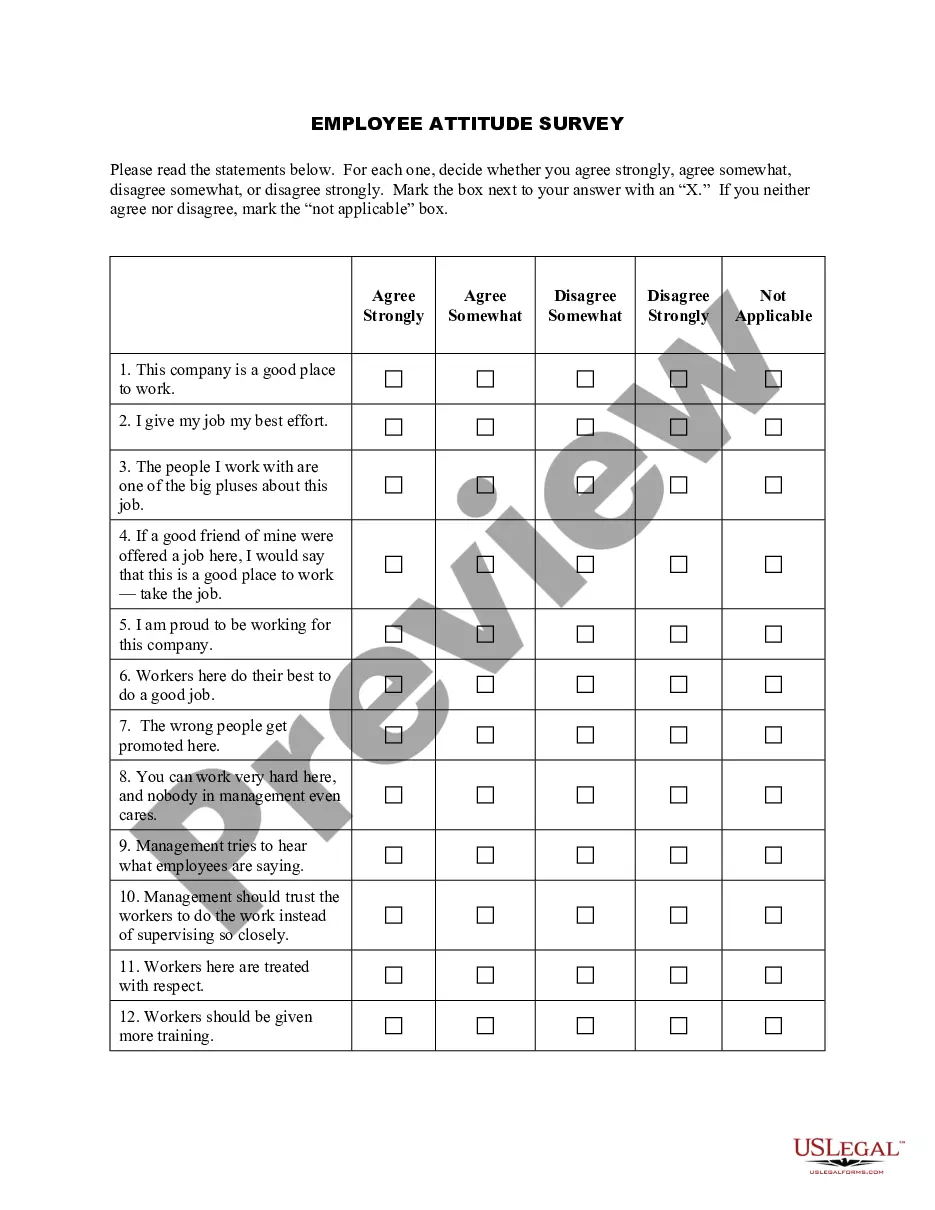
The Employee Survey (Short Form) is a feedback tool designed for employees to express their opinions about the workplace. This form allows team members to identify what is working well and areas for improvement within the company. Unlike more comprehensive surveys, this short form provides quick and straightforward questions that encourage honest and constructive feedback. It is particularly useful for organizations seeking to enhance employee satisfaction and operational efficiency.
Form components explained
- Questions regarding tasks that may be perceived as unproductive or inefficient.
- Inquiry into the tools and equipment that could enhance job performance.
- Feedback on departmental processes and suggestions for improvement.
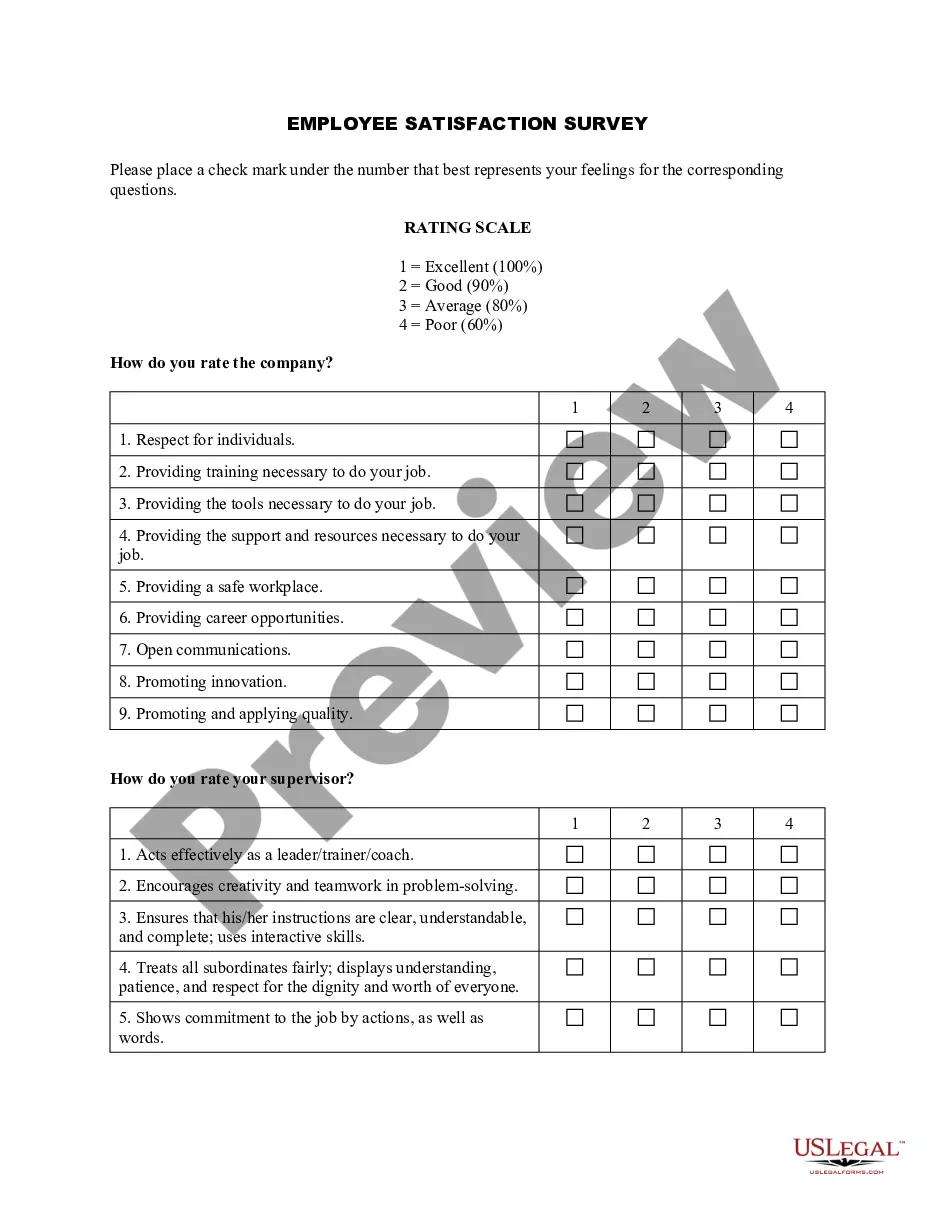
- Rating scale for different aspects of work, including working conditions, supervision, and pay.
- Open space for additional comments directed to management.
When to use this document
This form should be used when a company seeks to gather employee insights on their experiences at work. It is ideal for periodic assessments or as part of an initiative to improve workplace culture. Consider implementing this survey after significant changes in the workplace, such as mergers, management shifts, or during annual reviews to effectively gauge employee sentiments.
Who needs this form
This form is intended for:
- Human Resources managers looking to assess employee satisfaction.
- Team leaders wanting to collect feedback on workplace dynamics and efficiency.
- Any organization seeking to understand employee perspectives in order to foster a more engaging work environment.
Instructions for completing this form
- Identify and confirm the employee completing the survey.
- Encourage the employee to answer each question honestly and thoughtfully.
- Utilize the rating scale to assess specific aspects of their job experience.
- Review the open-ended response sections to ensure clarity of suggestions and comments.
- Submit the completed survey to the designated HR representative for analysis.
Notarization requirements for this form
In most cases, this form does not require notarization. However, some jurisdictions or signing circumstances might. US Legal Forms offers online notarization powered by Notarize, accessible 24/7 for a quick, remote process.
Get your form ready online
Our built-in tools help you complete, sign, share, and store your documents in one place.
Make edits, fill in missing information, and update formatting in US Legal Forms—just like you would in MS Word.
Download a copy, print it, send it by email, or mail it via USPS—whatever works best for your next step.
Sign and collect signatures with our SignNow integration. Send to multiple recipients, set reminders, and more. Go Premium to unlock E-Sign.
If this form requires notarization, complete it online through a secure video call—no need to meet a notary in person or wait for an appointment.
We protect your documents and personal data by following strict security and privacy standards.
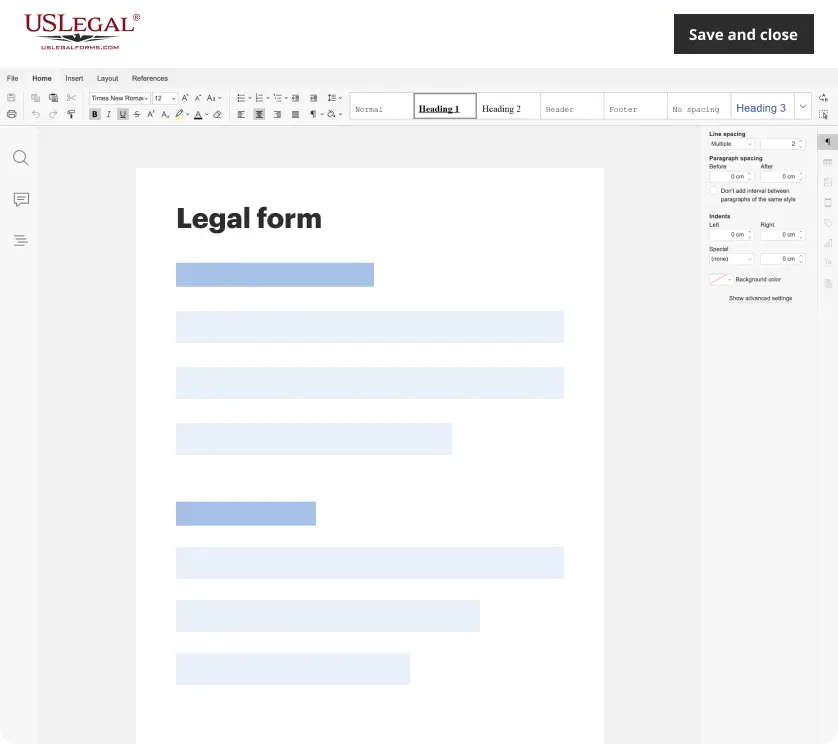
Make edits, fill in missing information, and update formatting in US Legal Forms—just like you would in MS Word.
Download a copy, print it, send it by email, or mail it via USPS—whatever works best for your next step.
Sign and collect signatures with our SignNow integration. Send to multiple recipients, set reminders, and more. Go Premium to unlock E-Sign.
If this form requires notarization, complete it online through a secure video call—no need to meet a notary in person or wait for an appointment.
We protect your documents and personal data by following strict security and privacy standards.
Common mistakes
- Failing to encourage honest feedback, which may result in unhelpful responses.
- Overlooking the importance of anonymity, which can deter participation.
- Not following up on survey results, leading employees to feel their feedback is ignored.
Why use this form online
- Convenient access allows employees to complete the survey at their own pace.
- Editable responses enable employees to revise their answers before submission.
- Secure collection and analysis of feedback promotes confidentiality and trust.
Quick recap
- The Employee Survey (Short Form) is essential for fostering open communication in the workplace.
- Collecting feedback through this form can drive improvements in employee satisfaction.
- Completion is straightforward and can be integrated into HR processes seamlessly.
Looking for another form?

Form popularity
FAQ
W-4 form (or W-9 for contractors) I-9 Employment Eligibility Verification form. State Tax Withholding form. Direct Deposit form. E-Verify system: This is not a form, but a way to verify employee eligibility in the U.S.
Full name. Contact information including email and phone. Address. Date of birth. Job title. Department and supervisor. Office contact information. Start date and salary.
Employer Identification Number (EIN) State/Local Tax ID Number. State Unemployment ID Number. Employee Addresses and SSNs. I-9. W-4. State Withholding Allowance Certificate. Department of Labor (DOL) Records.
An employee information form contains key information on employees that is used to keep a record of who worked for the company, their duration of employment, and in what role. It can also be used as an emergency contact information form in the event of any serious workplace injury.