Loading
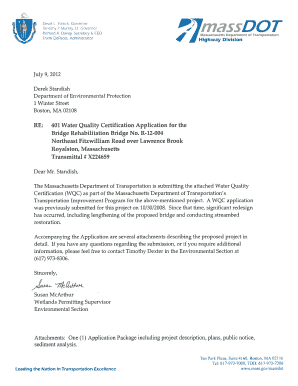
Get Anskan
How it works
-

Open form follow the instructions
-

Easily sign the form with your finger
-

Send filled & signed form or save
How to fill out the Anskan online
Filling out the Anskan form online can seem daunting, but with clear guidance, you can complete it efficiently and accurately. This guide provides step-by-step instructions to assist you in filling out each section of the form with confidence.
Follow the steps to successfully fill out the Anskan form online.
- Press the ‘Get Form’ button to obtain the Anskan form and open it in your designated editor.
- Identify the permit category you are applying for by selecting either BRP WW 10 for major projects or BRP WW 11 for minor projects.
- Complete the applicant information section including the name of the applicant/owner, address, and contact person details.
- Provide details for the authorized agent, ensuring that you include the same information as required for the applicant.
- Fill in the project location details, including the address, city/town, state, zip code, and the nearest waterbody.
- Enter the project name if applicable and describe the project’s purpose, indicating whether it is water-dependent or not.
- Briefly describe the proposed project in the space provided and include any relevant attachments, such as a Notice of Intent.
- Identify the loss of each type of resource area in square feet, ensuring accurate calculations for permanent and temporary impacts.
- Answer the questions related to Outstanding Resource Waters, subdivisions, and MEPA categorization, with all necessary yes/no responses.
- Review all completed sections for accuracy before submitting.
- Save any changes made, and options will typically include downloading, printing, or sharing the completed form as needed.
Start your online process by filling out the Anskan form today!
Industry-leading security and compliance
US Legal Forms protects your data by complying with industry-specific security standards.
-
In businnes since 199725+ years providing professional legal documents.
-
Accredited businessGuarantees that a business meets BBB accreditation standards in the US and Canada.
-
Secured by BraintreeValidated Level 1 PCI DSS compliant payment gateway that accepts most major credit and debit card brands from across the globe.