Loading
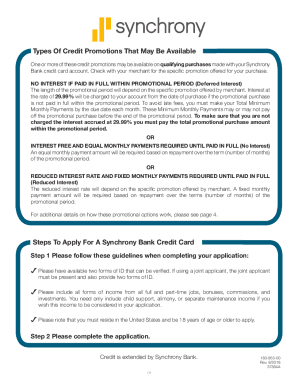
Get Synchrony Bank 183-953-00 2018-2026
How it works
-

Open form follow the instructions
-

Easily sign the form with your finger
-

Send filled & signed form or save
How to fill out the Synchrony Bank 183-953-00 online
Filling out the Synchrony Bank 183-953-00 form online can be a straightforward process if you follow the right steps. This guide will walk you through each section of the form, ensuring you provide the necessary information accurately and effectively.
Follow the steps to complete your Synchrony Bank application online.
- Press the 'Get Form' button to access the Synchrony Bank 183-953-00 form and open it in your preferred digital document management tool.
- Provide your applicant information in the designated fields. Ensure to include your full name, date of birth, and Social Security Number or ITIN.
- Enter your primary contact details, including home phone and mailing address. If using a P.O. Box, also provide a street address.
- Indicate your housing information by selecting if you own, rent, or have other arrangements.
- Input your monthly net income from all sources in the specified field.
- If applicable, complete the joint applicant information section with the same required details for the additional applicant.
- Both applicants must sign in the designated areas, along with the date of signing.
- Review all the information for accuracy, then save your changes. You may download or print the completed form, or share it electronically as needed.
Complete your Synchrony Bank 183-953-00 form online today for a smooth application experience.
If you see a SYNCB/PPC line on your credit report, it stands for Synchrony Bank/PayPal Credit. PayPal Credit, formerly Bill Me Later, is a line of credit offered by PayPal. In 2018, Synchrony Bank bought PayPal Credit.