Get Canada Rc151 E 2013
How it works
-

Open form follow the instructions
-

Easily sign the form with your finger
-

Send filled & signed form or save
How to fill out the Canada RC151 E online
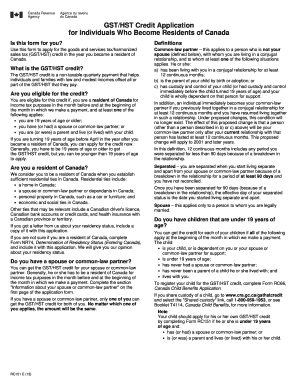
The Canada RC151 E form is essential for individuals who are applying for the goods and services tax/harmonized sales tax (GST/HST) credit upon becoming residents of Canada. This guide will provide you with clear, step-by-step instructions to successfully complete the form online.
Follow the steps to fill out the Canada RC151 E form online.
- Click the ‘Get Form’ button to access the Canada RC151 E form and open it in your editor.
- Fill in Part A with your personal information, including your first and last name, date of birth, social insurance number, and mailing address. Ensure all details are accurate to avoid processing delays.
- In Part B, provide information about your spouse or common-law partner, including their name, date of birth, and social insurance number. If applicable, provide their different address.
- Complete Part C which covers your residency status. Enter the date you became a resident of Canada accurately.
- Proceed to Part D, where you will enter your income information. Include your income and that of your spouse or common-law partner from all sources for the required years.
- If you choose to set up direct deposit for your GST/HST credit payments, complete Part E with your banking information. Include branch, institution numbers, and account number.
- Finish with Part F by signing and dating the form to certify that all information is true and complete. This includes the signature of your spouse or common-law partner if applicable.
- After completing the form, you can save changes, download, print, or share it as needed.
Start filling out your Canada RC151 E form online today to ensure you receive your GST/HST credit efficiently.
Get form
To submit your taxes to Canada, you will need to gather all relevant financial documents, including T4 slips and receipts for deductions. Utilize the electronic tax filing system or submit your documents by mail with the Canada RC151 E form correctly filled out. This process helps ensure timely and accurate submissions. If you seek assistance, USLegalForms provides resources designed to assist you in preparing and submitting your taxes effectively.
Get This Form Now!
Industry-leading security and compliance
-
In businnes since 199725+ years providing professional legal documents.
-
Accredited businessGuarantees that a business meets BBB accreditation standards in the US and Canada.
-
Secured by BraintreeValidated Level 1 PCI DSS compliant payment gateway that accepts most major credit and debit card brands from across the globe.