Loading
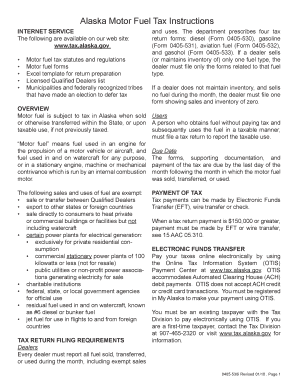
Get Ak 0405-530i 2010
How it works
-

Open form follow the instructions
-

Easily sign the form with your finger
-

Send filled & signed form or save
How to fill out the AK 0405-530i online
Filling out the AK 0405-530i online is an essential process for reporting motor fuel tax in Alaska. This guide will provide clear, step-by-step instructions to help users navigate the form efficiently, ensuring compliance with state regulations.
Follow the steps to accurately complete the AK 0405-530i form.
- Click ‘Get Form’ button to obtain the form and open it in the editor.
- In Section I, begin with Line 1. Enter your beginning physical inventory, ensuring that it matches last month's ending inventory.
- For Line 3, enter the total disbursements reported from Section III.
- On Line 5, report any fuel transfers and ensure that they balance out to zero.
- Continue to Section II, where you will list receipts including all in-state refinery production.
- Finally, review all sections for accuracy before submitting the form. You can save changes, download, print, or share the completed form.
Ensure compliance and complete your AK 0405-530i form online today.
Get form
Experience a faster way to fill out and sign forms on the web. Access the most extensive library of templates available.
Related links form
To file K1 through TurboTax, begin by entering the K-1 information in the income section of the software. Ensure all data corresponds correctly with what is reported on the form, especially if your K-1 covers multiple activities. TurboTax provides prompts to guide you, ensuring you don’t miss critical details. If you require more assistance or templates, consider visiting USLegalForms for specific advice related to AK 0405-530i.
Get This Form Now!
Use professional pre-built templates to fill in and sign documents online faster. Get access to thousands of forms.