Sample Letter With Signature In Arizona
Description


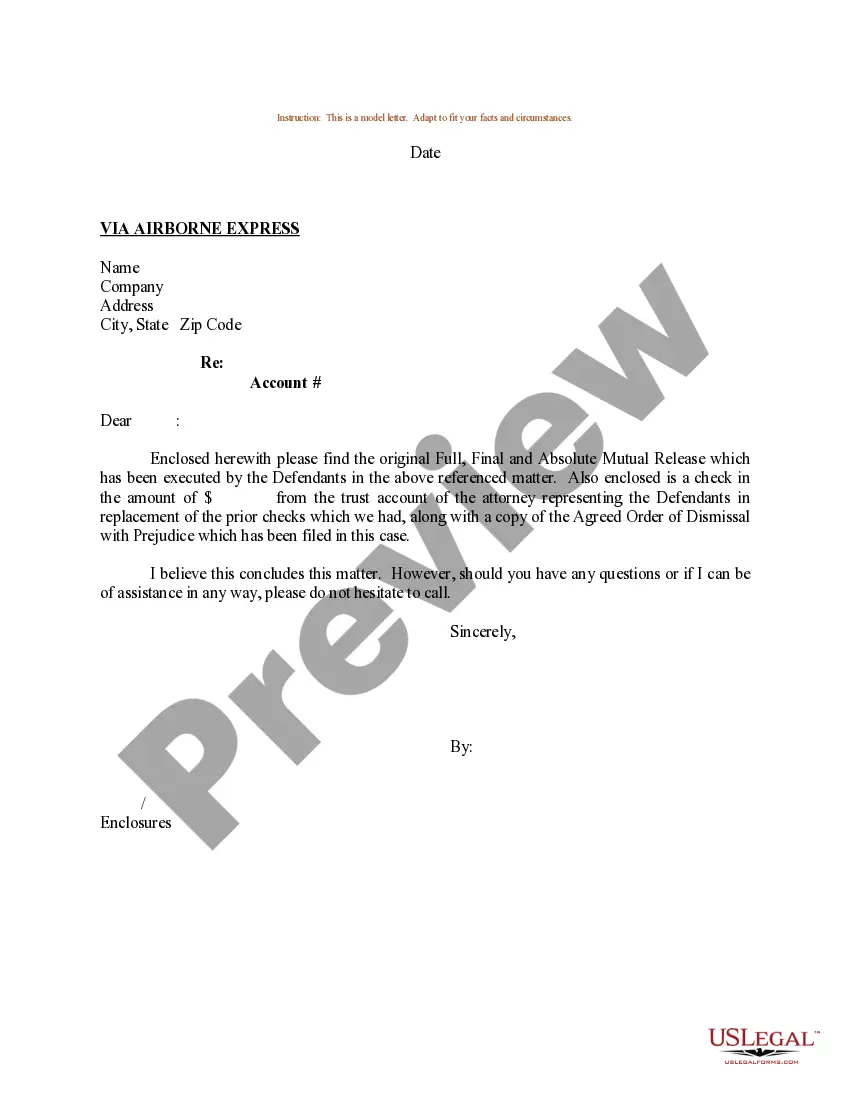
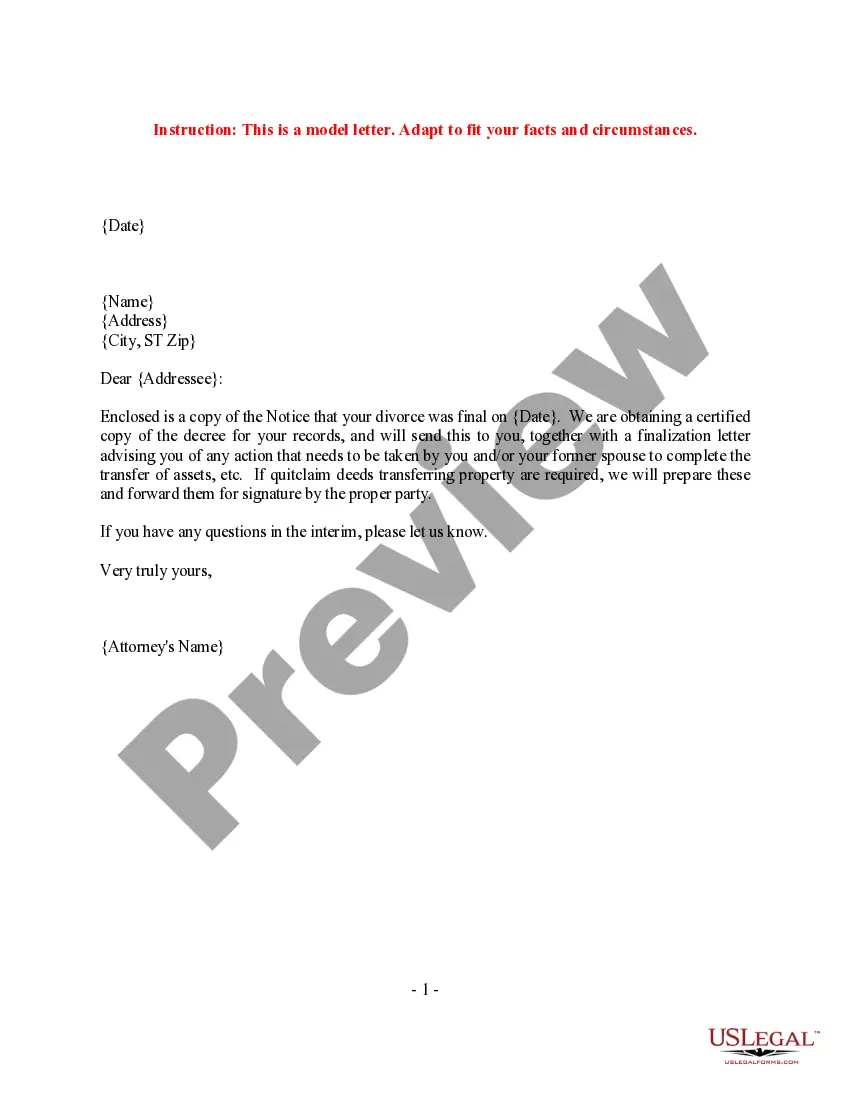

Get your form ready online
Our built-in tools help you complete, sign, share, and store your documents in one place.
Make edits, fill in missing information, and update formatting in US Legal Forms—just like you would in MS Word.
Download a copy, print it, send it by email, or mail it via USPS—whatever works best for your next step.
Sign and collect signatures with our SignNow integration. Send to multiple recipients, set reminders, and more. Go Premium to unlock E-Sign.
If this form requires notarization, complete it online through a secure video call—no need to meet a notary in person or wait for an appointment.
We protect your documents and personal data by following strict security and privacy standards.
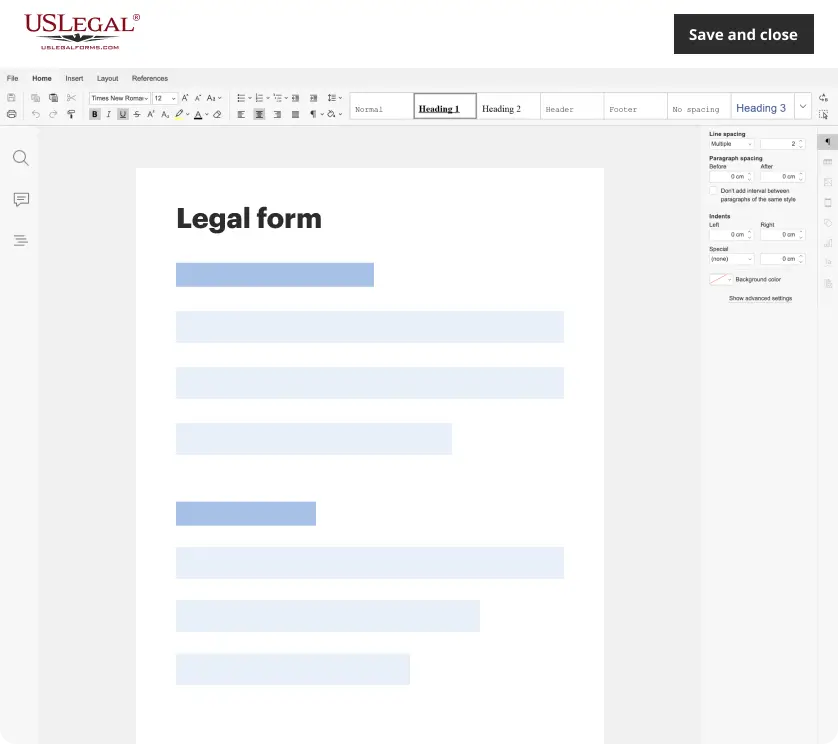
Make edits, fill in missing information, and update formatting in US Legal Forms—just like you would in MS Word.
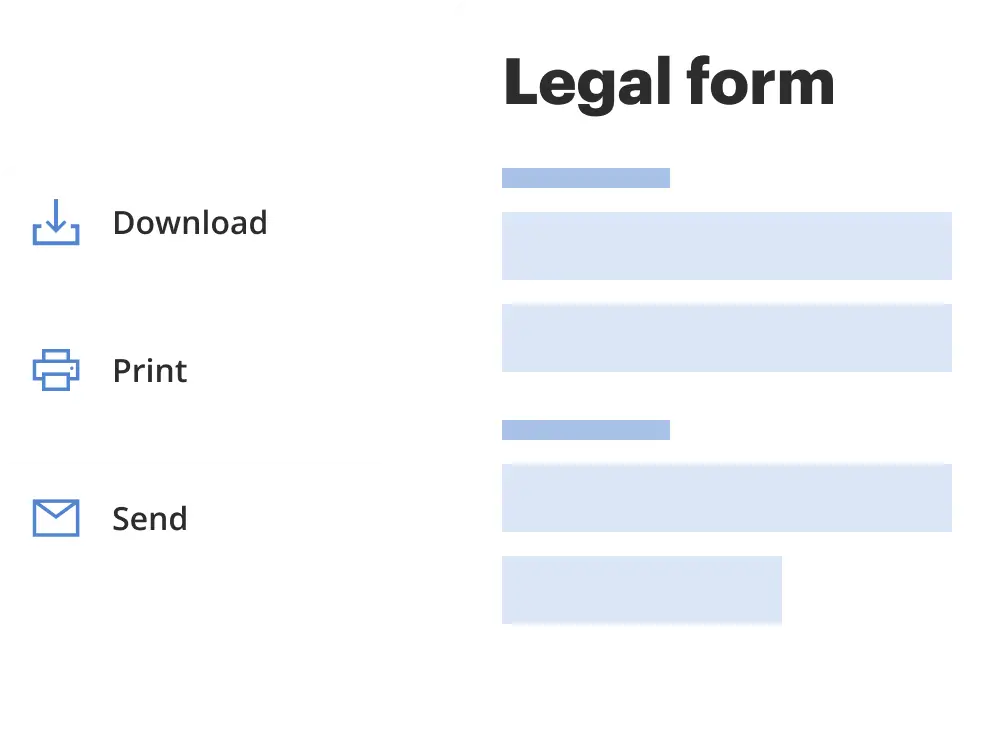
Download a copy, print it, send it by email, or mail it via USPS—whatever works best for your next step.
Sign and collect signatures with our SignNow integration. Send to multiple recipients, set reminders, and more. Go Premium to unlock E-Sign.
If this form requires notarization, complete it online through a secure video call—no need to meet a notary in person or wait for an appointment.
We protect your documents and personal data by following strict security and privacy standards.
Looking for another form?
Form popularity
FAQ
To make a notarized letter, begin with your contact details, create a clear message explaining the purpose of the letter. Include any legal language if necessary. Conclude with a formal closing and leave space for your signature. And that's how you write a statement that needs to be notarized.
A notarized document can be invalid if it has missing signatures, improper identification, incorrect or missing notary seals, or an incomplete notary section.
Yes, you may notarize a signature on a document that includes handwritten paragraphs. A document can be typed or handwritten. If the notarial certificate under the signature is not included, be sure to attach a loose certificate chosen by your customer.
Write the name of the person swearing to the truthfulness of the contents of the documents. Sign your name exactly as it appears on file with the Secretary of State and affix the official notary seal so that all the required elements of the notary seal appear legibly.
In order to complete an online notarization in Arizona, you'll need the following: An original, unsigned document (Don't sign it before uploading! ... A computer, iPhone, or Android phone with audio and video capabilities. A valid government–issued photo ID. A U.S. social security number for secure identity verification.
In Arizona, an electronic Notary (or eNotary) is only authorized to perform electronic notarizations while a remote Notary is able to perform remote online notarizations. An eNotarization uses digital signatures, but still requires the signer to physically appear before the Notary.
Key Takeaways. When notarization occurs, a notary public certifies the authenticity of any signature appended to a document. A notarized document carries legal weight because a notary acts as a neutral third-party witness.
Can you write a letter and have it notarized? Yes, you can fill out the details of a letter on your own and then contact a public notary to get it notarized. If you're wondering what documents need to be notarized, understand that there is a long list of documents you can notarize in your state.
In Arizona, notaries can perform only acknowledgments, jurats, copy certifications, and oaths and affirmations.
A notarized document is one that has been signed in the presence of a notary public, who confirms the signer's identity and willingness to sign. On the other hand, a certified document is a duplicate that has been verified to match the original.

