Sample Letter With Attached Documents In Illinois
Description





Get your form ready online
Our built-in tools help you complete, sign, share, and store your documents in one place.
Make edits, fill in missing information, and update formatting in US Legal Forms—just like you would in MS Word.
Download a copy, print it, send it by email, or mail it via USPS—whatever works best for your next step.
Sign and collect signatures with our SignNow integration. Send to multiple recipients, set reminders, and more. Go Premium to unlock E-Sign.
If this form requires notarization, complete it online through a secure video call—no need to meet a notary in person or wait for an appointment.
We protect your documents and personal data by following strict security and privacy standards.
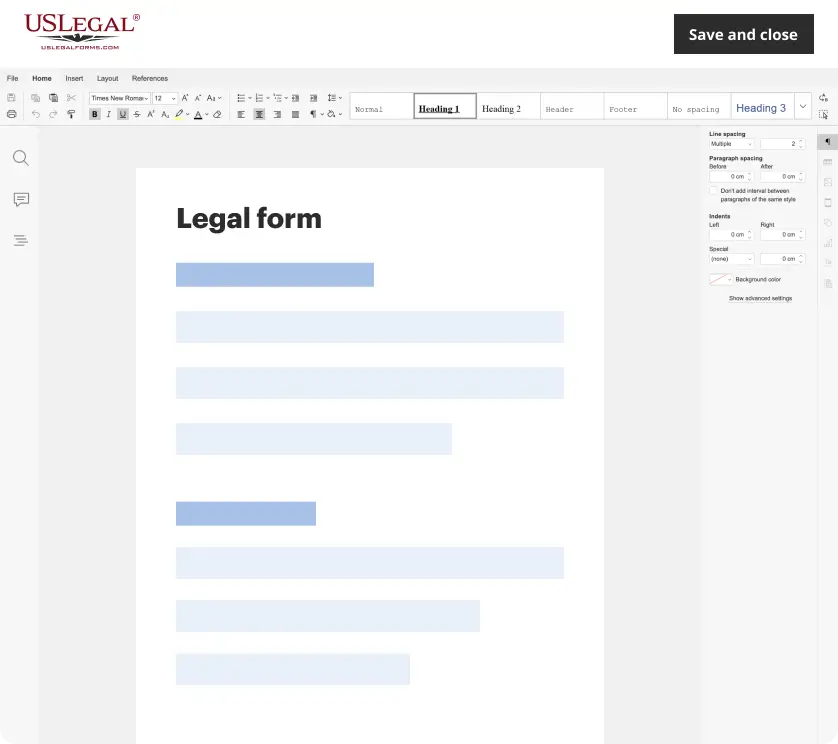
Make edits, fill in missing information, and update formatting in US Legal Forms—just like you would in MS Word.
Download a copy, print it, send it by email, or mail it via USPS—whatever works best for your next step.
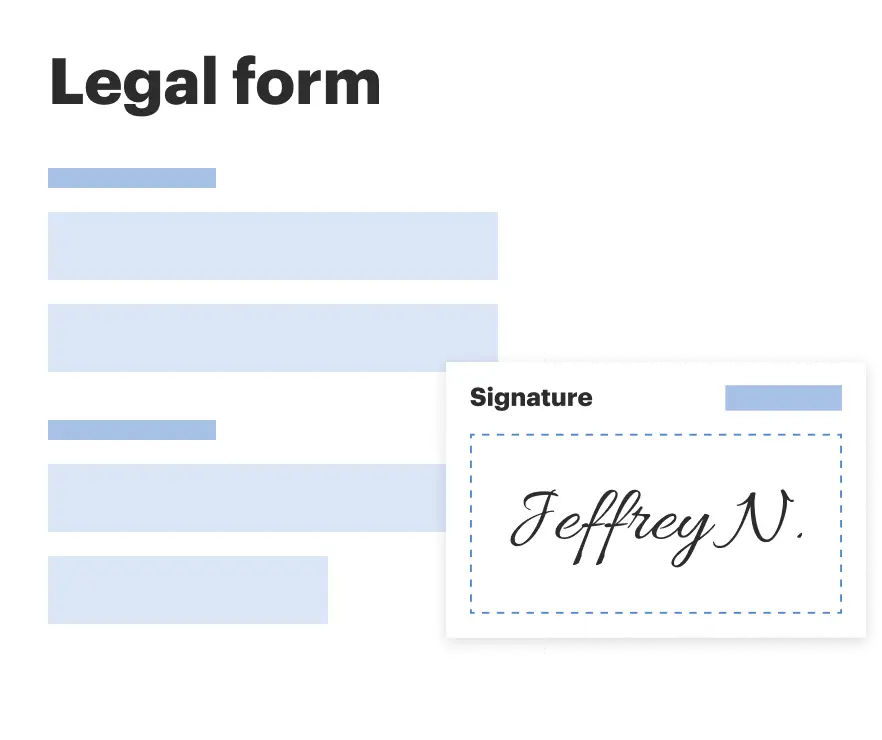
Sign and collect signatures with our SignNow integration. Send to multiple recipients, set reminders, and more. Go Premium to unlock E-Sign.
If this form requires notarization, complete it online through a secure video call—no need to meet a notary in person or wait for an appointment.
We protect your documents and personal data by following strict security and privacy standards.
Looking for another form?

Form popularity
FAQ
When writing your letter, you should indicate any attachments or enclosures. You can do this by placing the word “Attachment” or “Enclosure” at the end of your letter, followed by a colon and the name of the document. If you have multiple documents, use the plural form.
Here are a few alternatives: I've attached item. Please have a look at the attached item. The item you asked for is attached. Please refer to the attached item for more details. The attached item includes . . .
Just say “see enclosed” or “see attached” or something similar (much as if you were writing a letter with a document enclosed). If there are multiple attachments you might need to mention the file name if the text in the email is important to the correct understanding of the different attachments.
Under your name and title, type “Enclosure:” or “Attachment:” to indicate that you've included additional documents. On the next line, provide a brief description of the contents. In a typical letter with an attachment, you might state “Curriculum Vitae,” for example.
Here are a few alternatives: I've attached item. Please have a look at the attached item. The item you asked for is attached. Please refer to the attached item for more details. The attached item includes . . .
But if the attachment is only a part of what you wish to convey, simply mention it in the body with a short sentence like: Here's attachment name. I'm sharing attachment name with you. The requested attachment type – report/video/contract is attached below. Please take a look at the attached attachment name.
Under your name and title, type “Enclosure:” or “Attachment:” to indicate that you've included additional documents. On the next line, provide a brief description of the contents. In a typical letter with an attachment, you might state “Curriculum Vitae,” for example.
Here are different ways to say "please find attached": Attached is... I've attached... Enclosed, please find... Kindly find attached... Please see attached... Please see the attached file for... I'm attaching... Attached for your review...
For example, say, “Please find the attached file you requested yesterday.” If you do not want to specify a specific file, avoid using “the”. You can simply write, “Please find attached.” or its short form: PFA. “Attached” is the correct word for electronic communication.
When writing your letter, you should indicate any attachments or enclosures. You can do this by placing the word “Attachment” or “Enclosure” at the end of your letter, followed by a colon and the name of the document. If you have multiple documents, use the plural form.

