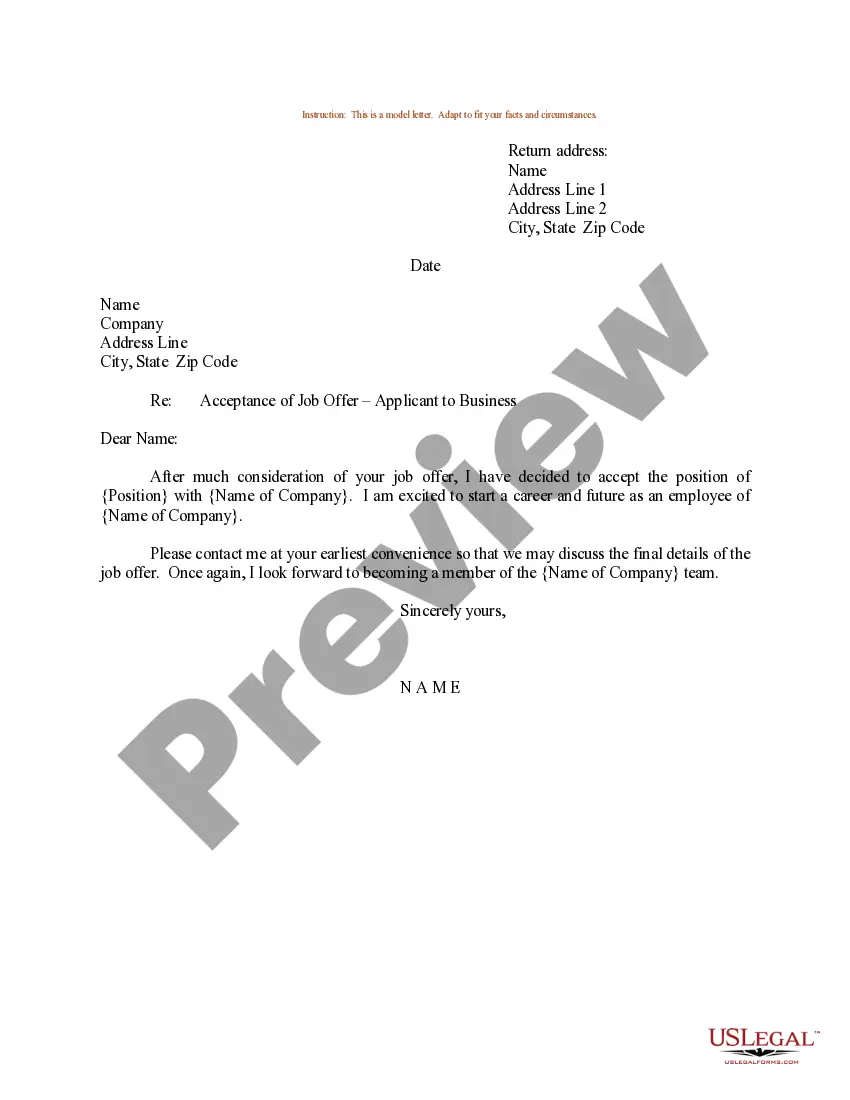
Military Acceptance Letter With Email In Virginia
Description

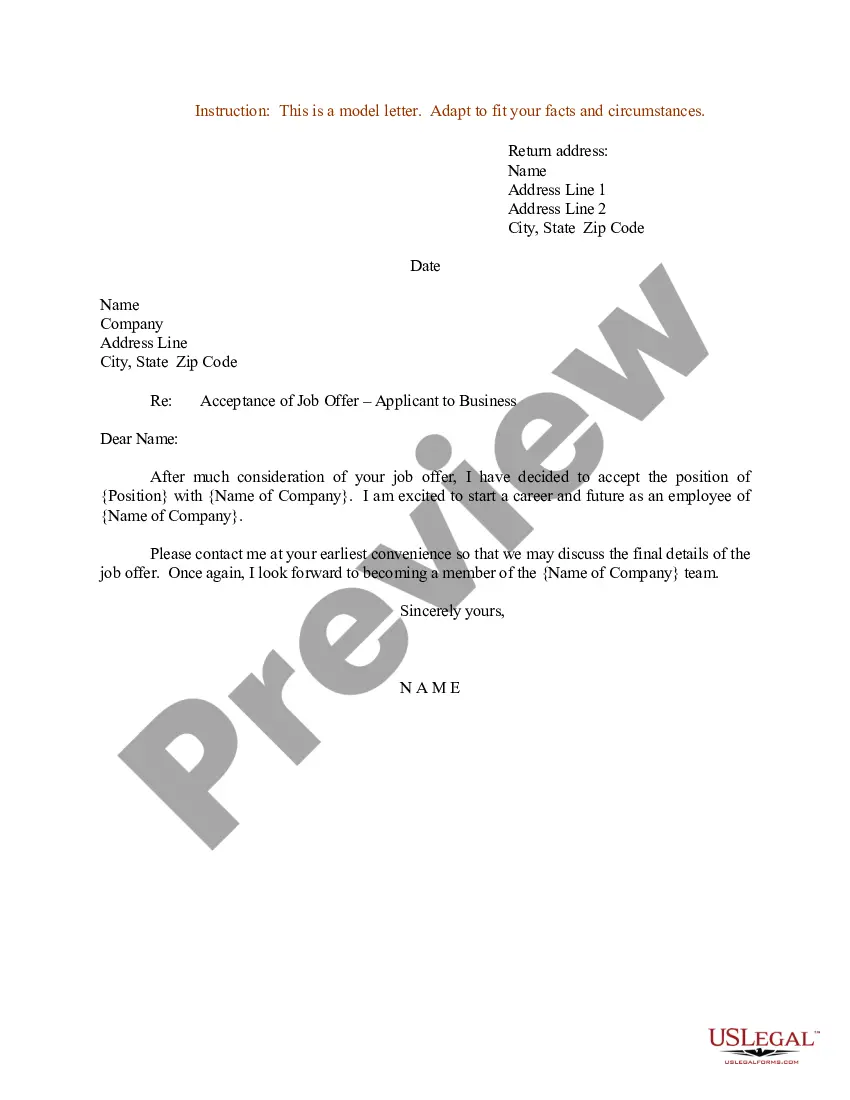
Get your form ready online
Our built-in tools help you complete, sign, share, and store your documents in one place.
Make edits, fill in missing information, and update formatting in US Legal Forms—just like you would in MS Word.
Download a copy, print it, send it by email, or mail it via USPS—whatever works best for your next step.
Sign and collect signatures with our SignNow integration. Send to multiple recipients, set reminders, and more. Go Premium to unlock E-Sign.
If this form requires notarization, complete it online through a secure video call—no need to meet a notary in person or wait for an appointment.
We protect your documents and personal data by following strict security and privacy standards.

Make edits, fill in missing information, and update formatting in US Legal Forms—just like you would in MS Word.

Download a copy, print it, send it by email, or mail it via USPS—whatever works best for your next step.

Sign and collect signatures with our SignNow integration. Send to multiple recipients, set reminders, and more. Go Premium to unlock E-Sign.

If this form requires notarization, complete it online through a secure video call—no need to meet a notary in person or wait for an appointment.

We protect your documents and personal data by following strict security and privacy standards.
Looking for another form?
Form popularity
FAQ
Servicemembers, Veterans, and National Guard and Reserve Members Apply online. To get your Certificate of Eligibility (COE) online, please go to the eBenefits portal. Apply through CalVet Home Loans. Most lenders have access to the Web LGY system. Apply by mail. Use VA Form 26-1880, Request for Certificate of Eligibility.
Find any closed claim on the “Check your VA claim or appeal status” page and click on it. Click, “Get your claim letters.” The letter will open in a new window, and you can print or save them as a PDF. For help accessing decision letters and notices online, you can save or print them as a PDF.
If you file your claim online, you'll get an on-screen message from us after you submit the form. If you mail your application, we'll send you a letter to let you know we have your claim. You should get this letter about 1 week, plus mailing time, after we receive your claim.
Veterans and Survivors are encouraged to work with a Veterans Service Officer who can file the information online through the Stakeholder Enterprise Portal. Forms may be downloaded at .va/vaforms. Claimants may call 1-800-827-1000 to have the correct form sent to their homes.
To fill out this form, you will need to provide the following information: 1. Basic Information: First and Last name, date of birth, Social Security number, and Veteran status. 2. Veteran's Service Information: Branch of service, dates of service, and type of discharge.
It opens by listing the veteran's personal information, including their representative (if they have one), VA File number, and the date of the Rating Decision. Next, the veteran will find a short summary of their claim which may include their dates of service, military branch, and the date their claim was received.
Veterans and Survivors are encouraged to work with a Veterans Service Officer who can file the information online through the Stakeholder Enterprise Portal. Forms may be downloaded at .va/vaforms. Claimants may call 1-800-827-1000 to have the correct form sent to their homes.
Each section covers a different aspect of the case and helps to fill in the missing pieces in a disability claim. Identification and Relationship Information. Descriptions of the Situation or Witnessed Events. Current Symptoms Being Experienced by the Veteran. Buddy Letter Certification and Signature.
Mr. John Doe is a patient under my care since DATE. His diagnosis is YOUR CONDITION, etc. I have personally reviewed his medical history (NAME DOCUMENTS) and I've also reviewed his history of the (EVENT OR EVENTS YOU CLAIM ARE THE CAUSE OF YOUR CONDITION) while he served during his military service.
Example: “I am submitting this statement to support my claim for service connection for a knee injury sustained during combat operations in Afghanistan in March 2015. This injury has significantly reduced my mobility and continues to affect my daily life.”