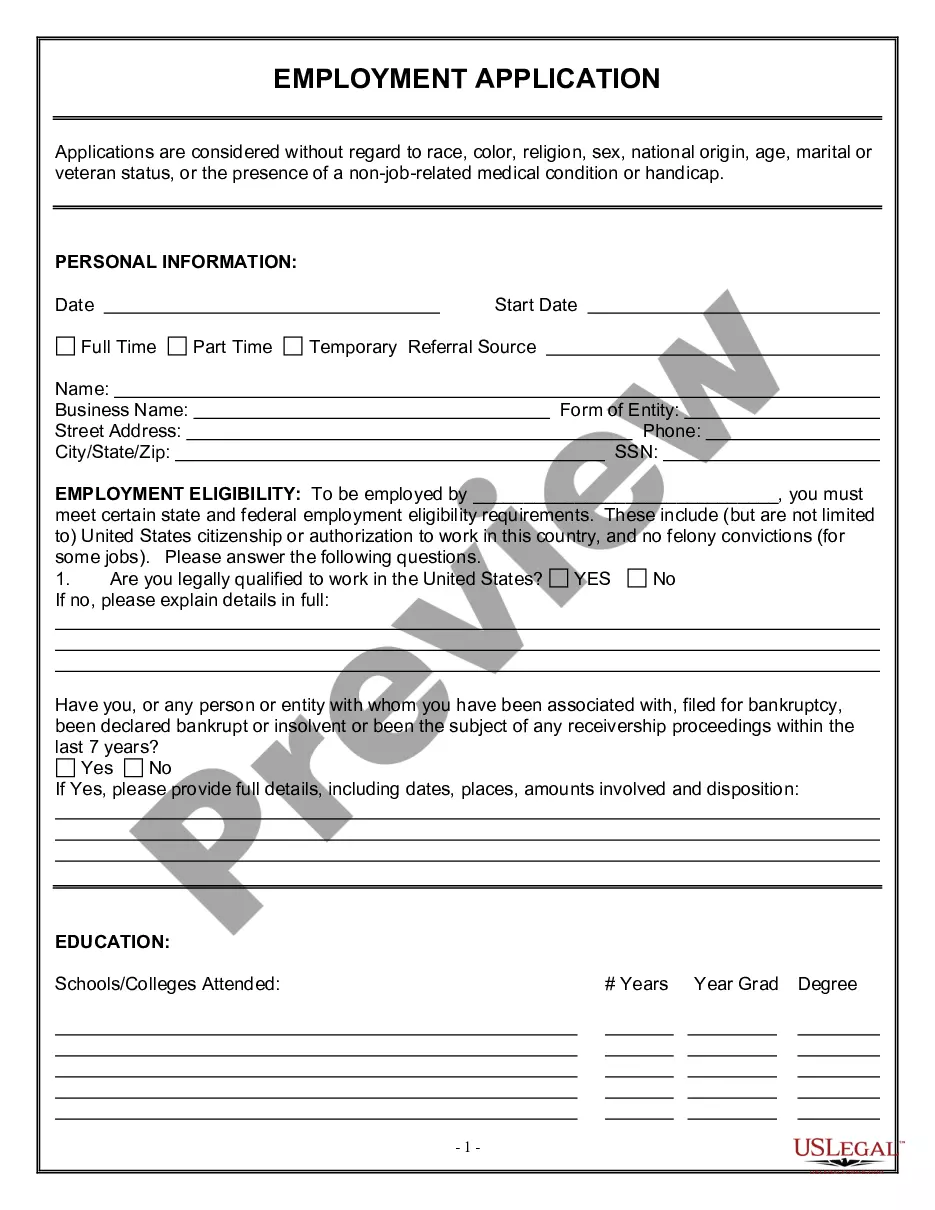
Acta Directorio With English Translation In Pima
Description





Get your form ready online
Our built-in tools help you complete, sign, share, and store your documents in one place.
Make edits, fill in missing information, and update formatting in US Legal Forms—just like you would in MS Word.
Download a copy, print it, send it by email, or mail it via USPS—whatever works best for your next step.
Sign and collect signatures with our SignNow integration. Send to multiple recipients, set reminders, and more. Go Premium to unlock E-Sign.
If this form requires notarization, complete it online through a secure video call—no need to meet a notary in person or wait for an appointment.
We protect your documents and personal data by following strict security and privacy standards.

Make edits, fill in missing information, and update formatting in US Legal Forms—just like you would in MS Word.

Download a copy, print it, send it by email, or mail it via USPS—whatever works best for your next step.

Sign and collect signatures with our SignNow integration. Send to multiple recipients, set reminders, and more. Go Premium to unlock E-Sign.

If this form requires notarization, complete it online through a secure video call—no need to meet a notary in person or wait for an appointment.

We protect your documents and personal data by following strict security and privacy standards.
Looking for another form?
Form popularity
FAQ
Translate Google Forms using Google Translate Open the form you want to translate. Right click anywhere on the form. Choose Translate. Select the language you want to translate the form into from the dropdown menu. Click Translate. The form will display in the new language that you've selected.
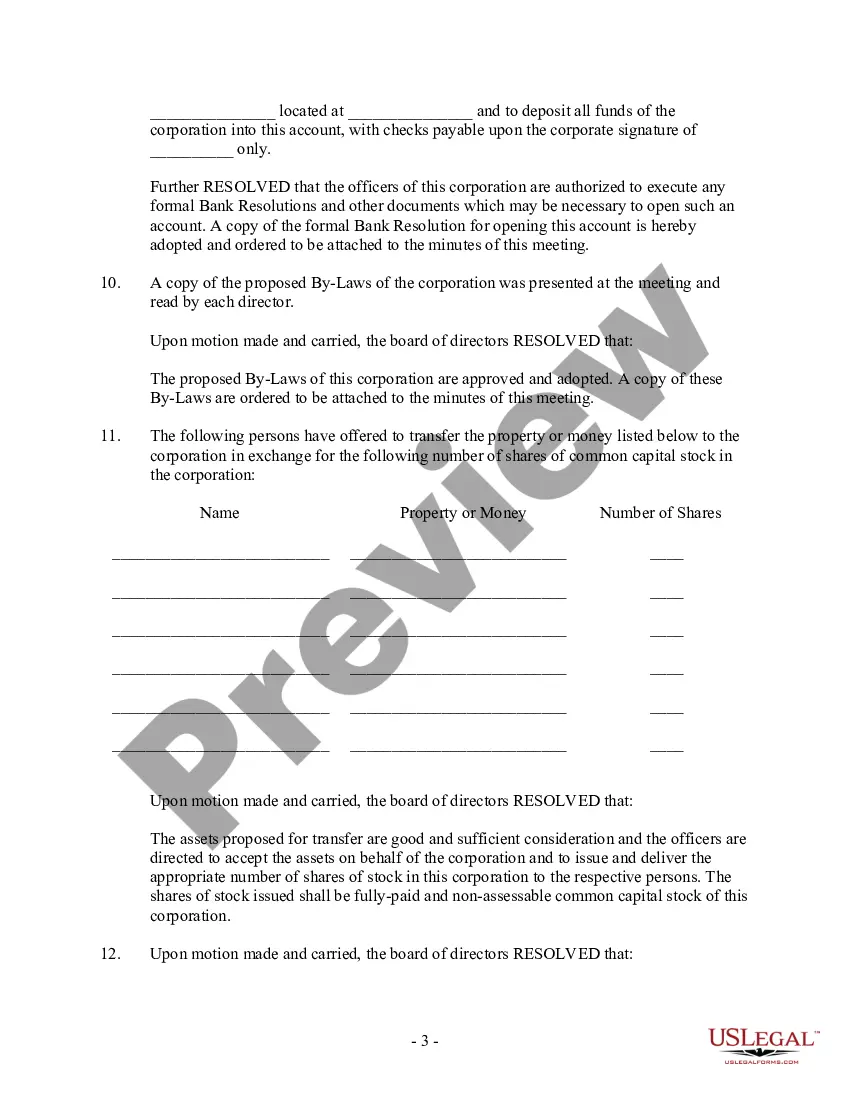
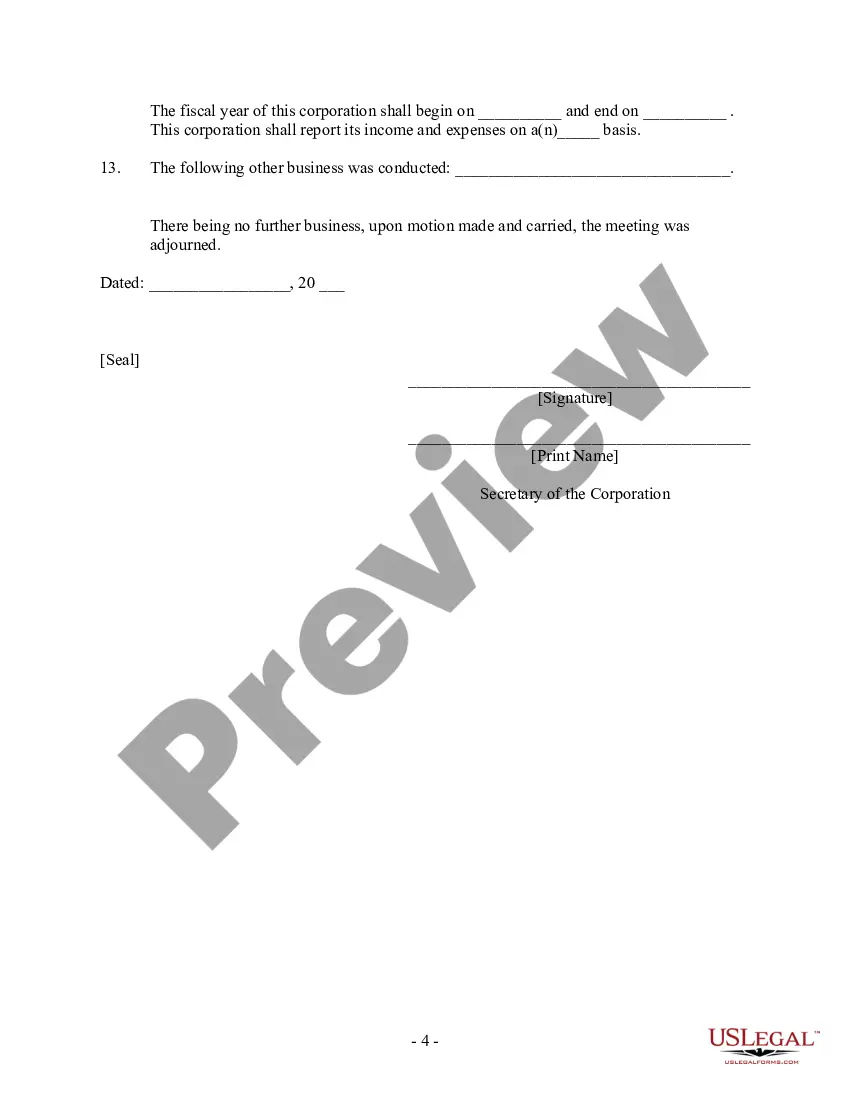
The minutes record what is being discussed in the meeting. record n. · memorandum n. · protocol n. · journal n.
In your browser, go to Google Translate. At the top, click Documents. Choose the languages to translate to and from. To automatically set the original language of a document, click Detect language.
A trusted friend or relative can translate official documentation, and anyone with a notary seal can oversee and notarize the translation. However, certifying a document as accurate requires a professional linguistics service, especially for legal or medical documents.
In your browser, go to Google Translate. At the top, click Documents. Choose the languages to translate to and from. To automatically set the original language of a document, click Detect language.
To certify a translation for official use, the verified translator must attest that it is a true, complete and accurate representation of the original document. Certified translations must be signed, stamped, and dated by authorised translators or accredited agencies, such as TS24.
How To Get an Official Translation of a Document: 3 Effective Alternatives Hire a Professional Translation Agency. Hire Translators From Freelancer Platforms. Employ Online Translation Tools. Inquire About the Documents You Need To Translate. Find and Arrange the Documents of Interest. Get a Translator and Request a Quote.
Legally, you can translate official documents yourself. However, these translations won't be accepted in court or other sensitive matters. To have a document recognized, you need a professional translator.
In your browser, go to Google Translate. At the top, click Documents. Choose the languages to translate to and from. To automatically set the original language of a document, click Detect language.
Find a reputable translation service provider that specializes in translating certificates into English for you. Make sure they offer certified translations that follow industry standards and are accepted by official institutions. Look for agencies that have translators fluent in both the target and source languages.