Agreement Form Format In Travis
Description








Get your form ready online
Our built-in tools help you complete, sign, share, and store your documents in one place.
Make edits, fill in missing information, and update formatting in US Legal Forms—just like you would in MS Word.
Download a copy, print it, send it by email, or mail it via USPS—whatever works best for your next step.
Sign and collect signatures with our SignNow integration. Send to multiple recipients, set reminders, and more. Go Premium to unlock E-Sign.
If this form requires notarization, complete it online through a secure video call—no need to meet a notary in person or wait for an appointment.
We protect your documents and personal data by following strict security and privacy standards.
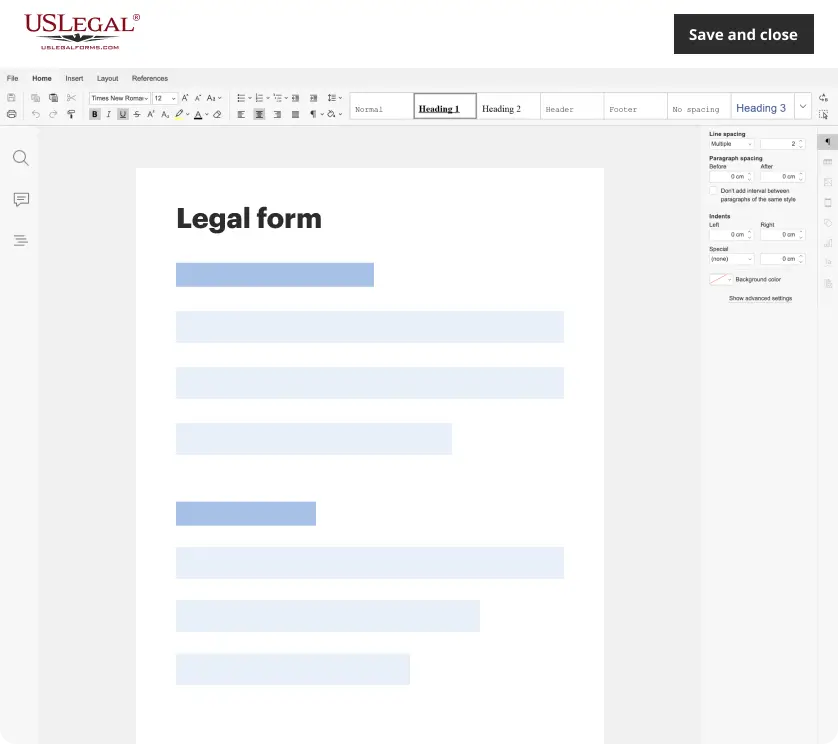
Make edits, fill in missing information, and update formatting in US Legal Forms—just like you would in MS Word.
Download a copy, print it, send it by email, or mail it via USPS—whatever works best for your next step.
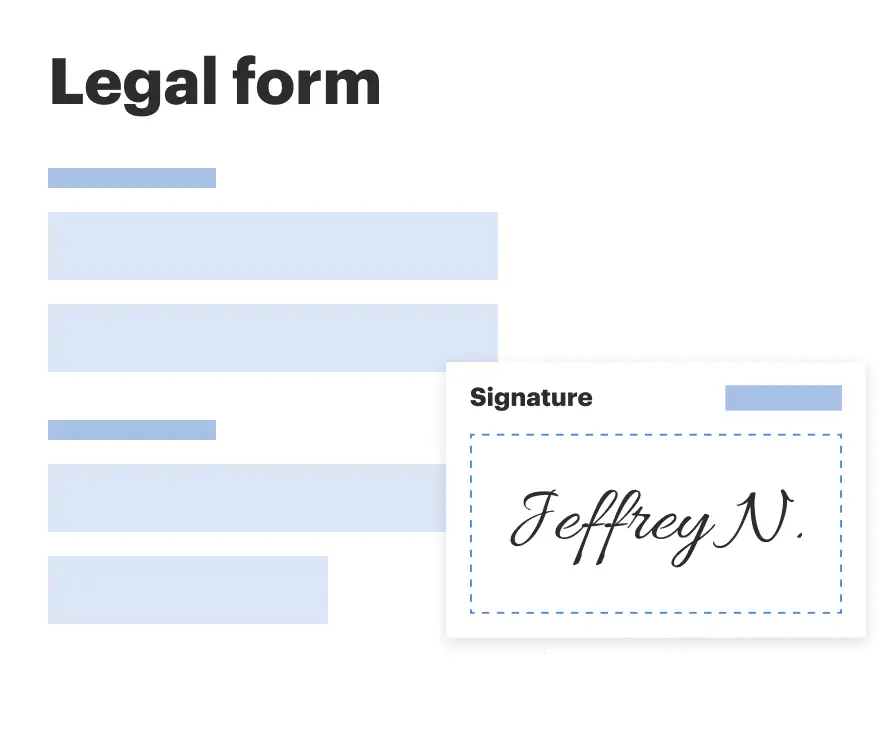
Sign and collect signatures with our SignNow integration. Send to multiple recipients, set reminders, and more. Go Premium to unlock E-Sign.
If this form requires notarization, complete it online through a secure video call—no need to meet a notary in person or wait for an appointment.
We protect your documents and personal data by following strict security and privacy standards.
Looking for another form?







Form popularity
FAQ
How do I get a copy of my divorce decree or other copies? You may order copies online: District Clerk Records Request Form. How do I get a case set or get information on a court hearing? Contact the Court Administration Office at (512) 854-2484 for court hearing settings and information.
To set a hearing, contact the Court Operations Officer at (512) 854-9241. It is recommended that you consult an attorney or have an attorney represent you.
I would start by searching the clerk of courts website for the county and state where the divorce proceedings took place. If on-line access is available, call or visit the clerk of court's office and request a copy. I would suggest that you get at least one certified copy for future use.
It is a handy thing to have around. It can show that a judge gave certain debts to your hubby or conversely you are no longer responsible to debt collectors. It shows what and how long your children will receive support from your ex. It lets you remarry and other uses.
Certified copies of divorce decrees are only available from the district clerk. Certified copies of marriage/divorce records must be obtained in the county or district in which they were originally filed.
To set a hearing, contact the Court Operations Officer at (512) 854-9241. It is recommended that you consult an attorney or have an attorney represent you.
You can E-File using this link: eFileTexas | Official E-Filing System for Texas, mail to Travis County District Clerk, PO Box 679003, Austin, TX 78767 or hand deliver documents to us by appointment only. Call (512) 854-9457 or send an email to District.eFile@traviscountytx for any questions.
Travis County, Texas contains 17 judicial districts, one Probate Court, one county court, and eight County Courts at Law.
How to write a letter of agreement Title the document. Add the title at the top of the document. List your personal information. Include the date. Add the recipient's personal information. Address the recipient. Write an introduction paragraph. Write your body. Conclude the letter.
