Invitation Letter With Example In King
Description
Get your form ready online
Our built-in tools help you complete, sign, share, and store your documents in one place.
Make edits, fill in missing information, and update formatting in US Legal Forms—just like you would in MS Word.
Download a copy, print it, send it by email, or mail it via USPS—whatever works best for your next step.
Sign and collect signatures with our SignNow integration. Send to multiple recipients, set reminders, and more. Go Premium to unlock E-Sign.
If this form requires notarization, complete it online through a secure video call—no need to meet a notary in person or wait for an appointment.
We protect your documents and personal data by following strict security and privacy standards.

Make edits, fill in missing information, and update formatting in US Legal Forms—just like you would in MS Word.

Download a copy, print it, send it by email, or mail it via USPS—whatever works best for your next step.

Sign and collect signatures with our SignNow integration. Send to multiple recipients, set reminders, and more. Go Premium to unlock E-Sign.

If this form requires notarization, complete it online through a secure video call—no need to meet a notary in person or wait for an appointment.

We protect your documents and personal data by following strict security and privacy standards.
Looking for another form?
Form popularity
FAQ
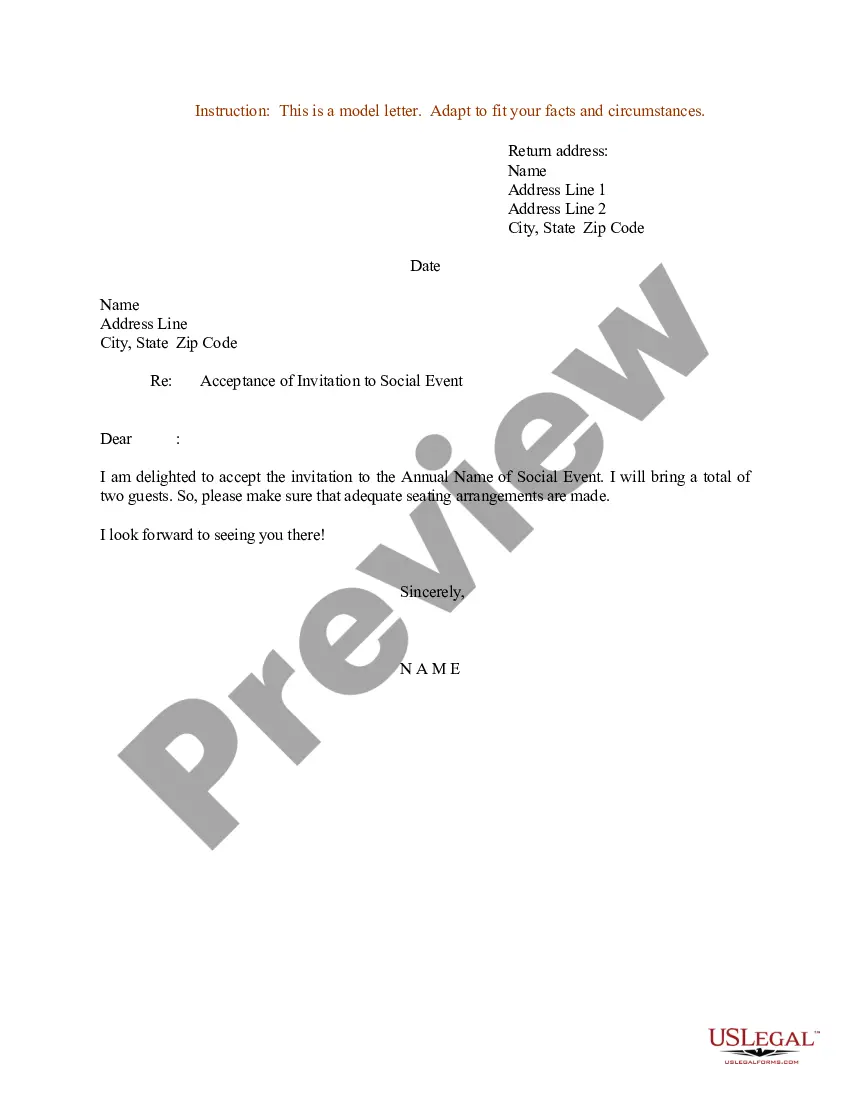
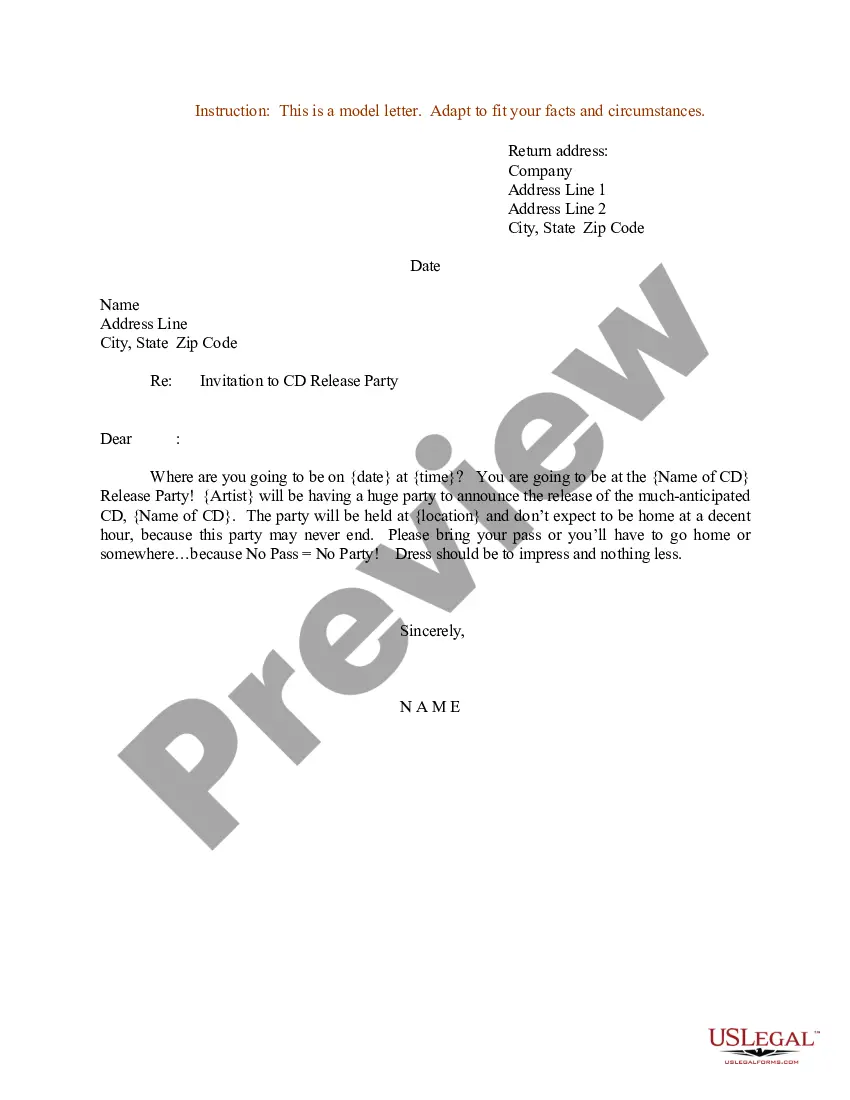
Here's an example of an invitation to a professional event:You're cordially invited to the end-of-year city-wide networking event for business experts. This networking event takes place this Monday from 10 a.m. to 5 p.m., and we're providing lunch and drinks. Please RSVP if you plan to attend.
While writing the letter, we have to first introduce ourselves, then mention all about the event which is being organized and give the proper venue for the event. Moving forward, we would appreciate the presence of such special guests. End the letter by expecting a positive reply from their side.
Template 1: Invitation We are pleased to invite you to attend the upcoming Event Name meeting, scheduled to take place on Date at Time. The meeting will be held at Location/Online Platform, and we would be honored to have your presence and participation. The agenda for the meeting includes: Agenda Point 1
Example: Dear Recipient's Name, I am pleased to invite you to Event Name, which will take place on Event Date at Event Time at Event Venue. The purpose of this event is to briefly describe the purpose or agenda of the event.
Guidelines for writing invitations: State the occasion, date, time, and place. If you need a response, include a self-addressed, stamped reply card or envelope with your invitation. Express that you are looking forward to seeing the person.
How to Write a Church Invitation Start Your Church Invitation by Addressing the Person by Name. Write a Sentence or Two About Why You Are Inviting Them to Church. Include the Day, Time and Location of the Service. Thank Them for Their Time and Say You Hope To See Them Soon. Sign Your Name at the Bottom of the Invitation.
Invitation Letter for a Meeting Dear Recipient Name, I hope this email finds you well. We are pleased to invite you to attend the Event Name meeting, which will be held at Location on Date at Time. We would be honored to have your presence and participation.
Create a draft of the invitation Start by opening a new word processing document. Brainstorm all the information you want to include in the letter. Consider the tone you want to convey and the main points you want to make. Write out a draft of the letter, making sure to include all necessary information.
Guidelines for writing invitations: Name of the conference and the sponsoring organization; Date, time, place of the conference and speech; Type of audience; The type of speech, topic, and how long the speech should be; Any accommodations that will be made, including lodging, meals, and transportation;
Formal invitation Components Name of host. Invitational (requests the pleasure of your company, cordially invites you to) Event type/name/purpose (e.g., luncheon, dinner, reception, lecture) Date. Hour. Place. Reply instructions (e.g., reply card or phone number) Disabled instructions (e.g., fax or email)

