Letter Invitation For Interview In Nevada
Description
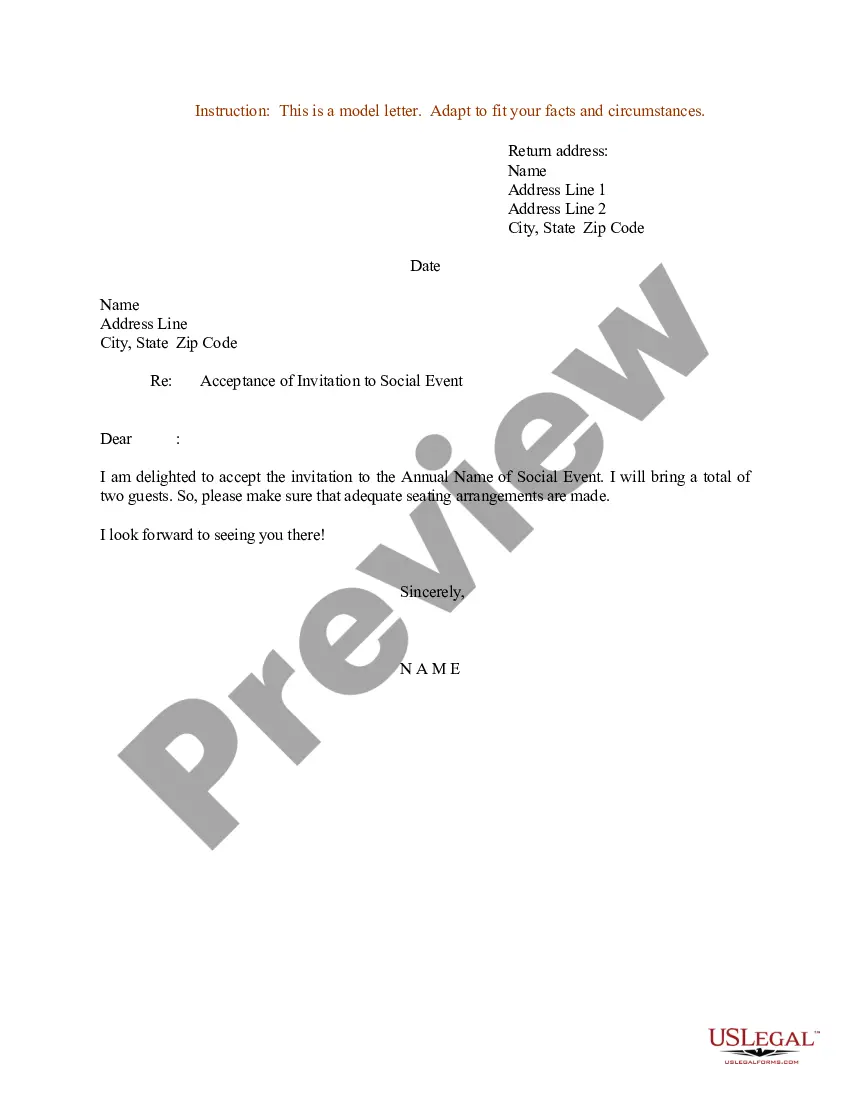
Get your form ready online
Our built-in tools help you complete, sign, share, and store your documents in one place.
Make edits, fill in missing information, and update formatting in US Legal Forms—just like you would in MS Word.
Download a copy, print it, send it by email, or mail it via USPS—whatever works best for your next step.
Sign and collect signatures with our SignNow integration. Send to multiple recipients, set reminders, and more. Go Premium to unlock E-Sign.
If this form requires notarization, complete it online through a secure video call—no need to meet a notary in person or wait for an appointment.
We protect your documents and personal data by following strict security and privacy standards.

Make edits, fill in missing information, and update formatting in US Legal Forms—just like you would in MS Word.

Download a copy, print it, send it by email, or mail it via USPS—whatever works best for your next step.

Sign and collect signatures with our SignNow integration. Send to multiple recipients, set reminders, and more. Go Premium to unlock E-Sign.

If this form requires notarization, complete it online through a secure video call—no need to meet a notary in person or wait for an appointment.

We protect your documents and personal data by following strict security and privacy standards.
Looking for another form?


Form popularity
FAQ
Here are all of the steps: Write a clear subject line. An email should have “glance-value”. Use a salutation. Introduce yourself (if necessary). Explain why you want to meet. Be flexible about time and place. Request a reply or confirmation. Send a reminder.
Craft a polite and professional email or call the HR contact directly. In the communication, express your interest in the position and request to schedule an interview at their earliest convenience, ideally within the next week. In the request, be flexible and offer a range of dates and times that work for you.
Introduce yourself and any other interviewers present. Invite the candidate to sit down. Example: ``Hi (Candidate Name), thanks for coming in today. This is (Your Name) and (Colleague Name). Please, have a seat.'' 2. Small Talk (Optional): Briefly discuss anything logistical, like offering them water or coffee.
How to Write an Interview Appointment Letter Gather Necessary Information. Choose a Formal Template or Format. Address the Recipient. Provide Details of the Interview. Offer Additional Information. Provide Contact Information. Close the Letter Professionally. Proofread and Review.
How to Write an Interview Invitation Email Use a direct subject line. Provide role details. Specify the interview format. Specify the interview location. Approximate the interview duration. Provide multiple date and time options. Provide interviewer details. Include your email signature.
How to write a request for an interview letter Determine your audience. Explain the context. Describe the plan. Offer schedule options. Close with any other details.
How To Write An Interview Request Email? Collect every relevant information. Use a professional salutation. Mention what the candidate can expect from the interview. Offer flexibility to schedule an interview. Sign off with a professional closing. Proofread your email. Be concise. Be flexible.
Craft a polite and professional email or call the HR contact directly. In the communication, express your interest in the position and request to schedule an interview at their earliest convenience, ideally within the next week. In the request, be flexible and offer a range of dates and times that work for you.
How to write a request for an interview letter Determine your audience. Explain the context. Describe the plan. Offer schedule options. Close with any other details.
Written hardcopy consent form collected at interview. Keep in mind that an in-person interview is by nature not anonymous. Written consent form can be electronic with secure acceptance or electronic signature or written and collected in hardcopy form or scanned copy.

