Acknowledgment Of Receipt Letter For Job Offer In Maricopa
Description



Get your form ready online
Our built-in tools help you complete, sign, share, and store your documents in one place.
Make edits, fill in missing information, and update formatting in US Legal Forms—just like you would in MS Word.
Download a copy, print it, send it by email, or mail it via USPS—whatever works best for your next step.
Sign and collect signatures with our SignNow integration. Send to multiple recipients, set reminders, and more. Go Premium to unlock E-Sign.
If this form requires notarization, complete it online through a secure video call—no need to meet a notary in person or wait for an appointment.
We protect your documents and personal data by following strict security and privacy standards.
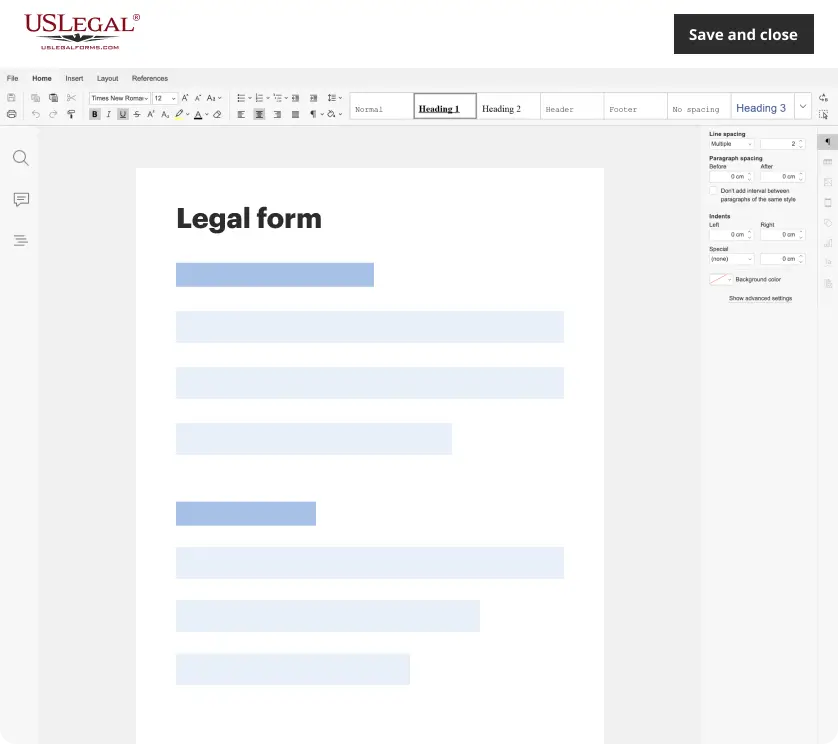
Make edits, fill in missing information, and update formatting in US Legal Forms—just like you would in MS Word.
Download a copy, print it, send it by email, or mail it via USPS—whatever works best for your next step.
Sign and collect signatures with our SignNow integration. Send to multiple recipients, set reminders, and more. Go Premium to unlock E-Sign.

If this form requires notarization, complete it online through a secure video call—no need to meet a notary in person or wait for an appointment.
We protect your documents and personal data by following strict security and privacy standards.
Looking for another form?
Form popularity
FAQ
I would like to thank you for the job offer of {Title} that has been offered to me. It makes me more than happy to be able to work for {Company's name}. Please consider this email as my formal acceptance letter. Working with a prestigious company like yours is a dream come true for me.
What Does 'Please Confirm Receipt' Mean? Kindly acknowledge receipt of this email. Please confirm that you have received this message. I would appreciate a quick response to confirm receipt of this email. Could you please let me know you've gotten this? Looking forward to your confirmation on receiving this email.
I can confirm that my starting date of employment will be Start date. If there is any additional information you need prior to this date, please let me know. Once again, thank you very much for the opportunity, and I look forward to working with you.
How to Write a Confirmation of Receipt: Step-by-Step Guide Step 1: Start with a professional greeting. Step 2: Acknowledge the receipt of the specific item or communication. Step 3: Mention any next steps or actions, if applicable. Step 4: Close with thanks and your signature.
You may respond verbally and in writing; whether via email or hard-copy depending on the pattern and mode of communication you have had with the employer, and instructions from the employer. Items to remember: Thank the employer for the opportunity presented! If you understand the terms of the offer, indicate that.
Here are the essential steps involved in writing a good job offer acceptance letter: Review your job offer. Add date at the top. Include your name and address. Include the recipient's name and address. Add a subject line. Add a salutation. Express gratitude for the offer. Accept the offer and terms of employment.

