Confirmation Letter Sample For Company In Sacramento
Description




Get your form ready online
Our built-in tools help you complete, sign, share, and store your documents in one place.
Make edits, fill in missing information, and update formatting in US Legal Forms—just like you would in MS Word.
Download a copy, print it, send it by email, or mail it via USPS—whatever works best for your next step.
Sign and collect signatures with our SignNow integration. Send to multiple recipients, set reminders, and more. Go Premium to unlock E-Sign.
If this form requires notarization, complete it online through a secure video call—no need to meet a notary in person or wait for an appointment.
We protect your documents and personal data by following strict security and privacy standards.
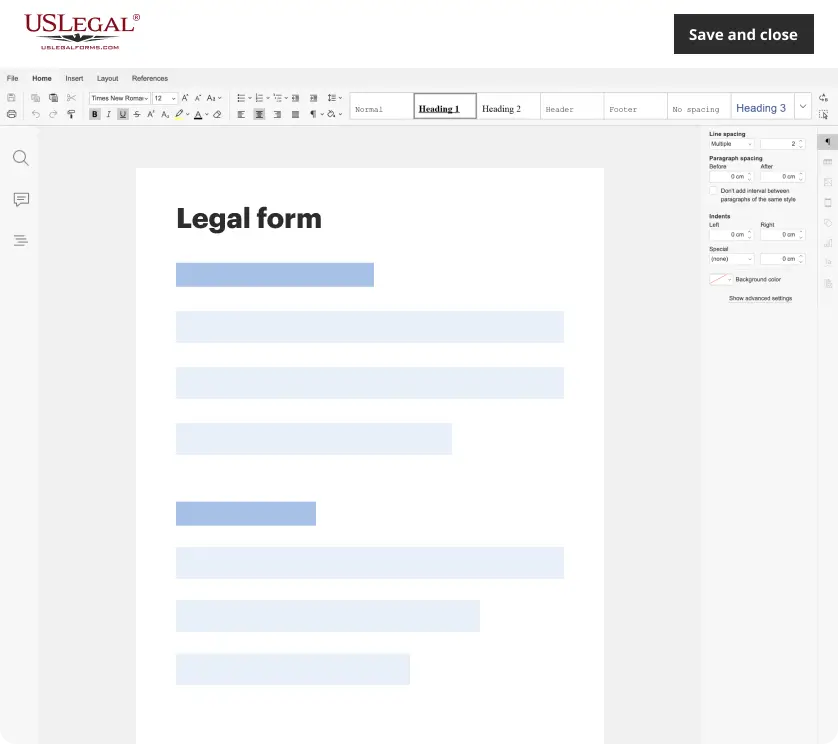
Make edits, fill in missing information, and update formatting in US Legal Forms—just like you would in MS Word.
Download a copy, print it, send it by email, or mail it via USPS—whatever works best for your next step.
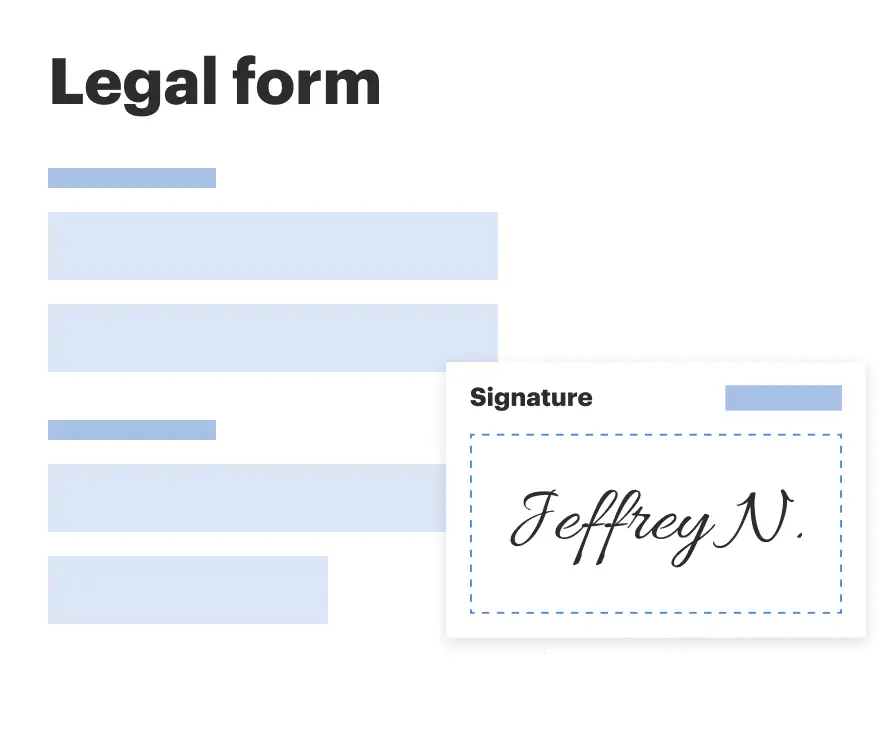
Sign and collect signatures with our SignNow integration. Send to multiple recipients, set reminders, and more. Go Premium to unlock E-Sign.
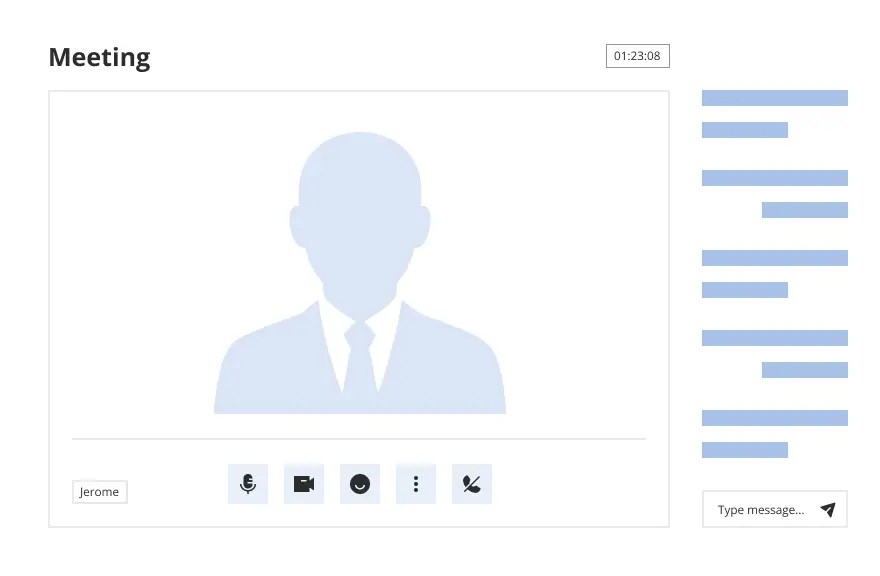
If this form requires notarization, complete it online through a secure video call—no need to meet a notary in person or wait for an appointment.
We protect your documents and personal data by following strict security and privacy standards.
Looking for another form?
Form popularity
FAQ
To submit Form SI-100, you may file it online at the California Secretary of State's website or mail it to the Statement of Information Unit at P.O. Box 944230, Sacramento, CA 94244-2300. For in-person submissions, visit the Sacramento office located at 1500 11th Street, Sacramento, CA 95814.
To submit Form SI-100, you may file it online at the California Secretary of State's website or mail it to the Statement of Information Unit at P.O. Box 944230, Sacramento, CA 94244-2300. For in-person submissions, visit the Sacramento office located at 1500 11th Street, Sacramento, CA 95814.
A Statement of Information must be filed either every year for California stock, cooperative, credit union, and all qualified out-of-state corporations or every two years (only in odd years or only in even years based on year of initial registration) for California nonprofit corporations and all California and ...
Generally, complete only one form FTB 3533-B to change your business address. If you are a representative filing for the taxpayer, go to ftb.ca/poa for more information. You may also go to ftb.ca and login or register for MyFTB or call 800-852-5711 to change your address.
Contact the human resources department. It may be your company's policy that you direct all employment verification requests to the human resources department. In some cases, an HR representative may write the letter, or they may provide a template that your direct supervisor can use.
Employment Verification Letter: What To Include? Address of the employer. Reason for requesting the employment verification letter. Name of the business or third party that requests it. Employee information that the business may need, including: Name and surname. Date when they started working in the company.
How to write a letter of employment: Include employer and requesting organisation details. Provide employee information (name, job title, employment dates). Follow a formal business letter format. Clearly state the letter's purpose. Include any additional requested details. Provide contact information and sign off.
Subject: Confirmation of Employment – Job Classification Dear Mr./Ms. Last Name of Selected Applicant: Welcome to Agency/Department/Office Name. I am pleased to confirm your acceptance of our offer for the full-time/part-time position of job classification reporting to supervisor's name.
Basic Employment Verification Letter Sample Dear Recipient's Name, This letter is to certify income and employment for Employee Name, who has been employed at Organization Name and holds the title of Job Title of Employee. He/She has been an employee with Organization Name since Employment Start Date.
How to write a letter of employment: Include employer and requesting organisation details. Provide employee information (name, job title, employment dates). Follow a formal business letter format. Clearly state the letter's purpose. Include any additional requested details. Provide contact information and sign off.

