Annual Meeting Resolutions With Example In Montgomery
Description



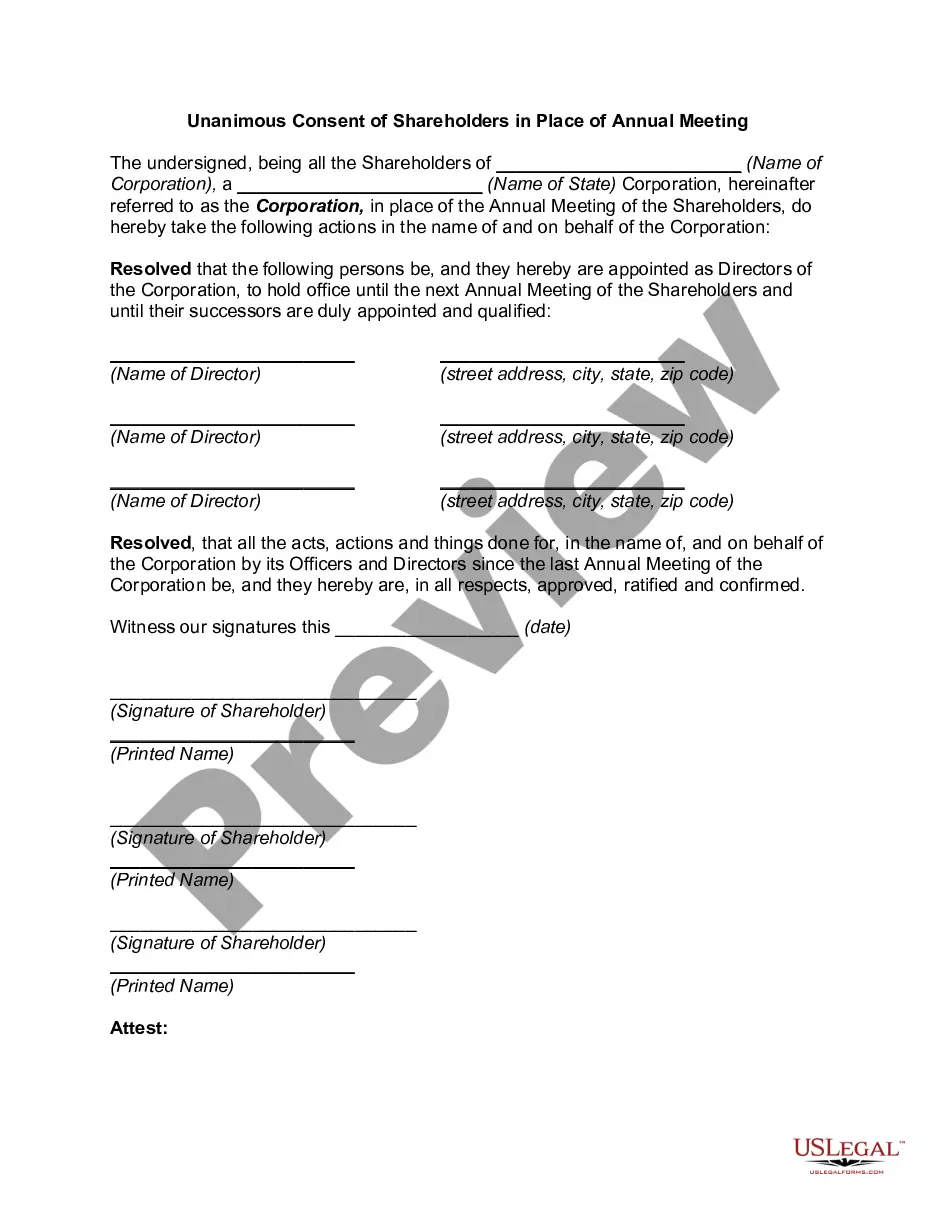
Get your form ready online
Our built-in tools help you complete, sign, share, and store your documents in one place.
Make edits, fill in missing information, and update formatting in US Legal Forms—just like you would in MS Word.
Download a copy, print it, send it by email, or mail it via USPS—whatever works best for your next step.
Sign and collect signatures with our SignNow integration. Send to multiple recipients, set reminders, and more. Go Premium to unlock E-Sign.
If this form requires notarization, complete it online through a secure video call—no need to meet a notary in person or wait for an appointment.
We protect your documents and personal data by following strict security and privacy standards.

Make edits, fill in missing information, and update formatting in US Legal Forms—just like you would in MS Word.

Download a copy, print it, send it by email, or mail it via USPS—whatever works best for your next step.

Sign and collect signatures with our SignNow integration. Send to multiple recipients, set reminders, and more. Go Premium to unlock E-Sign.

If this form requires notarization, complete it online through a secure video call—no need to meet a notary in person or wait for an appointment.

We protect your documents and personal data by following strict security and privacy standards.
Looking for another form?
Form popularity
FAQ
7 steps for writing a resolution Put the date and resolution number at the top. Give the resolution a title that relates to the decision. Use formal language. Continue writing out each critical statement. Wrap up the heart of the resolution in the last statement.
Each argument begins with the word WHEREAS, indented and all caps. BE IT RESOLVED and BE IT FURTHER RESOLVED, which introduce the resolve sections, are also indented and written in caps. Note that WHEREAS is followed by a comma, but the two versions of be it RESOLVED are not.
The title of the resolution must appropriately reflect the intent. Resolutions begin with "Whereas" statements, which provides the basic facts and reasons for the resolution, and conclude with "Resolved" statements which, identifies the specific proposal for the requestor's course of action.
Every resolution must have a title, “whereas” clause(s), and “resolved” clause(s), and must carry the author's name(s). The title should convey the general idea of the topic of the resolution. The “whereas” clause(s) should explain the rationale for the resolution.
7 steps for writing a resolution Put the date and resolution number at the top. Give the resolution a title that relates to the decision. Use formal language. Continue writing out each critical statement. Wrap up the heart of the resolution in the last statement.
There is no formula for deciding how many "whereas" clauses a resolution should have. In general, the fewer the better provided that the reasons or reasons for the resolution are adequately stated. Study the resolving section and get the exact purpose of the resolution firmly in mind.
A resolution has two parts: the heading and the body. The heading is the administrative/organizational portion of a resolution and contains the name of the committee, the topic, and the names of the sponsoring countries, the countries that are signatories, and the committee code.
The title of the resolution must appropriately reflect the intent. Resolutions begin with "Whereas" statements, which provides the basic facts and reasons for the resolution, and conclude with "Resolved" statements which, identifies the specific proposal for the requestor's course of action.
The title of the resolution must appropriately reflect the intent. Resolutions begin with "Whereas" statements, which provides the basic facts and reasons for the resolution, and conclude with "Resolved" statements which, identifies the specific proposal for the requestor's course of action.
To write a board resolution, include: Title: Use the title to state that the document is a resolution clearly. Date: This should be the date the resolution is being proposed. Resolution Number: Give the resolution a unique identifier ing to your record-keeping system.

