Nonprofit Resolution Template Forecast In Suffolk
Description
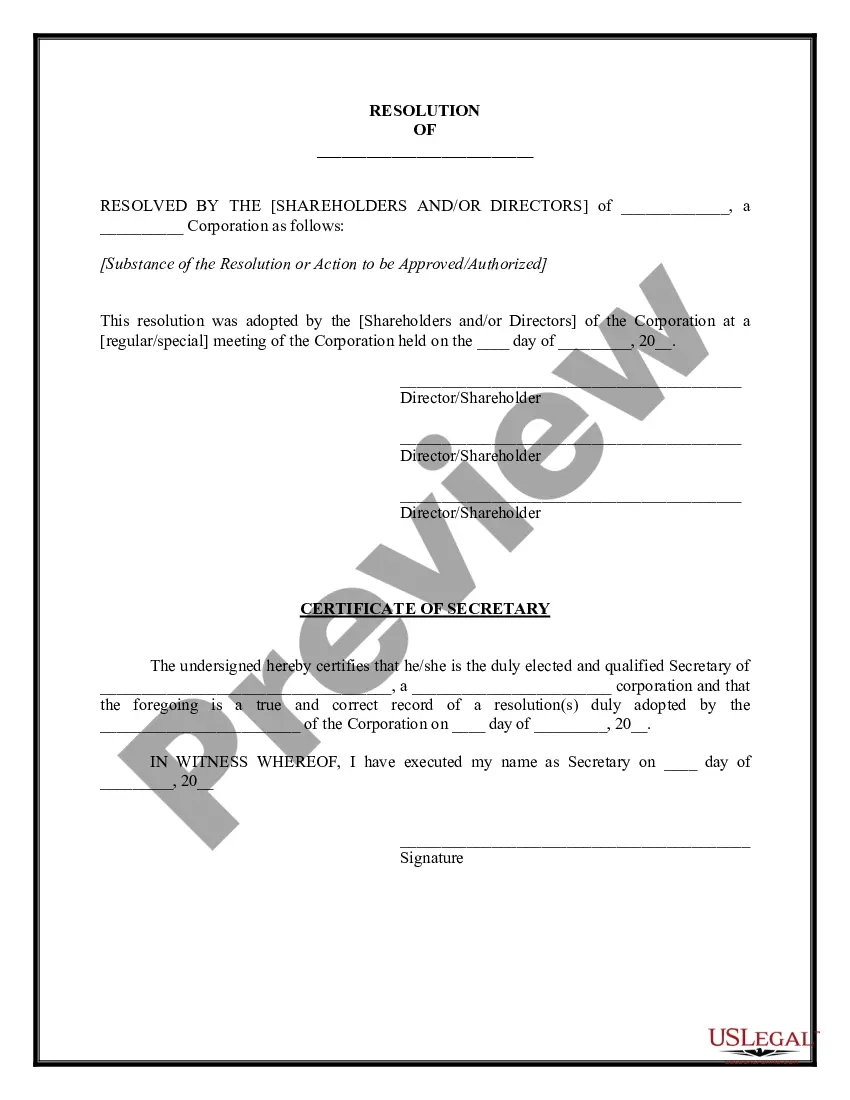


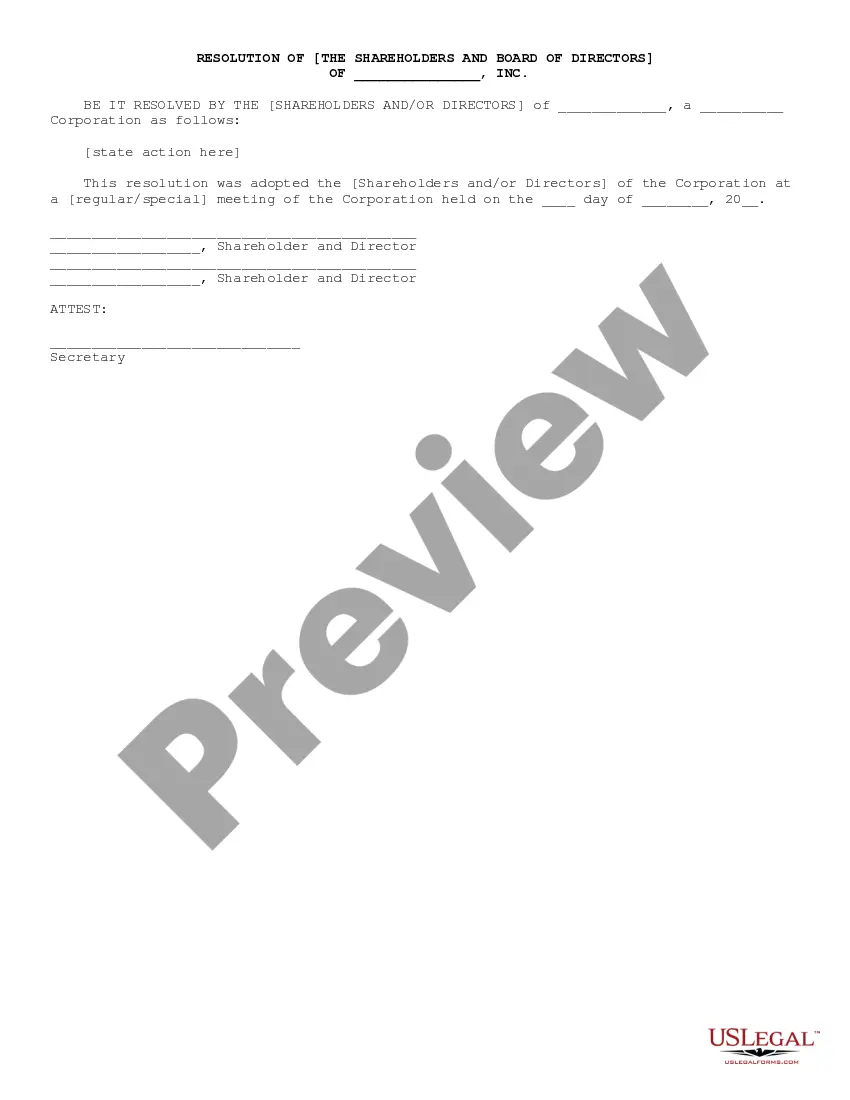

Get your form ready online
Our built-in tools help you complete, sign, share, and store your documents in one place.
Make edits, fill in missing information, and update formatting in US Legal Forms—just like you would in MS Word.
Download a copy, print it, send it by email, or mail it via USPS—whatever works best for your next step.
Sign and collect signatures with our SignNow integration. Send to multiple recipients, set reminders, and more. Go Premium to unlock E-Sign.
If this form requires notarization, complete it online through a secure video call—no need to meet a notary in person or wait for an appointment.
We protect your documents and personal data by following strict security and privacy standards.

Make edits, fill in missing information, and update formatting in US Legal Forms—just like you would in MS Word.

Download a copy, print it, send it by email, or mail it via USPS—whatever works best for your next step.

Sign and collect signatures with our SignNow integration. Send to multiple recipients, set reminders, and more. Go Premium to unlock E-Sign.

If this form requires notarization, complete it online through a secure video call—no need to meet a notary in person or wait for an appointment.

We protect your documents and personal data by following strict security and privacy standards.
Looking for another form?


Form popularity
FAQ
Resolutions begin with "Whereas" statements, which provides the basic facts and reasons for the resolution, and conclude with "Resolved" statements which, identifies the specific proposal for the requestor's course of action.
How to Write a Board Resolution (Step-by-Step) Establish Resolution Title. The resolution title should capture the board's name and a concise statement about the issue you want to record. Document Resolution. Use formal language to record the resolutions. Document Board of Director Votes.
How to write a board resolution Put the date and resolution number at the top. Give the resolution a title that relates to the decision. Use formal language. Continue writing out each critical statement. Wrap up the heart of the resolution in the last statement.
A board resolution is essentially a written legal record of a decision that was made by the board. Resolutions allow the board to document their important decisions so that they are easy to access and refer back to if needed. These resolutions are typically stored with the board's meeting minutes.
How to write a board resolution Put the date and resolution number at the top. Give the resolution a title that relates to the decision. Use formal language. Continue writing out each critical statement. Wrap up the heart of the resolution in the last statement.
What Are the Components of a Nonprofit Board Resolution Template? The board meeting date. The number of the resolution. A title of the resolution. The resolution itself (what is being voted on) The name and vote of each voting member of the board. The Chairperson's name and signature.
Resolutions begin with "Whereas" statements, which provides the basic facts and reasons for the resolution, and conclude with "Resolved" statements which, identifies the specific proposal for the requestor's course of action.
7 steps for writing a resolution Put the date and resolution number at the top. Give the resolution a title that relates to the decision. Use formal language. Continue writing out each critical statement. Wrap up the heart of the resolution in the last statement.
The first resolved clause should recognize her/his contributions and refer to her/him by full name: The first letter of resolved clauses should NOT be capitalized. Only the next to the last resolved clause should have an “and” after the semicolon. The resolved clauses should have indentions.
Write a testimonial that will captivate your audience with these 5 tips. Paint a picture with details. Create a story with soul. Keep it positive. Draw their eyes into the story. Tell them the next step. Give supporters an easy way to share their stories on your website and social media channels.
