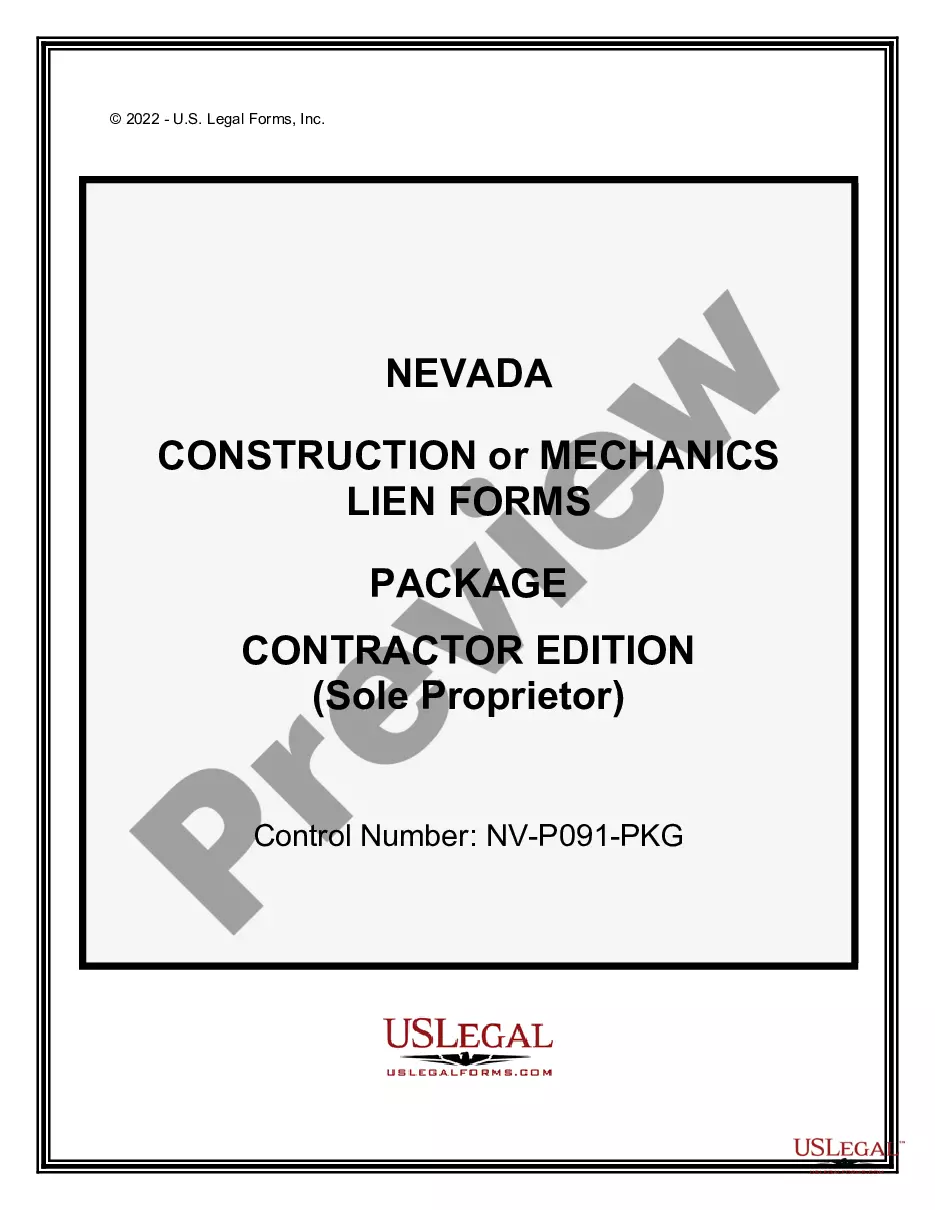
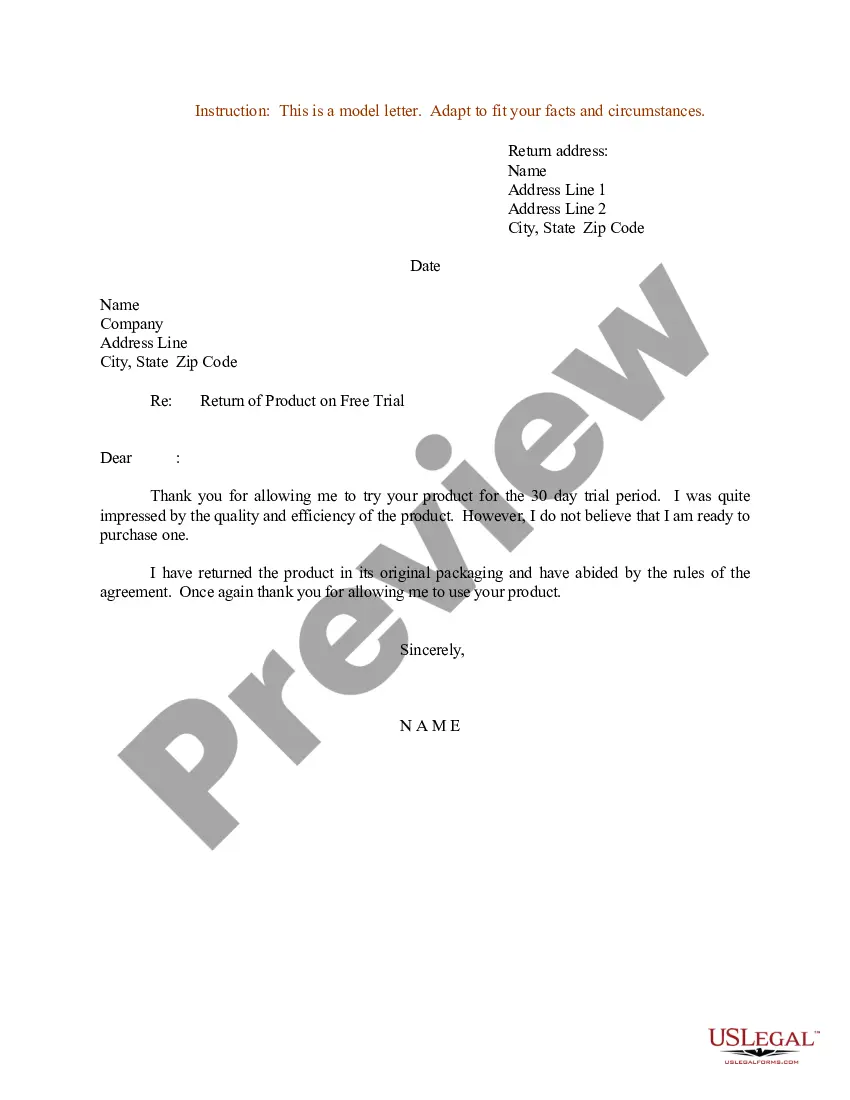
Letter Instruction Sample With Signature In Arizona
Description


Get your form ready online
Our built-in tools help you complete, sign, share, and store your documents in one place.
Make edits, fill in missing information, and update formatting in US Legal Forms—just like you would in MS Word.
Download a copy, print it, send it by email, or mail it via USPS—whatever works best for your next step.
Sign and collect signatures with our SignNow integration. Send to multiple recipients, set reminders, and more. Go Premium to unlock E-Sign.
If this form requires notarization, complete it online through a secure video call—no need to meet a notary in person or wait for an appointment.
We protect your documents and personal data by following strict security and privacy standards.

Make edits, fill in missing information, and update formatting in US Legal Forms—just like you would in MS Word.

Download a copy, print it, send it by email, or mail it via USPS—whatever works best for your next step.

Sign and collect signatures with our SignNow integration. Send to multiple recipients, set reminders, and more. Go Premium to unlock E-Sign.

If this form requires notarization, complete it online through a secure video call—no need to meet a notary in person or wait for an appointment.

We protect your documents and personal data by following strict security and privacy standards.
Looking for another form?
Form popularity
FAQ
When you see a notary's seal on a document, it means a notary public verified that the transaction authentic and properly executed. Having a document notarized is the same as swearing under oath in a court of law—you are saying that the facts contained in the document are true.
Yes, you may notarize a signature on a document that includes handwritten paragraphs. A document can be typed or handwritten. If the notarial certificate under the signature is not included, be sure to attach a loose certificate chosen by your customer.
Use clear and authoritative language to administer the oath or affirmation. For example: “Do you solemnly swear (or affirm) that the statement you are about to make is the truth, the whole truth, and nothing but the truth?” If the person is taking an oath, they can respond with “I do” or “I swear.”
To make a notarized letter, begin with your contact details, create a clear message explaining the purpose of the letter. Include any legal language if necessary. Conclude with a formal closing and leave space for your signature. And that's how you write a statement that needs to be notarized.
Yes, you may notarize a signature on a document that includes handwritten paragraphs. A document can be typed or handwritten. If the notarial certificate under the signature is not included, be sure to attach a loose certificate chosen by your customer.
One of the most common mistakes that notaries make is not printing or signing their name exactly as it appears on their notary commission.
Every notarized letter of authorization must list the names of the requesting parties and the reason for authorization. The document must also contain the signatures of each party as well as the notary public's signature to confirm that they witnessed and verified the signatures.
The following is a sample oath: “Do you solemnly swear or affirm that you personally know this person as (name of person whose signature is to be notarized) , and that he/she is the person named in the document to be notarized (so help you God)?”
To make a notarized letter, begin with your contact details, create a clear message explaining the purpose of the letter. Include any legal language if necessary. Conclude with a formal closing and leave space for your signature. And that's how you write a statement that needs to be notarized.
These details describe the facts the Notary is certifying in the particular notarization. An example of acknowledgment wording in the body might read: “… On (today's date), (signer name) personally appeared before me and acknowledged executing the document.”