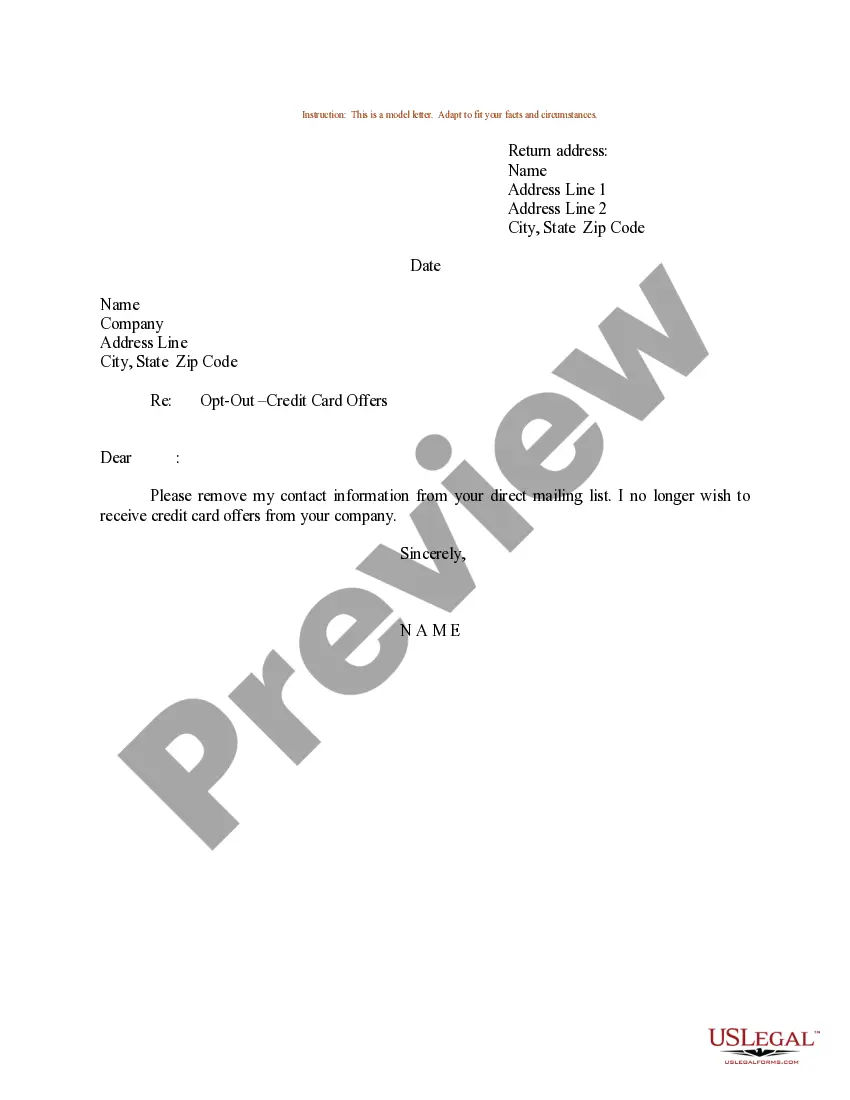
Sample Letter To Be Removed From Mailing List Form In Cuyahoga
Description

Get your form ready online
Our built-in tools help you complete, sign, share, and store your documents in one place.
Make edits, fill in missing information, and update formatting in US Legal Forms—just like you would in MS Word.
Download a copy, print it, send it by email, or mail it via USPS—whatever works best for your next step.
Sign and collect signatures with our SignNow integration. Send to multiple recipients, set reminders, and more. Go Premium to unlock E-Sign.
If this form requires notarization, complete it online through a secure video call—no need to meet a notary in person or wait for an appointment.
We protect your documents and personal data by following strict security and privacy standards.

Make edits, fill in missing information, and update formatting in US Legal Forms—just like you would in MS Word.

Download a copy, print it, send it by email, or mail it via USPS—whatever works best for your next step.

Sign and collect signatures with our SignNow integration. Send to multiple recipients, set reminders, and more. Go Premium to unlock E-Sign.

If this form requires notarization, complete it online through a secure video call—no need to meet a notary in person or wait for an appointment.

We protect your documents and personal data by following strict security and privacy standards.
Looking for another form?






Form popularity
FAQ
Contact Companies Directly Contact the company's customer service department (this information will probably be included on the mailing or the company's website) and ask them to remove your name from its mailing list.
You can either call the customer service number on the mailing itself, or search online for ``remove mailing list (company)''. Be diligent about unchecking ``yes, send me stuff!'' boxes on web forms, and be choosy about giving out your address. There are more details here: How to Get Rid of Junk Mail.
Periodically email or call the companies and ask to be removed from their mailing lists (check their privacy policy page for exact opt out contact details). This is the most effective way to get off mailing lists.
I would like my name and address removed, effective immediately. You are currently sending unsolicited mail to: insert name, address, and zip code. I'm also requesting that you remove from your mailing list all other individuals living at this address.
Document Everything: Keep a record of all the mail you receive from this person, including dates and any correspondence where you requested them to stop. Contact the Sender: If you feel safe doing so, send a clear and firm message (via email or a letter) stating that you do not wish to receive any more mail from them.
Before you toss out any mail or documents containing your personal information (name, address, account numbers, etc.), run those papers through a paper shredder first. Add these revealing everyday documents you never knew you should shred to that list while you're at it.
Wait at least a day, if not two, before deciding they're still emailing you. After that, the best recourse is to either delete the messages manually, mark them as spam, or automate your email interface to take one of those actions automatically.
Ctrl-D deletes all characters to the right of the cursor (including the character under it).