Private And Confidential Letter Sample With Signature
Description


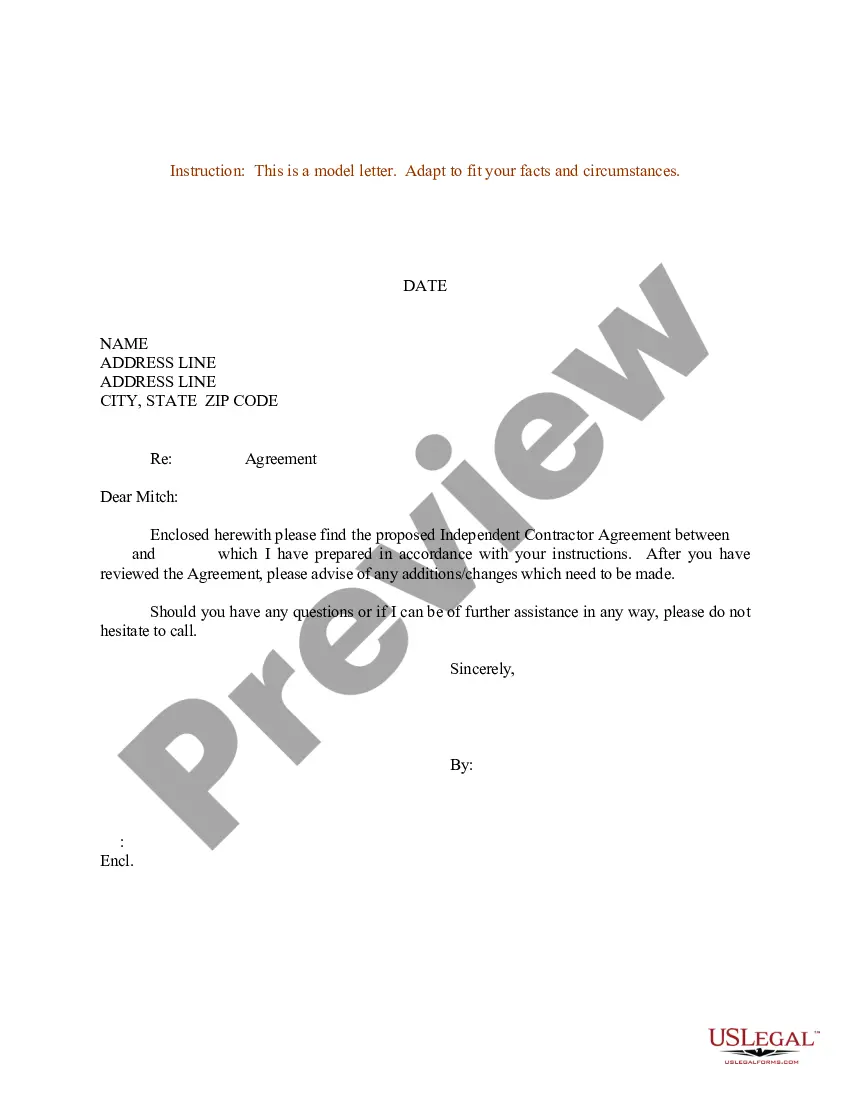
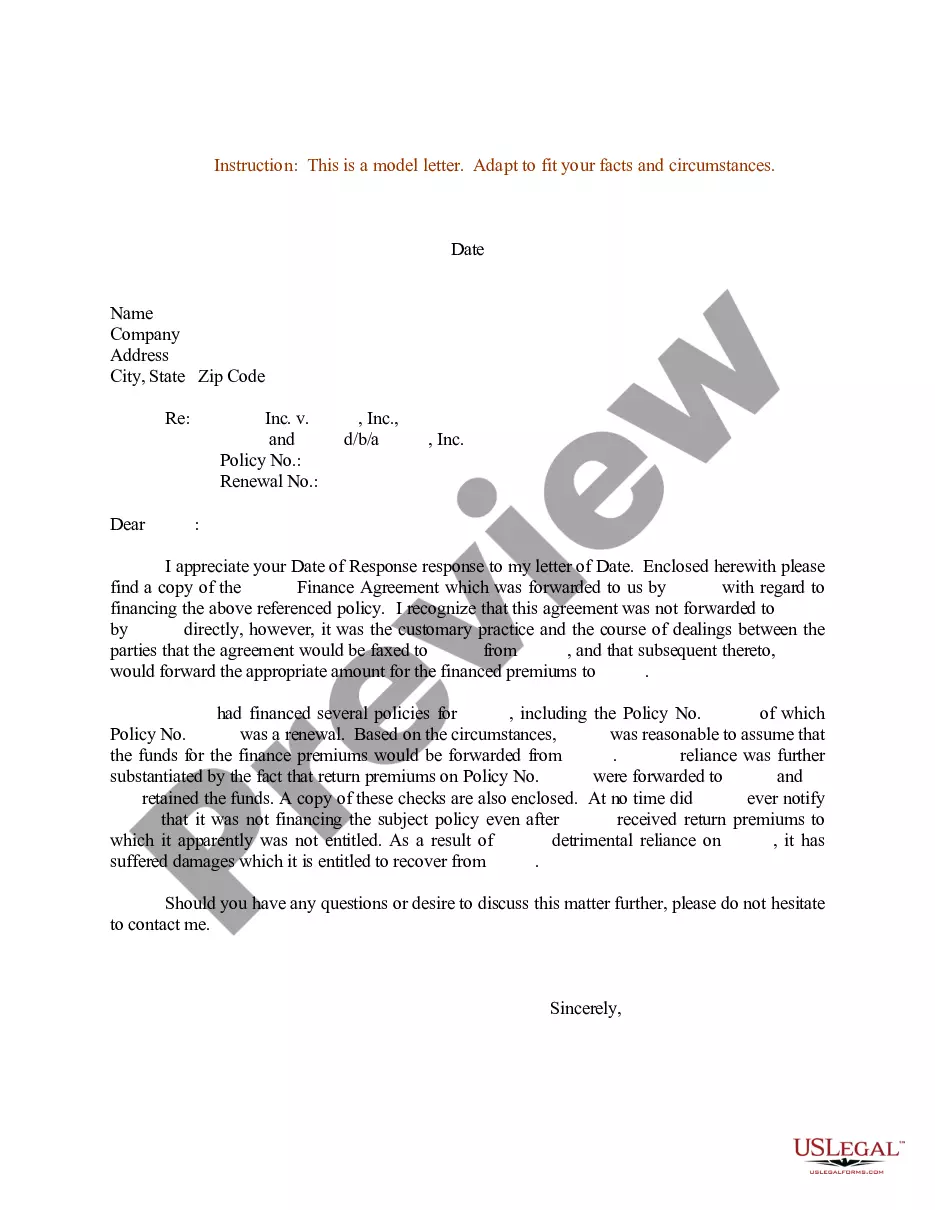
Get your form ready online
Our built-in tools help you complete, sign, share, and store your documents in one place.
Make edits, fill in missing information, and update formatting in US Legal Forms—just like you would in MS Word.
Download a copy, print it, send it by email, or mail it via USPS—whatever works best for your next step.
Sign and collect signatures with our SignNow integration. Send to multiple recipients, set reminders, and more. Go Premium to unlock E-Sign.
If this form requires notarization, complete it online through a secure video call—no need to meet a notary in person or wait for an appointment.
We protect your documents and personal data by following strict security and privacy standards.

Make edits, fill in missing information, and update formatting in US Legal Forms—just like you would in MS Word.

Download a copy, print it, send it by email, or mail it via USPS—whatever works best for your next step.

Sign and collect signatures with our SignNow integration. Send to multiple recipients, set reminders, and more. Go Premium to unlock E-Sign.

If this form requires notarization, complete it online through a secure video call—no need to meet a notary in person or wait for an appointment.

We protect your documents and personal data by following strict security and privacy standards.
Looking for another form?
How to fill out Sample Letter For Agreement - Confidential Information?
Managing legal documents and processes can be an exhaustive addition to your day.
Private And Confidential Letter Sample With Signature and similar forms usually require you to search for them and comprehend how to fill them out properly.
Therefore, whether you are managing financial, legal, or personal issues, having a thorough and useful online archive of forms available when needed will be very beneficial.
US Legal Forms is the leading online resource for legal templates, providing over 85,000 state-specific forms and several tools to help you easily complete your documents.
Is it your first time using US Legal Forms? Register and create an account in mere minutes to gain access to the form library and Private And Confidential Letter Sample With Signature. Then, follow the instructions below to complete your form.
- Uncover the collection of pertinent documents available with just one click.
- US Legal Forms offers you state- and county-specific forms accessible anytime for downloading.
- Protect your document management procedures with a premium service that enables you to create any form within moments without additional or concealed charges.
- Simply Log In to your account, search for Private And Confidential Letter Sample With Signature, and download it instantly from the My documents section.
- You can also retrieve previously downloaded forms.
Form popularity
FAQ
Privileged and Confidentiality Email Disclaimers The content of this email is confidential and intended for the recipient specified in message only. It is strictly forbidden to share any part of this message with any third party, without a written consent of the sender.
How to Mark Content in a PDF as Confidential Open the Acrobat EDIT tool. Click on the WATERMARK option in the ribbon. Choose the ADD option. ... Under SOURCE, choose the radio button to add TEXT. Type ?Confidential? in the text field. Use the text options to adjust the font style, size, color, and alignment as needed.
This email may contain confidential information. If you are not the person to whom this message is addressed, be aware that any use, reproduction, or distribution of this message is strictly prohibited. If you received this in error, please contact the sender and immediately delete this email and any attachments.
The content of this email is intended for the person or entity to which it is addressed only. This email may contain confidential information. If you are not the person to whom this message is addressed, be aware that any use, reproduction, or distribution of this message is strictly prohibited.
One way to indicate confidentiality and sensitivity is to use labels on the letter and the envelope, such as "Confidential", "Personal", "Private", or "Sensitive".
