Example Of Legal Agreement Between Two Parties In Santa Clara
Description

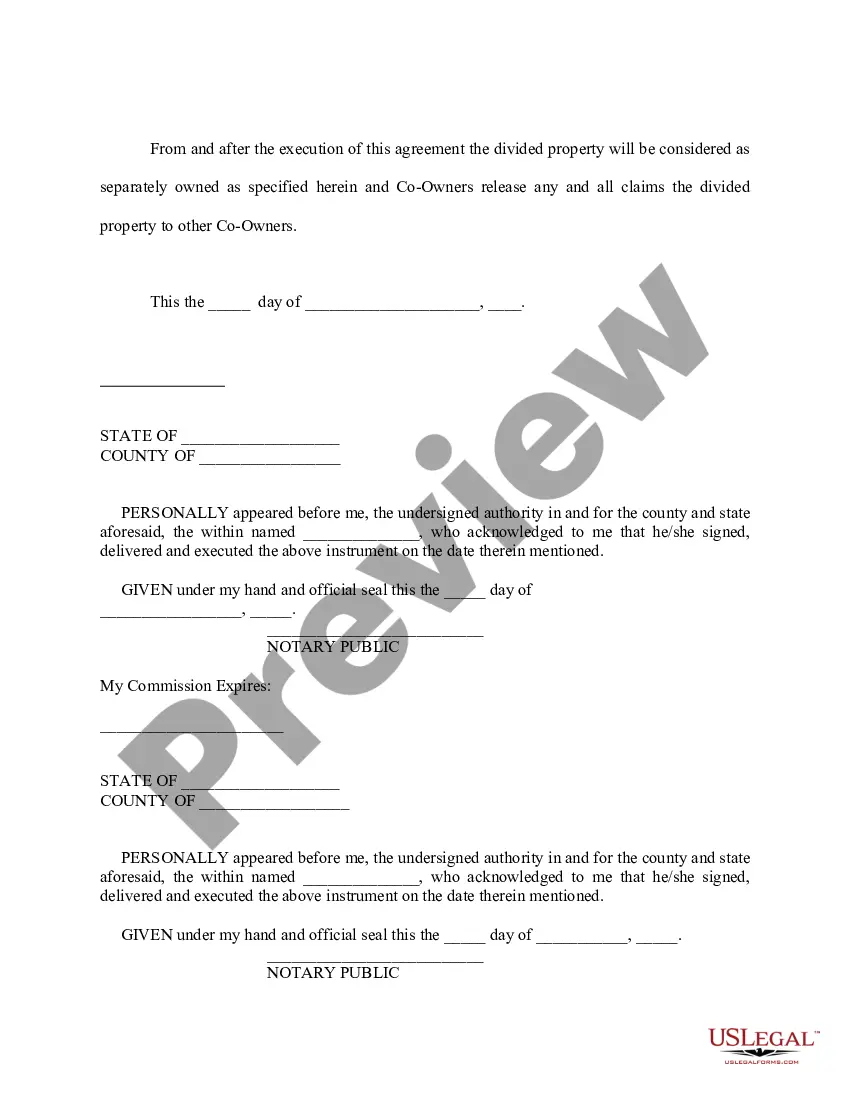
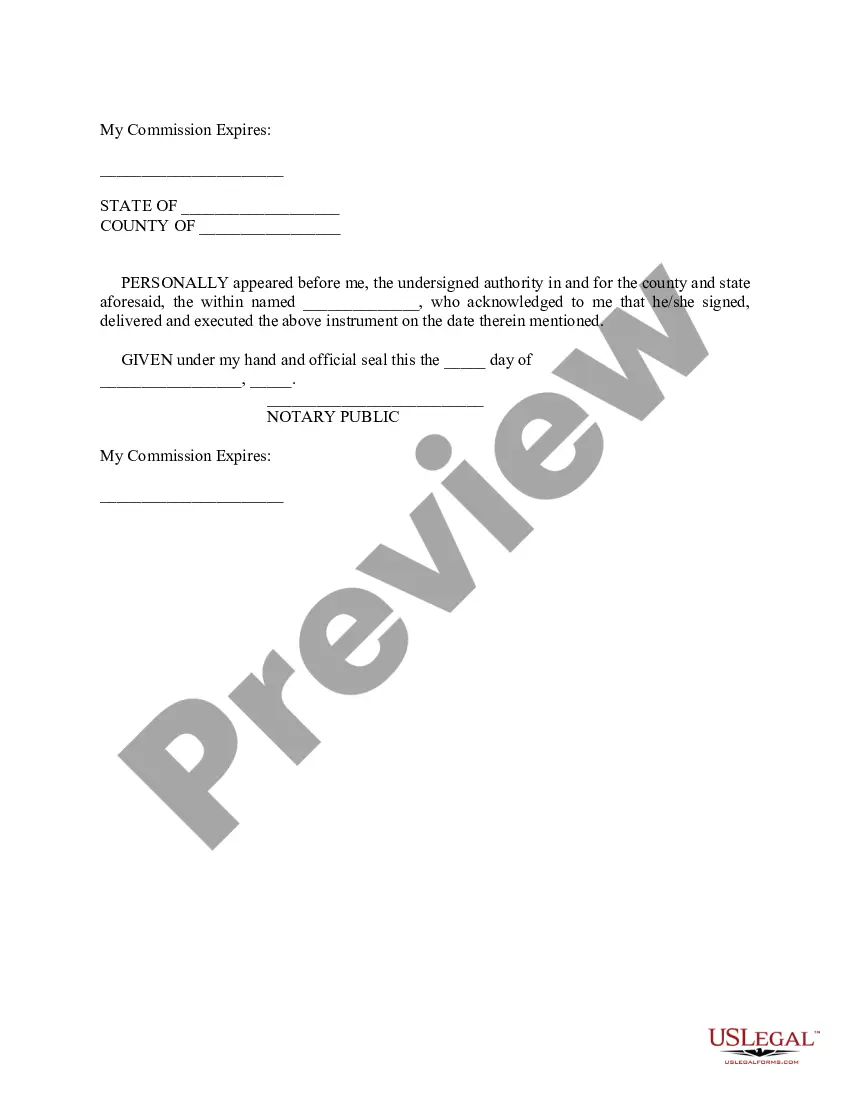
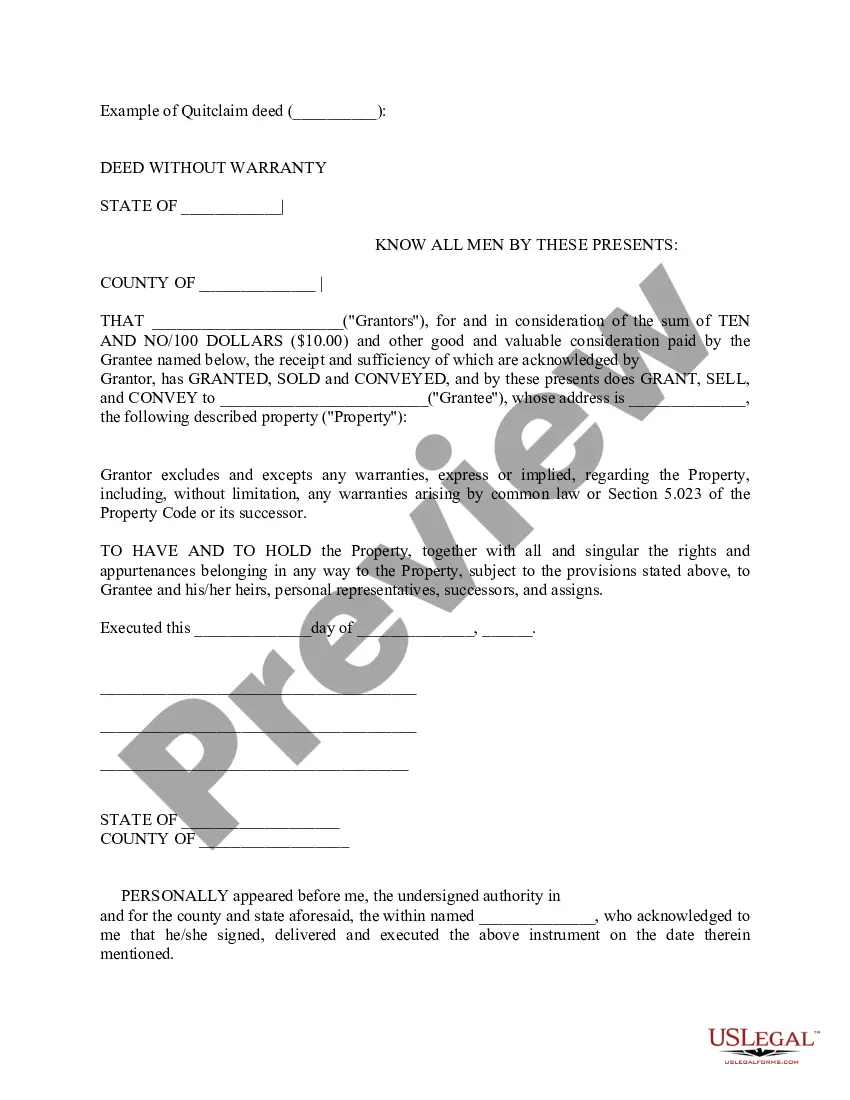
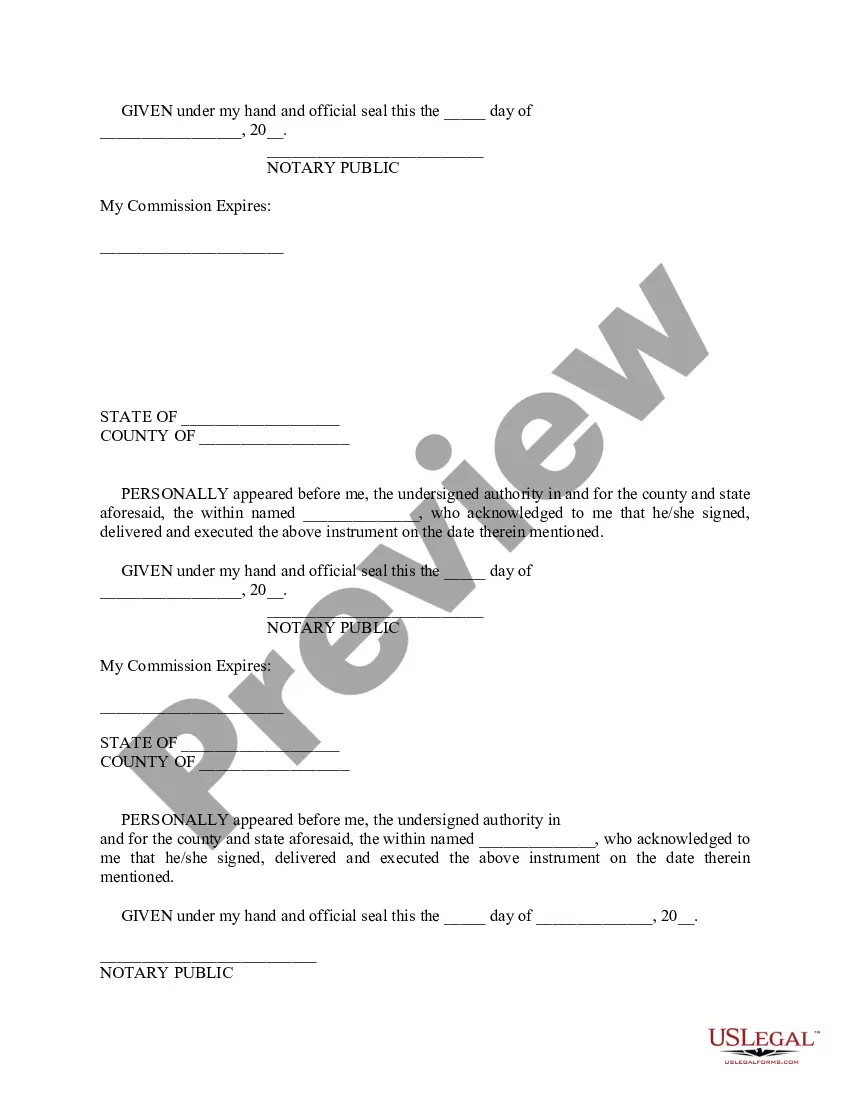
Get your form ready online
Our built-in tools help you complete, sign, share, and store your documents in one place.
Make edits, fill in missing information, and update formatting in US Legal Forms—just like you would in MS Word.
Download a copy, print it, send it by email, or mail it via USPS—whatever works best for your next step.
Sign and collect signatures with our SignNow integration. Send to multiple recipients, set reminders, and more. Go Premium to unlock E-Sign.
If this form requires notarization, complete it online through a secure video call—no need to meet a notary in person or wait for an appointment.
We protect your documents and personal data by following strict security and privacy standards.

Make edits, fill in missing information, and update formatting in US Legal Forms—just like you would in MS Word.

Download a copy, print it, send it by email, or mail it via USPS—whatever works best for your next step.

Sign and collect signatures with our SignNow integration. Send to multiple recipients, set reminders, and more. Go Premium to unlock E-Sign.

If this form requires notarization, complete it online through a secure video call—no need to meet a notary in person or wait for an appointment.

We protect your documents and personal data by following strict security and privacy standards.
Looking for another form?
Form popularity
FAQ
Note: In a default case, the signature of the respondent on the settlement agreement must be notarized. Attach the completed and signed Settlement Agreement and applicable attachments to the Judgment (FL-180). Submit the Judgment with the other documents required to complete the case.
You must have the signature of your spouse notarized. The court will mail this form back to you after the judge has signed the judgment. It's the official notice from the court that your divorce or legal separation is final.
Once a Marital Settlement Agreement is drafted, signed by the parties and file stamped by the Court, this becomes the Judgment in the case. The orders contained within the Judgment are enforceable by law enforcement as well as the family court.
A contract is an agreement between two parties that creates an obligation to perform (or not perform) a particular duty.
A comprehensive guide on how to draft a contract Know your parties. Agree on the terms. Set clear boundaries. Spell out the consequences. Specify how you will resolve disputes. Cover confidentiality. Check the legality of the contract. Open it up to negotiation.
You both must sign the agreement. If your spouse didn't file a response in this case, their signature must be notarized. This means an official checks their ID and then has them sign the document in front of them.
If your attorney agrees with the terms of release, you will have to sign the form in the presence of a notary public. Once you sign the form, you cannot change the terms and you have released the opposing party from further liability.
How do I tell the Court that my address has changed? The Notice of Change of Address form is a state form, MC-040 . You can access it and complete it online. File the completed original and the copy at the Court where your case was heard - see list of courthouses.
Here's a step-by-step guide to drafting your own settlement agreement in California: Gather Information About Assets, Debts, and Child Custody Needs. Draft a Clear Outline of the Agreement. Specify Terms for Property Division and Debt Allocation. Address Spousal Support and Child Custody Arrangements.
Home » What is a Proof of Service in California Family Court? Proof of service is a document that confirms you have officially delivered legal papers, such as complaints or motions, to the other party involved in a civil case, excluding the initial summons.
