Enclosure Letter Example Format
Description
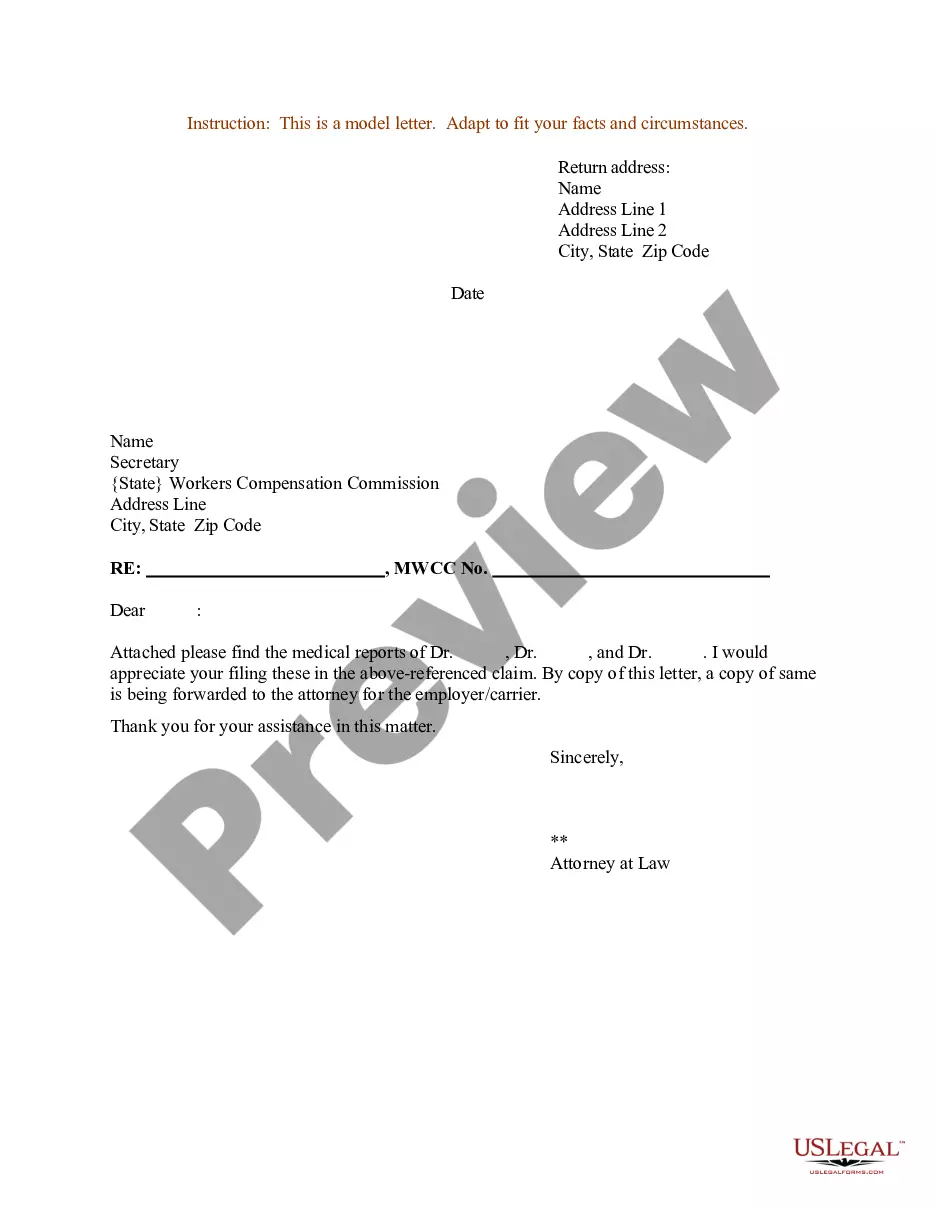
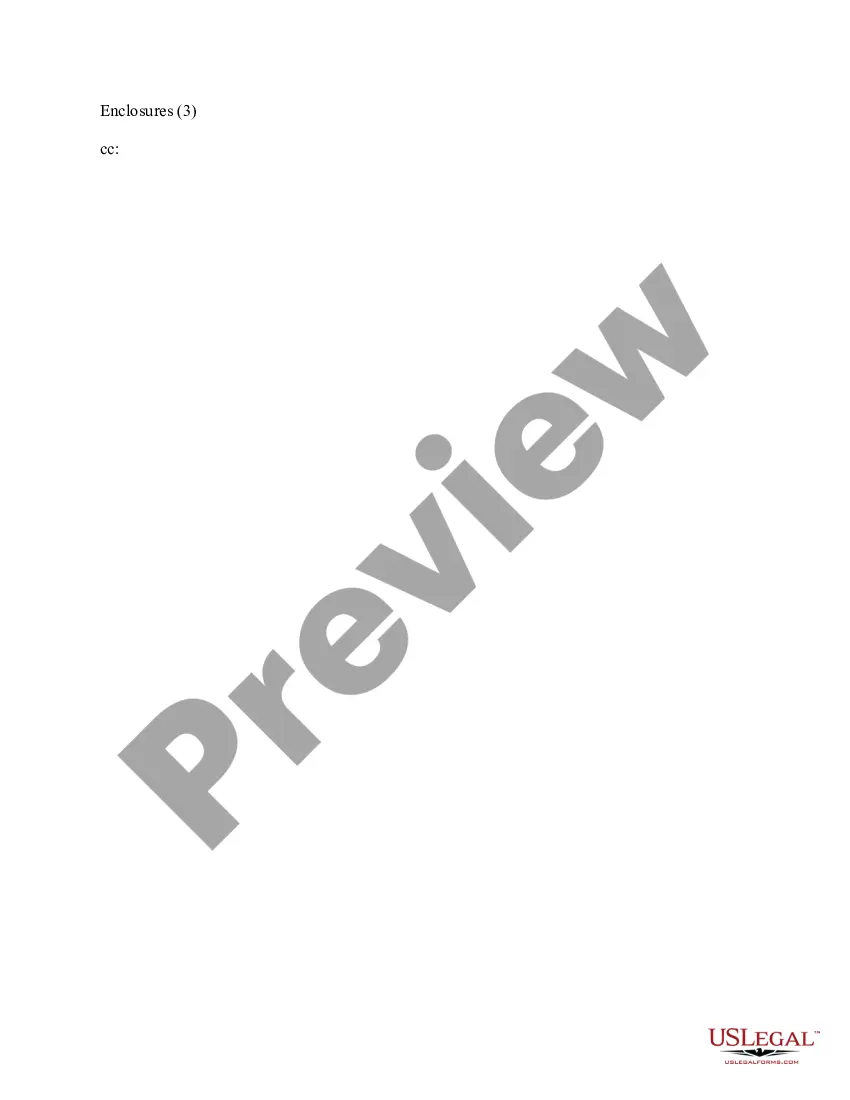
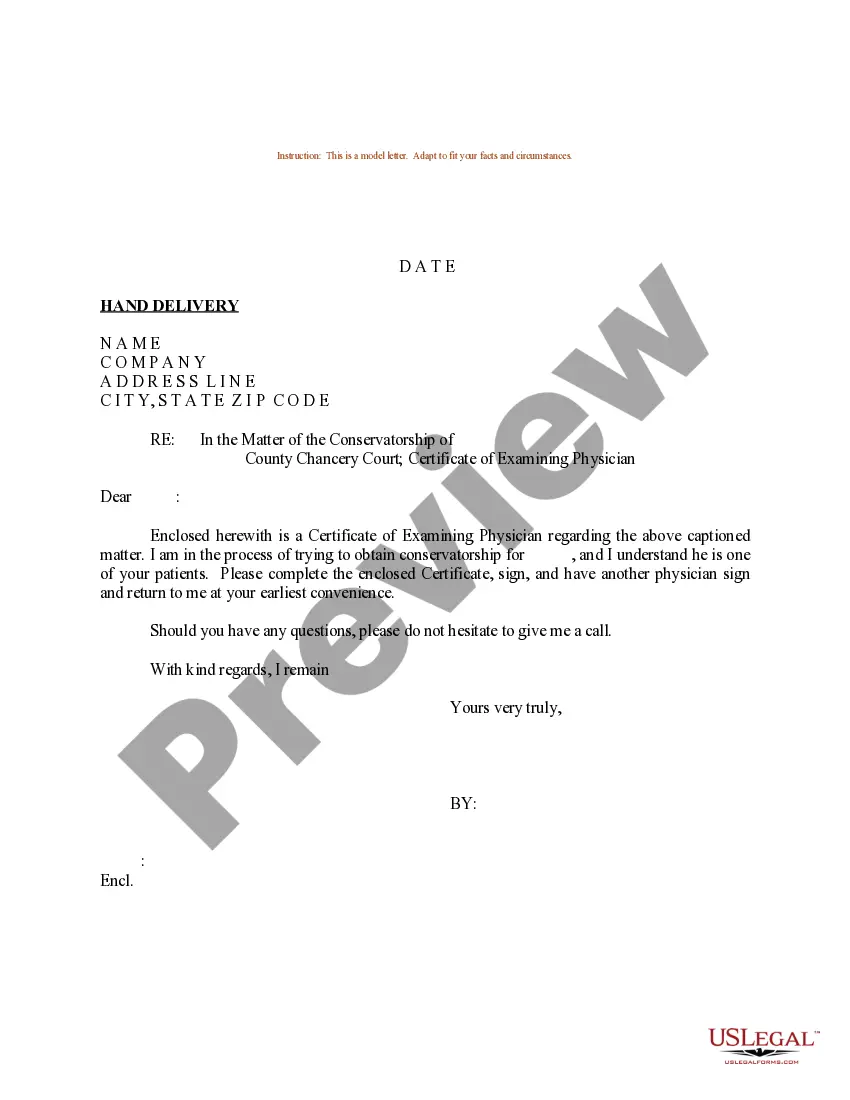
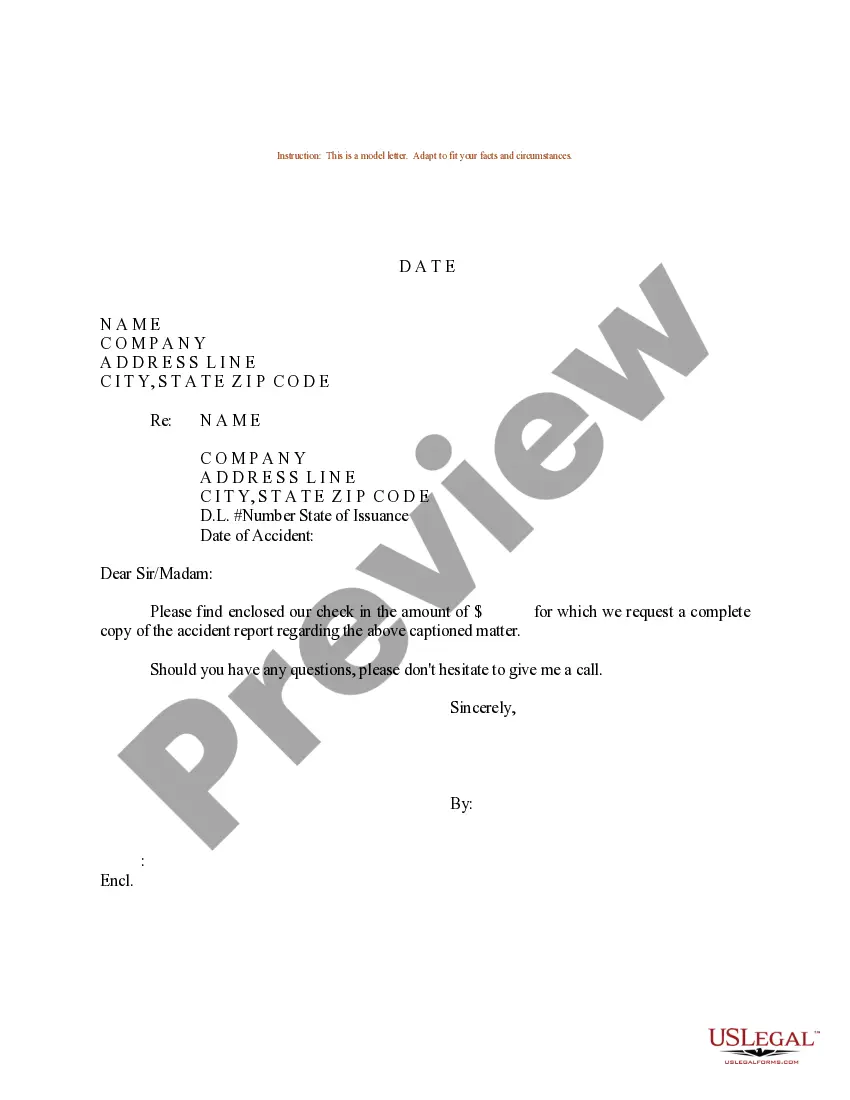
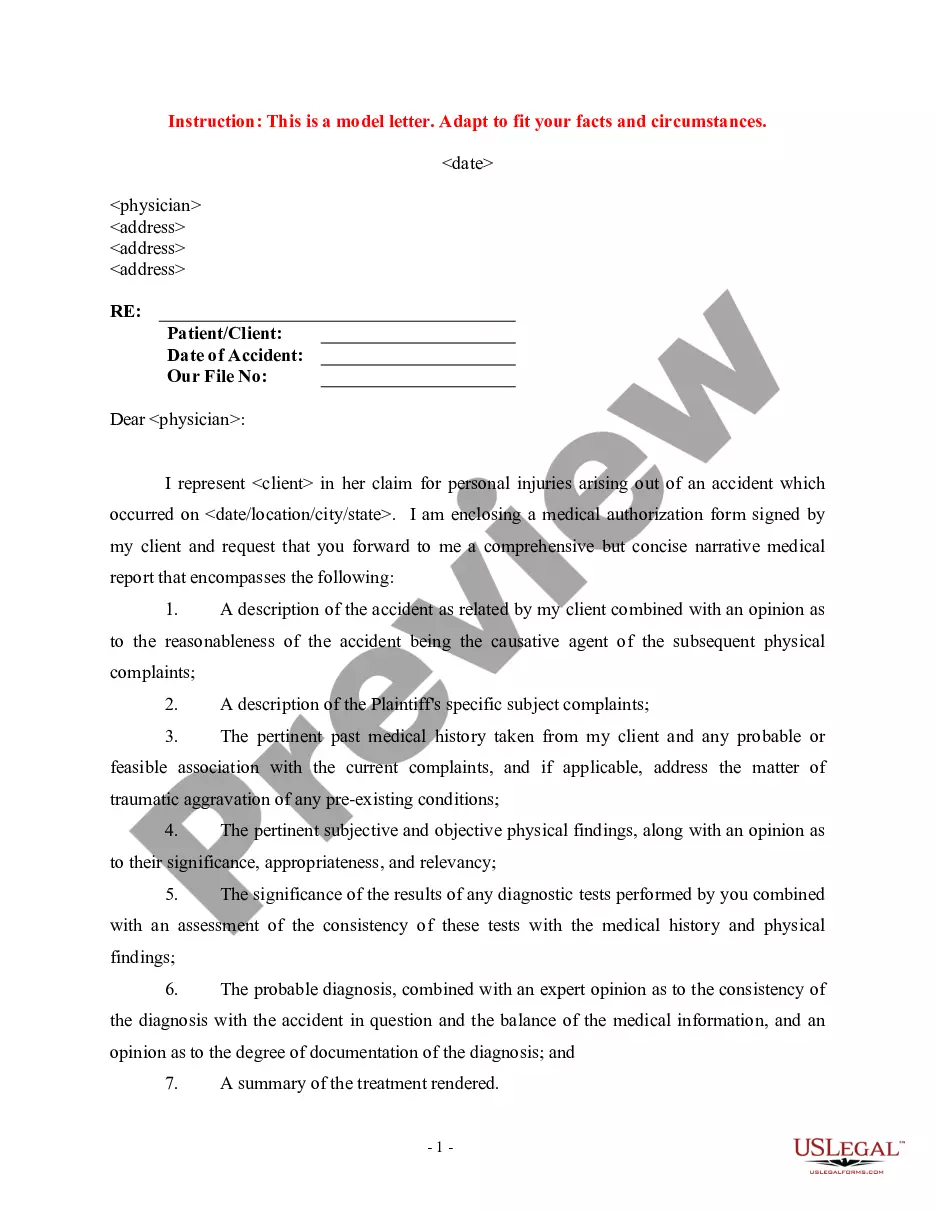
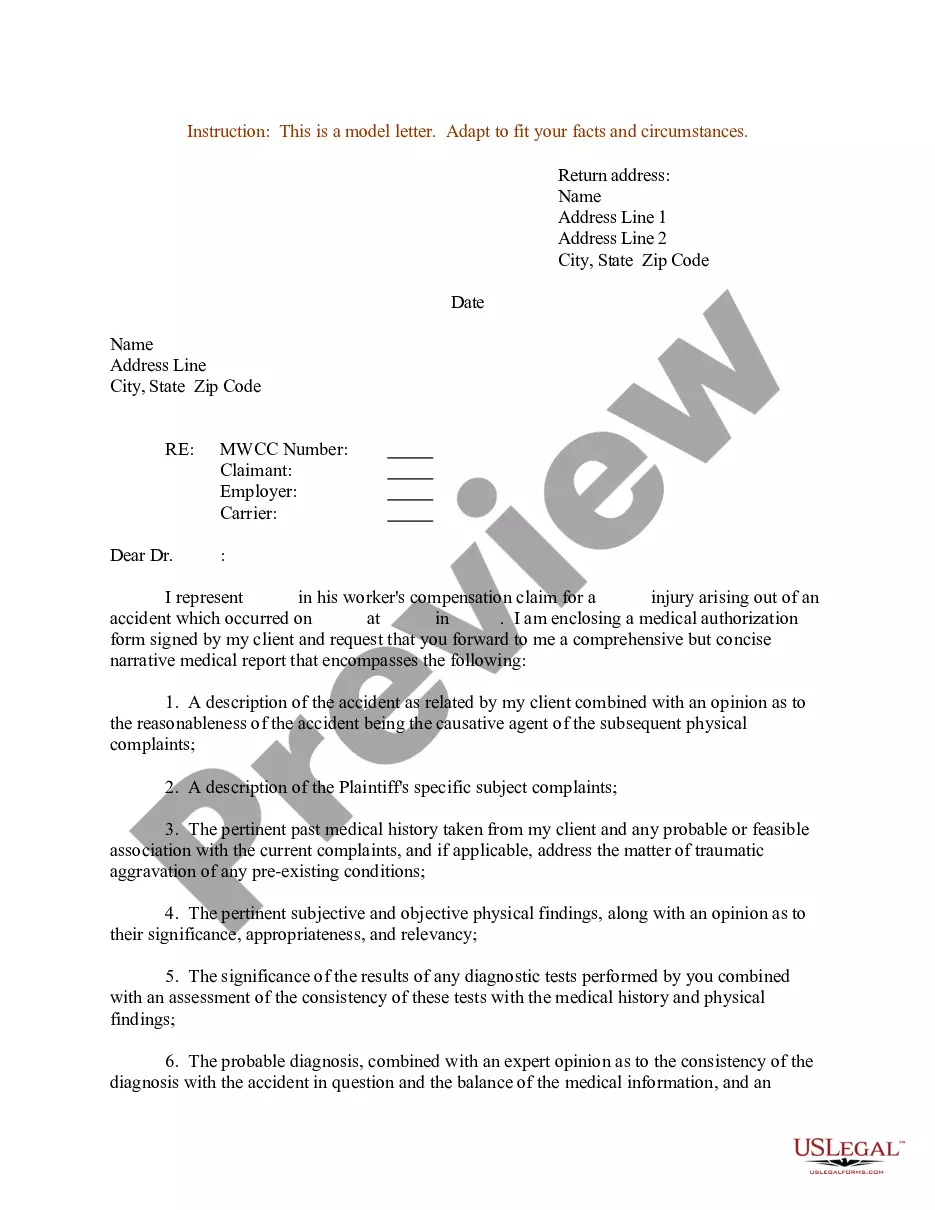
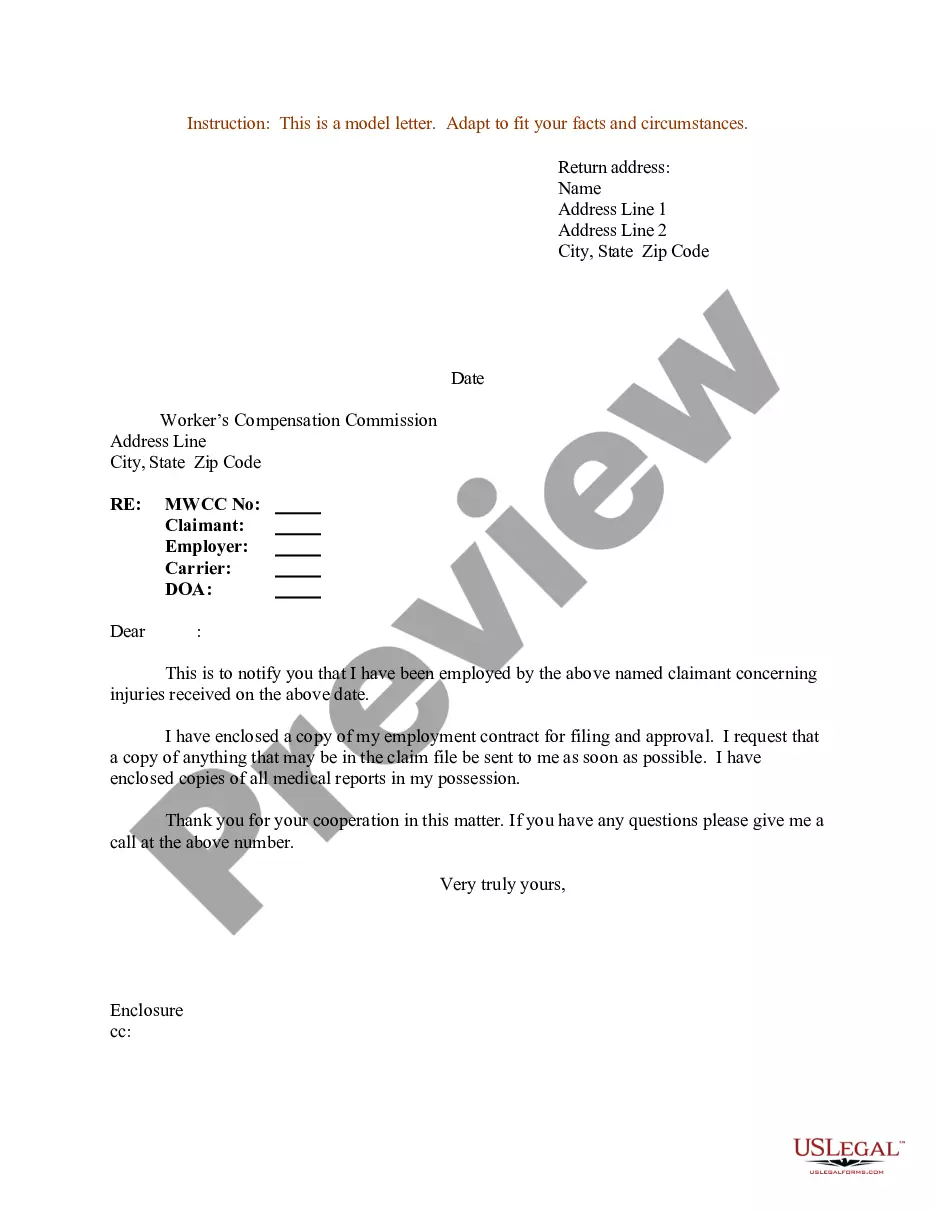

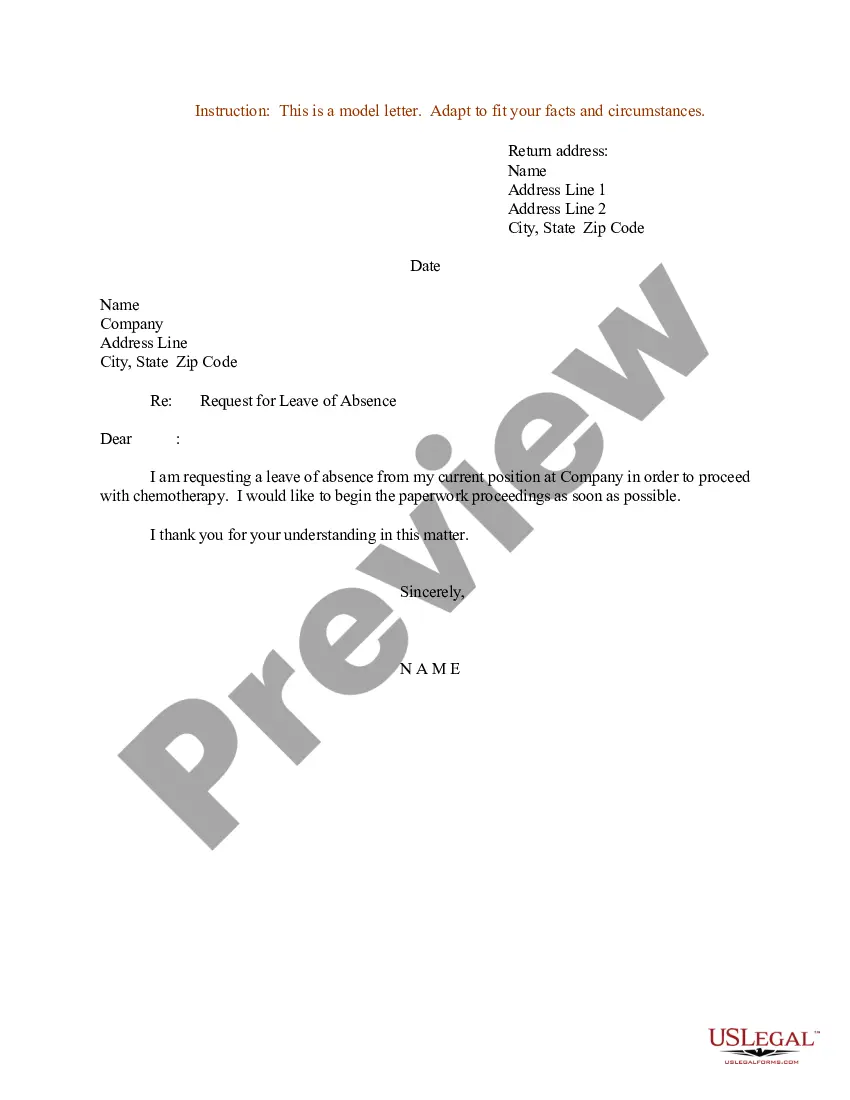

How to fill out Sample Letter For Enclosure Of Medical Reports?
The Enclosure Letter Template Example format displayed on this webpage is a reusable legal document created by experienced attorneys in alignment with federal and local laws and guidelines.
For over 25 years, US Legal Forms has offered individuals, companies, and lawyers access to more than 85,000 validated, state-specific forms for every business and personal need. It’s the fastest, easiest, and most reliable method to obtain the documents you require, as the service ensures bank-level data protection and anti-malware safeguards.
Subscribe to US Legal Forms to have validated legal templates for all of life’s situations readily available.
- Search for the document you require and review it.
- Browse through the example you searched and view it or read the form description to confirm it meets your requirements. If it doesn’t, use the search bar to find the appropriate one. Click Buy Now when you have located the template you wish to acquire.
- Register and Log Into your account.
- Choose the payment plan that works for you and create an account. Use PayPal or a credit card for a swift payment. If you already possess an account, Log In and verify your subscription to continue.
- Obtain the editable template.
- Select the format you prefer for your Enclosure Letter Template Example (PDF, Word, RTF) and save the document to your device.
- Fill out and sign the documents.
- Print the template to complete it by hand. Alternatively, use an online multi-functional PDF editor to promptly and accurately fill in and sign your document with a legally binding electronic signature.
- Download your document again.
- Re-utilize the same file whenever necessary. Access the My documents tab in your profile to redownload any forms you’ve previously obtained.
Form popularity
FAQ
Indicating enclosure in an application form typically involves a note at the bottom or near your signature. You can write 'Enclosures' followed by a brief list of the accompanying documents, such as references or certificates. This practice ensures a complete application and enhances its professionalism. For examples, check the enclosure letter example format on US Legal Forms.
Under your name at the end of the letter, skip two lines. On the third line, write "Enclosure:" or "Enclosures:" if there are multiple documents. Skip a line after "Enclosures:" and then begin your list of enclosures. Put each enclosed document title on its own line.
On a paper business letter, you often include the CC line underneath your signature, either above or below any enclosures line.
The enclosure is typically mentioned at the end of the letter, after the closing, and is indicated by the word "Enclosure" or "Enclosures" followed by the number of documents included. For example, "Enclosure: 1 resume" or "Enclosures: 2 writing samples, 1 reference list."
An enclosure is something that closes you in, like a pen or a cage. When a cobra disappeared from an enclosure at the Bronx Zoo, the entire Reptile House had to be shut down until the snake was found. An enclosure can also be something that's included in an envelope with a cover letter of some sort.
Enclosures. If you have enclosed any documents along with the letter, such as a resume, you indicate this simply by typing Enclosures below the closing. As an option, you may list the name of each document you are including in the envelope.