Subpoena Document Request Form California
Description
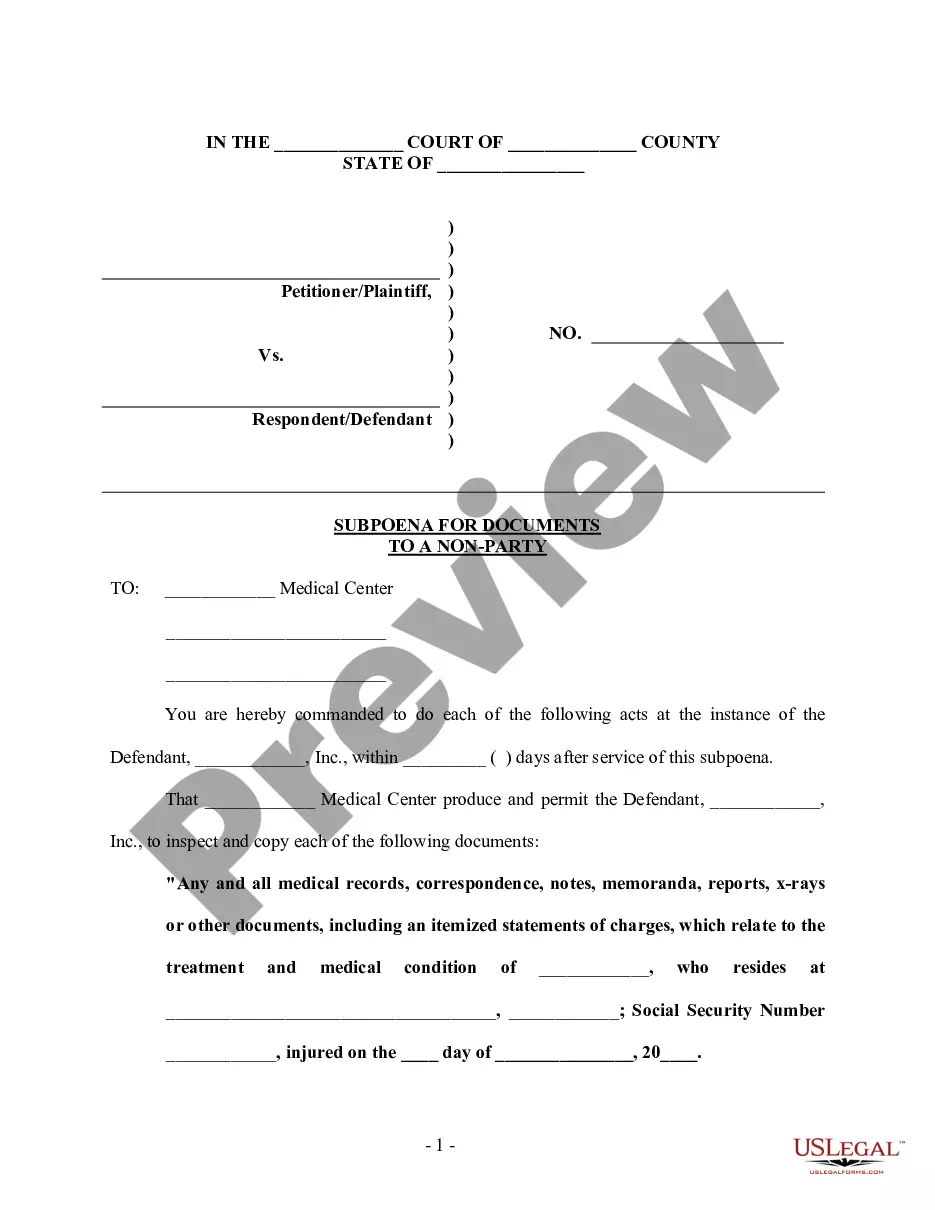
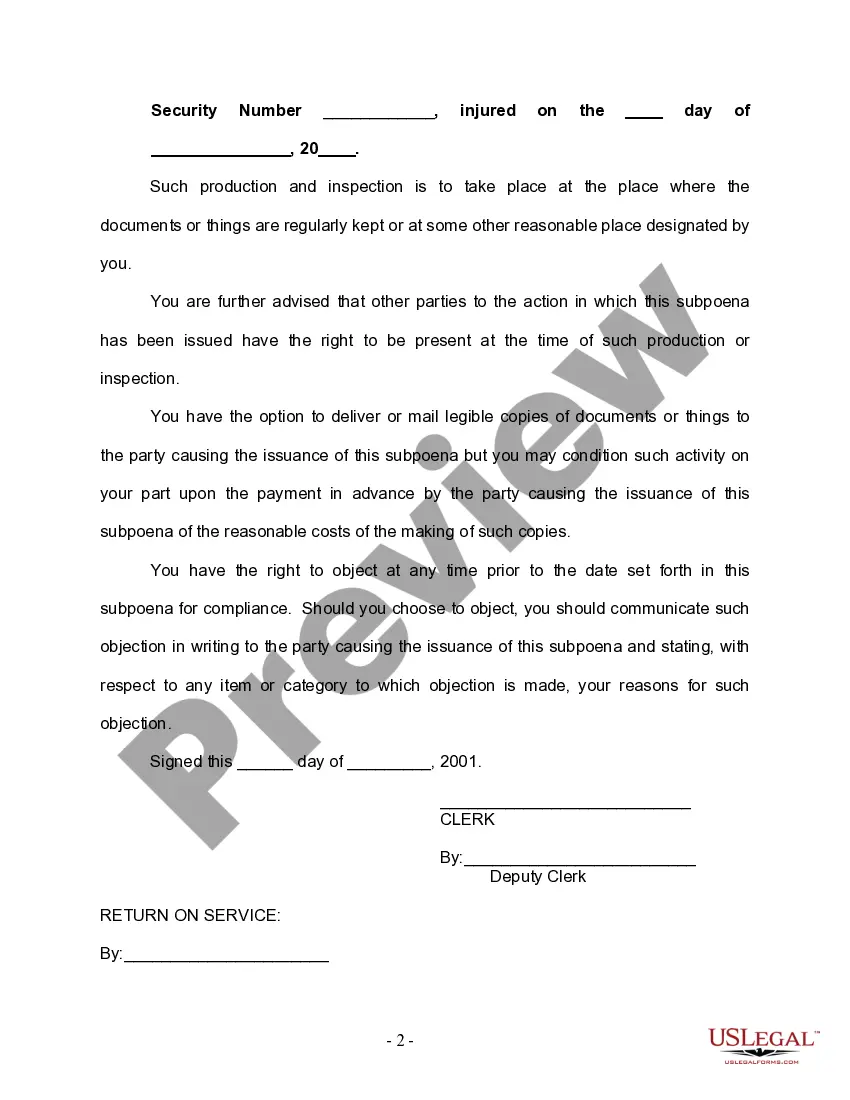
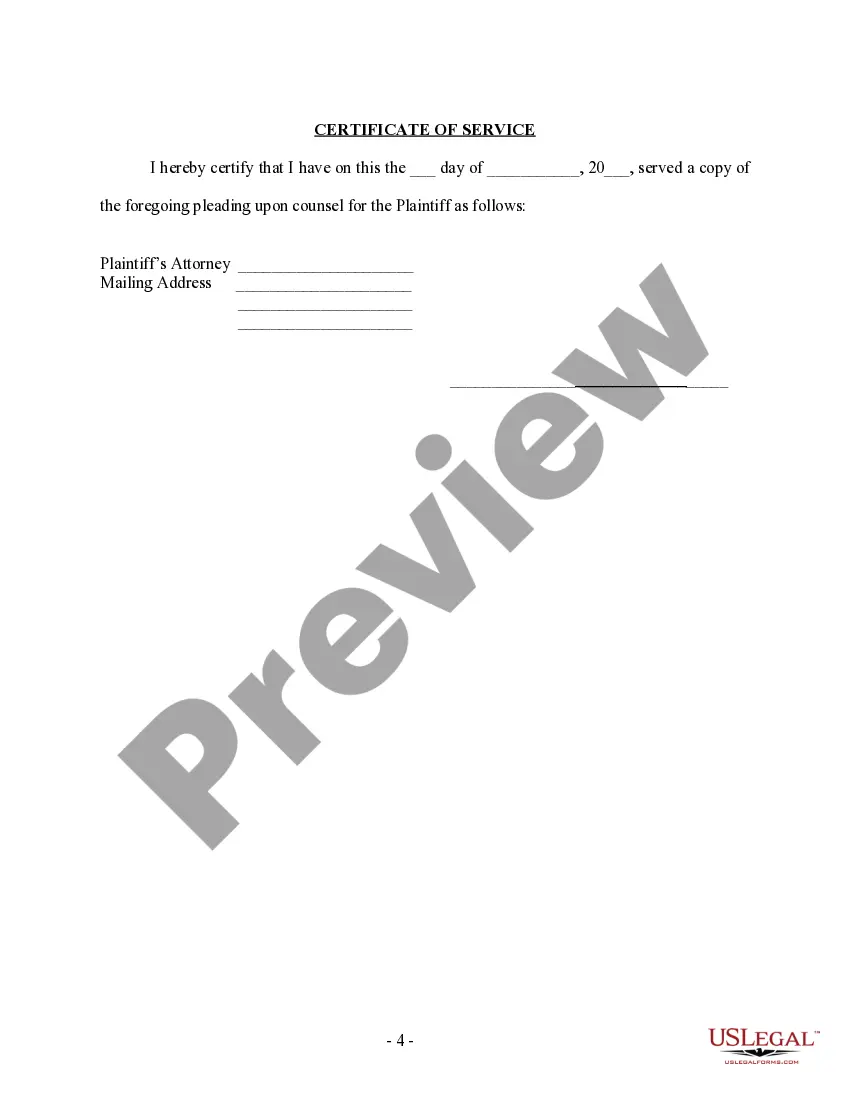
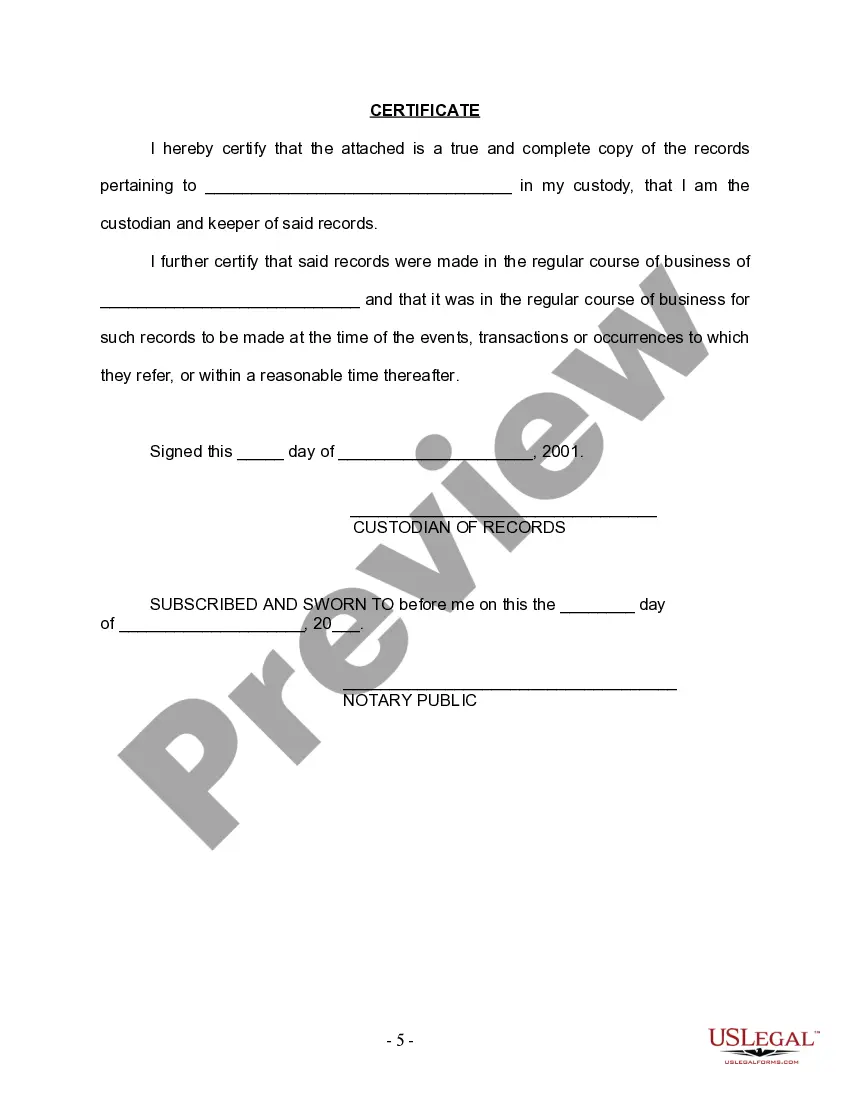
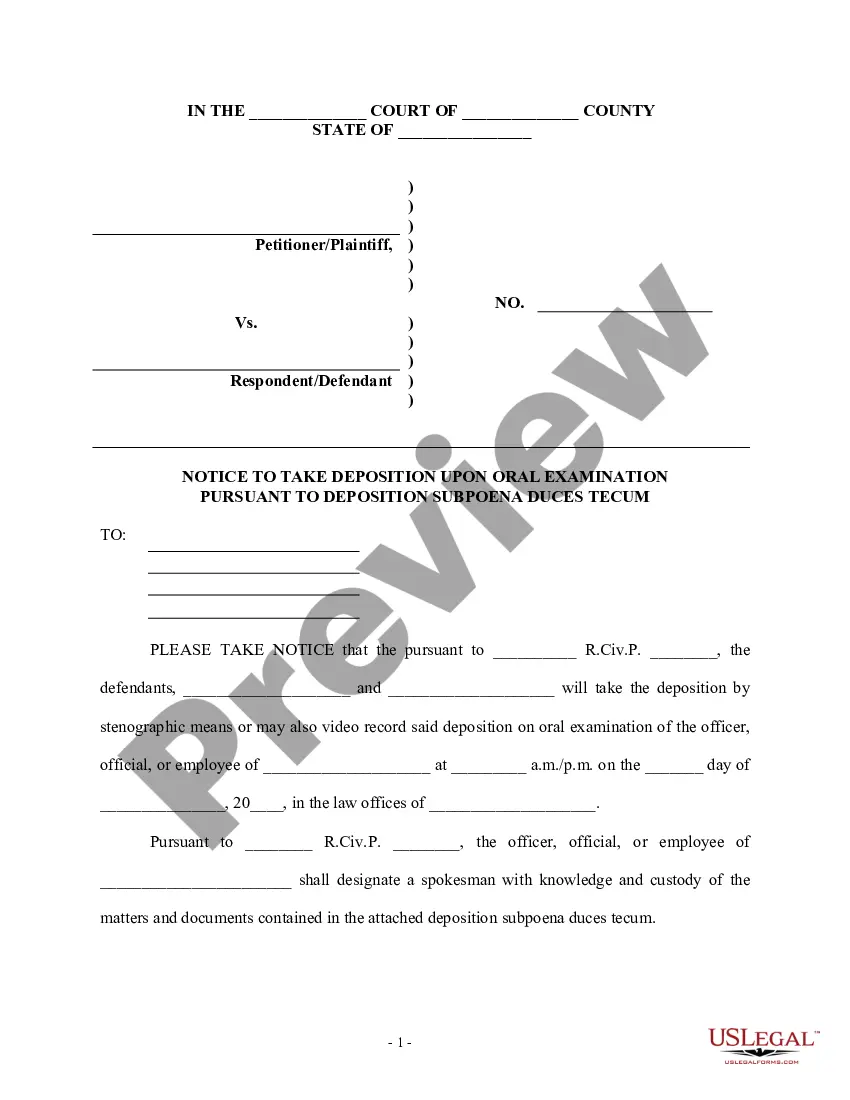
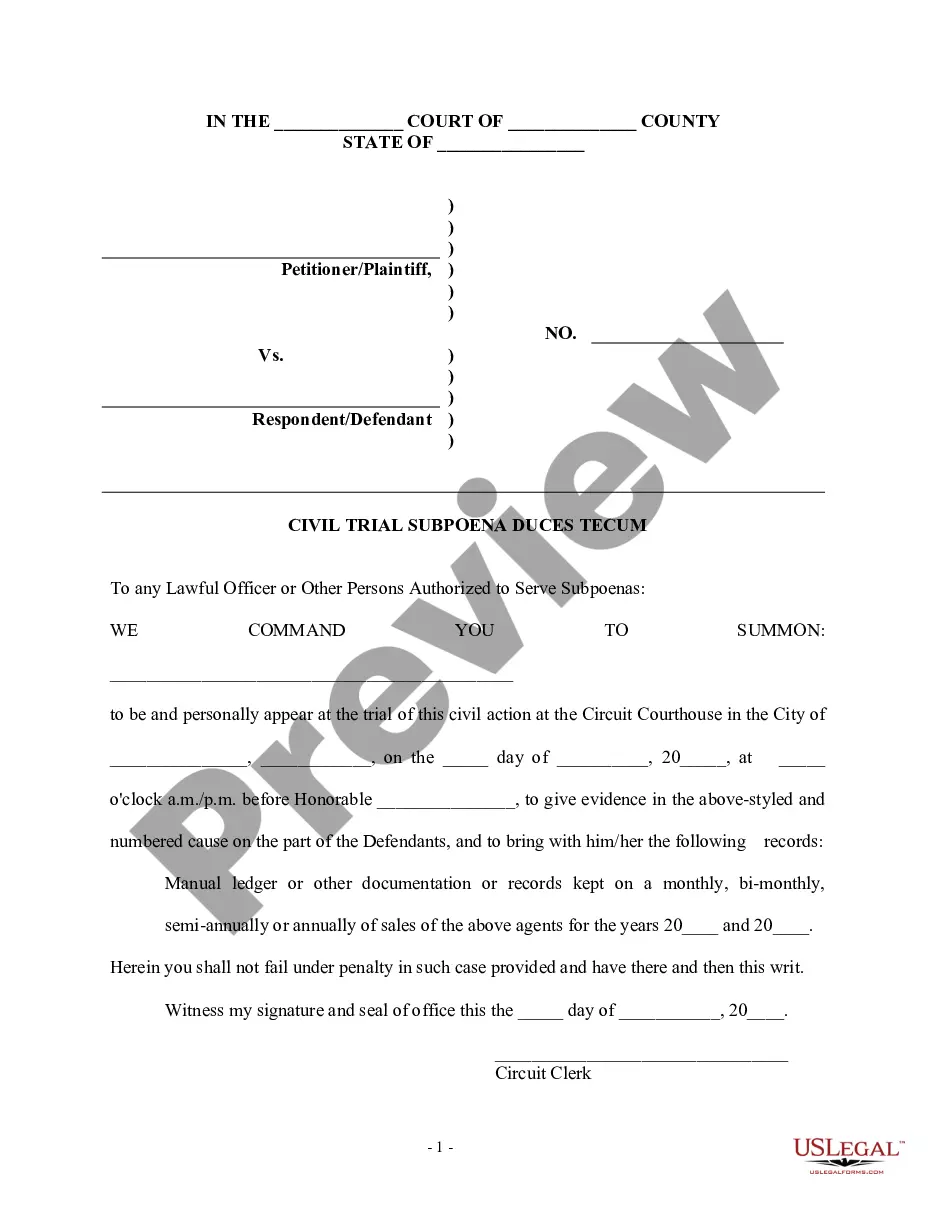
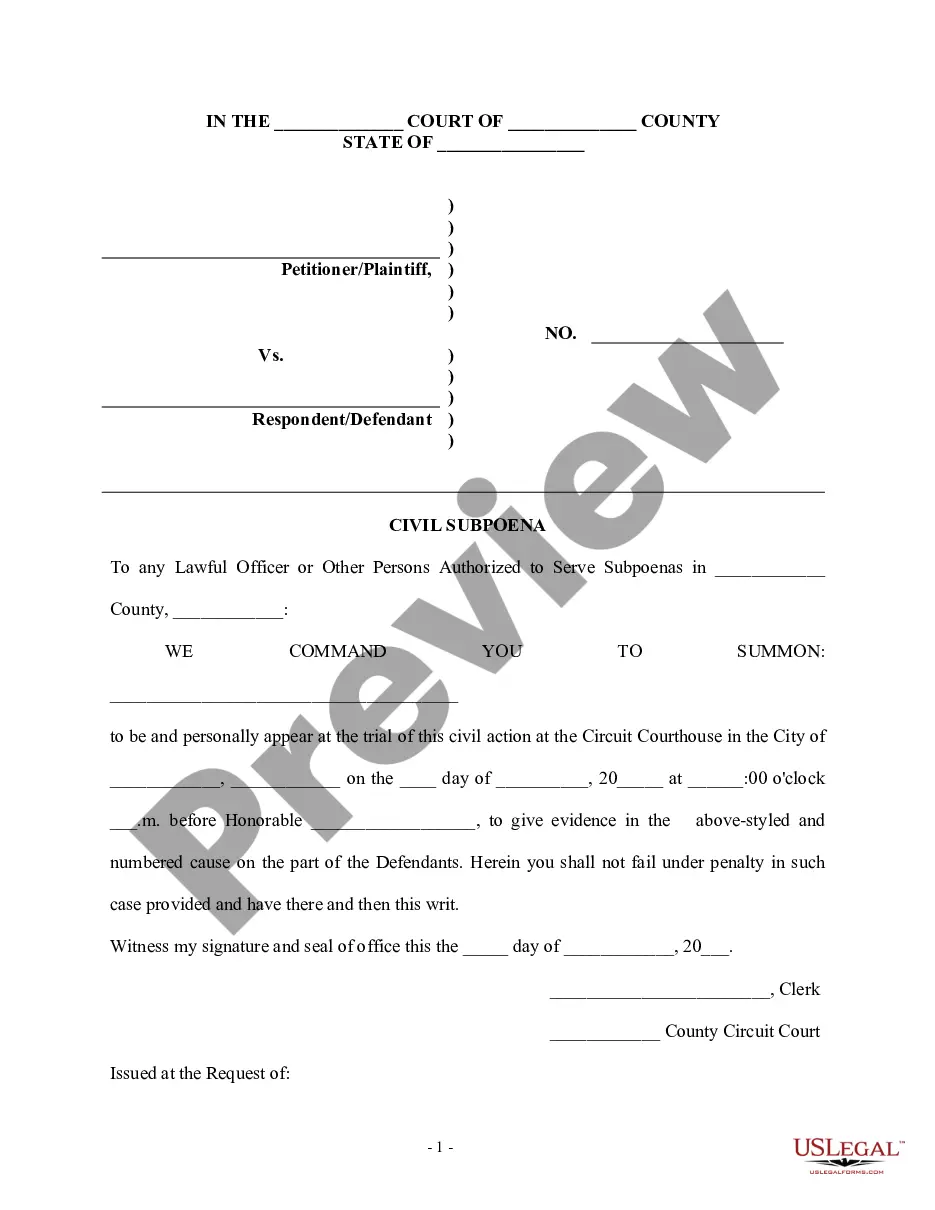
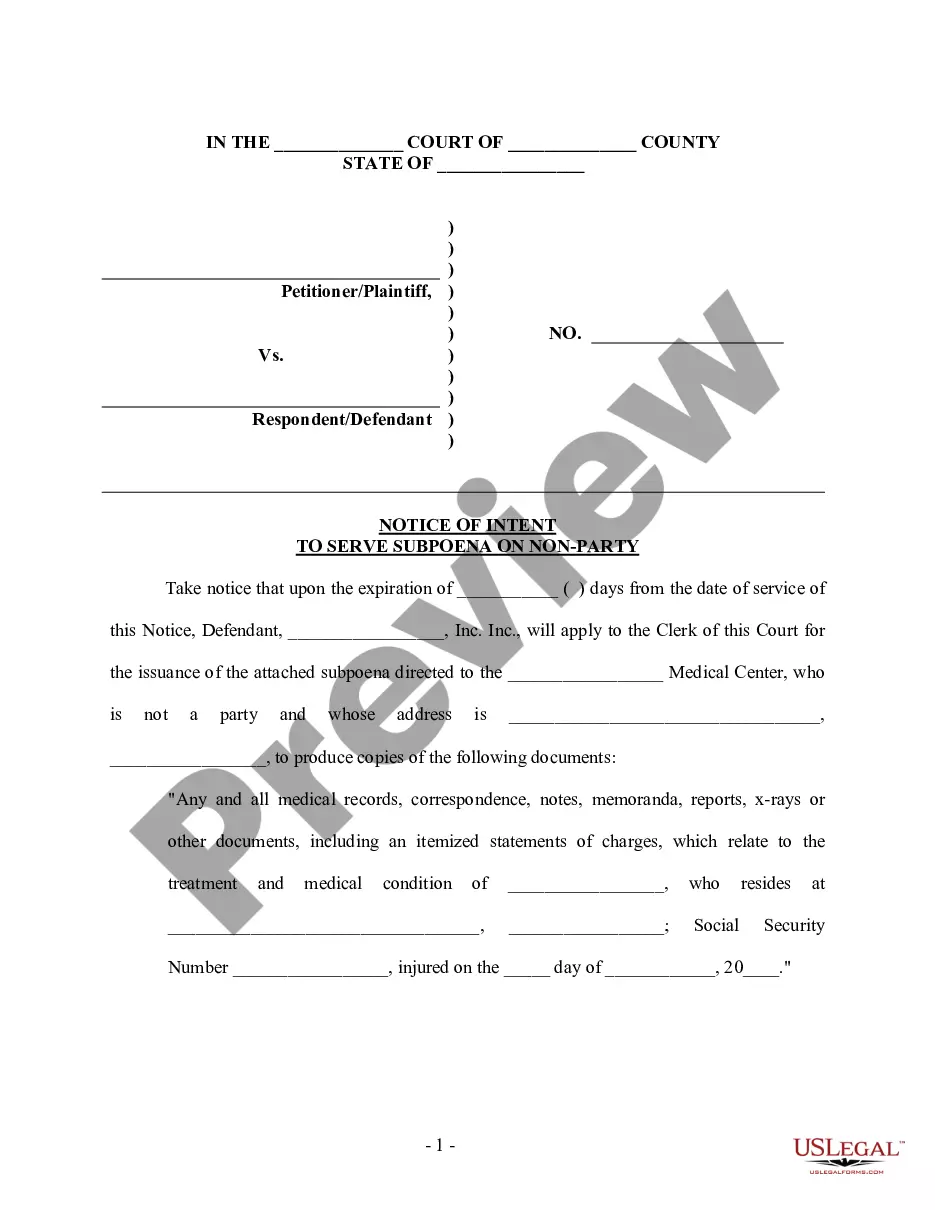
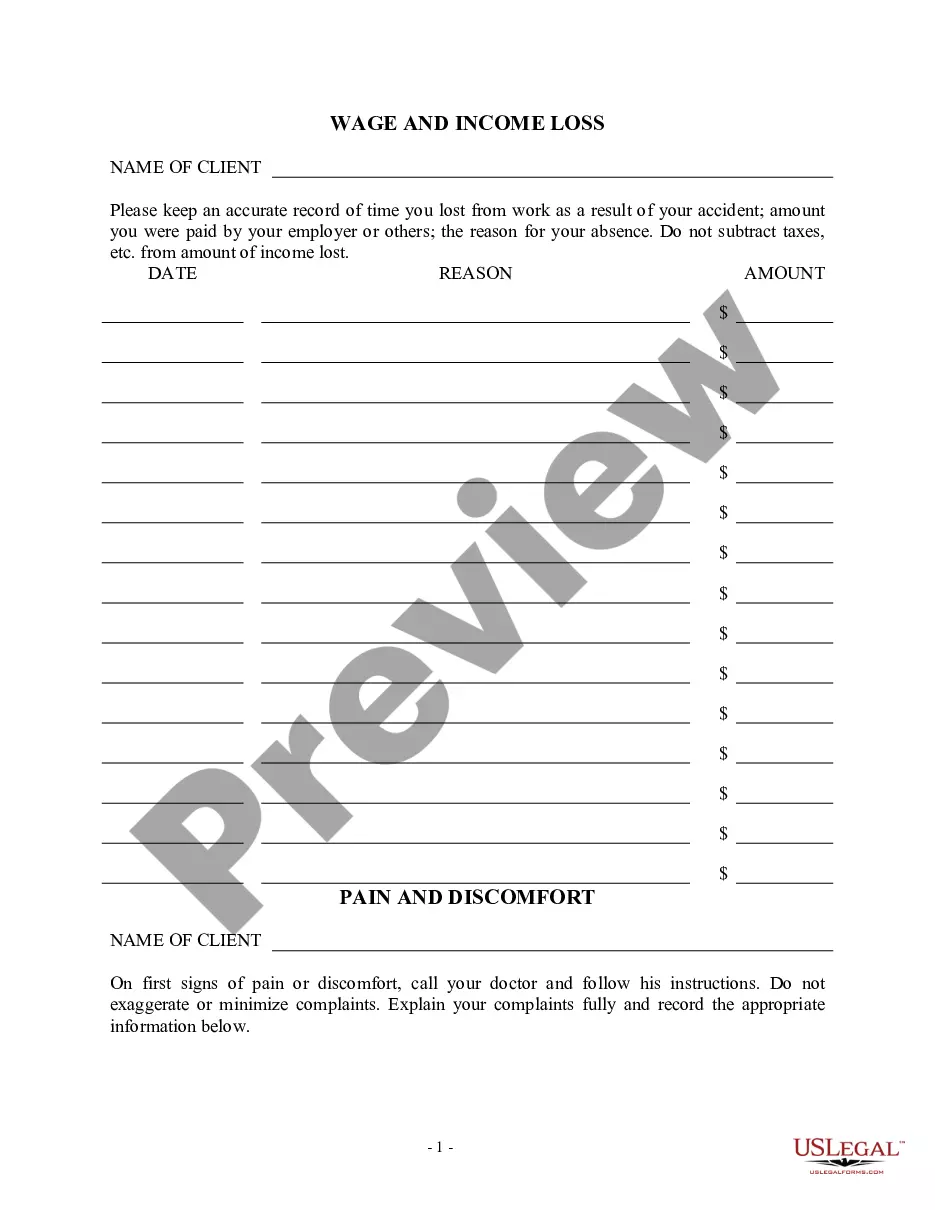
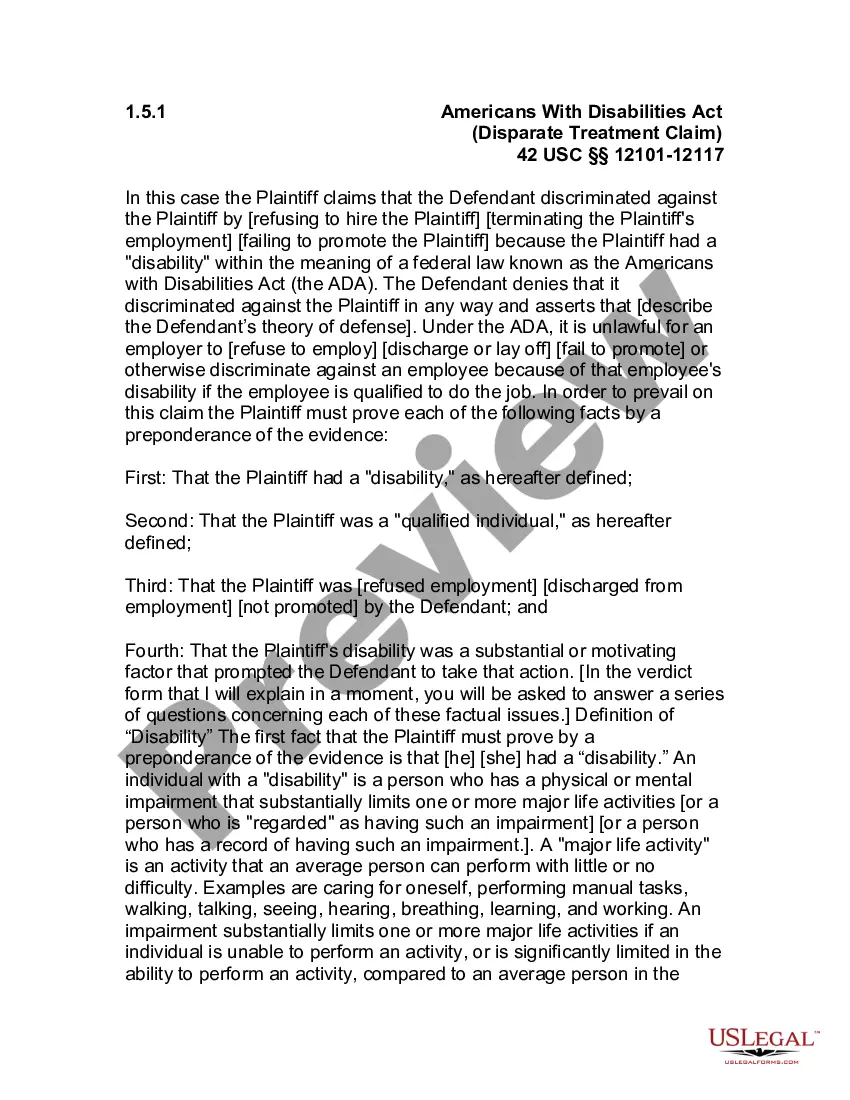
How to fill out Subpoena For Documents To A Nonparty?
Dealing with legal documents and processes can be a labor-intensive addition to your day.
Subpoena Document Request Form California and similar forms frequently demand that you locate them and comprehend how to fill them out accurately.
Thus, whether you are managing financial, legal, or personal issues, possessing a comprehensive and accessible online archive of documents at your disposal will greatly assist.
US Legal Forms is the leading online platform for legal templates, boasting over 85,000 state-specific documents and a range of tools to help you complete your paperwork effortlessly.
Simply Log In to your account, find the Subpoena Document Request Form California and obtain it immediately from the My documents section. You can also access previously stored forms. Is this your first time using US Legal Forms? Sign up and create an account in minutes, and you’ll gain access to the form library and Subpoena Document Request Form California. Then, follow the steps below to fill out your form: Ensure you have located the correct form by utilizing the Review function and examining the form description. Select Buy Now when ready, and choose the subscription plan that meets your requirements. Click Download, and then complete, eSign, and print the document. US Legal Forms has twenty-five years of expertise assisting clients with their legal documents. Obtain the form you need today and streamline any process with ease.
- Explore the collection of relevant documents available to you with just one click.
- US Legal Forms provides you with state- and county-specific forms that are available for download at any moment.
- Safeguard your document management processes with premium services that allow you to create any form in just a few minutes without any hidden fees.
Form popularity
FAQ
Use ""Certified Document"" feature: Some PDF editors such as Adobe Acrobat Pro, have a ""Certified Document"" feature which allows you to make changes to a signed PDF without invalidating the signature. However, this feature might not be available in all the PDF editors. edited a signed pdf file - Reddit reddit.com ? pdf ? comments ? edited_a_sig... reddit.com ? pdf ? comments ? edited_a_sig...
Open the document in the PDF editor. Select Tools > Edit PDF > Add Text. Drag the new text box to the preferred location. Add text to the box and choose the formatting options.
Add a line, arrow, or shape Choose Tools > Comment. ... Draw in the PDF: ... To edit or resize the markup, select it and drag one of the handles to make your adjustments. To add a pop-up note to the markup, select the Hand tool, and double-click the markup. (Optional) Click the close button in the pop-up note. Use annotation and drawing markup tools to add comments in PDFs adobe.com ? using ? commenting-pdfs adobe.com ? using ? commenting-pdfs
Choose a PDF to edit by clicking the Select a file button above or drag and drop a file into the drop zone. Once Acrobat uploads the file, sign in to add your comments. Use the toolbar to add text, sticky notes, highlights, drawings and more. Download your annotated file or get a link to share it. Edit PDFs with a free online PDF editor | Adobe Acrobat (Australia) adobe.com ? acrobat ? online ? pdf-editor adobe.com ? acrobat ? online ? pdf-editor
Comment can be found on the right-hand side of the toolbar. Click to open up a panel with Annotations and Drawing Markups ? these can be displayed or hidden using the small triangles to the left of the titles. most useful. If required, Attach file (in Annotations) can be used to attach photos.
Open your document in the Acrobat online PDF editor. Click the Add Comment icon and select whether you'd like the comment to be visible as text on the document or whether you want it to show up as a comment icon. Make your comment and repeat throughout the document.
Print pop-up comments in place Choose Edit > Preferences (Windows) or Acrobat > Preferences (Mac OS). Select Commenting. Select Print Notes And Pop-ups and deselect Hide Comment Pop-ups When Comments List is Open. Click OK. Open the pop-up comments that you want to print.