Kansas Name Affidavit of Seller
What is this form?
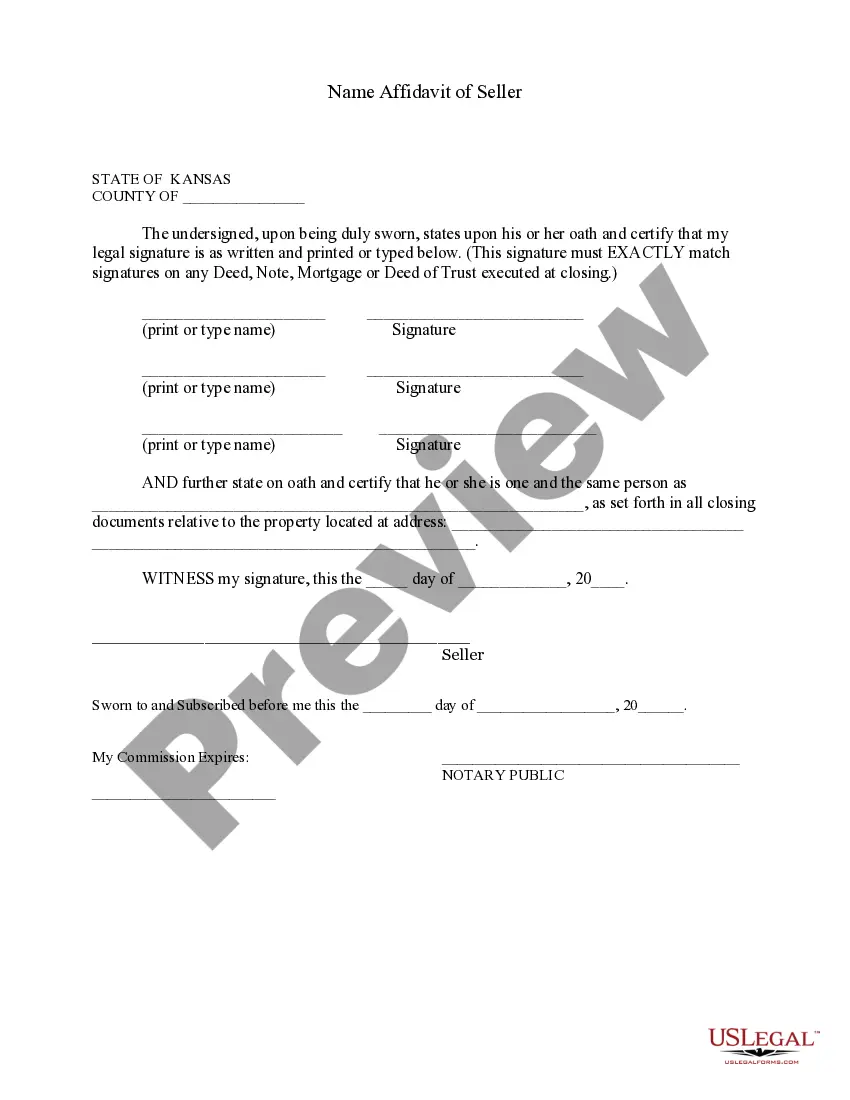
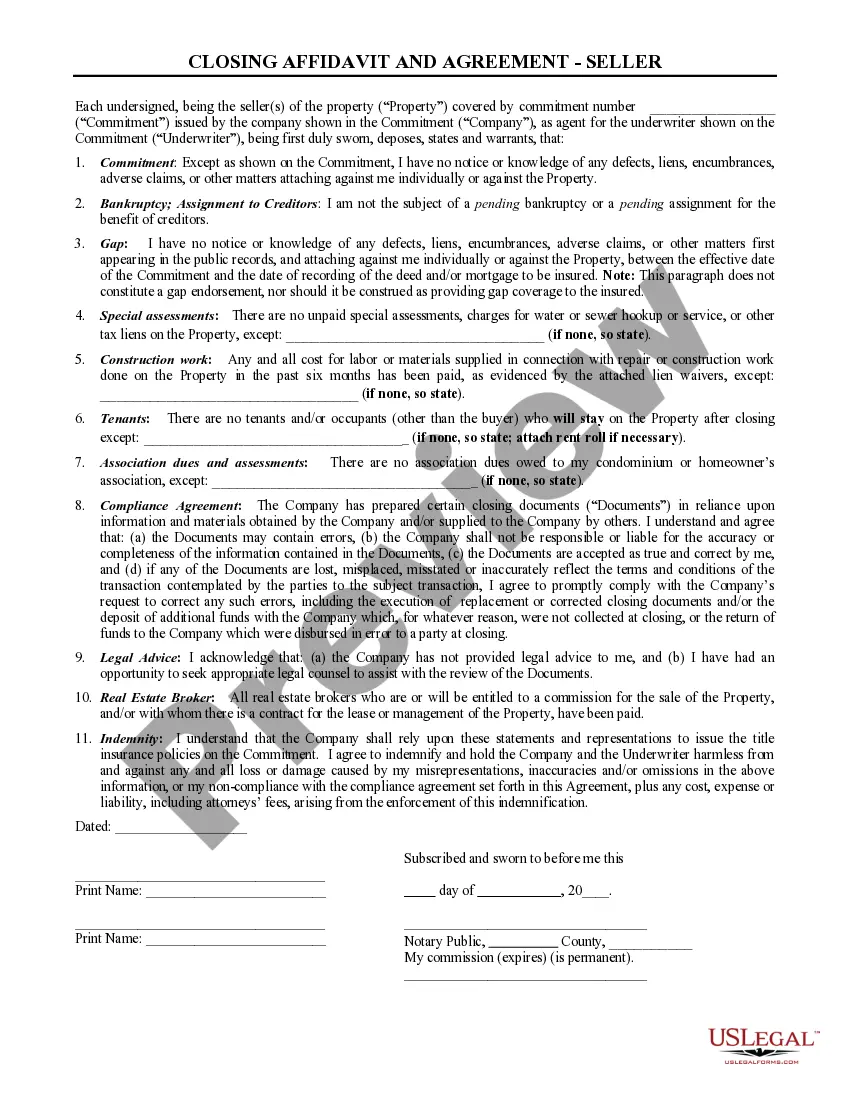
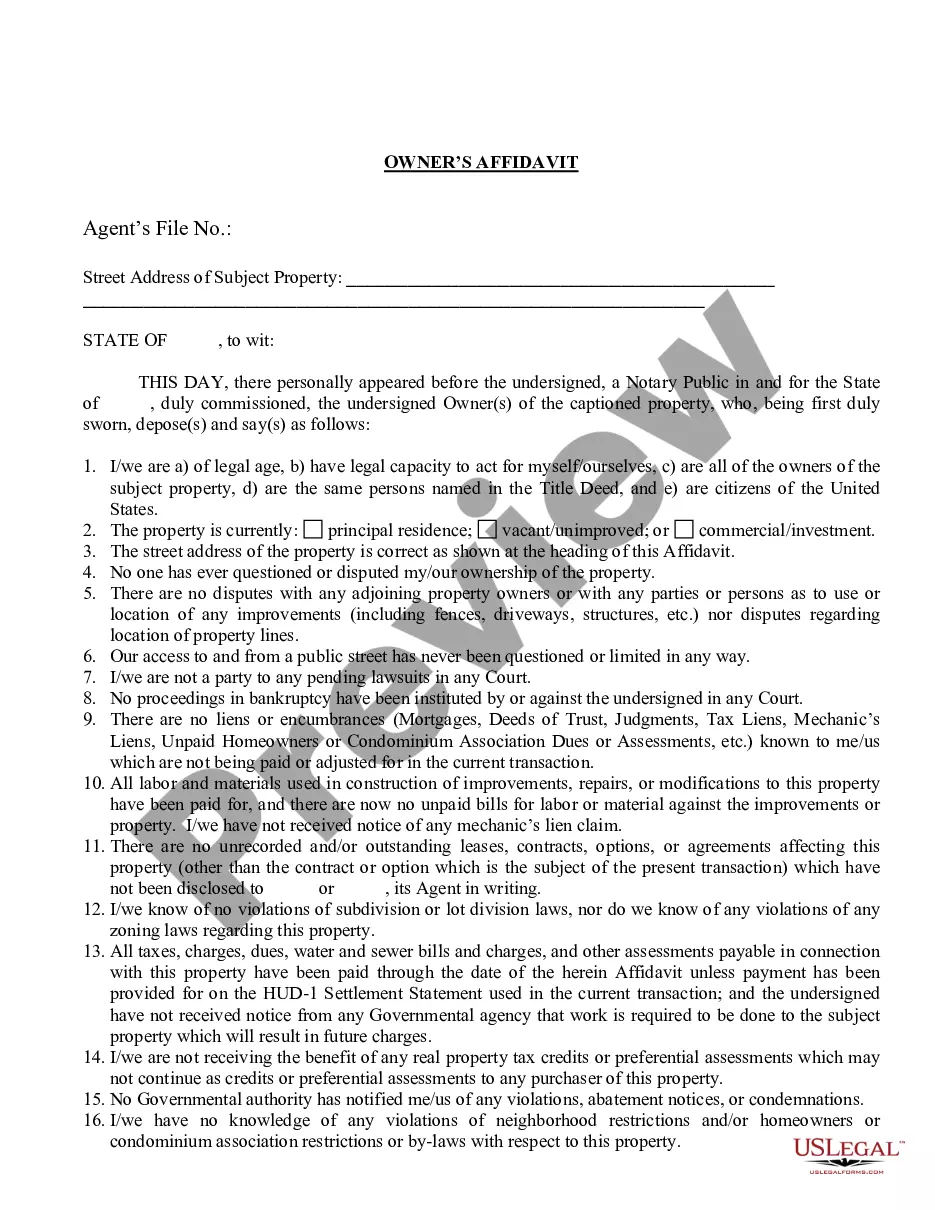
The Name Affidavit of Seller is a legal document that enables a seller to declare their legal name and any aliases they may use. This form is particularly important when there are discrepancies in signatures across multiple documents. By clarifying that different names refer to the same individual, it ensures consistency and prevents potential legal issues during property transactions.
What’s included in this form
- Affirmation of the seller's legal signature, which must match other closing documents.
- Declaration of known "alias" names to clarify identity.
- Identification of the property related to the transaction.
- Signature of the seller, along with printed name and date.
- Notary section to validate the affidavit.

Common use cases
This form should be used in any real estate transaction where the seller has used multiple names or signatures. It is essential to provide clarity during closing, particularly when transferring property ownership, to ensure all documents reflect a consistent identity for the seller.
Who should use this form
This form is intended for:
- Sellers involved in real estate transactions.
- Individuals using different names in legal documents.
- Real estate professionals seeking to clarify seller identities.
Instructions for completing this form
- Enter the county and date at the beginning of the form.
- Print or type your legal name and provide your signature in the designated fields.
- If applicable, list any other names you are known by in the appropriate section.
- Include the address of the property related to the transaction.
- Sign the document in the presence of a notary public to finalize the affidavit.
Notarization guidance
Notarization is required for this form to take effect. Our online notarization service, powered by Notarize, lets you verify and sign documents remotely through an encrypted video session, available 24/7.
Get your form ready online
Our built-in tools help you complete, sign, share, and store your documents in one place.
Make edits, fill in missing information, and update formatting in US Legal Forms—just like you would in MS Word.
Download a copy, print it, send it by email, or mail it via USPS—whatever works best for your next step.
Sign and collect signatures with our SignNow integration. Send to multiple recipients, set reminders, and more. Go Premium to unlock E-Sign.
If this form requires notarization, complete it online through a secure video call—no need to meet a notary in person or wait for an appointment.
We protect your documents and personal data by following strict security and privacy standards.

Make edits, fill in missing information, and update formatting in US Legal Forms—just like you would in MS Word.

Download a copy, print it, send it by email, or mail it via USPS—whatever works best for your next step.

Sign and collect signatures with our SignNow integration. Send to multiple recipients, set reminders, and more. Go Premium to unlock E-Sign.

If this form requires notarization, complete it online through a secure video call—no need to meet a notary in person or wait for an appointment.

We protect your documents and personal data by following strict security and privacy standards.
Mistakes to watch out for
- Failing to match signatures with previous documents.
- Leaving out known aliases that may create confusion.
- Not having the document notarized, when required.
- Inaccurately entering property details, which can delay transactions.
Benefits of completing this form online
- Instant access to legally drafted templates created by licensed attorneys.
- Easy editing and customization to fit your specific needs.
- Convenience of downloading and printing the form at your convenience.
- Guidance on the completion process, ensuring you fill out everything correctly.
Key takeaways
- This affidavit clarifies identity in real estate transactions.
- It prevents potential legal disputes regarding name discrepancies.
- Always ensure notarization for validity.
Looking for another form?
Form popularity
FAQ
The 2002 Kansas Legislature authorized electronic lien and title by passing Senate Bill 449, making Kansas a paperless title state. As of January 1, 2003, Kansas vehicle owners who borrow money for their cars, trucks, motorcycles, trailers and other motor vehicles will not receive printed, paper titles.
In the state of Kansas, you can register your car even if you purchased it without receiving a title. As long as you can prove ownership of the vehicle, the Kansas County Treasurer's office will provide this service. You will need to fill out a couple of forms and pay the required fees.
You will need to complete the Application for Secured/Duplicate/Reissue Title, form TR-720B that includes the following information: vehicle year, make and identification number, owner's name(s) and the current odometer reading. Include appropriate title fee. The title fee in Kansas is $10.
Step 1: Complete a bill of sale. Step 2: Exchange funds. Step 3: Release any liens on the car title. Step 1: Obtain the car title from the seller. Step 2: Fill out the title transfer section on the title. Step 3: Submit the paperwork to the DMV.
To transfer a title in Kansas, you will need a signed title, proof of insurance, and a motor vehicle examination form. You will also need a sales tax receipt if you purchased your vehicle in Kansas or a copy of the invoice if you purchased it out of state.
When selling a car privately in Kansas, the buyer and the seller both need to fill out the relevant sections on the back of the title. This information includes the legal name, address, and signature of the buyer and the seller(s) along with the date of the sale, the odometer reading, and the purchase price.
Only sign in the Seller's signature section, NEVER sign in the Buyer's section. If more than one owner is listed please look how the owner's names are listed on front of the title to determine who needs to sign :
The Kansas Division of Vehicles does not require most title assignments, title applications and bills of sale completed within Kansas to be notarized. The Division reserves the right to require notarized documentation in unusual circumstances.
A bill of sale used as an ownership document does not need to be notarized.If you are using a Kansas title as your primary ownership document, take it to your local county treasurer's motor vehicle office. The Kansas title will be accepted, and your title and registration will be issued.