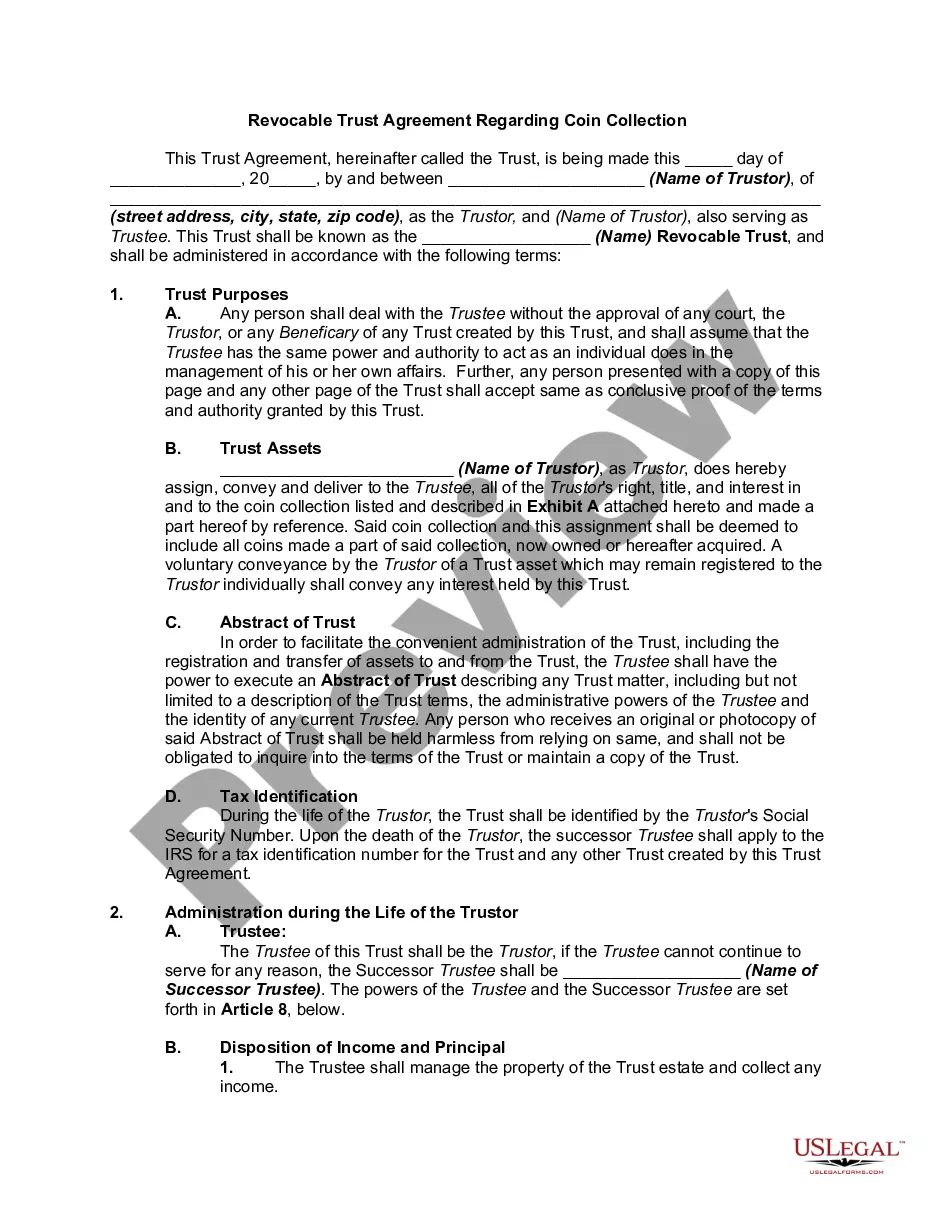
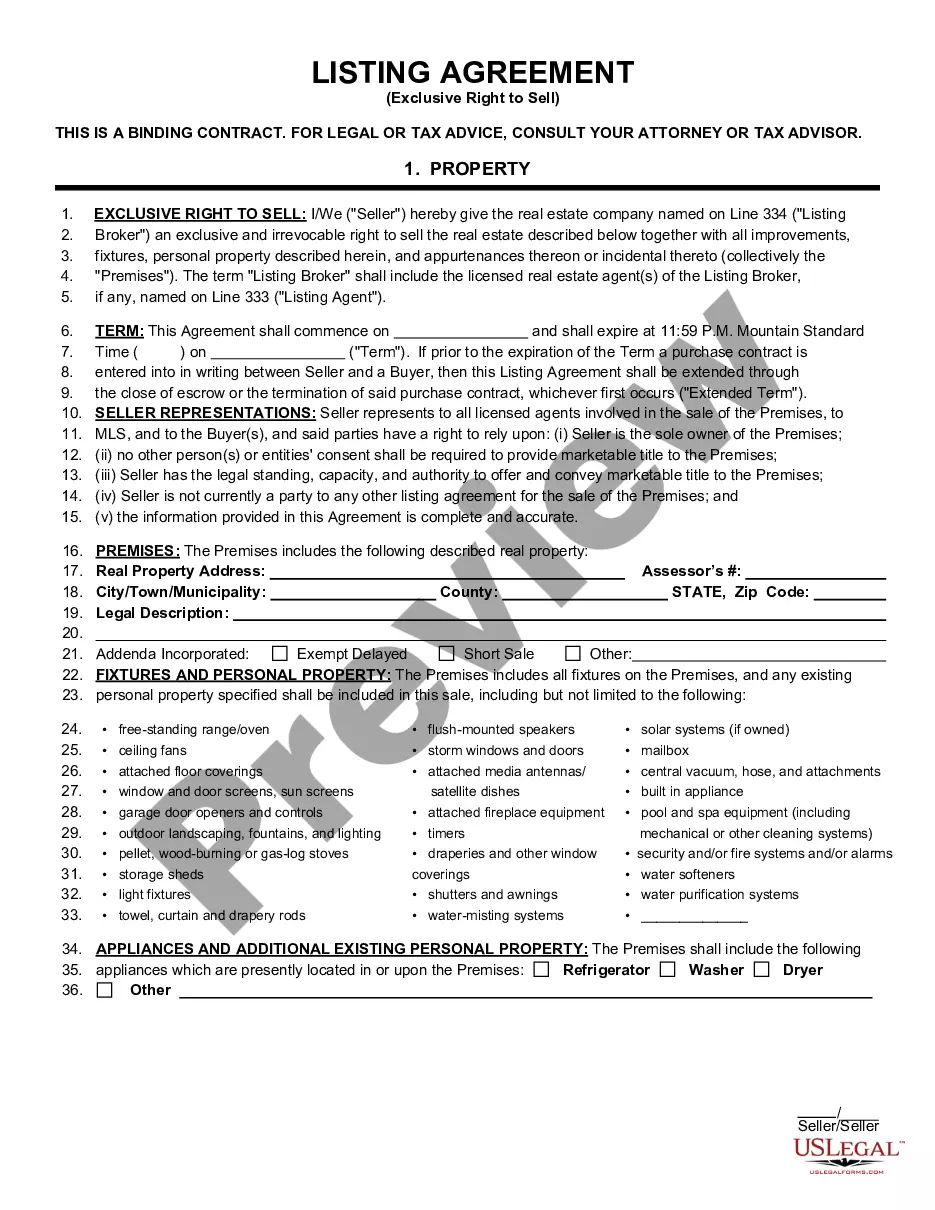
This form grants to a realtor or broker the sole and exclusive right to list and show the property on one ocassionsell the commercial property described in the agreement. This form is a generic example that may be referred to when preparing such a form for your particular state. It is for illustrative purposes only. Local laws should be consulted to determine any specific requirements for such a form in a particular jurisdiction.
Alaska Listing Agreement With A Broker Or Realtor To Sell Commercial Property Or Real Estate - Exclusive Listing
Instant download
Description
Free preview


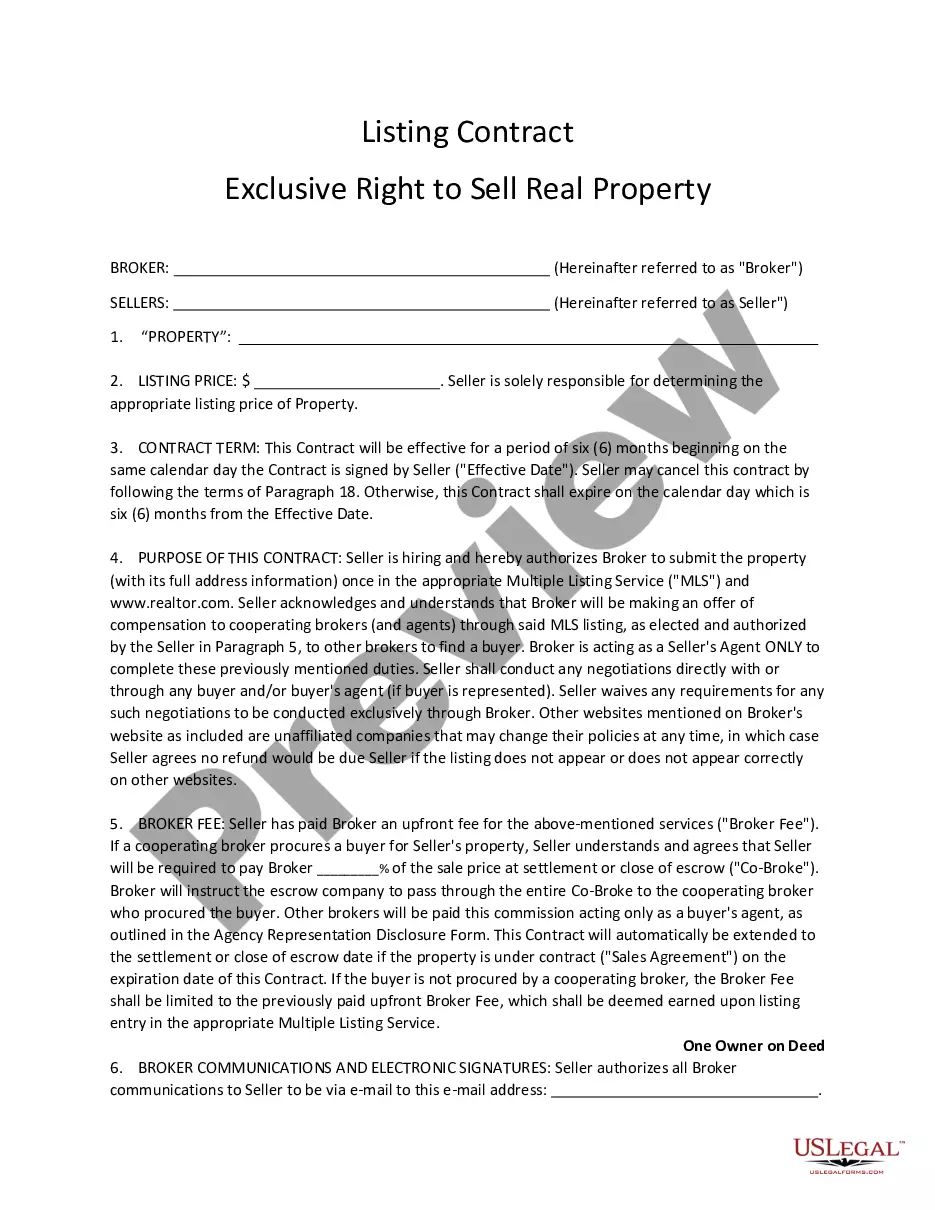



How to fill out Listing Agreement With A Broker Or Realtor To Sell Commercial Property Or Real Estate - Exclusive Listing?
US Legal Forms - one of the largest collections of legal documents in the United States - offers a variety of legal form templates that you can download or print. By using the website, you can access thousands of forms for business and personal purposes, organized by categories, states, or keywords.
You can find the latest forms such as the Alaska Listing Agreement With A Broker Or Realtor To Sell Commercial Property Or Real Estate - Exclusive Listing in just moments.
If you already have an account, sign in to download the Alaska Listing Agreement With A Broker Or Realtor To Sell Commercial Property Or Real Estate - Exclusive Listing from the US Legal Forms library. The Download button will appear on every form you view. You have access to all previously downloaded forms from the My documents section of your account.
Select the file format and download the form to your device.
Make adjustments. Complete, modify, print, and sign the downloaded Alaska Listing Agreement With A Broker Or Realtor To Sell Commercial Property Or Real Estate - Exclusive Listing. Each template saved in your account has no expiration date and belongs to you indefinitely. Therefore, if you wish to download or print an additional copy, simply go to the My documents section and click on the form you need.
- If you are using US Legal Forms for the first time, here are simple steps to get started.
- Ensure you have selected the correct form for your city/state. Click the Preview button to review the form's content.
- Examine the form details to verify that you have chosen the right one.
- If the form does not meet your needs, utilize the Search field at the top of the screen to find one that does.
- Once you are satisfied with the form, confirm your selection by clicking the Buy now button. Then, choose the pricing plan you prefer and provide your information to create an account.
- Complete the transaction. Use your credit card or PayPal account to finalize the payment.
Form popularity
FAQ
The three primary types of listing agreements include exclusive right to sell, exclusive agency, and open listing. An exclusive right to sell gives complete control to one agent, allowing them to market the property aggressively. An exclusive agency allows for independent selling, while an open listing permits multiple agents to market the property simultaneously. Familiarizing yourself with these options, especially within an Alaska Listing Agreement With A Broker Or Realtor To Sell Commercial Property Or Real Estate - Exclusive Listing context, helps you make educated real estate decisions.
The terms 'exclusive listing' and 'exclusive right to sell listing' often confuse many. An exclusive listing indicates that one agent represents the seller, but the seller may still find a buyer on their own. In contrast, an exclusive right to sell listing ensures that the agent earns a commission regardless of how the buyer is found. This distinction is critical for anyone entering an Alaska Listing Agreement With A Broker Or Realtor To Sell Commercial Property Or Real Estate - Exclusive Listing.
An exclusive listing typically refers to any situation where only one agent represents the seller, while an exclusive right to sell specifically stipulates that the agent receives a commission no matter who sells the property. This key difference means that under an exclusive right to sell agreement, sellers benefit from a guaranteed commitment from their agent. When opting for an Alaska Listing Agreement With A Broker Or Realtor To Sell Commercial Property Or Real Estate - Exclusive Listing, understanding these distinctions can lead to more informed choices.
One significant benefit for sellers entering into an exclusive agency or exclusive right to sell agreement is having a focused marketing strategy. A dedicated agent works to maximize exposure, attracting potential buyers effectively. Furthermore, an Alaska Listing Agreement With A Broker Or Realtor To Sell Commercial Property Or Real Estate - Exclusive Listing allows sellers to enjoy peace of mind, knowing that an experienced professional is managing the process and negotiations on their behalf.
An exclusive brokerage listing agreement is a contract between a property owner and a real estate broker, granting the broker exclusive rights to market the property. This means the broker will actively promote and negotiate the sale, ensuring the seller receives the best possible offers. For anyone looking to navigate the complexities of an Alaska Listing Agreement With A Broker Or Realtor To Sell Commercial Property Or Real Estate - Exclusive Listing, this type of agreement is essential for securing dedicated representation.
An exclusive agency listing allows the seller to market their property independently while also having an agent represent them. If the seller finds a buyer without the agent's help, they do not owe a commission. In contrast, an exclusive right to sell listing guarantees the agent a commission regardless of who sells the property. When considering an Alaska Listing Agreement With A Broker Or Realtor To Sell Commercial Property Or Real Estate - Exclusive Listing, it is crucial to understand these differences as they affect your potential income.
The exclusivity clause in commercial real estate specifies that only one broker can represent the seller during the listing period. This clause benefits both parties by promoting a clear and focused strategy in selling the property. Implementing an Alaska Listing Agreement With A Broker Or Realtor To Sell Commercial Property Or Real Estate - Exclusive Listing enhances your position by binding your broker to work diligently on your behalf.
A commercial real estate listing agreement with exclusive right to sell gives the broker the authority to sell your property and earn a commission, regardless of how the buyer finds the property. This type of agreement ensures dedicated marketing efforts and fosters accountability on the broker's part. Using an Alaska Listing Agreement With A Broker Or Realtor To Sell Commercial Property Or Real Estate - Exclusive Listing can help you attract serious buyers.
An exclusive listing agreement grants one broker or realtor the sole rights to sell your property. This arrangement means that you cannot engage another agent during the agreement period. By utilizing an Alaska Listing Agreement With A Broker Or Realtor To Sell Commercial Property Or Real Estate - Exclusive Listing, you create a focused marketing strategy, helping to streamline the selling process.
To create a listing agreement, start by gathering the necessary information about your property. Then, outline the terms and conditions, including the duration of the agreement and the commission rate. You can create this document using templates available on uslegalforms, which guides you through crafting an Alaska Listing Agreement With A Broker Or Realtor To Sell Commercial Property Or Real Estate - Exclusive Listing.