Alaska Online Subscription Agreement
Description
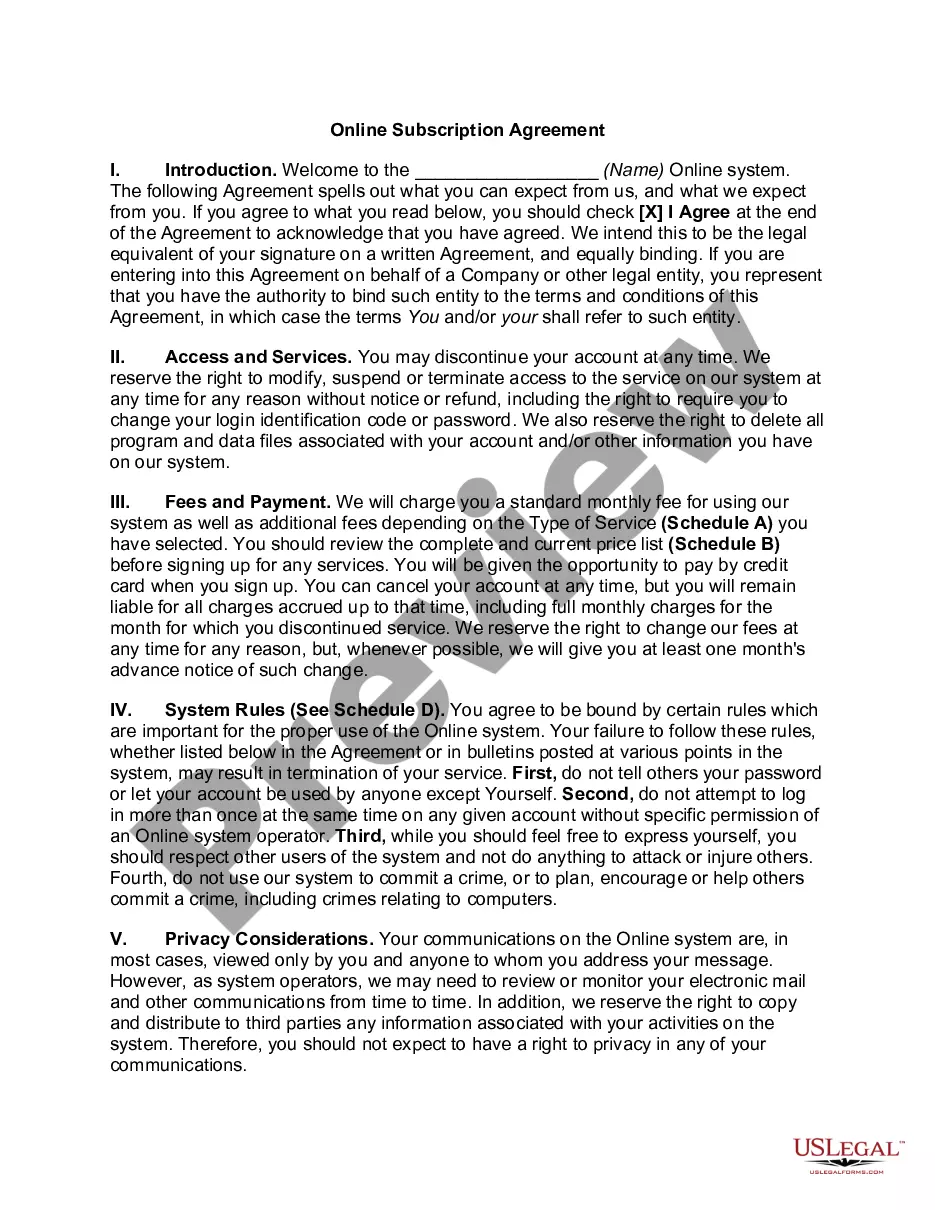
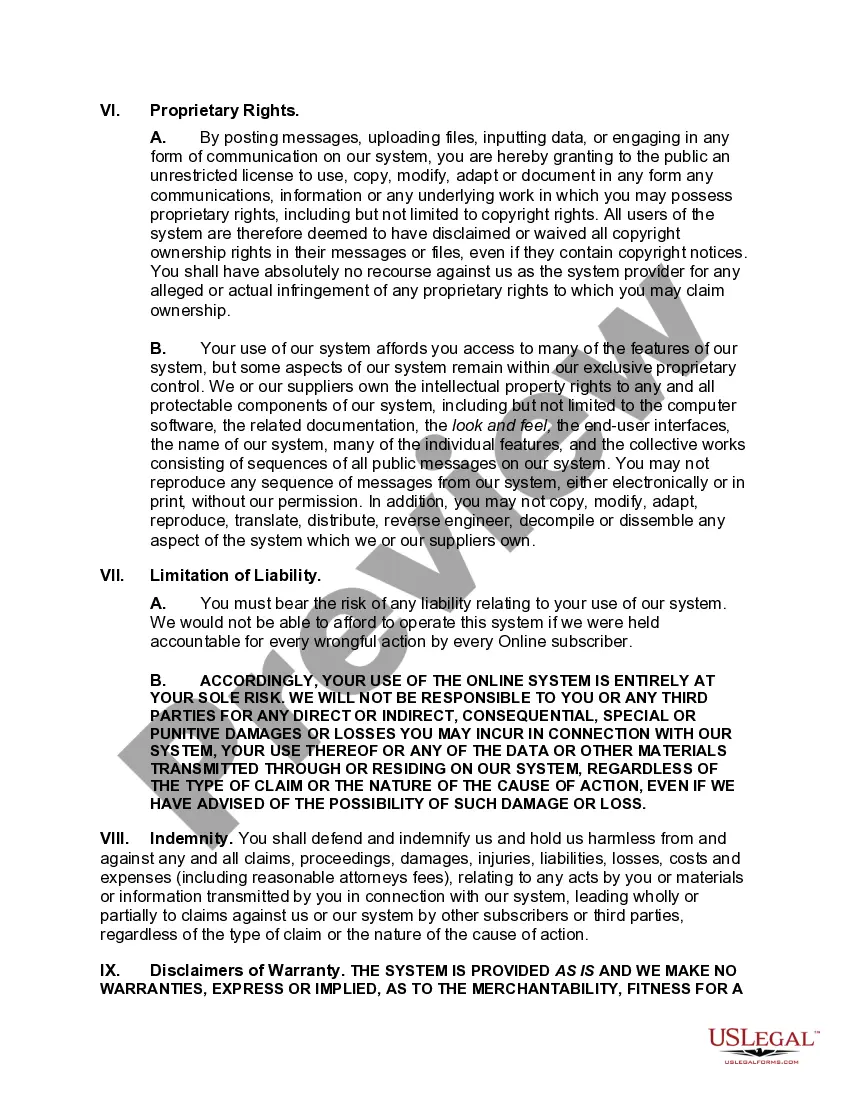
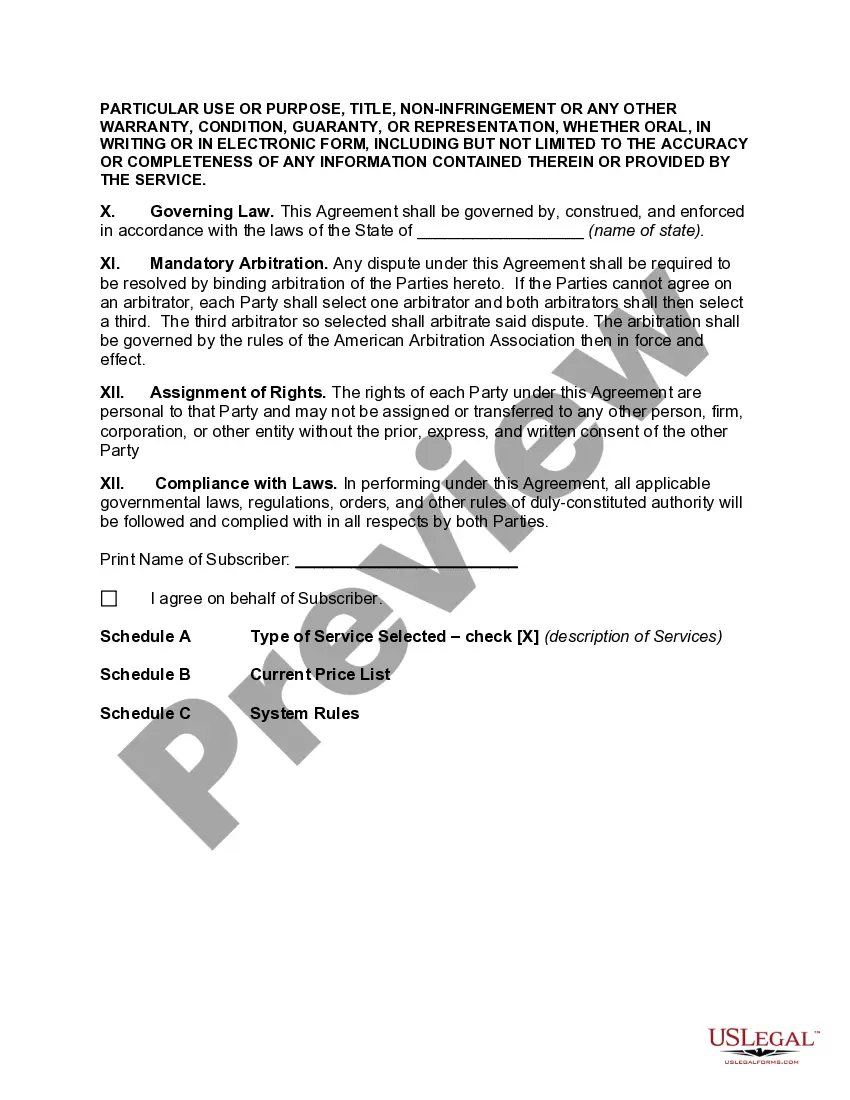
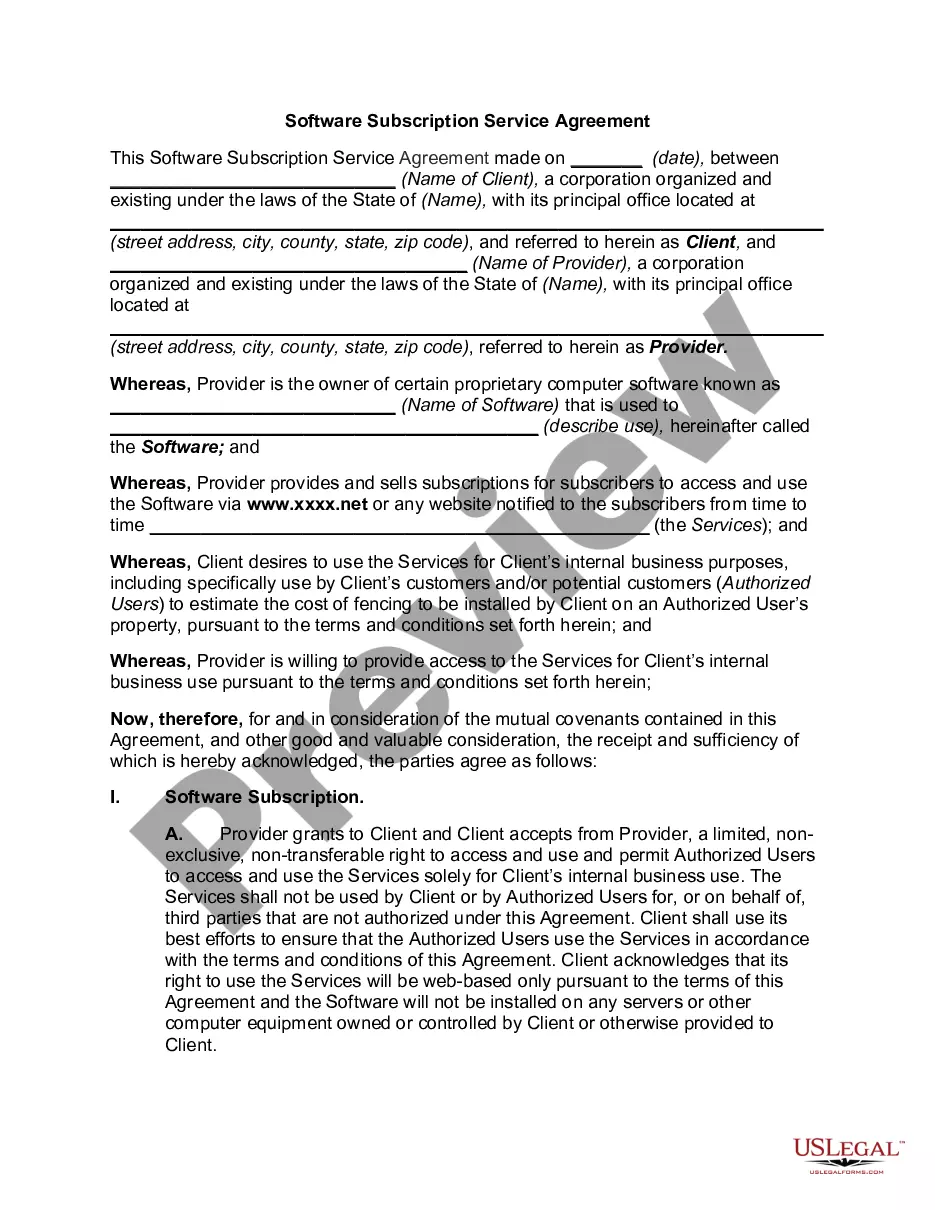
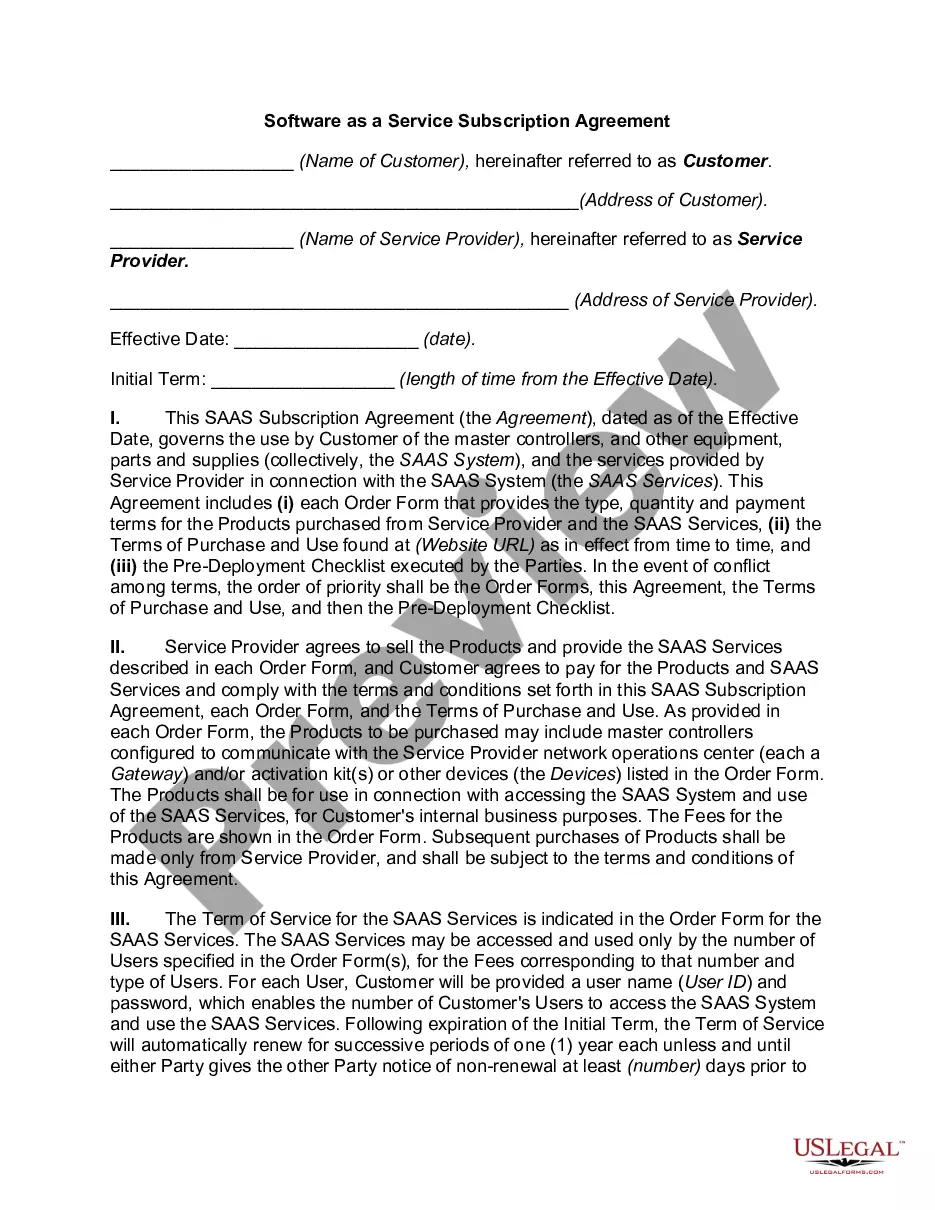
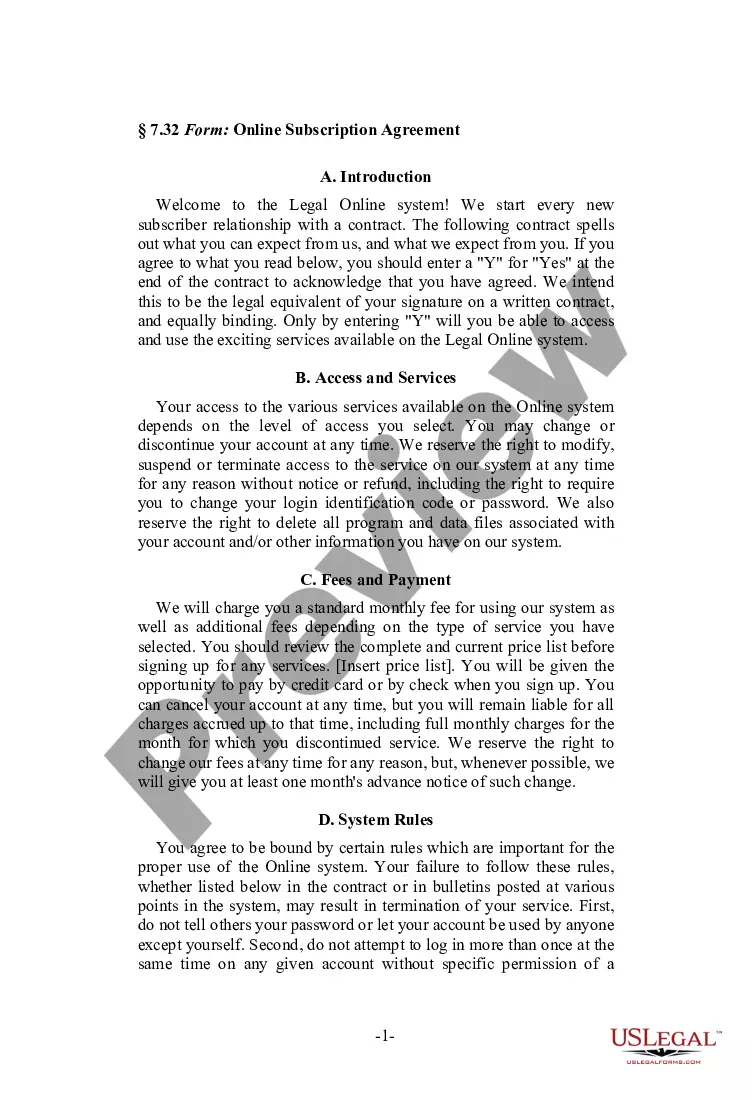
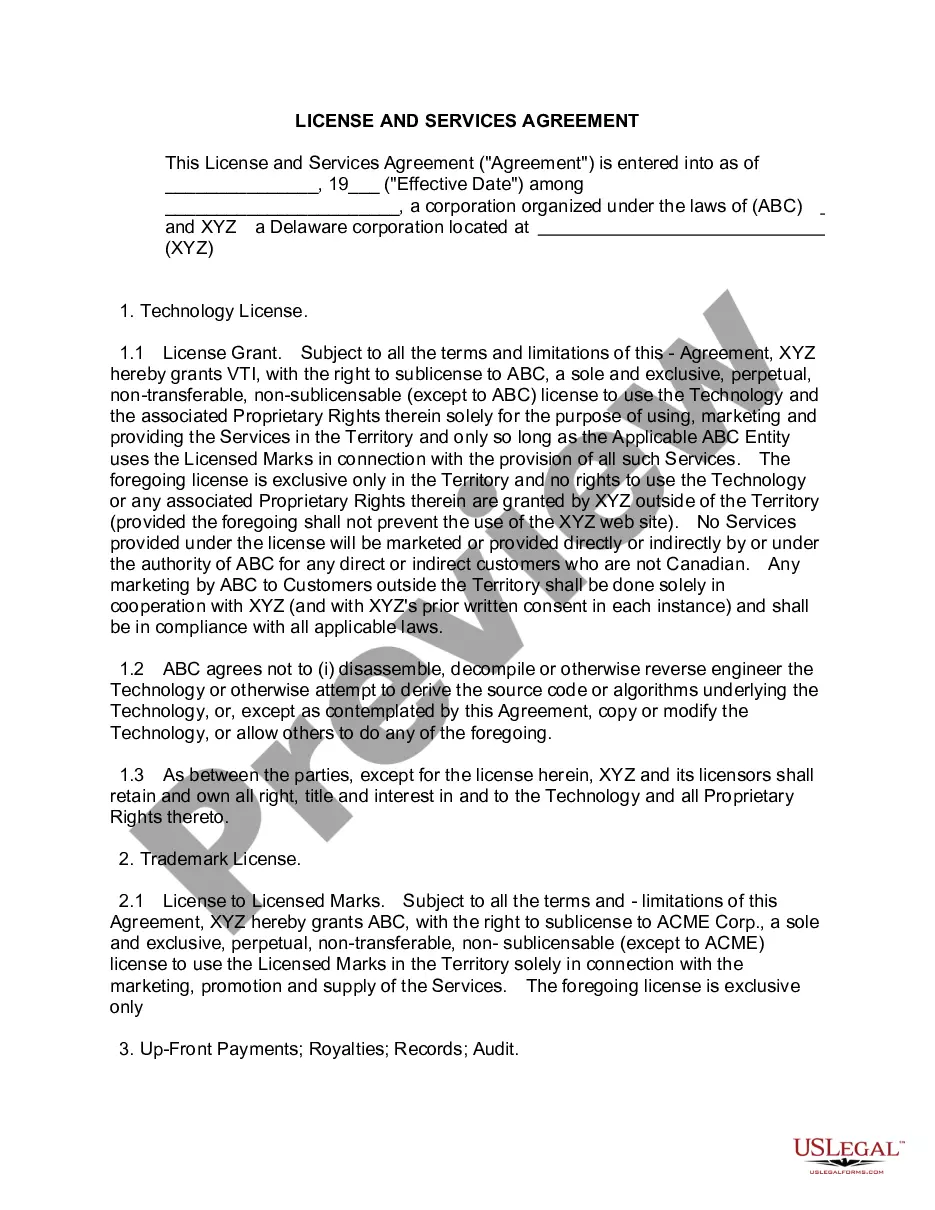
How to fill out Online Subscription Agreement?
US Legal Forms - one of the most prominent collections of legal documents in the United States - offers a variety of legal form templates that you can download or print.
By utilizing the website, you can access numerous forms for professional and personal purposes, categorized by type, state, or keywords. You can find the latest versions of forms like the Alaska Online Subscription Agreement in moments.
If you already have a subscription, sign in and download the Alaska Online Subscription Agreement from your US Legal Forms library. The Download button will appear on every form you view. You can access all previously saved forms from the My documents tab in your account.
Make modifications. Complete, edit, and print as well as sign the downloaded Alaska Online Subscription Agreement.
Each document you added to your account has no expiration date and is yours indefinitely. Therefore, if you wish to download or print another copy, simply visit the My documents section and click on the form you require.
- If you are using US Legal Forms for the first time, here are simple instructions to get you started.
- Ensure you have selected the correct form for your city/state. Click the Review button to check the form's details. Examine the form summary to ensure you have selected the correct form.
- If the form does not meet your requirements, utilize the Search field at the top of the page to locate the one that does.
- Once you are satisfied with the form, confirm your choice by clicking the Buy now button. Then, choose the payment plan you prefer and provide your information to register for an account.
- Process the transaction. Use your Visa or Mastercard or PayPal account to complete the payment.
- Select the format and download the form to your device.
Form popularity
FAQ
It is located at 600 East 36th Ave, Anchorage, Alaska.
What is the Microsoft Services Agreement? The Microsoft Services Agreement is an agreement between you and Microsoft (or one of its affiliates) that governs your use of Microsoft consumer online products and services. You can see a full list of the covered products and services here.
Alaska Communications announced on Monday that it would be bought by a newly formed entity owned by ATN International and Freedom 3 Capital. The $332 million cash deal, which includes net debt, surpassed the $300 million, all cash deal that was previously announced with an affiliate of Macquarie and GCM.
A master subscription agreement is a legal document that a company provides to its customer to outline the terms and conditions of the subscription service. Master subscription agreements are essential for both parties because they identify the rights and responsibilities of both parties during the subscription period.
An Azure subscription links to an Azure account, which in turn is an identity in Azure Active Directory (AD). Hence, a subscription is an agreement between an organization and Microsoft to use resources, for which charges are either paid on a per-license basis or a cloud-based, resource-consumption basis.
Click "Login" (if you don't have your username or password, you can call customer care at 800-808-8083). Enter (and confirm) a new password. Click on Change Password. Be sure to keep this information in a safe place that you will remember (suggestion: tape it to the underside of your modem).
The Microsoft Products and Services Agreement is a single agreement for your software and Online Services transactional purchases across an organization.
Create a new profile in AccountView (existing customer)Go to the AccountView Login page.Click Create AccountComplete the fields under Register an Account (you will need your Account Number)Click Get Registration Code.The registration code will be sent to the email address used when signing up for service.More items...
Disconnect serviceLog into your AccountView profile.Under Billed Products & Services, select Change (green button) under the product you wish to make changes to.Select I'd like to disconnect this service.Select a date for when you would like your service disconnected.Select reason for disconnecting service.More items...
We've received reports of a recent email scam that spoofs the Microsoft Services Agreement. View the real agreement. The scam email message replaces legitimate links in the agreement with links that can compromise your computer when clicked.