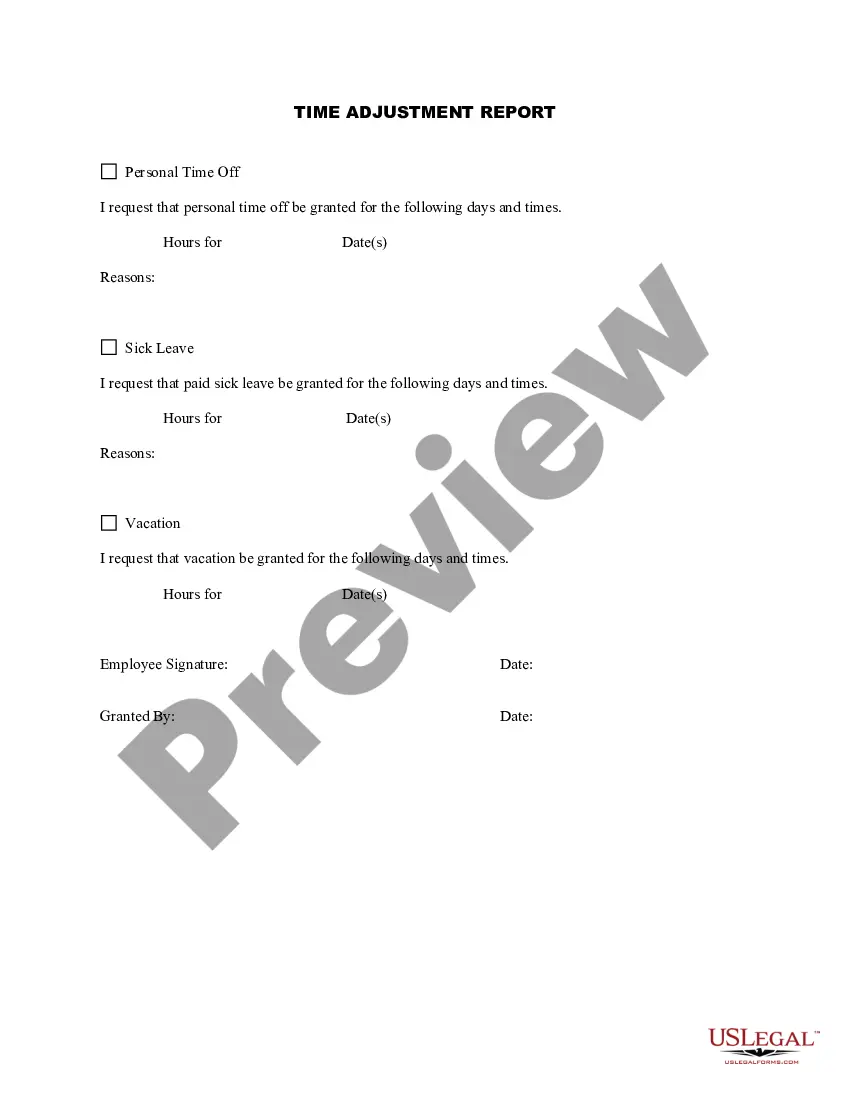
Alaska Time Adjustment Report
Description
Get your form ready online
Our built-in tools help you complete, sign, share, and store your documents in one place.
Make edits, fill in missing information, and update formatting in US Legal Forms—just like you would in MS Word.
Download a copy, print it, send it by email, or mail it via USPS—whatever works best for your next step.
Sign and collect signatures with our SignNow integration. Send to multiple recipients, set reminders, and more. Go Premium to unlock E-Sign.
If this form requires notarization, complete it online through a secure video call—no need to meet a notary in person or wait for an appointment.
We protect your documents and personal data by following strict security and privacy standards.

Make edits, fill in missing information, and update formatting in US Legal Forms—just like you would in MS Word.

Download a copy, print it, send it by email, or mail it via USPS—whatever works best for your next step.

Sign and collect signatures with our SignNow integration. Send to multiple recipients, set reminders, and more. Go Premium to unlock E-Sign.

If this form requires notarization, complete it online through a secure video call—no need to meet a notary in person or wait for an appointment.

We protect your documents and personal data by following strict security and privacy standards.
Looking for another form?


How to fill out Time Adjustment Report?
You might spend time online searching for the legitimate document template that meets the state and federal requirements you have.
US Legal Forms provides a vast array of legal forms that are reviewed by professionals.
You can easily download or print the Alaska Time Adjustment Report from the service.
If available, utilize the Preview button to review the document template as well.
- If you possess a US Legal Forms account, you may sign in and click the Download button.
- Following that, you can complete, modify, print, or sign the Alaska Time Adjustment Report.
- Each legal document template you acquire is your property permanently.
- To obtain another copy of the purchased form, navigate to the My documents tab and click the corresponding button.
- If you are visiting the US Legal Forms site for the first time, follow the simple instructions below.
- First, ensure you have selected the appropriate document template for your region/city of choice.
- Review the form description to confirm you have chosen the correct form.
Form popularity
FAQ
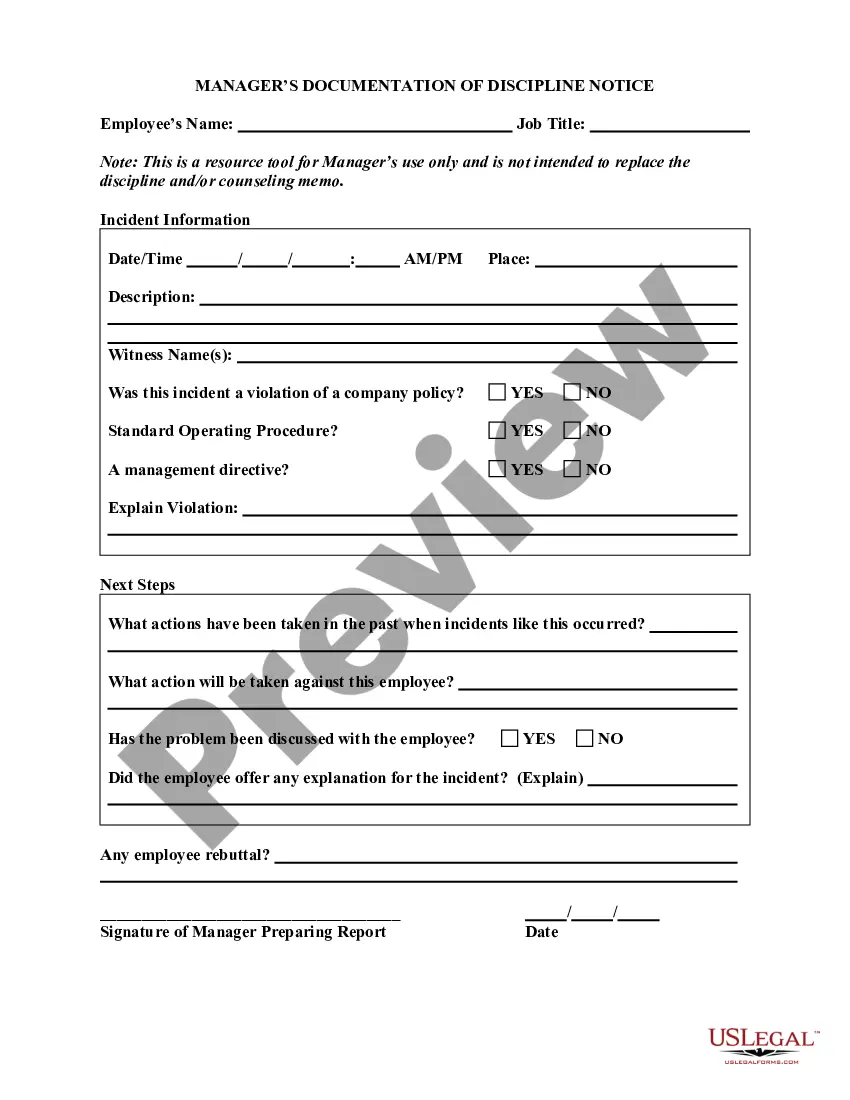
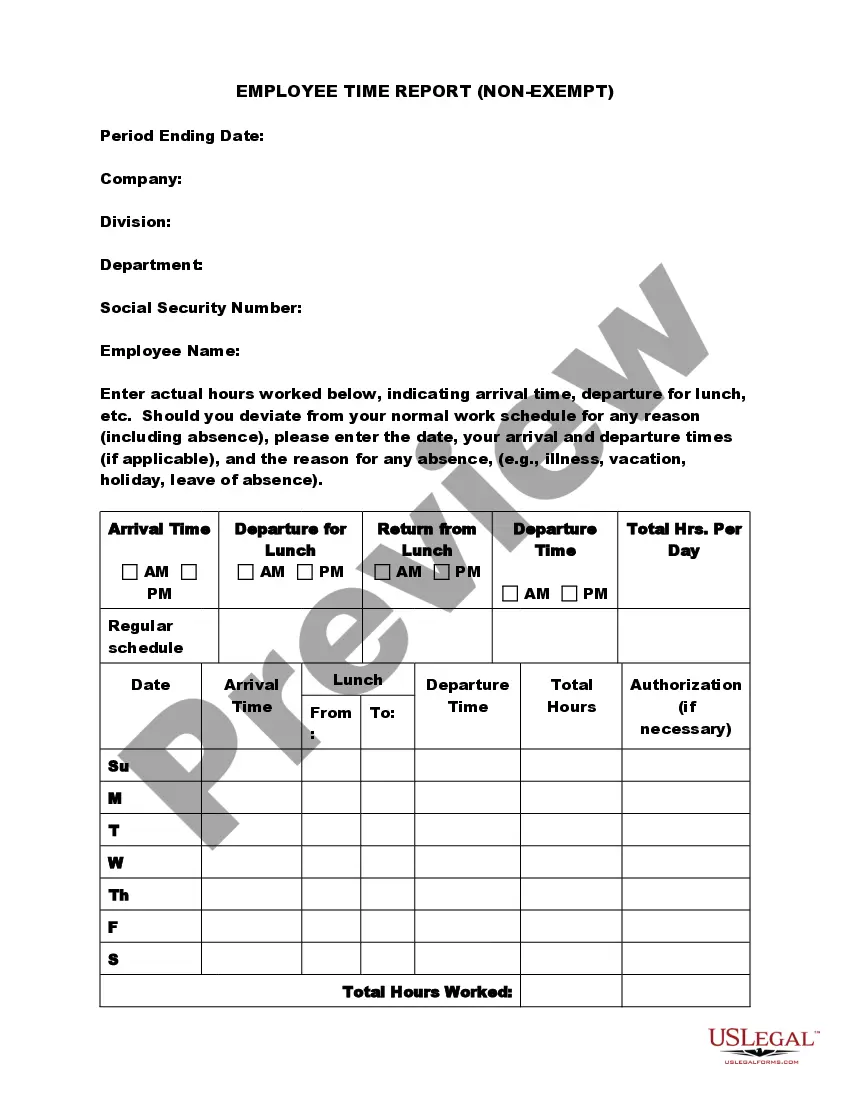
How to Fill Out a TimesheetEnter the Employee's Name. Here you should fill out the employee's full, legal name whose hours you are recording.Provide the Date or the Date Range. Next up you need to add the date.Fill in the Task Details.Add Hours Worked.Calculate Your Total Hours.Approve the Timesheet.
Once you're done entering your time, you're ready to finalize your timesheet by submitting it.Navigate to Time/Expenses... Timesheets.At the bottom of the screen you will see the Timesheets to submit" footer.Check off the hours that you would like to submit.Click Submit Timesheets.
How to Fill Out a Timesheet (Step-by-Step Guide)Step 1: Enter the Employee Name.Step 2: Add the Date or Date Range.Step 3: Fill in the Project and Task Details.Step 4: Add Working Hours for Each Day of the Week.Step 5: Calculate the Total Hours.Step 6: Add Notes if Required.Step 7: Get Approval.2 June 2021
A timesheet is a record of the number of hours an employee works during a specific period of time. It also records projects and tasks and how many hours an employee spends completing them. Timesheets are usually filled out by the employee, and it's important they always submit them on time.
To complete a timesheet: Simply write in the dates of the end of the 1. weeks (always the Saturday date) and then fill in the number of hours you worked per day If you worked zero hours on Monday, 2022 leave the space for Monday blank. Add the total hours you have worked and 2.
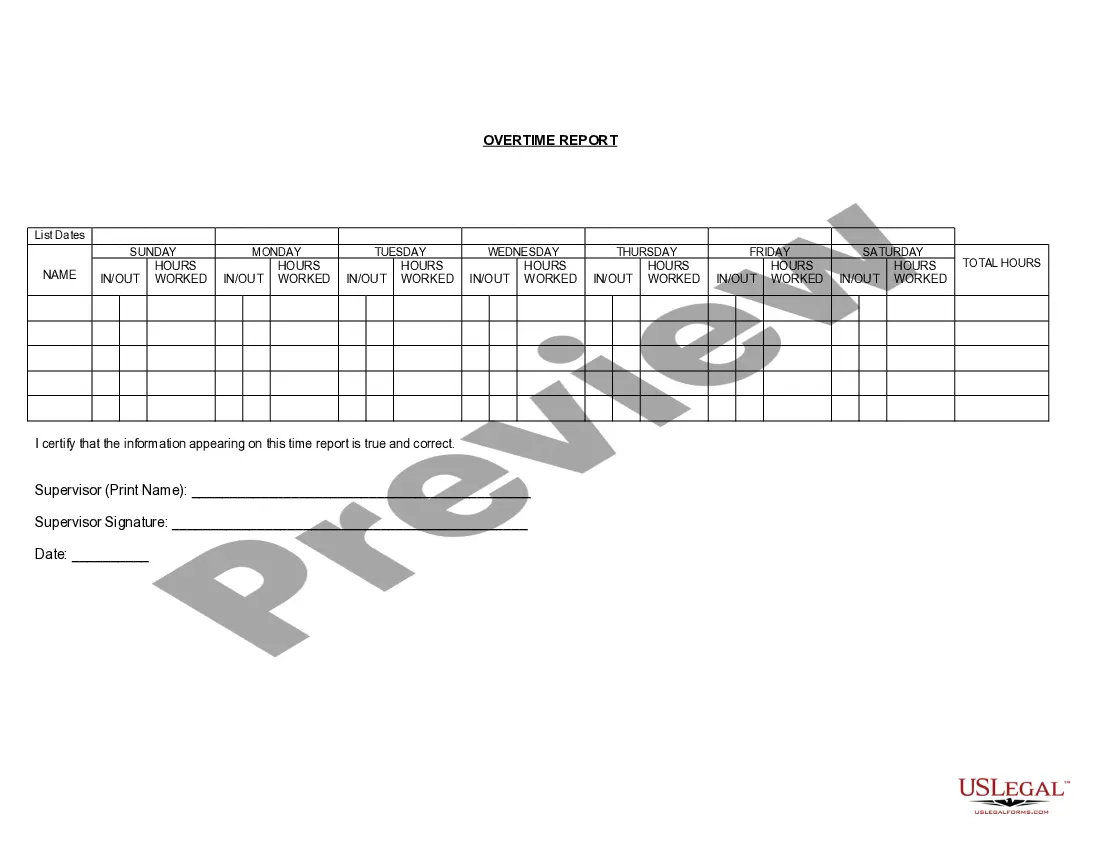
The hours over 8 in a day are eligible for half time overtime and are. coded HTO.
How to Fill Out a TimesheetEnter the Employee's Name. Here you should fill out the employee's full, legal name whose hours you are recording.Provide the Date or the Date Range. Next up you need to add the date.Fill in the Task Details.Add Hours Worked.Calculate Your Total Hours.Approve the Timesheet.
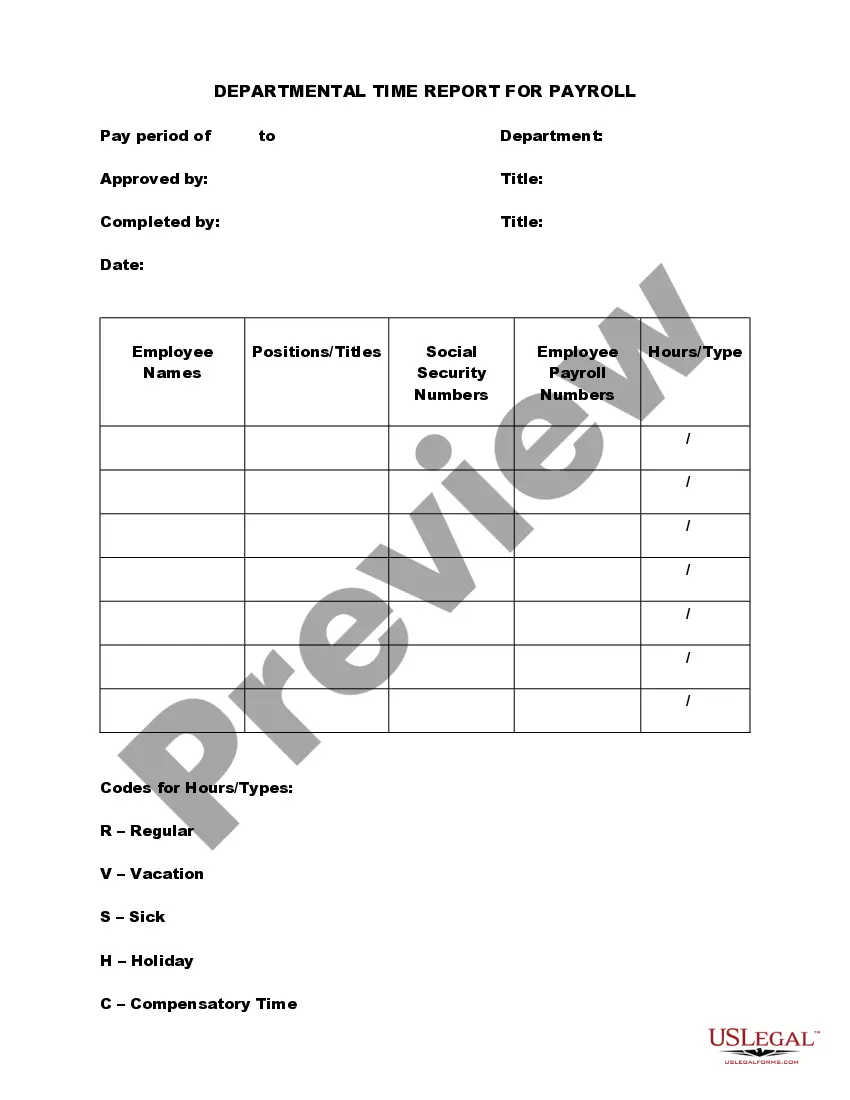
Information included on timesheetsEmployee's name.Pay period.Date worked.Day worked.Hours worked.Total workweek hours.
How to Fill Out a TimesheetEnter the Employee's Name. Here you should fill out the employee's full, legal name whose hours you are recording.Provide the Date or the Date Range. Next up you need to add the date.Fill in the Task Details.Add Hours Worked.Calculate Your Total Hours.Approve the Timesheet.
Time reports are visual summaries built on top of the tracked time to offer a detailed look at how your project team spends time, money, and resources. These can be paper-based or come as part of a complete digital solution.