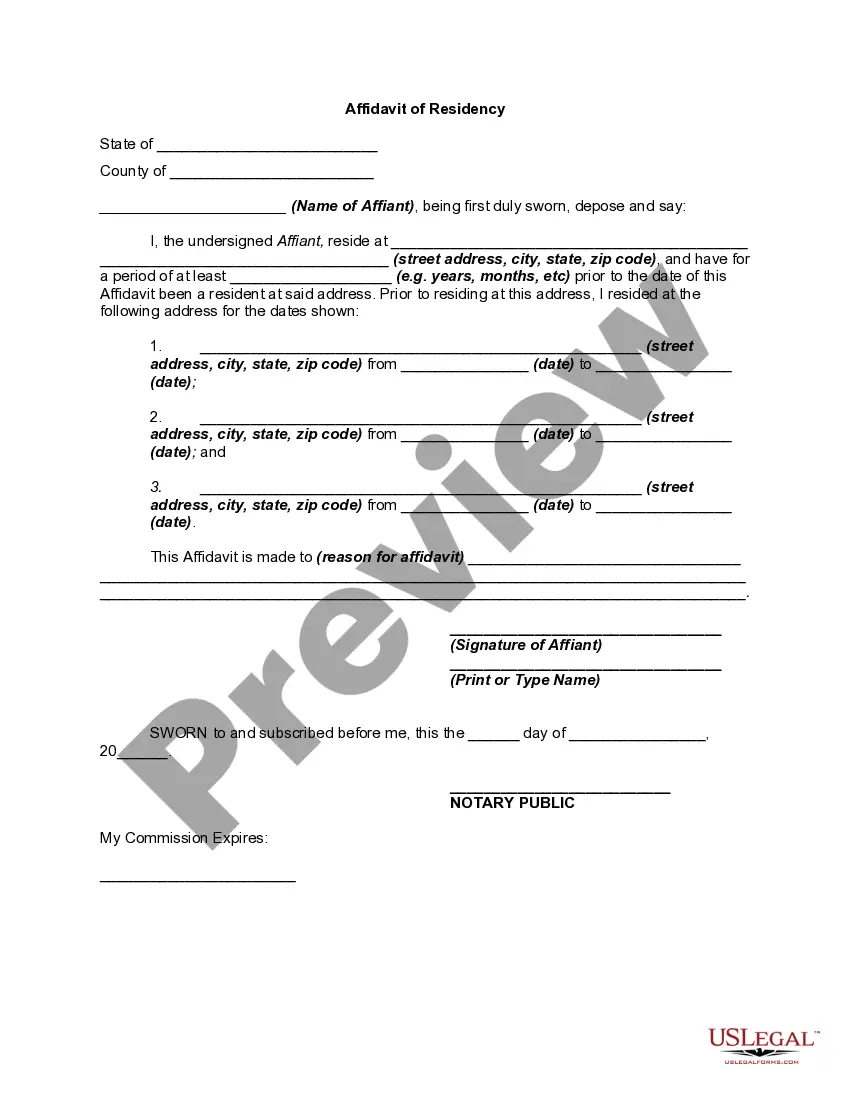
Alabama Proof of Residency for Real ID
Description
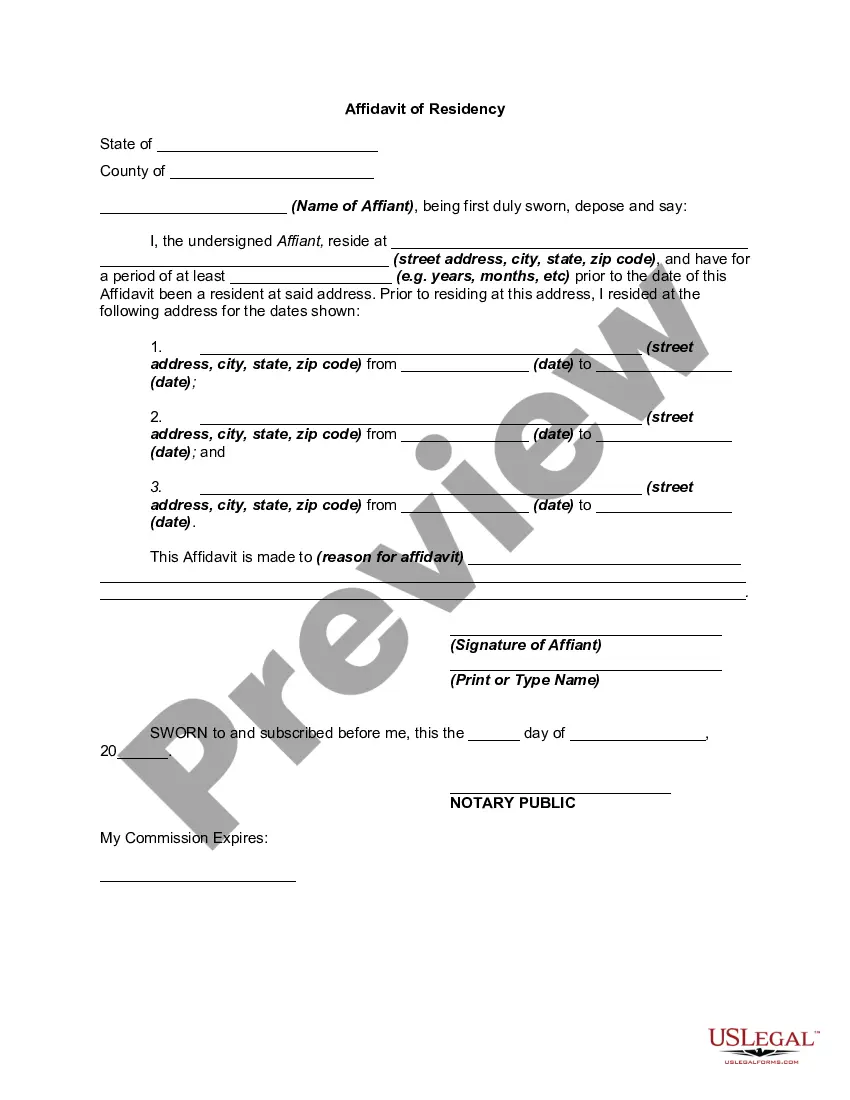
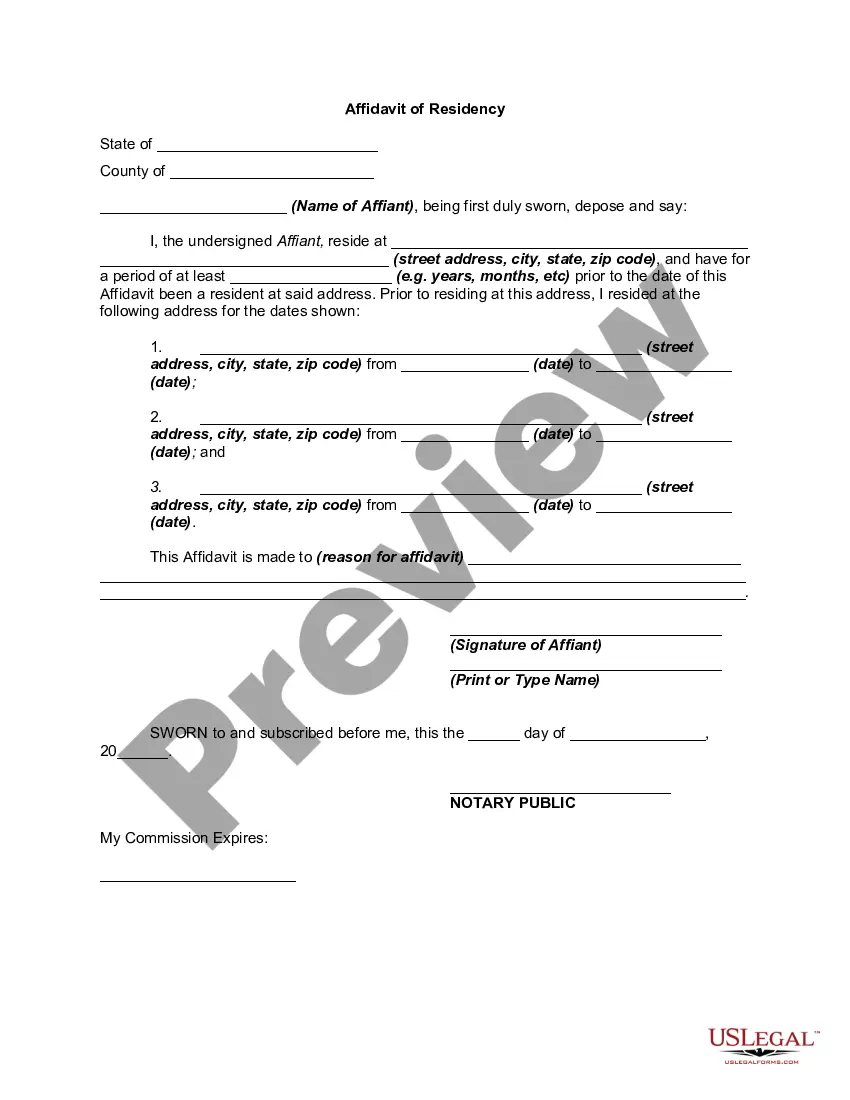
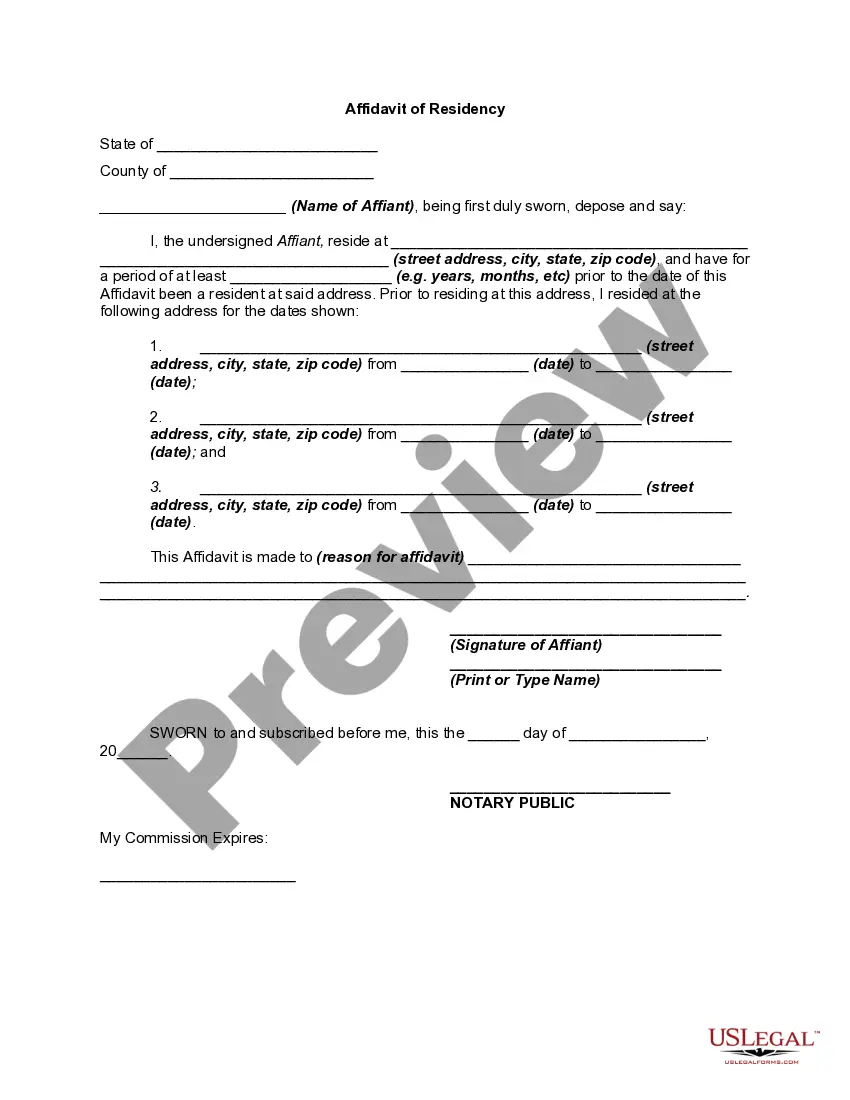
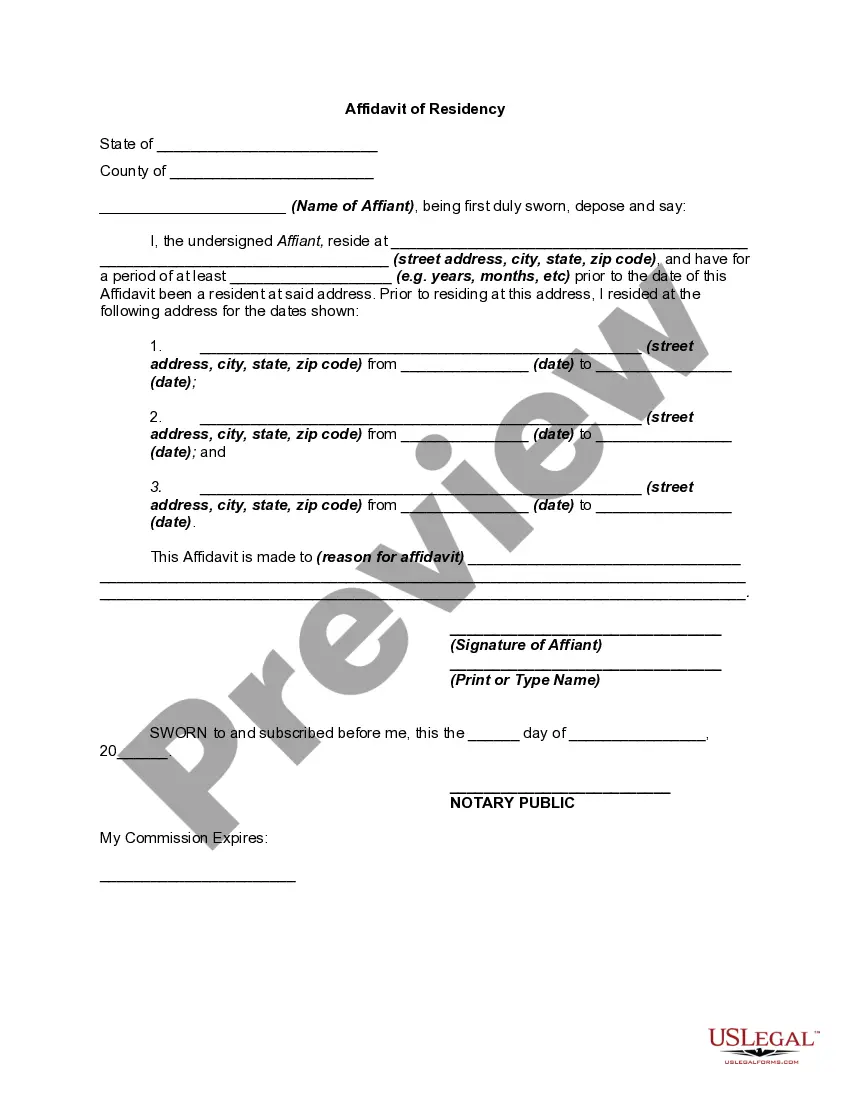
Get your form ready online
Our built-in tools help you complete, sign, share, and store your documents in one place.
Make edits, fill in missing information, and update formatting in US Legal Forms—just like you would in MS Word.
Download a copy, print it, send it by email, or mail it via USPS—whatever works best for your next step.
Sign and collect signatures with our SignNow integration. Send to multiple recipients, set reminders, and more. Go Premium to unlock E-Sign.
If this form requires notarization, complete it online through a secure video call—no need to meet a notary in person or wait for an appointment.
We protect your documents and personal data by following strict security and privacy standards.

Make edits, fill in missing information, and update formatting in US Legal Forms—just like you would in MS Word.

Download a copy, print it, send it by email, or mail it via USPS—whatever works best for your next step.

Sign and collect signatures with our SignNow integration. Send to multiple recipients, set reminders, and more. Go Premium to unlock E-Sign.

If this form requires notarization, complete it online through a secure video call—no need to meet a notary in person or wait for an appointment.

We protect your documents and personal data by following strict security and privacy standards.
Looking for another form?
How to fill out Proof Of Residency For Real ID?
US Legal Forms - one of the most important collections of legal templates in the United States - offers a broad selection of legal document formats that you can download or print. By utilizing the website, you can access thousands of forms for business and personal purposes, organized by categories, states, or keywords. You can find the most recent versions of documents such as the Alabama Proof of Residency for Real ID in just a few moments.
If you currently hold a subscription, Log In and download the Alabama Proof of Residency for Real ID from the US Legal Forms library. The Download button will appear on every document you view. You can access all previously downloaded documents in the My documents section of your account.
If you are using US Legal Forms for the first time, here are simple steps to get started: Make sure you have selected the correct form for your city/region. Click on the Preview button to review the document's content. Check the document summary to ensure you have chosen the appropriate form. If the form does not meet your needs, use the Search field at the top of the screen to find one that does. If you are satisfied with the form, confirm your choice by clicking the Purchase now button. Then, select the pricing plan you prefer and provide your information to register for an account. Process the transaction. Use your credit card or PayPal account to complete the purchase. Choose the format and download the form to your device. Make edits. Fill out, modify, print, and sign the downloaded Alabama Proof of Residency for Real ID. Every template you added to your account has no expiration date and is yours indefinitely. Therefore, if you want to download or print another copy, simply go to the My documents section and click on the form you desire.
US Legal Forms provides comprehensive resources for all your legal document needs.
Start utilizing the platform today to streamline your legal paperwork processes.
- Access the Alabama Proof of Residency for Real ID with US Legal Forms, the most extensive library of legal document templates.
- Utilize thousands of professional and state-specific templates that cater to your business or personal requirements.
- Choose from a wide range of legal documents for various purposes.
- Enjoy the convenience of having all your downloaded forms accessible in one location.
- Experience a user-friendly interface for easy navigation and form selection.
- Benefit from the latest updates and versions of legal documents.
Form popularity
FAQ
Now you can add a digital state ID or driver's license to your Android phone. It's an easy, secure way to store and show your ID.
What You'll Need to Renew your Alabama Driver License Driver's License Number. Date of Birth. Last 4 of SSN. Your current address must match the address on your DL. Credit Card: Pay the $36.25 driver's license fee. Printer to print your temporary license that is valid for 30 days from the transaction date.
If you'd like to renew or obtain a duplicate license or State ID online, please click here. A STAR ID is only issued at an Alabama Law Enforcement Agency (ALEA) office.
Acceptable Forms of Identification Certified U.S. birth certificate issued by an agency designated by state or federal authority. U.S. passport. Alabama identification card. Alabama driver license. Certificate of naturalization. Certificate of citizenship. U.S. certificate of birth abroad. Resident alien card.
Home property tax. Health insurance forms with address. The last three months of a utility bill with address. Certificate of employment, if containing proof of permanent residency.
The Alabama eID app is available for download in Apple's App Store and in the Google Play store for Android users. Users complete a short registration process in which their identities are verified by scanning their physical driver's license or state-issued ID and taking a selfie with their smartphone.
On your iPhone, open the Wallet app. Tap the Add button . Tap Driver's License or State ID and choose your state.
A licensee may produce an ALEA approved digital copy of his or her license in lieu of possessing a physical license when operating a motor vehicle or vessel. This can be done by downloading the Alabama eID app from either the Apple App Store or the Google Play Store.