Arkansas Telecommuting Application Form
Description


Get your form ready online
Our built-in tools help you complete, sign, share, and store your documents in one place.
Make edits, fill in missing information, and update formatting in US Legal Forms—just like you would in MS Word.
Download a copy, print it, send it by email, or mail it via USPS—whatever works best for your next step.
Sign and collect signatures with our SignNow integration. Send to multiple recipients, set reminders, and more. Go Premium to unlock E-Sign.
If this form requires notarization, complete it online through a secure video call—no need to meet a notary in person or wait for an appointment.
We protect your documents and personal data by following strict security and privacy standards.

Make edits, fill in missing information, and update formatting in US Legal Forms—just like you would in MS Word.

Download a copy, print it, send it by email, or mail it via USPS—whatever works best for your next step.

Sign and collect signatures with our SignNow integration. Send to multiple recipients, set reminders, and more. Go Premium to unlock E-Sign.

If this form requires notarization, complete it online through a secure video call—no need to meet a notary in person or wait for an appointment.

We protect your documents and personal data by following strict security and privacy standards.
Looking for another form?
How to fill out Telecommuting Application Form?
Have you ever found yourself in a situation where you require documents for either professional or specific purposes nearly every day.
There are numerous authentic document templates accessible online, but locating forms you can rely on is not simple.
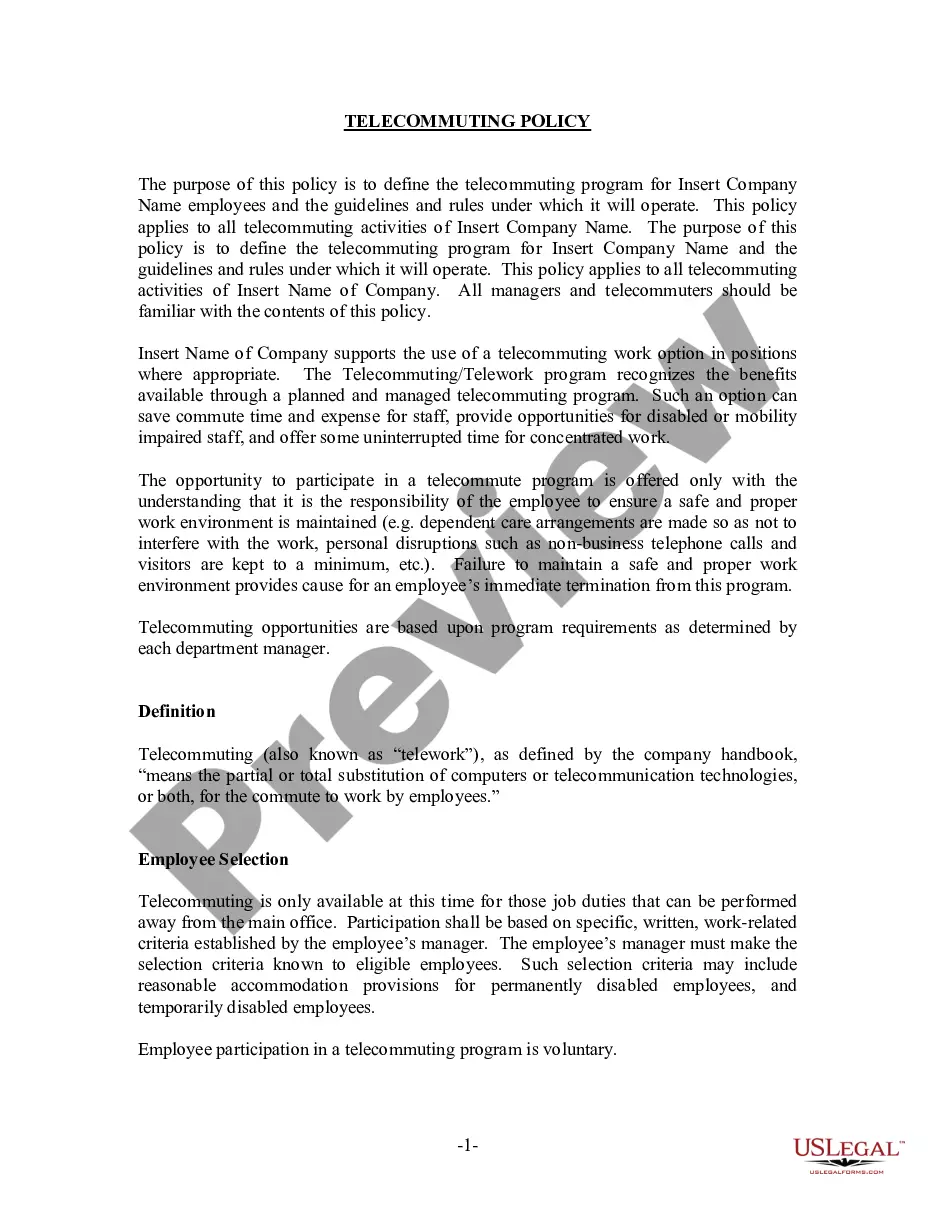
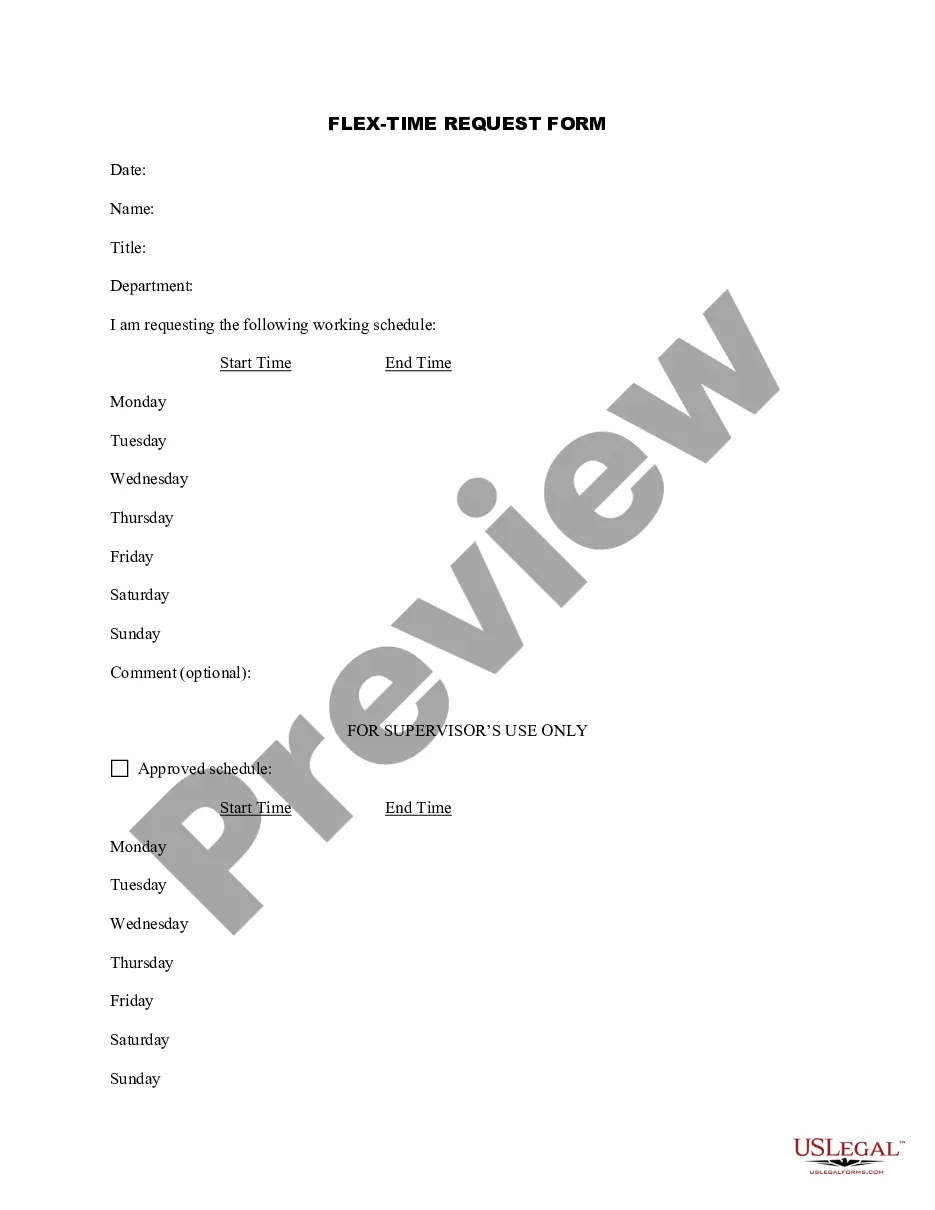
US Legal Forms offers thousands of document templates, such as the Arkansas Telecommuting Application Form, which can be tailored to comply with federal and state regulations.
Once you find the suitable form, just click Purchase now.
Select the pricing plan you prefer, complete the necessary information to create your account, and pay for the order using your PayPal or credit card. Choose a convenient document format and download your copy. Access all the document templates you have purchased in the My documents section. You can obtain an additional copy of the Arkansas Telecommuting Application Form at any time if needed. Just go through the required form to download or print the document template. Use US Legal Forms, the most extensive collection of legitimate forms, to save time and avoid mistakes. The service provides professionally crafted legal document templates that can be utilized for various purposes. Create your account on US Legal Forms and begin making your life a bit easier.
- If you are already acquainted with the US Legal Forms website and possess an account, just Log In.
- After that, you can download the Arkansas Telecommuting Application Form template.
- If you do not have an account and wish to start using US Legal Forms, follow these steps.
- Acquire the form you need and ensure it is for your correct city/state.
- Utilize the Review option to verify the form.
- Examine the description to confirm you have selected the appropriate form.
- If the form isn't what you're searching for, use the Search feature to find the form that suits your needs.
Form popularity
FAQ
Research the landscape in your industry and organization.Emphasize the benefits to your organization.Create a clear and specific remote work plan.Time your request carefully.Ask in-person, not via email.Come prepared to lead the meeting.Expect some discomfort, but don't be dissuaded.More items...
Research the landscape in your industry and organization.Emphasize the benefits to your organization.Create a clear and specific remote work plan.Time your request carefully.Ask in-person, not via email.Come prepared to lead the meeting.Expect some discomfort, but don't be dissuaded.More items...
In general, if you're working remotely you'll only have to file and pay income taxes in the state where you live. However, in some cases, you may be required to file tax returns in two different states. This depends on your particular situation, the company you work for, and the tax laws of the states involved.
If you live in one state and work in another, you file unemployment in the state where you had the job. Most states allow you to file online or by phone.
Here are seven suggestions to help you convince your boss the next time you make your case to work remotely:Arm yourself with data.Suggest a test.Present a plan.Take a working sick day.Offer options.Ramp up your productivity.Be patient.
I'd like to request the ability to work from home because I'm not feeling well / I have a sick family member. I want to make sure I stay away from the rest of the team in case I'm contagious. Thanks for considering this request, and let me know if you have any concerns or if I should reach out to someone in HR.
I'd like to request the chance to work from home so that I can watch after him. By just being in the home during the day, I can ensure that he is safe and fed. I'm confident that I could keep up with my current quotas remotely, and I'd be available via phone or email if a need should arise.
In general, if you're working remotely you'll only have to file and pay income taxes in the state where you live. However, in some cases, you may be required to file tax returns in two different states. This depends on your particular situation, the company you work for, and the tax laws of the states involved.
Employees can file for unemployment in any state they choose You might receive an out of state or interstate claim if someone files for unemployment in a state that is different from the state where they worked for you.
Anywhere remote jobs can be done from anywhere in the world. Remote jobs by state lets you find jobs that you can do from specific states in the U.S.