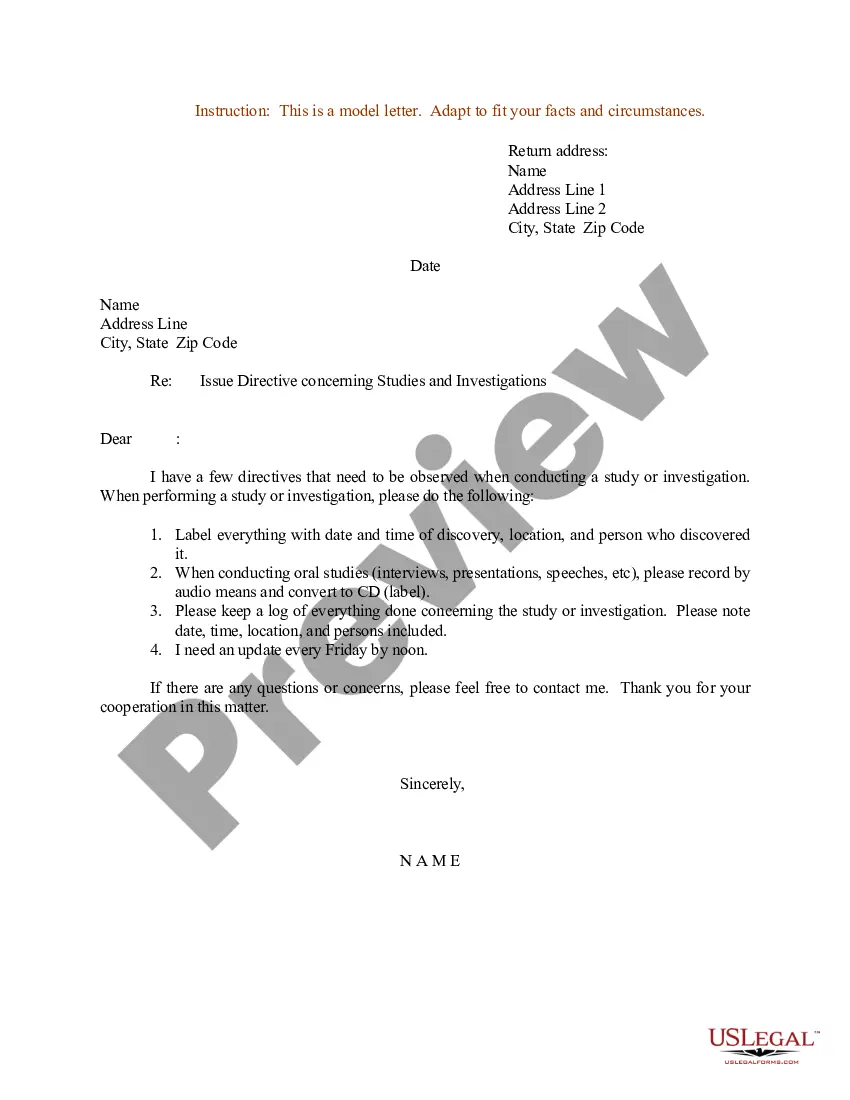
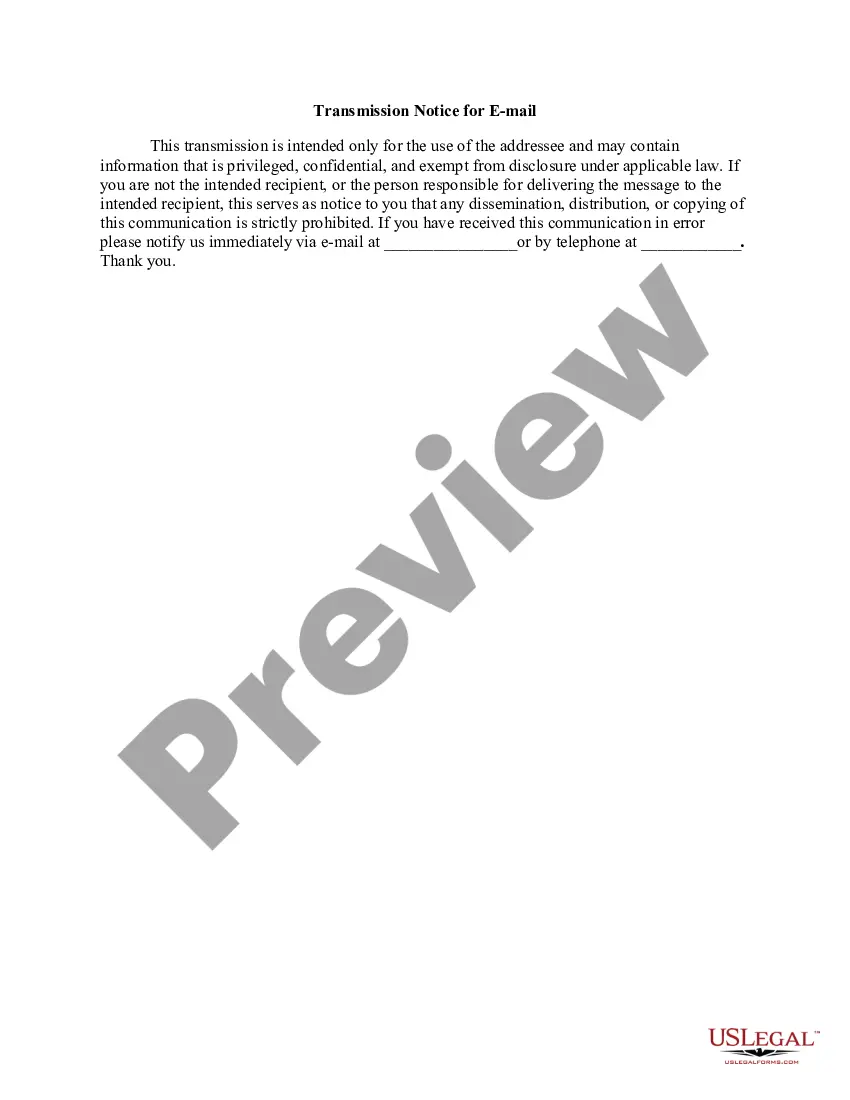
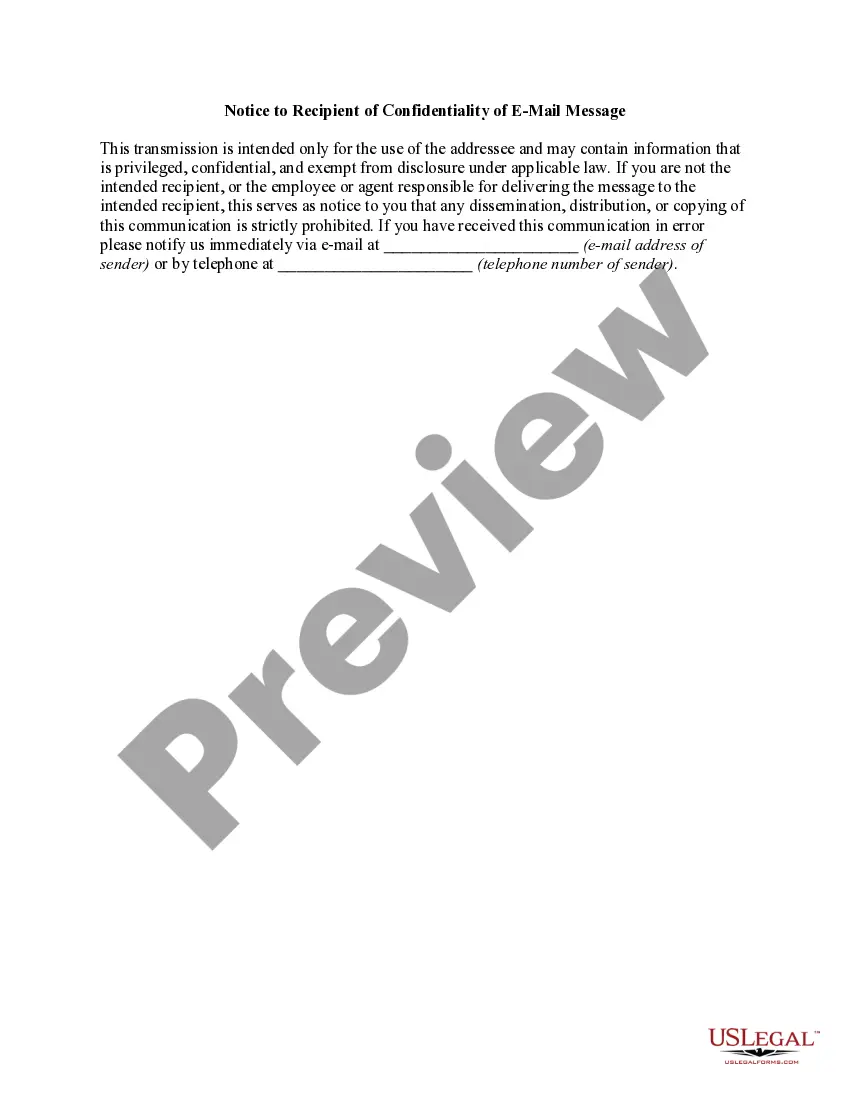
Arizona Transmission Notice for EMail
Description
How to fill out Transmission Notice For EMail?
Are you in a location where you frequently require documents for potential business or specific activities? There is a multitude of legal document templates available online, but finding reliable ones can be challenging.
US Legal Forms offers an extensive collection of form templates, including the Arizona Transmission Notice for Email, designed to comply with state and federal regulations.
If you are already familiar with the US Legal Forms site and have an account, simply Log In. After that, you can download the Arizona Transmission Notice for Email template.
Find all the document templates you have purchased in the My documents section. You can obtain another copy of the Arizona Transmission Notice for Email anytime, if necessary. Just click the desired form to download or print the document template.
Utilize US Legal Forms, one of the largest collections of legal forms, to save time and minimize errors. The service provides professionally crafted legal document templates that you can use for various purposes. Create an account on US Legal Forms and start making your life a bit easier.
- If you do not have an account and wish to start using US Legal Forms, follow these steps.
- Find the form you need and ensure it's for the correct city/state.
- Utilize the Review button to evaluate the form.
- Read the description to confirm that you have selected the right form.
- If the form isn't what you're looking for, use the Search box to find the form that suits your needs and requirements.
- Once you find the right form, click Purchase now.
- Choose the pricing plan you want, fill in the required information to create your account, and pay for the transaction with your PayPal or credit card.
- Select a convenient document format and download your copy.
Form popularity
FAQ
Accessing your app state email involves visiting the Appalachian State University's email login portal. Enter your student or staff credentials to log in. If you encounter any login challenges, the university's IT support team is available to help you regain access. It’s crucial to keep an eye on your app state email, as you may receive essential Arizona Transmission Notices for Email there.
To check your Arizona State University email, head to the ASU email login page, where you'll enter your credentials provided by the university. Once logged in, you can read and manage your emails. Staying updated with university emails is important, especially for receiving any Arizona Transmission Notices for Email related to academic and administrative matters.
Accessing your government email usually requires you to log into the specific government email portal. Use the issued username and password, and if you face difficulties, your agency's IT support can assist. Keeping your government email secure is crucial so that you receive all official communications, including Arizona Transmission Notices for Email.
You can easily check the status of your Arizona LLC by navigating to the Arizona Corporation Commission's online business entity search tool. Simply enter your LLC’s name or entity number to view its current status. Monitoring your LLC's status helps ensure compliance with state requirements, including those related to Arizona Transmission Notices for Email.
To request a certificate of good standing in Arizona, visit the Arizona Corporation Commission’s website. There, you can find a downloadable request form and instructions on how to submit it. This certificate is vital for formal business dealings and is often required for applications that may involve Arizona Transmission Notices for Email.
Accessing your Arizona email typically involves navigating to the email service provider’s website or app. Log in using your username and password tailored for your account. If you forget your password, you can usually reset it through a recovery option provided by the service. Ensuring easy access helps you not miss any Arizona Transmission Notices for Email.
To access your official email, visit your organization’s email login portal. Enter your credentials, and you should have access to your inbox. If you encounter any issues, it might help to check with your IT department for assistance. Properly accessing your email ensures you receive all important Arizona Transmission Notices for Email promptly.
You can locate your articles of incorporation in Arizona by visiting the Arizona Corporation Commission's website. Use their online search tool to find the documents associated with your business. This process is straightforward, and if you need a physical copy, you can request it through their platform. Remember, maintaining clear documents is essential for receiving timely Arizona Transmission Notices for Email.
The address for mailing your Arizona tax return depends on whether you are enclosing a payment or not. Make sure you refer to the latest instructions on the Arizona Department of Revenue's website for the correct mailing address. This also applies if you receive an Arizona Transmission Notice for EMail that provides specific guidance.
To email Arizona tax help, you can visit the Arizona Department of Revenue website and locate their contact email for inquiries. This is a direct way to ask questions or seek assistance. Keep an eye out for your Arizona Transmission Notice for EMail as it may contain vital information regarding your concerns.