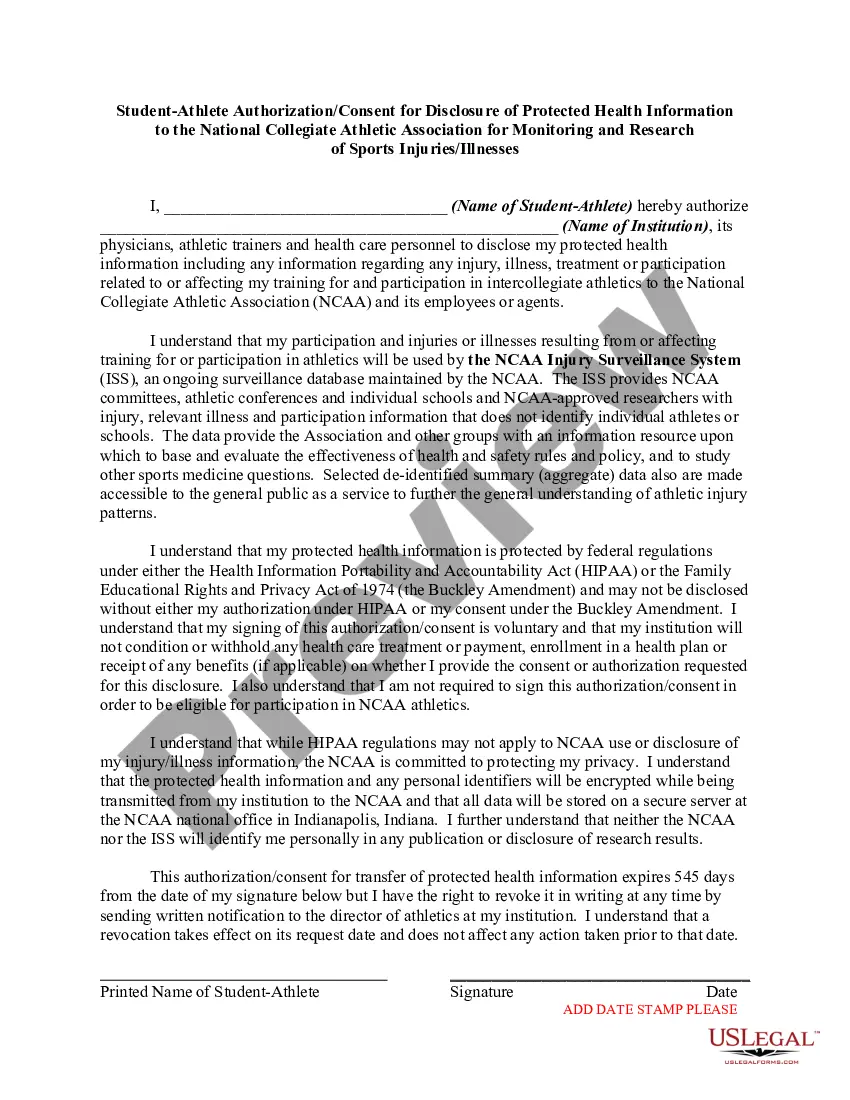
The NCAA Injury Surveillance System (ISS), an ongoing surveillance database maintained by the NCAA. The ISS provides NCAA committees, athletic conferences and individual schools and NCAA-approved researchers with injury, relevant illness and participation information that does not identify individual athletes or schools. The data provide the Association and other groups with an information resource upon which to base and evaluate the effectiveness of health and safety rules and policy, and to study other sports medicine questions. This letter is meant to satisfy requirements of the Health Insurance Portability and Accountability Act (HIPAA).
California Student-Athlete Authorization or Consent for Disclosure of Protected Health Information to the National Collegiate Athletic Association for Monitoring and Research of Sports Injuries or Illnesses
Instant download
Description
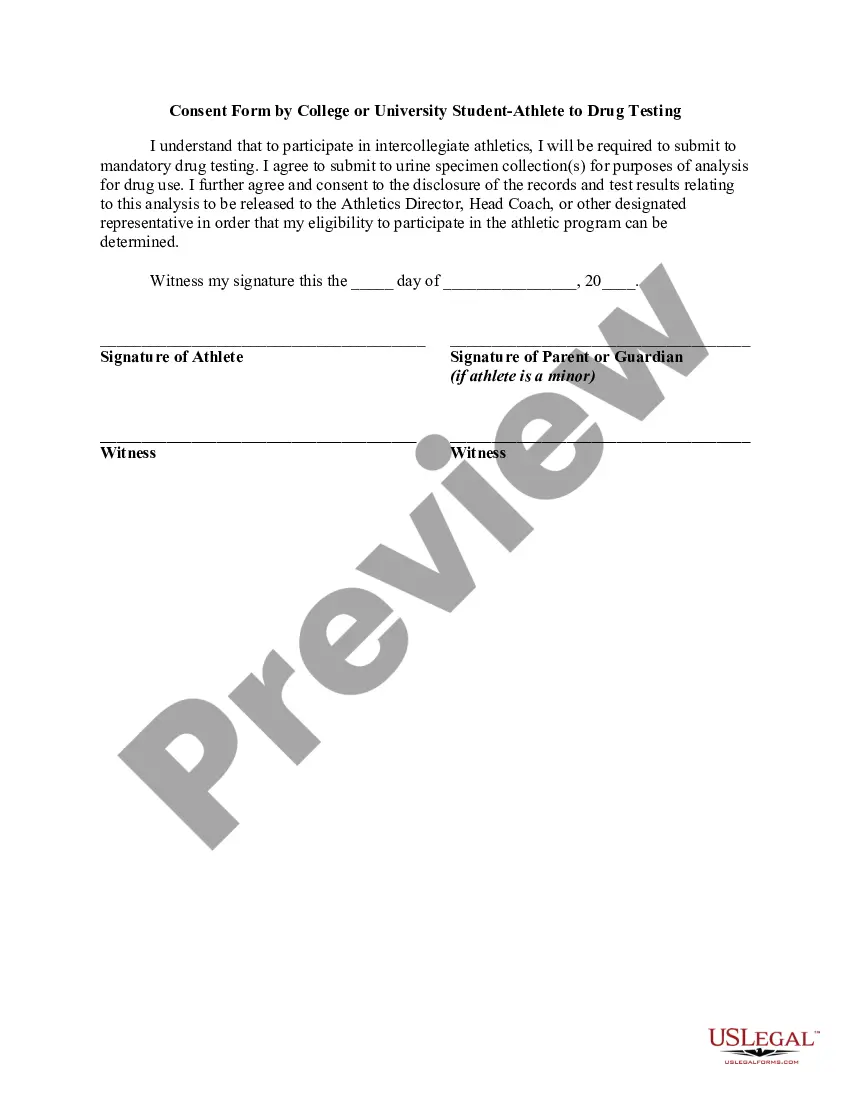
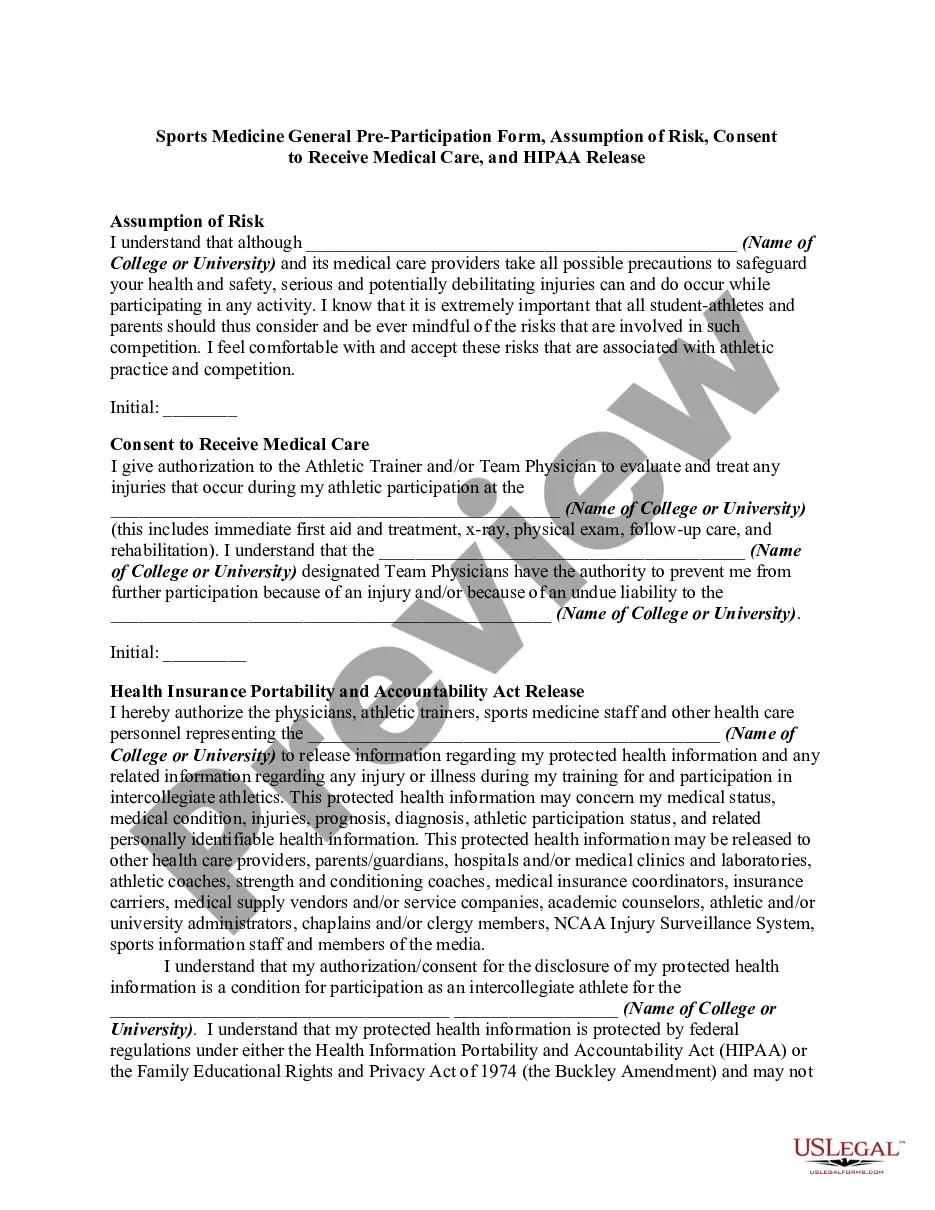
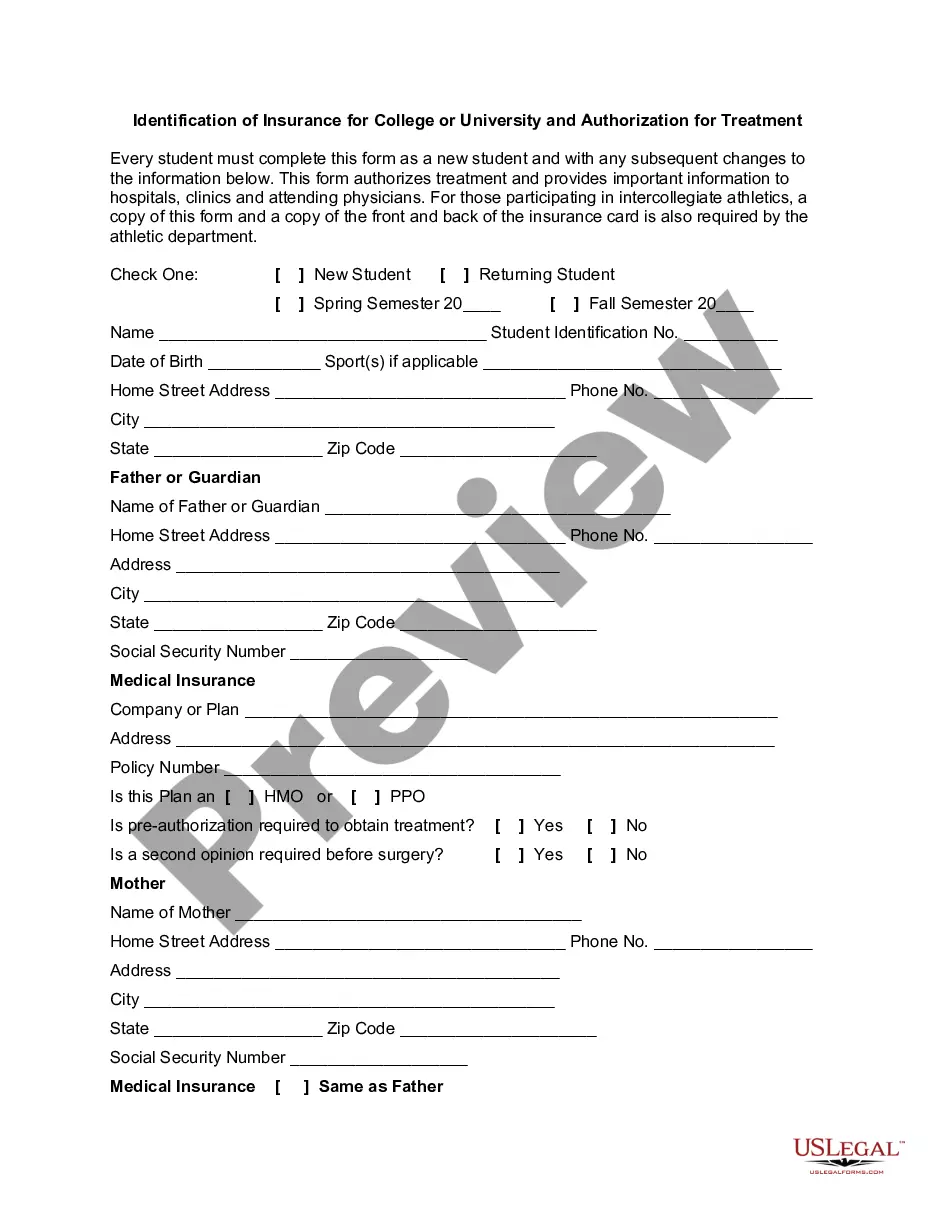
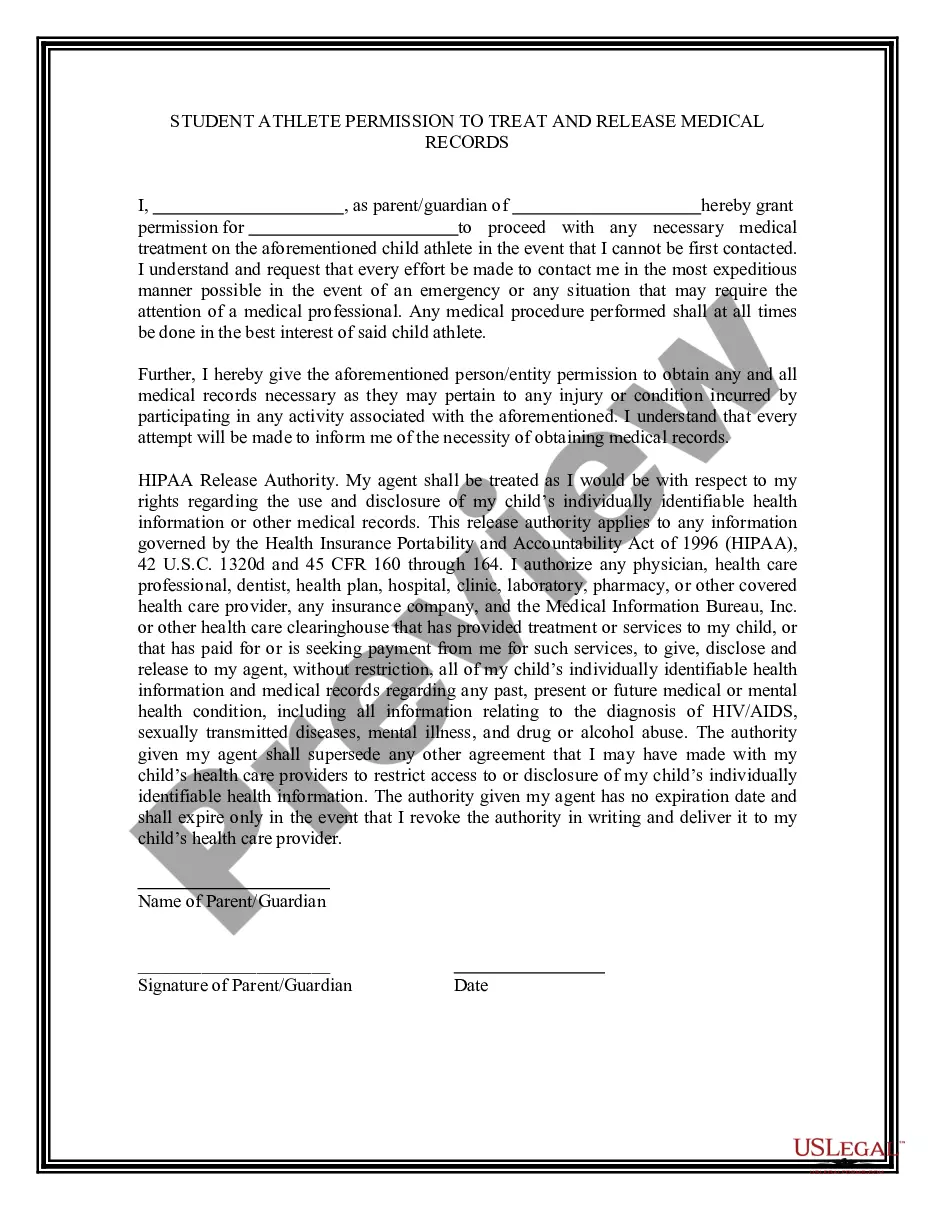


How to fill out Student-Athlete Authorization Or Consent For Disclosure Of Protected Health Information To The National Collegiate Athletic Association For Monitoring And Research Of Sports Injuries Or Illnesses?
US Legal Forms - one of the largest collections of legal templates in the USA - offers a range of legal document formats that you can download or print.
By using the website, you can browse thousands of forms for business and personal use, organized by categories, states, or keywords. You can find the most recent versions of forms like the California Student-Athlete Authorization or Consent for Disclosure of Protected Health Information to the National Collegiate Athletic Association for Monitoring and Research of Sports Injuries or Illnesses in just minutes.
If you already have a subscription, Log In and access the California Student-Athlete Authorization or Consent for Disclosure of Protected Health Information to the National Collegiate Athletic Association for Monitoring and Research of Sports Injuries or Illnesses from the US Legal Forms repository. The Download button will appear on every form you view. You can access all previously saved forms in the My documents section of your account.
Complete the transaction. Use your Visa, Mastercard, or PayPal account to finalize the purchase.
Select the format and download the form to your device. Make edits. Fill out, edit, print, and sign the saved California Student-Athlete Authorization or Consent for Disclosure of Protected Health Information to the National Collegiate Athletic Association for Monitoring and Research of Sports Injuries or Illnesses. Every template you purchased has no expiration date and is yours permanently. Therefore, if you need to download or print another copy, simply go to the My documents section and click on the form you desire. Access the California Student-Athlete Authorization or Consent for Disclosure of Protected Health Information to the National Collegiate Athletic Association for Monitoring and Research of Sports Injuries or Illnesses with US Legal Forms, the most extensive collection of legal document formats. Utilize a vast array of professional and state-specific templates that meet your business or personal requirements and demands.
- Make sure you have selected the correct form for your city/state.
- Click the Preview button to review the form's content.
- Read the form description to confirm that you have chosen the right form.
- If the form does not meet your requirements, use the Search field at the top of the screen to find the suitable one.
- Once you are satisfied with the form, confirm your selection by clicking the Get now button.
- Then, choose the payment plan you prefer and provide your information to create an account.
Form popularity
FAQ
Yes, athletic trainers must adhere to both FERPA and HIPAA regulations, as they protect the privacy of student-athletes' educational and medical information. FERPA governs how educational records are managed, while HIPAA sets standards for healthcare information. Understanding the intersection of the California Student-Athlete Authorization or Consent for Disclosure of Protected Health Information to the National Collegiate Athletic Association is vital for trainers to maintain compliance and protect athletes' rights.
An authorization for the use and disclosure of protected health information is a specific document that outlines how a patient’s medical data can be shared. This authorization empowers the National Collegiate Athletic Association to collect necessary health information for research and monitoring sports-related injuries. For student-athletes, completing the California Student-Athlete Authorization or Consent for Disclosure of Protected Health Information is a crucial step in ensuring their health data is used ethically and effectively.
When a patient gives permission, you may disclose protected health information to authorized entities, such as athletic trainers, healthcare providers, or the National Collegiate Athletic Association. This disclosure is vital for ongoing monitoring, evaluation, and research concerning sports injuries or illnesses. By utilizing the California Student-Athlete Authorization or Consent for Disclosure of Protected Health Information, athletes can ensure that their information is handled responsibly while supporting sports health initiatives.
A consent form to disclose medical information is a legal document that grants permission for healthcare providers to share a patient’s protected health information. This form is particularly important for student-athletes, as it allows the National Collegiate Athletic Association to access relevant medical data for monitoring and research of sports injuries. The California Student-Athlete Authorization or Consent for Disclosure of Protected Health Information to the National Collegiate Athletic Association is essential for ensuring that athletes receive appropriate care while complying with legal requirements.
Yes, HIPAA applies to athletic trainers, as they handle sensitive health information about athletes. They must adhere to privacy standards to ensure the protection of health data. When working with documents like the California Student-Athlete Authorization or Consent for Disclosure of Protected Health Information to the National Collegiate Athletic Association for Monitoring and Research of Sports Injuries or Illnesses, athletic trainers must maintain compliance with HIPAA regarding the sharing and use of that information.
Student-athletes do not inherently waive their HIPAA rights; however, they can choose to provide specific consents for their health information to be disclosed. By signing documents like the California Student-Athlete Authorization or Consent for Disclosure of Protected Health Information to the National Collegiate Athletic Association for Monitoring and Research of Sports Injuries or Illnesses, they permit access to their health data for certain purposes, such as research and monitoring.
Yes, athletic trainers are bound by HIPAA regulations, meaning they must protect the confidentiality of health information they manage. This obligation includes ensuring that any disclosure of health data complies with HIPAA guidelines. When a student-athlete signs the California Student-Athlete Authorization or Consent for Disclosure of Protected Health Information to the National Collegiate Athletic Association for Monitoring and Research of Sports Injuries or Illnesses, it gives trainers the ability to share their health information under regulated conditions.
Authorization for release of protected health information in California is a formal agreement that permits a specific individual or organization to access a person's medical data. In general, this authorization must be signed by the individual and can specify what information is shared and with whom. For student-athletes, completing the California Student-Athlete Authorization or Consent for Disclosure of Protected Health Information to the National Collegiate Athletic Association for Monitoring and Research of Sports Injuries or Illnesses allows for tracking and improving health outcomes in sports.
Consent to disclosure of protected health information refers to the permission an individual gives to share their medical data. This process ensures that sensitive health information is released only to authorized entities. In the case of the California Student-Athlete Authorization or Consent for Disclosure of Protected Health Information to the National Collegiate Athletic Association for Monitoring and Research of Sports Injuries or Illnesses, the athlete allows their health information to be available for monitoring injury trends in sports.
Yes, college athletes are covered by HIPAA regulations when it comes to their health information. This means that their medical records and health data are protected unless the athletes provide consent. When it comes to the California Student-Athlete Authorization or Consent for Disclosure of Protected Health Information to the National Collegiate Athletic Association for Monitoring and Research of Sports Injuries or Illnesses, this consent can enable the sharing of specific health information for research purposes.