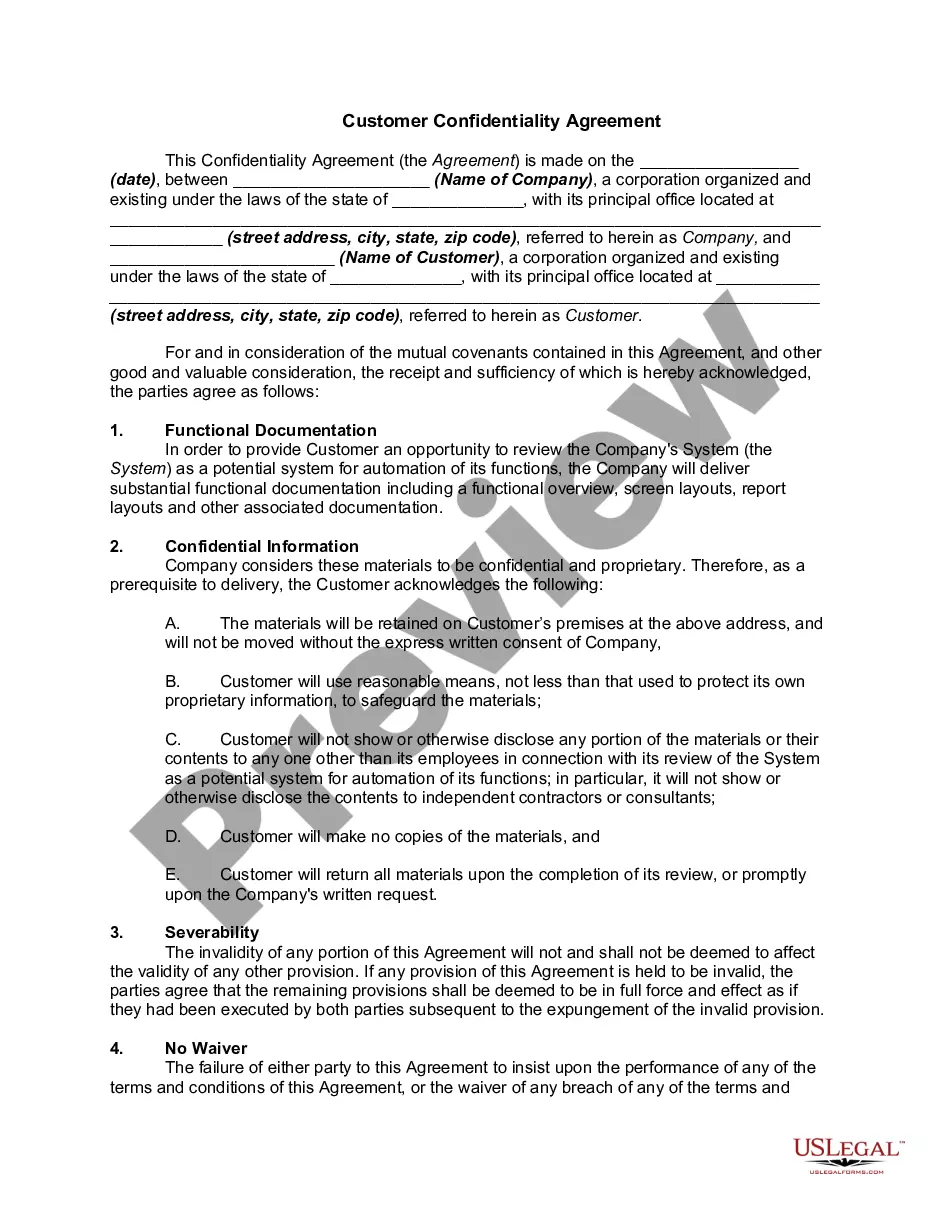
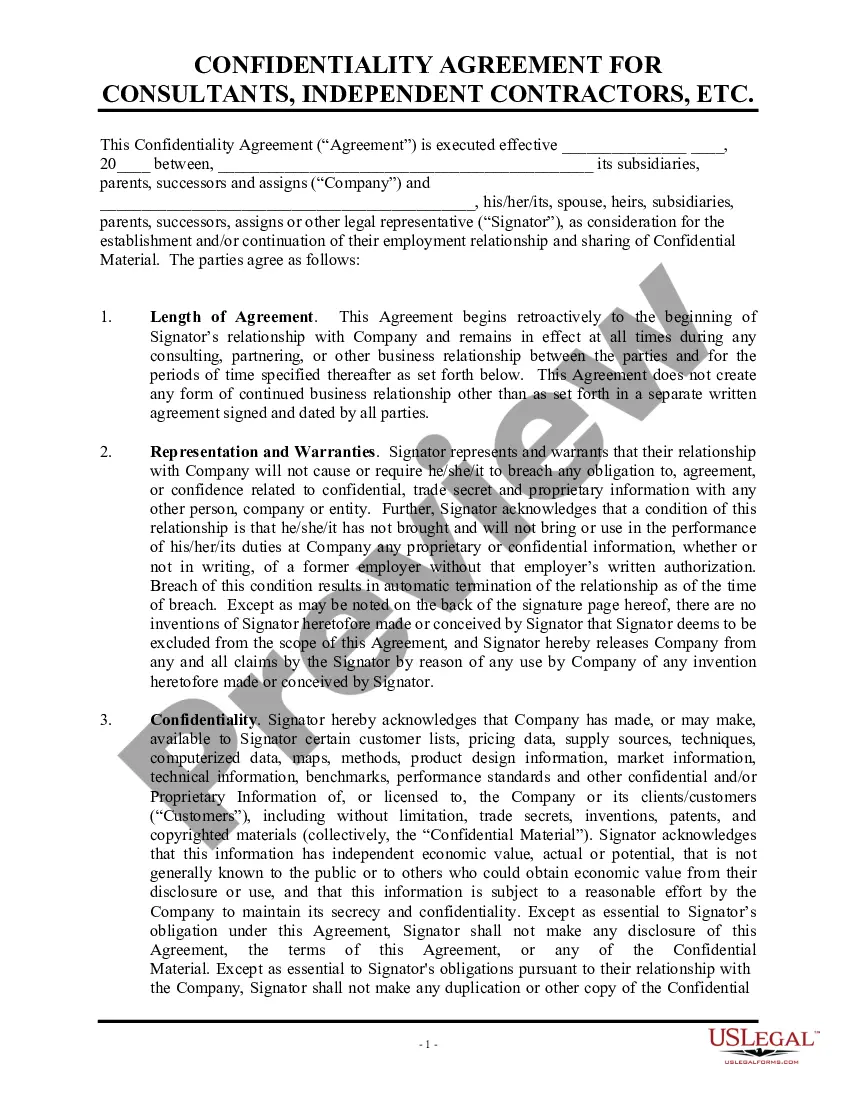
California Confidentiality Agreement for Independent Contractors
Description
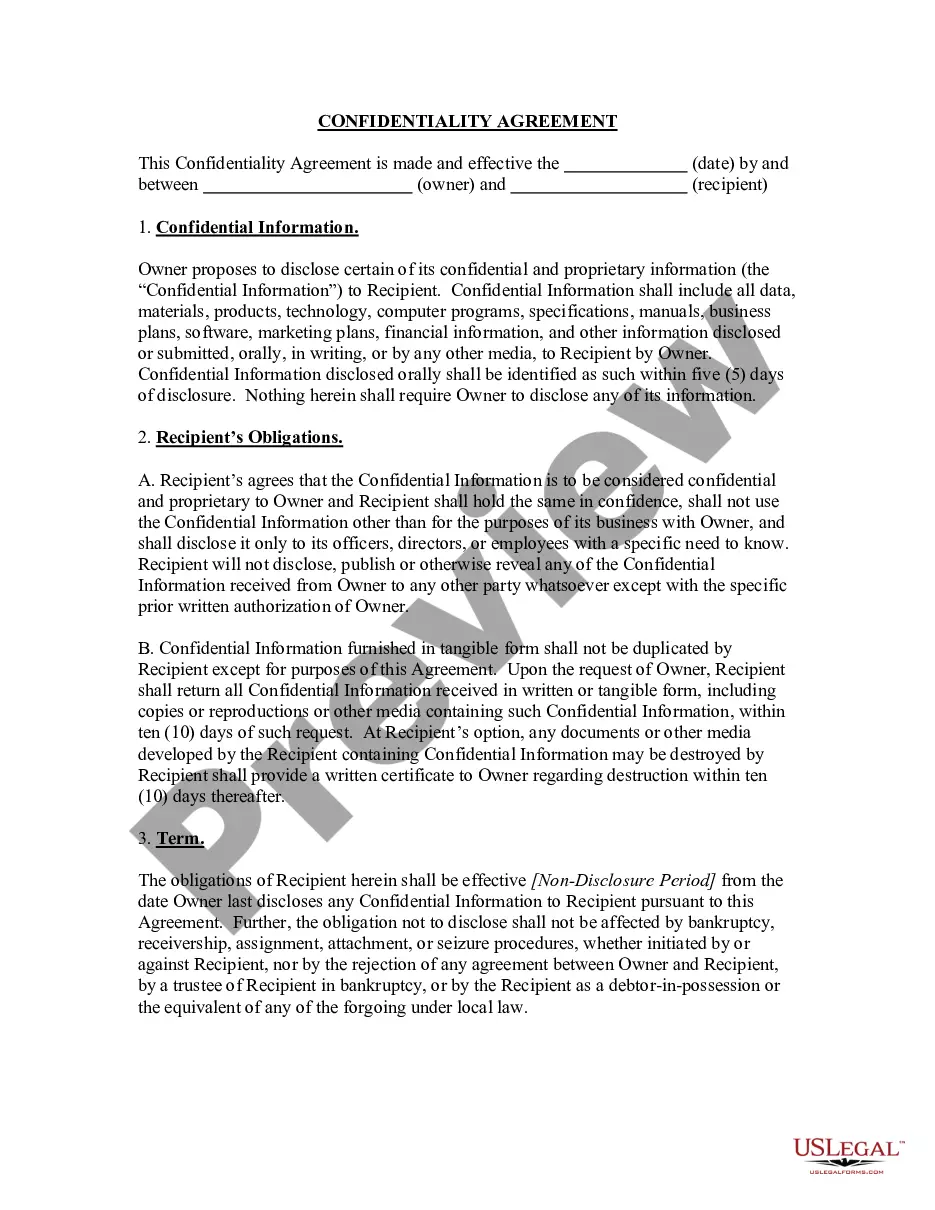
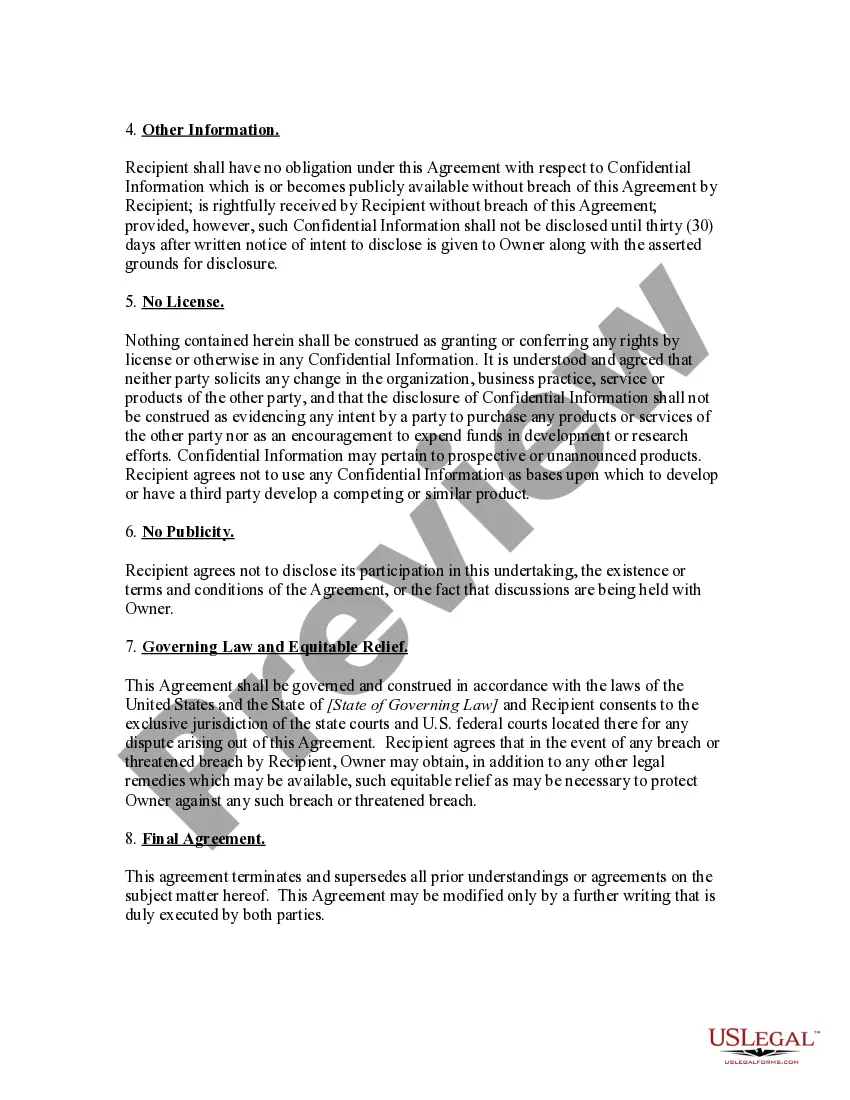
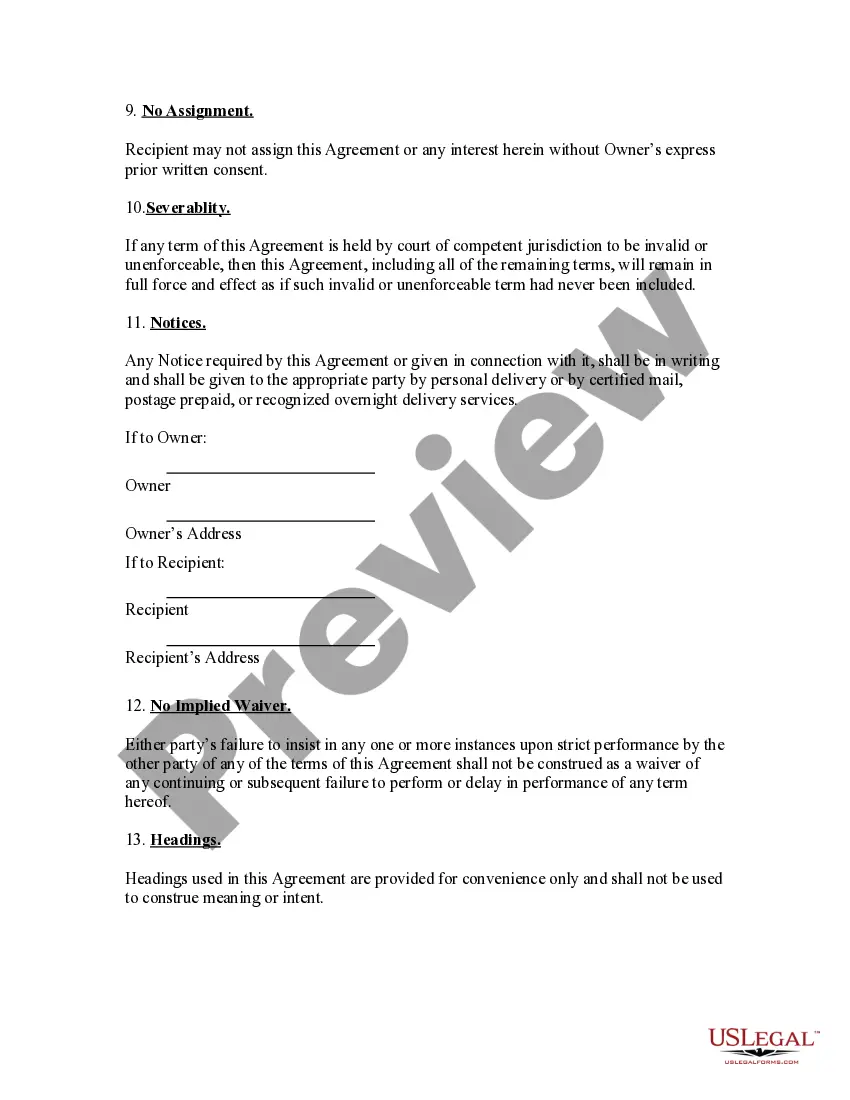
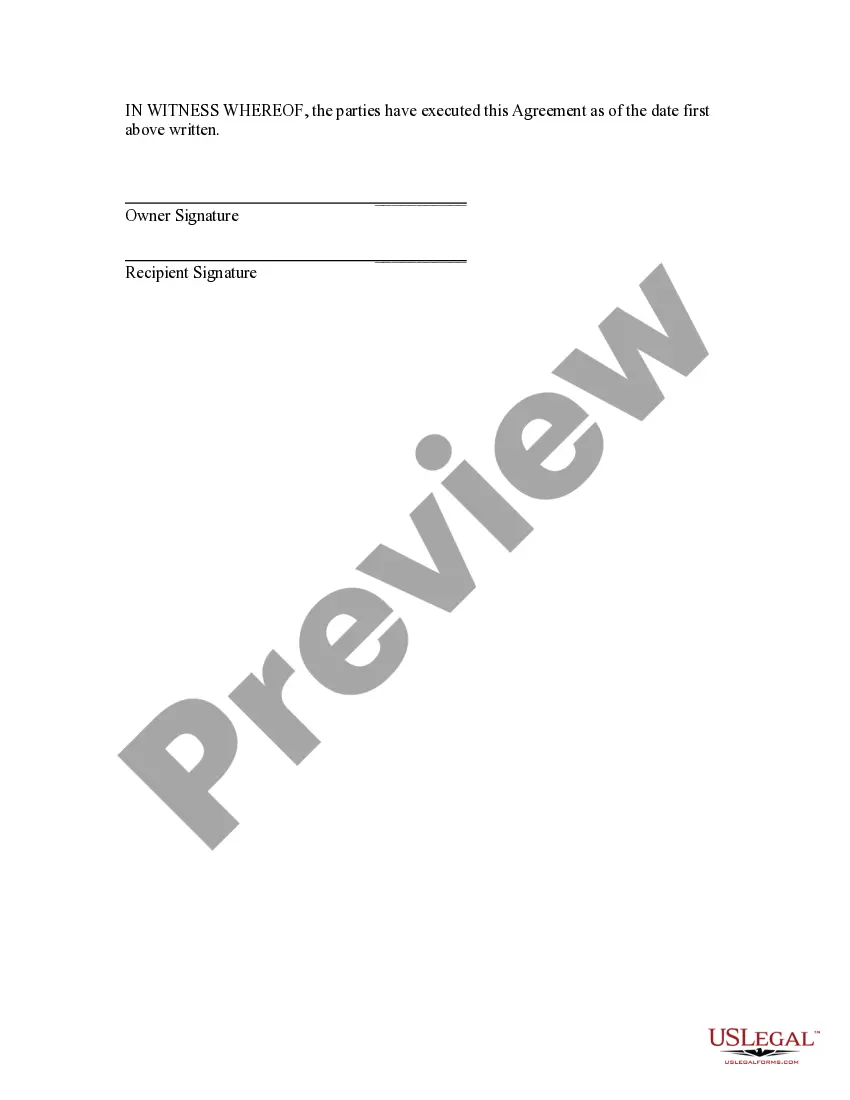
Get your form ready online
Our built-in tools help you complete, sign, share, and store your documents in one place.
Make edits, fill in missing information, and update formatting in US Legal Forms—just like you would in MS Word.
Download a copy, print it, send it by email, or mail it via USPS—whatever works best for your next step.
Sign and collect signatures with our SignNow integration. Send to multiple recipients, set reminders, and more. Go Premium to unlock E-Sign.
If this form requires notarization, complete it online through a secure video call—no need to meet a notary in person or wait for an appointment.
We protect your documents and personal data by following strict security and privacy standards.

Make edits, fill in missing information, and update formatting in US Legal Forms—just like you would in MS Word.

Download a copy, print it, send it by email, or mail it via USPS—whatever works best for your next step.

Sign and collect signatures with our SignNow integration. Send to multiple recipients, set reminders, and more. Go Premium to unlock E-Sign.

If this form requires notarization, complete it online through a secure video call—no need to meet a notary in person or wait for an appointment.

We protect your documents and personal data by following strict security and privacy standards.
Looking for another form?
How to fill out Confidentiality Agreement For Independent Contractors?
Selecting the optimal authentic document template could be challenging.
Clearly, there are numerous designs available on the web, but how can you find the authentic form you require.
Utilize the US Legal Forms site.
If you are a new user of US Legal Forms, here are straightforward instructions you should follow: First, ensure you have chosen the correct form for your locality/state. You can view the form with the Preview option and read the form description to verify it is suitable for you. If the form does not fulfill your needs, use the Search feature to locate the correct form. When you are confident that the form is appropriate, click on the Buy now option to acquire the form. Select the pricing plan you prefer and enter the required information. Create your account and pay for the order using your PayPal account or credit card. Choose the document format and download the legal document template to your device. Finally, complete, edit, print, and sign the received California Confidentiality Agreement for Independent Contractors. US Legal Forms is indeed the largest repository of legal forms where you can find various document templates. Use the service to obtain professionally crafted documents that comply with state regulations.
- The service provides thousands of templates, including the California Confidentiality Agreement for Independent Contractors, suitable for business and personal use.
- All documents are reviewed by professionals and comply with national and state regulations.
- If you are already registered, Log In to your account and click on the Download option to obtain the California Confidentiality Agreement for Independent Contractors.
- Use your account to browse through the legal forms you may have previously ordered.
- Navigate to the My documents section of your account and download an additional copy of the document you require.
Form popularity
FAQ
The 2-year contractor rule pertains to situations where independent contractors must be reclassified as employees after certain conditions. Essentially, after two years, continued relationship dynamics could make classification as a contractor questionable. Understanding this rule is vital for compliance and proper classification of your workforce. A California Confidentiality Agreement for Independent Contractors can protect your rights during such transitions.
A California non-disclosure agreement is a document created to safeguard a business's Confidential Information. More often than not, it is used by an employer and signed by an employee, restricting the latter from sharing Trade Secrets with competitors and the like during employment or afterward.
This year, a new California law went into effect called Silenced No More, which outlaws confidentiality agreements for settlements involving any form of discrimination or harassment, expanding existing employee protections in the state.
In 2019, California legislation went into effect that prevented employers from imposing non-disclosure agreements (NDAs) as a condition of settlement of a civil or administrative action in which claims of sexual harassment or discrimination based on sex had been asserted.
Can an independent contractor sign an NDA? Not only can you have your independent contractors sign an NDA, but it's also recommended. The NDA should be a regular part of your agreements with independent contractors every time the projects require you to share sensitive information with the person you're hiring.
This amendment to Section 12964.5 of the Government Code provides that any agreement that has the purpose or effect of denying an employee the right to disclose information about those acts is against public policy and unenforceable.
Generally, confidentiality agreements are enforceable when they meet the general requirements of a contract.
Now, a new bill significantly expands those protections: In October, California Governor Gavin Newsom signed the Silenced No More Act, which bans the use of confidentiality and non-disparagement clauses in settlements or severance agreements to silence workers who have experienced any kind of harassment or
Doing Work as an Independent Contractor: How to Protect Yourself and Price Your ServicesProtect your social security number.Have a clearly defined scope of work and contract in place with clients.Get general/professional liability insurance.Consider incorporating or creating a limited liability company (LLC).More items...?
Non-disclosure agreements, or NDAs as they are sometimes called, are legally enforceable agreements between parties that are used to ensure that certain information will remain confidential.