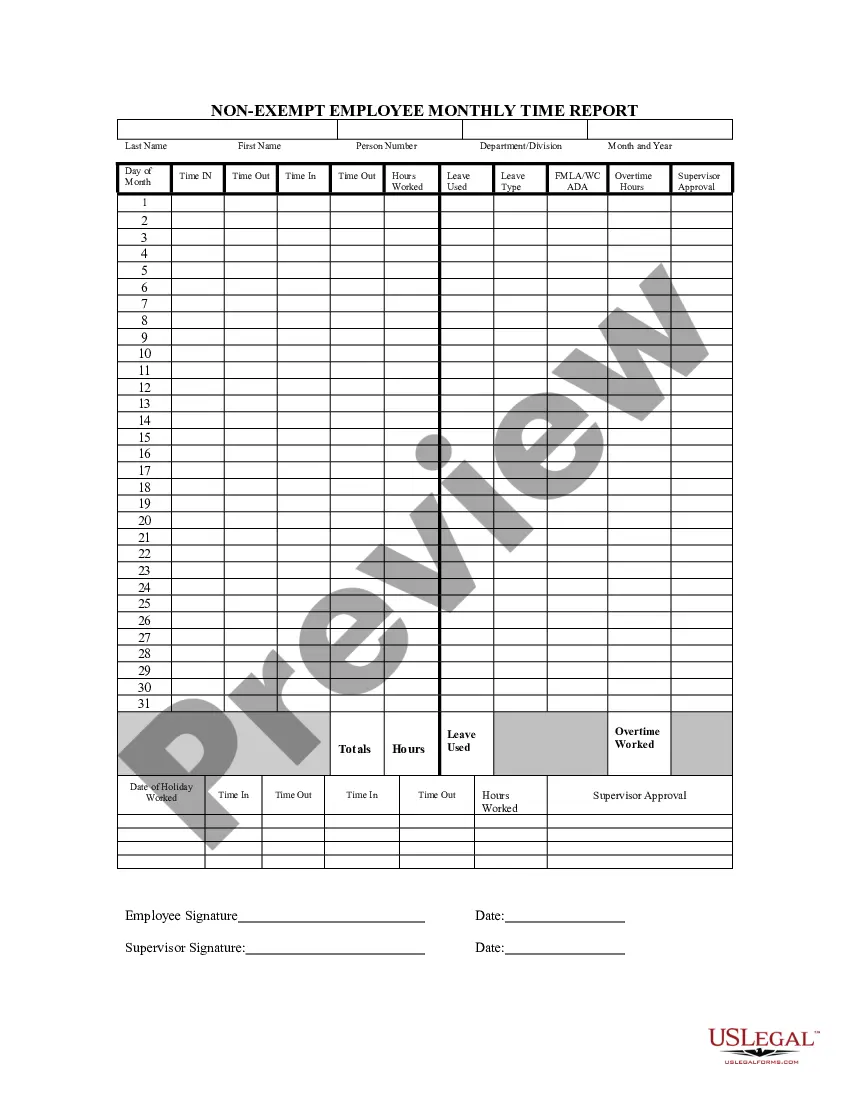
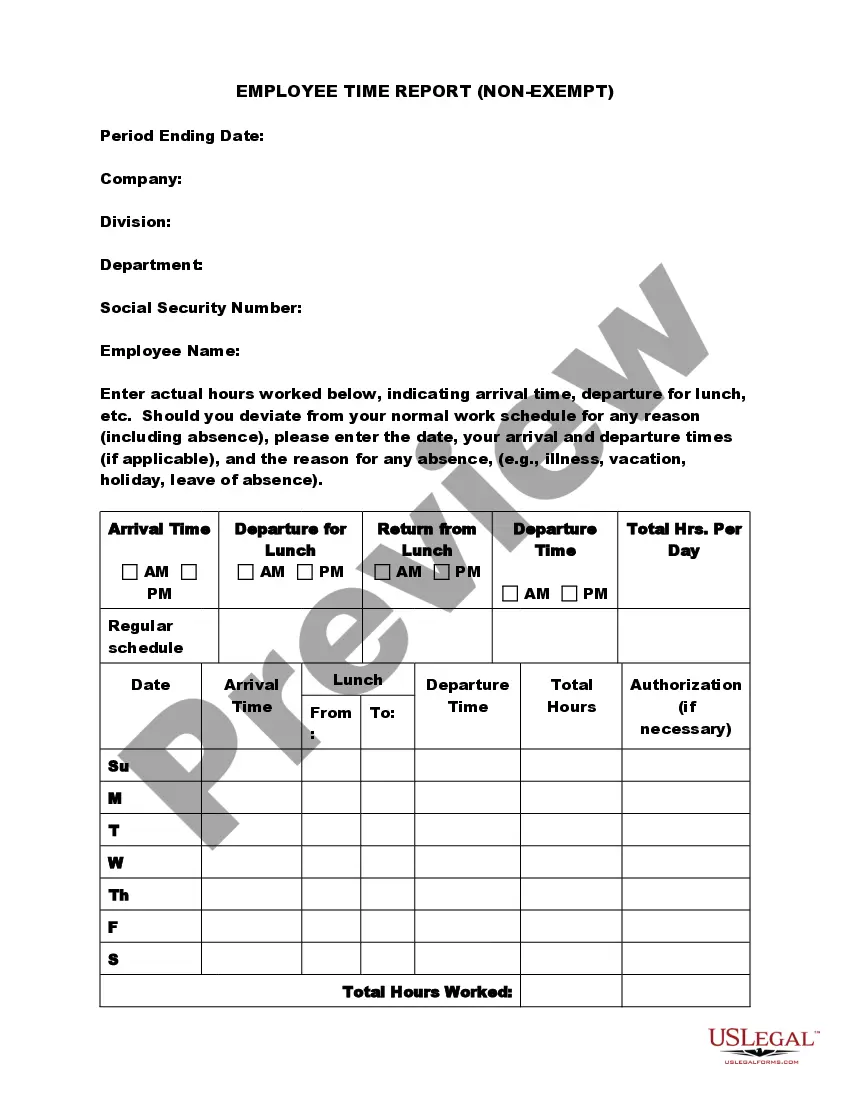
California Nonexempt Employee Time Report
Description
Get your form ready online
Our built-in tools help you complete, sign, share, and store your documents in one place.
Make edits, fill in missing information, and update formatting in US Legal Forms—just like you would in MS Word.
Download a copy, print it, send it by email, or mail it via USPS—whatever works best for your next step.
Sign and collect signatures with our SignNow integration. Send to multiple recipients, set reminders, and more. Go Premium to unlock E-Sign.
If this form requires notarization, complete it online through a secure video call—no need to meet a notary in person or wait for an appointment.
We protect your documents and personal data by following strict security and privacy standards.

Make edits, fill in missing information, and update formatting in US Legal Forms—just like you would in MS Word.

Download a copy, print it, send it by email, or mail it via USPS—whatever works best for your next step.

Sign and collect signatures with our SignNow integration. Send to multiple recipients, set reminders, and more. Go Premium to unlock E-Sign.

If this form requires notarization, complete it online through a secure video call—no need to meet a notary in person or wait for an appointment.

We protect your documents and personal data by following strict security and privacy standards.
Looking for another form?
How to fill out Nonexempt Employee Time Report?
If you wish to obtain, acquire, or print legal document templates, utilize US Legal Forms, the largest collection of legal documents available online.
Take advantage of the site's straightforward and user-friendly search feature to find the documents you require.
An array of templates for business and personal use is organized by categories and jurisdictions, or keywords.
Step 3. If you are not satisfied with the form, utilize the Search bar located at the top of the screen to find alternative versions of the legal form template.
Step 4. Once you have found the form you need, click the Buy Now button. Choose your preferred pricing plan and provide your details to set up an account.
- Use US Legal Forms to access the California Nonexempt Employee Time Report with just a few clicks.
- If you are already a US Legal Forms member, Log In to your account and click the Download button to access the California Nonexempt Employee Time Report.
- Additionally, you can retrieve documents you have previously obtained under the My documents section of your account.
- If this is your first time using US Legal Forms, please follow the steps outlined below.
- Step 1. Ensure you have selected the form for the correct city/state.
- Step 2. Use the Preview option to review the details of the form. Don’t forget to read the description.
Form popularity
FAQ
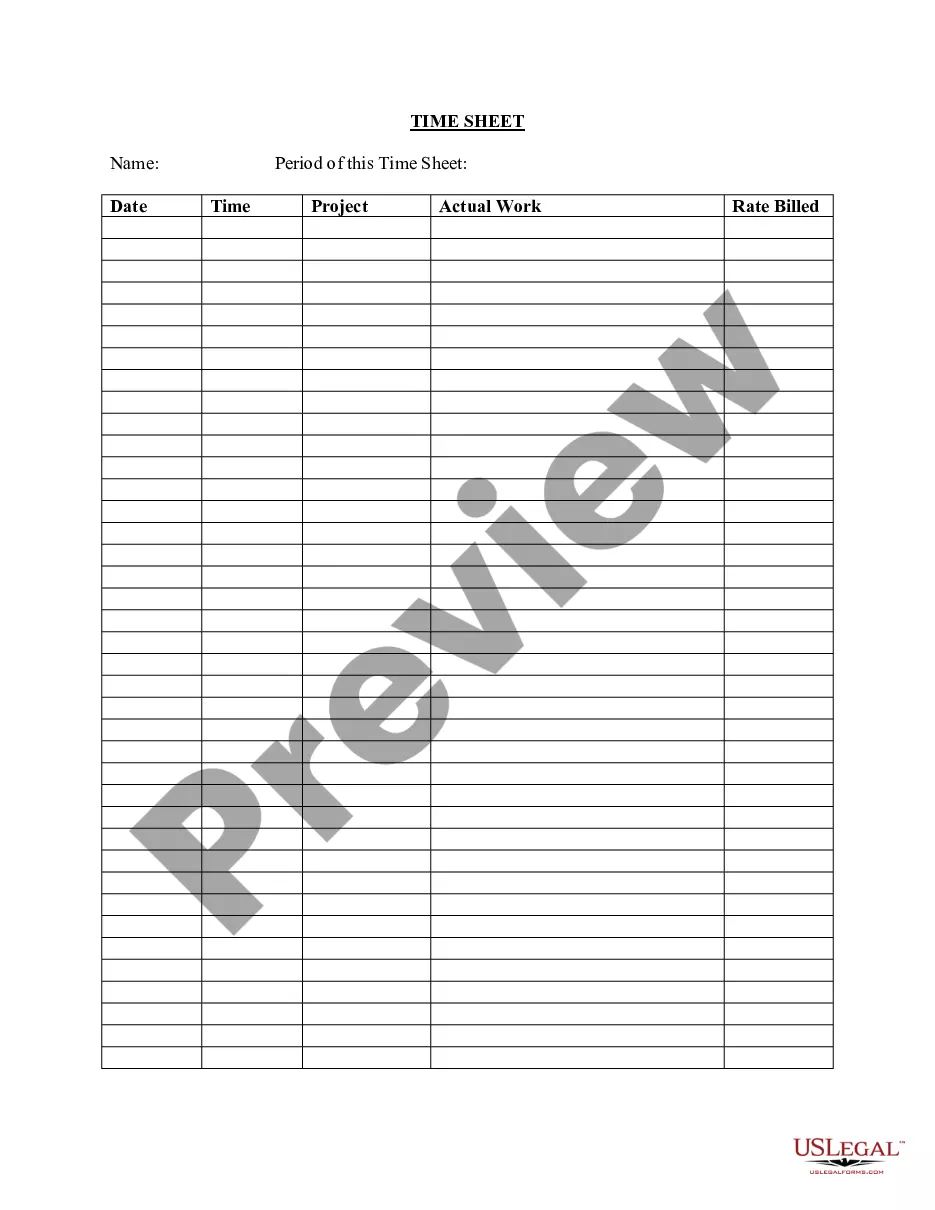
To create a daily report format for California Nonexempt Employee Time Reporting, list each day of the week along with designated columns for start time, end time, and total hours worked. Include sections for breaks and any overtime hours as well. This organized structure aids in effective tracking and ensures employees can easily log their work hours accurately.
All nonexempt employees are required to accurately record hours worked. Unless otherwise notified, employees are required to accurately record their work time through the use of a time card, an electronic time-keeping system or a handwritten record.
As set forth below, the Wage Orders require time records shall be kept on file by the employer for at least three years at the place of employment or at a central location within the State of California. Therefore, employers should consider maintaining a copy of employee time records, either electronically or on
You must keep all payroll records for at least three years, according to the Fair Labor Standards Act (FLSA). And, you need to keep records that show how you determined wages for two years (e.g., time cards that comply with FLSA timekeeping requirements).
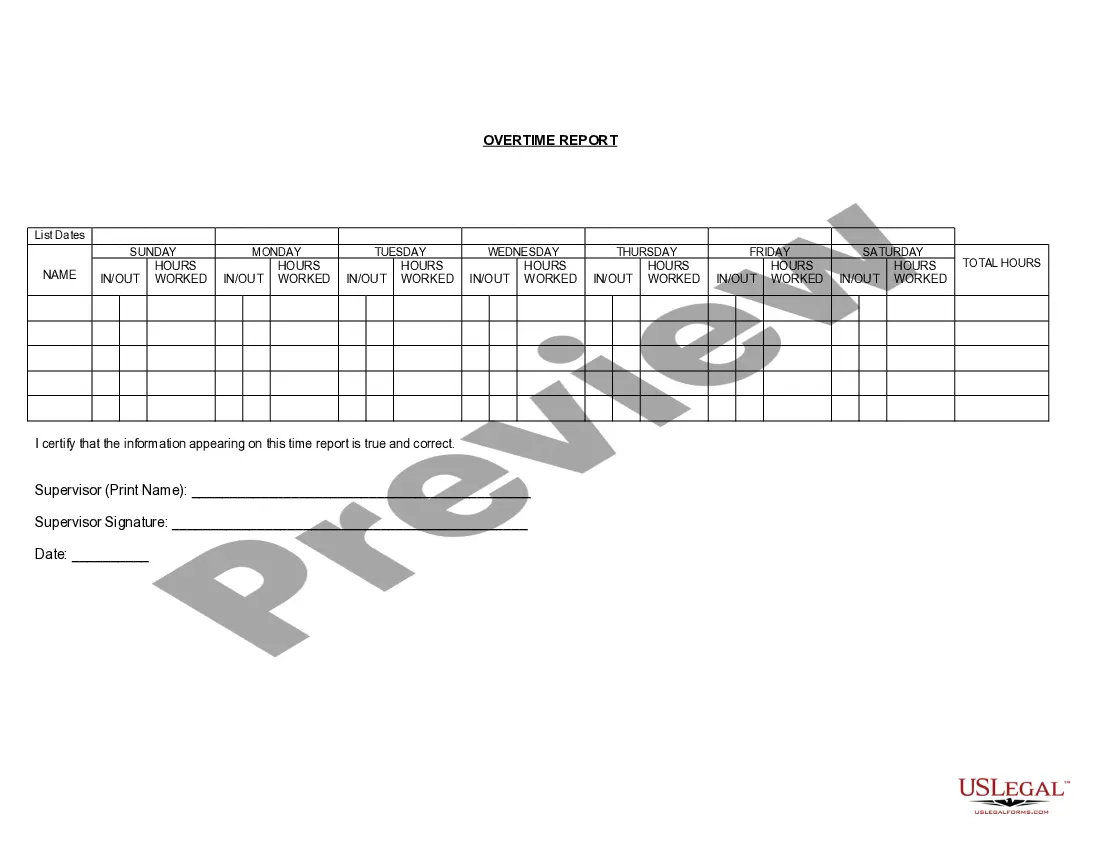
Non-exempt employees are generally entitled to overtime pay if they work more than 40 hours in a single workweek. Working more than 40 hours over two separate workweeks does not trigger overtime pay.
In California, there are no mandatory grace periods. But as an employer you may choose to provide an employee with a 10 minute grace period for when they clock out. This grace period is voluntary and you've done so to grant employees flexibility when clocking in and out.
1. Are employers required to use a particular type of timekeeping system? California law does not require the use of any electronic type of timekeeping system or time clocks. Employers may elect to use paper and pen in recording an employee's time.
All California employees who report for work are entitled to be paid for half of their scheduled shifts. The Reporting Time Pay must be at least two hours, but no more than four hours of pay at the employee's regular rate of pay.
As set forth below, the Wage Orders require time records shall be kept on file by the employer for at least three years at the place of employment or at a central location within the State of California. Therefore, employers should consider maintaining a copy of employee time records, either electronically or on
California Minimum Wage Effective January 1, 2022$15 per hour for workers at businesses with 26 or more employees. $14 per hour for workers at small businesses (25 or fewer employees). For more information on California minimum wage.