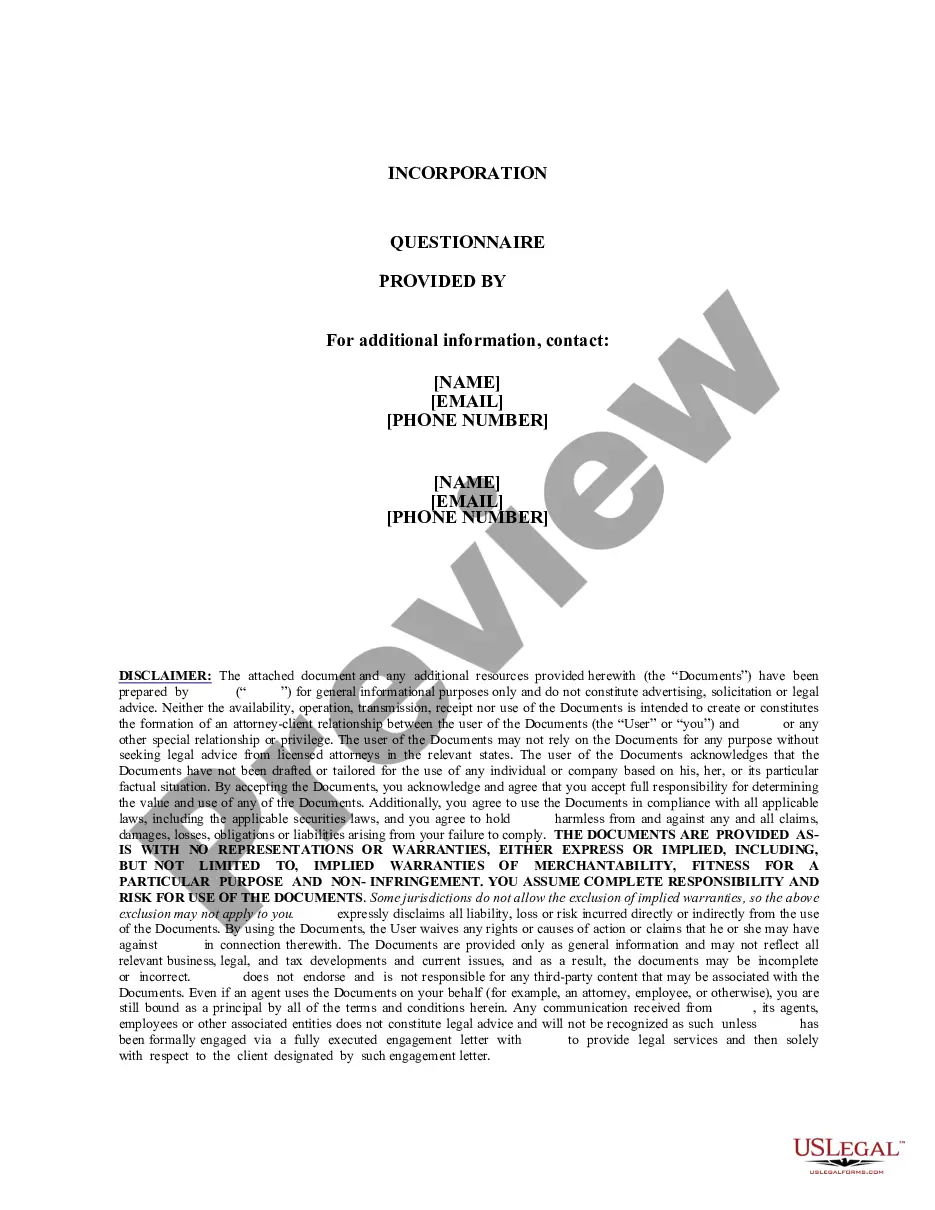
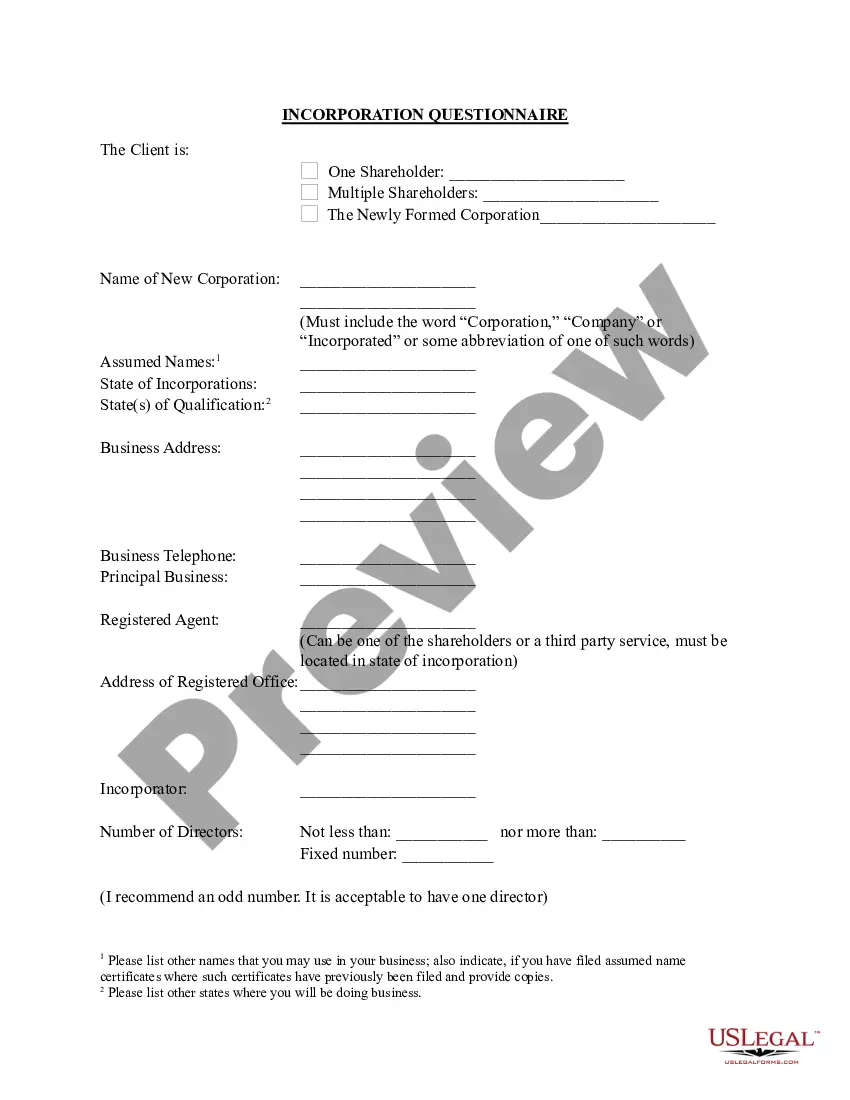
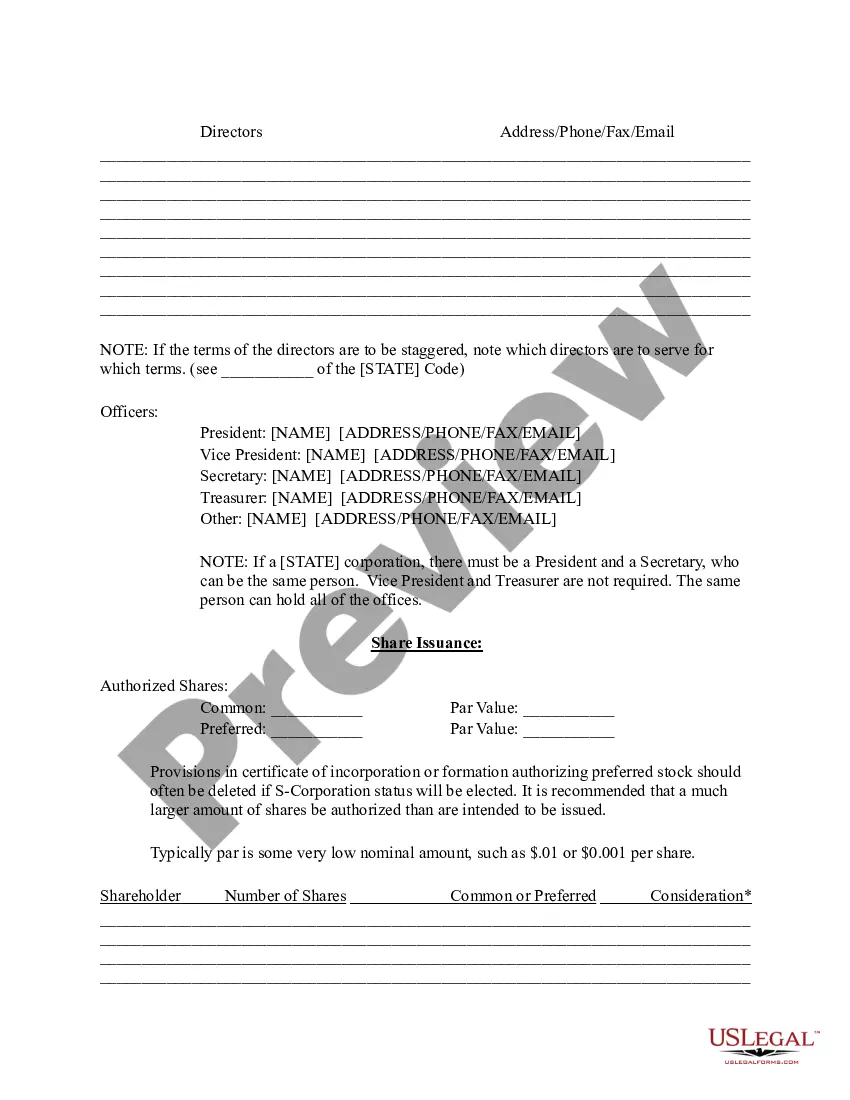
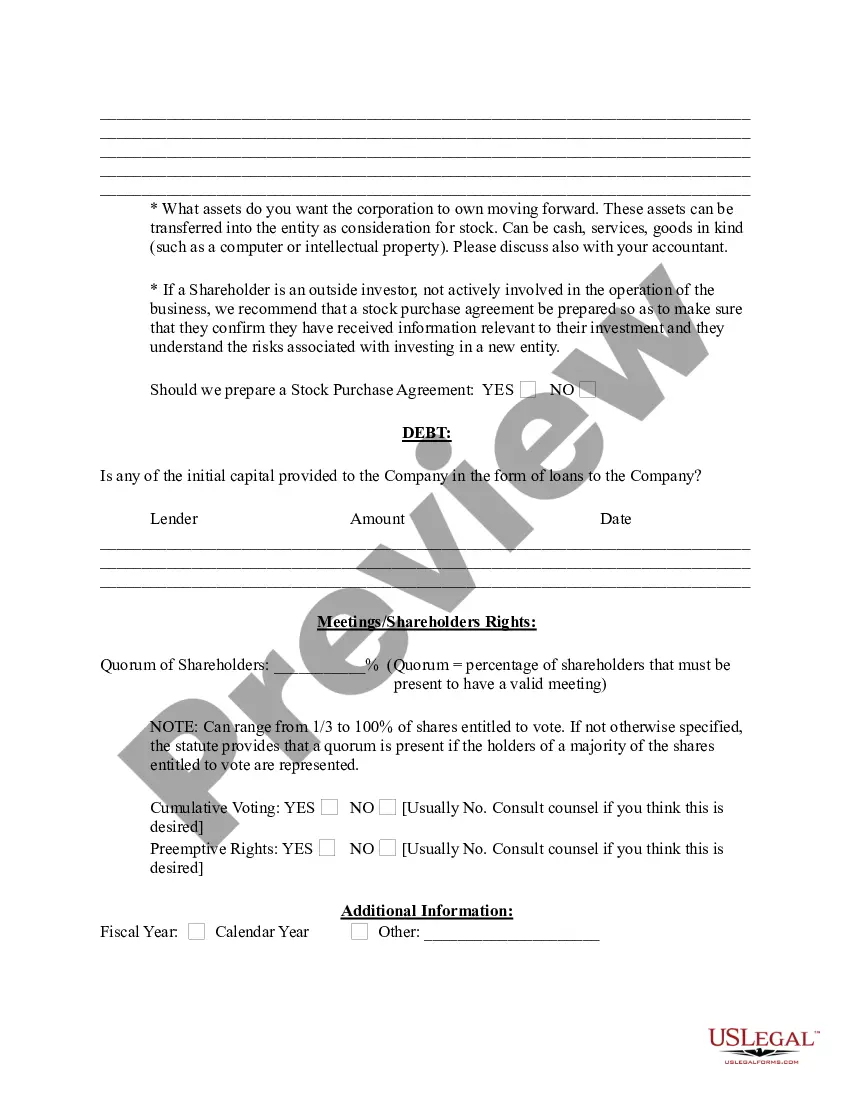
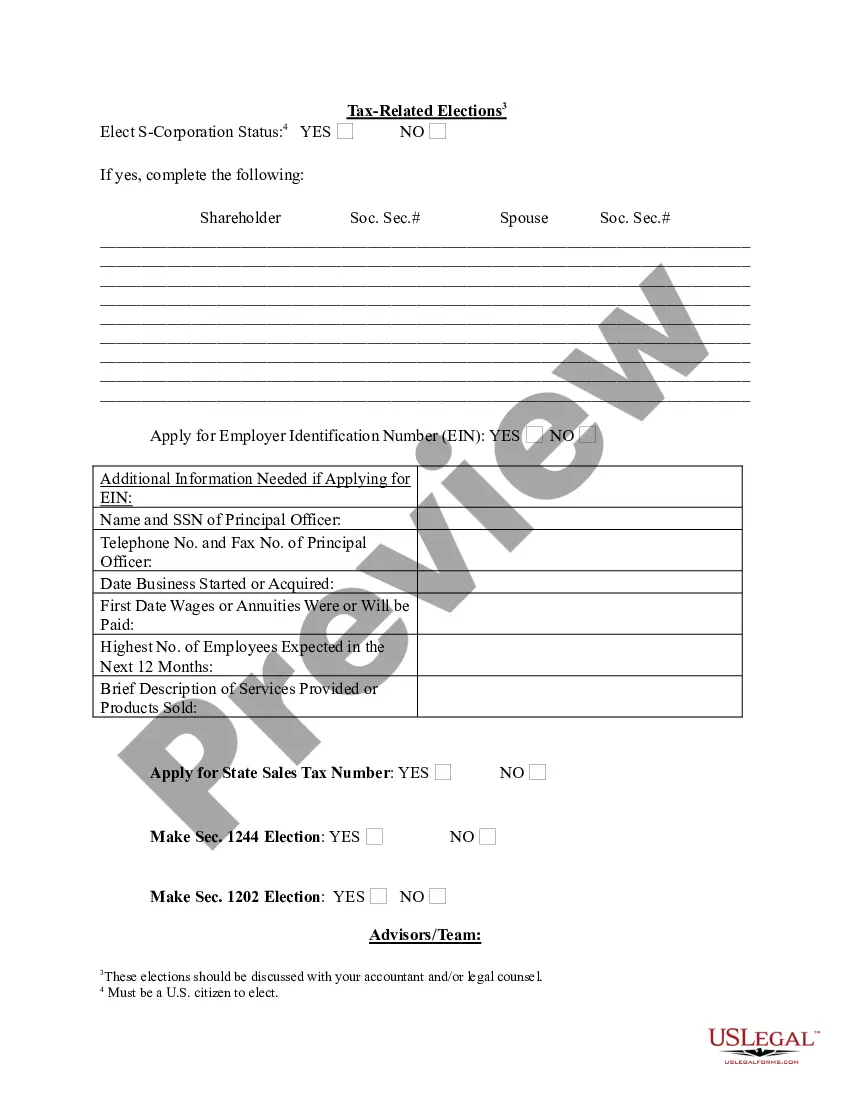
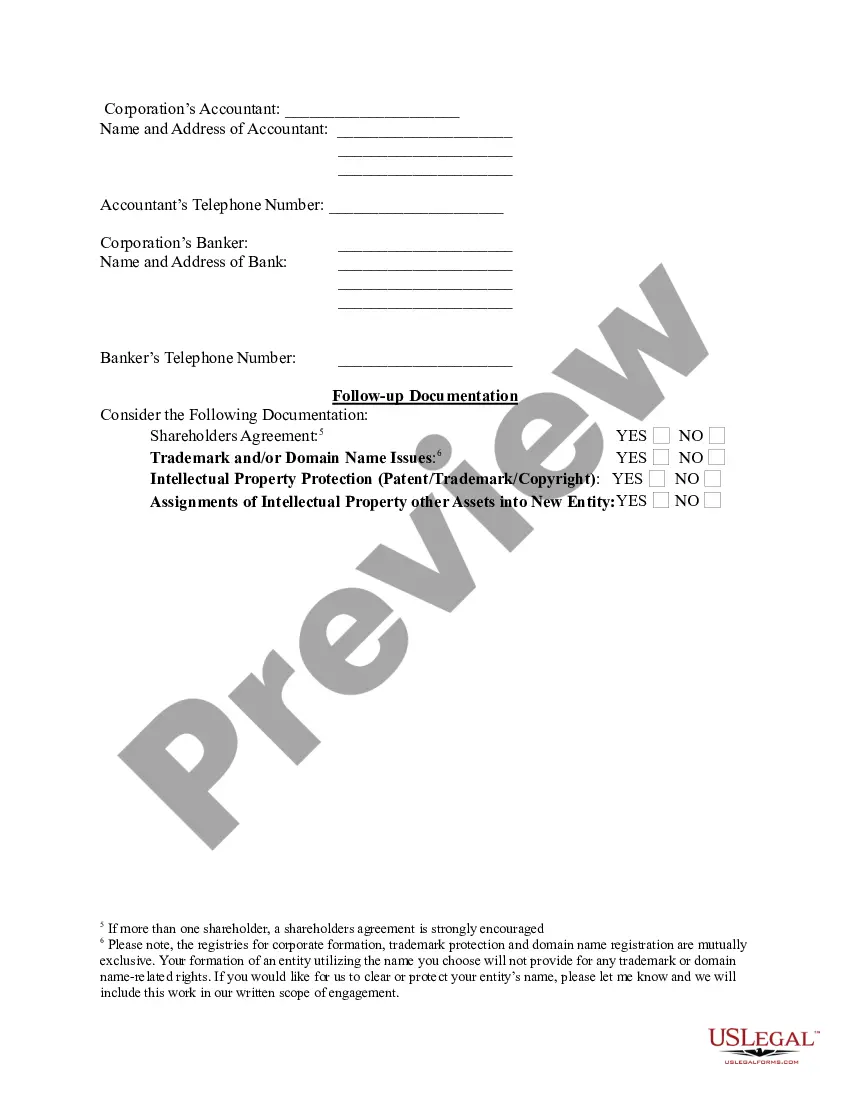
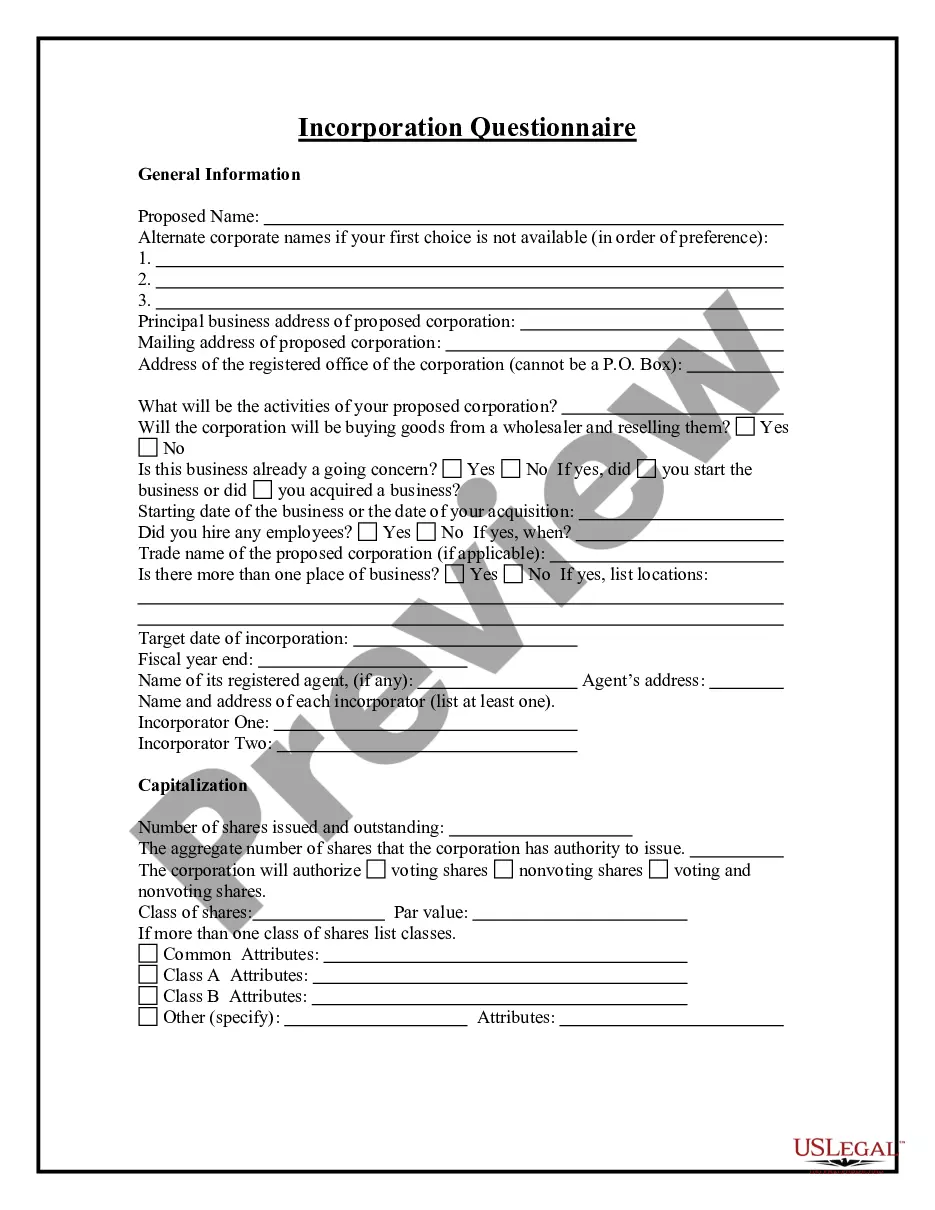
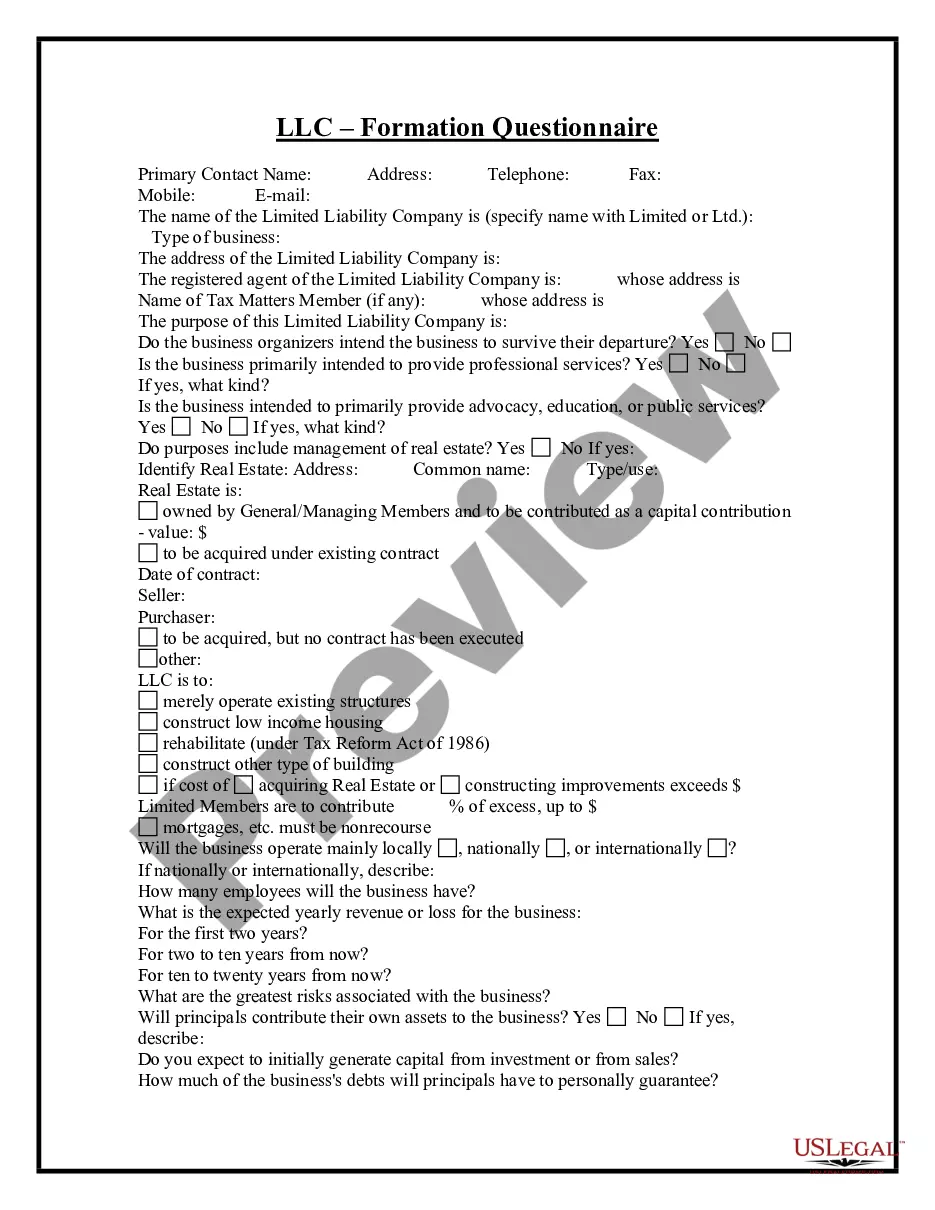
"This form addresses important considerations that may effect the legal rights and obligations of the parties during the process of incorporating a business. This questionnaire enables those seeking legal help to effectively identify and prepare their issues and problems. Thorough advance preparation enhances the attorney's case evaluation and can significantly reduce costs associated with case preparation.
This questionnaire may also be used by an attorney as an important information gathering and issue identification tool when forming an attorney-client relationship with a new client. This form helps ensure thorough case preparation and effective evaluation of a new client's needs. It may be used by an attorney or new client to save on attorney fees related to initial interviews."
California Incorporation Questionnaire
Category:
State:
Multi-State
Control #:
US-ENTREP-0071-1
Format:
Word;
Rich Text
Instant download
Description
Free preview


Get your form ready online
Our built-in tools help you complete, sign, share, and store your documents in one place.
Built-in online Word editor
Make edits, fill in missing information, and update formatting in US Legal Forms—just like you would in MS Word.
Export easily
Download a copy, print it, send it by email, or mail it via USPS—whatever works best for your next step.
E-sign your document
Sign and collect signatures with our SignNow integration. Send to multiple recipients, set reminders, and more. Go Premium to unlock E-Sign.
Notarize online 24/7
If this form requires notarization, complete it online through a secure video call—no need to meet a notary in person or wait for an appointment.
Store your document securely
We protect your documents and personal data by following strict security and privacy standards.

Make edits, fill in missing information, and update formatting in US Legal Forms—just like you would in MS Word.

Download a copy, print it, send it by email, or mail it via USPS—whatever works best for your next step.

Sign and collect signatures with our SignNow integration. Send to multiple recipients, set reminders, and more. Go Premium to unlock E-Sign.

If this form requires notarization, complete it online through a secure video call—no need to meet a notary in person or wait for an appointment.

We protect your documents and personal data by following strict security and privacy standards.
Looking for another form?



How to fill out Incorporation Questionnaire?
Are you presently inside a position the place you need to have documents for both company or individual reasons just about every day time? There are plenty of legitimate file layouts accessible on the Internet, but finding ones you can trust is not simple. US Legal Forms provides a large number of type layouts, like the California Incorporation Questionnaire, that are written to fulfill federal and state specifications.
In case you are currently acquainted with US Legal Forms website and possess your account, merely log in. After that, you may obtain the California Incorporation Questionnaire format.
If you do not come with an profile and want to begin using US Legal Forms, abide by these steps:
- Find the type you require and make sure it is for your appropriate area/county.
- Take advantage of the Review switch to check the form.
- Look at the information to ensure that you have chosen the appropriate type.
- When the type is not what you are trying to find, make use of the Look for industry to find the type that meets your requirements and specifications.
- Once you find the appropriate type, simply click Acquire now.
- Select the rates program you want, complete the specified info to generate your bank account, and pay for your order with your PayPal or bank card.
- Pick a convenient paper format and obtain your copy.
Locate each of the file layouts you may have bought in the My Forms food list. You can aquire a additional copy of California Incorporation Questionnaire anytime, if necessary. Just go through the needed type to obtain or printing the file format.
Use US Legal Forms, probably the most extensive assortment of legitimate varieties, in order to save efforts and stay away from blunders. The support provides professionally produced legitimate file layouts which you can use for a range of reasons. Make your account on US Legal Forms and start making your life a little easier.
Form popularity
FAQ
Two Ways to Register Your Business Designate a Registered Agent in California. File Your Articles of Incorporation in California. Hold the First Meeting of the Board of Directors. File a Statement of Information for your Corporation. Obtain your California business licenses and permits. Get an EIN number for your business.
File an Application for California Certificate of Authority. Fee for Stock Corporations: $100. Fee for Nonstock Corporations: $30.
The Advantages of S Corps The major difference that exists between a California S Corp and an LLC is the 1.5% S Corp tax and LLC fee. The 1.5% S Corp tax is based on the California net-taxable income, while the LLC fee is based on the California annual gross receipts.
The filing fee to register a foreign corporation in California is $100.
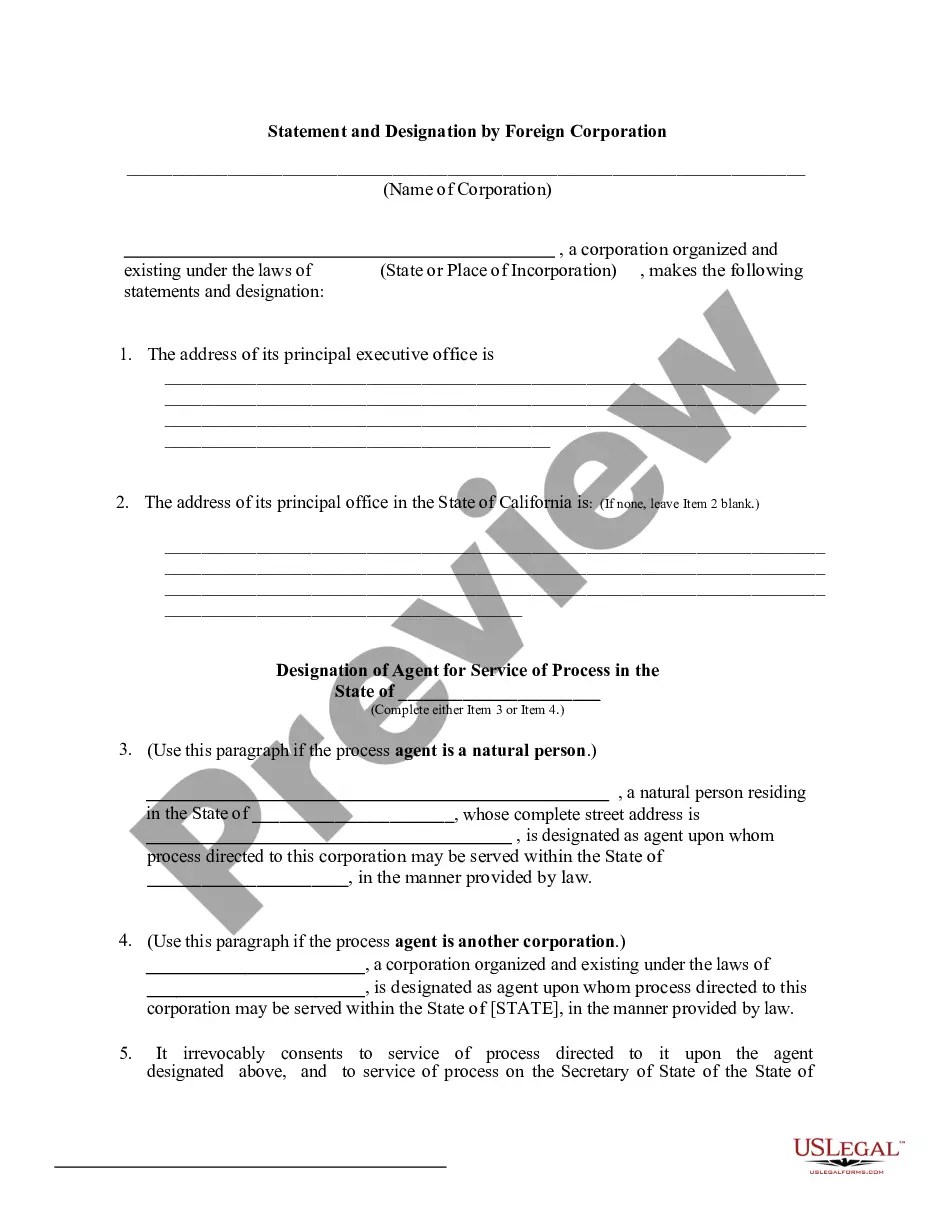
Your business will need to file a certificate of registration or qualification: If you're a foreign corporation, you'll need to file a Statement and Designation by Foreign Corporation. As of 2023, the filing fee is $100. If you're a foreign LLC, you'll need to file an Application to Register.
How to Form a Corporation in California Choose a Corporate Name. ... Appoint a Registered Agent for Your Corporation. ... File Articles of Incorporation. ... Prepare Corporate Bylaws. ... Appoint Directors and Hold the First Board Meeting. ... Issue Corporate Stock. ... File a Statement of Information. ... Comply with Tax Requirements.
A foreign corporation is a corporation which is incorporated or registered under the laws of one state or foreign country and does business in another. In comparison, a domestic corporation is a corporation which is incorporated in the state it is doing business in.
You can register a foreign (out-of-state) corporation in California by filing a Statement and Designation by Foreign Corporation (Form S&DC-S/N), along with a Certificate of Good Standing, to the Secretary of State's office. The fee is normally $100.