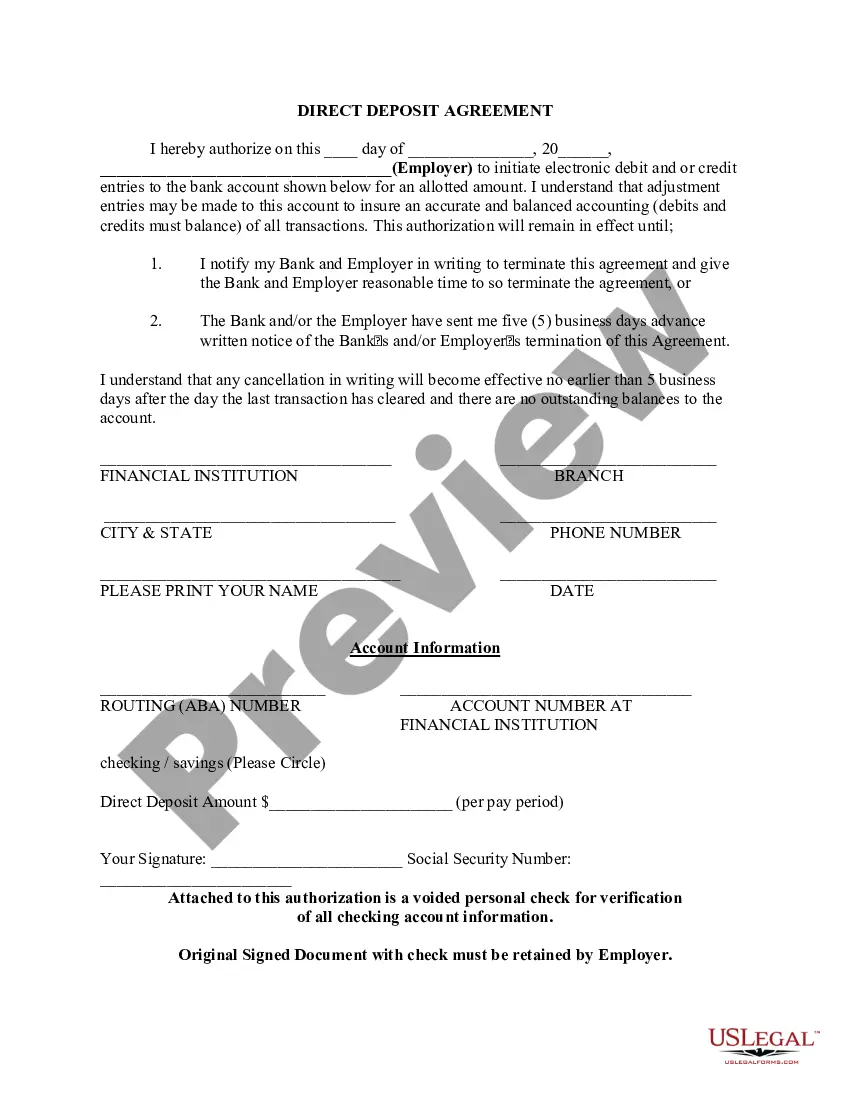
Colorado Direct Deposit Form for IRS
Description
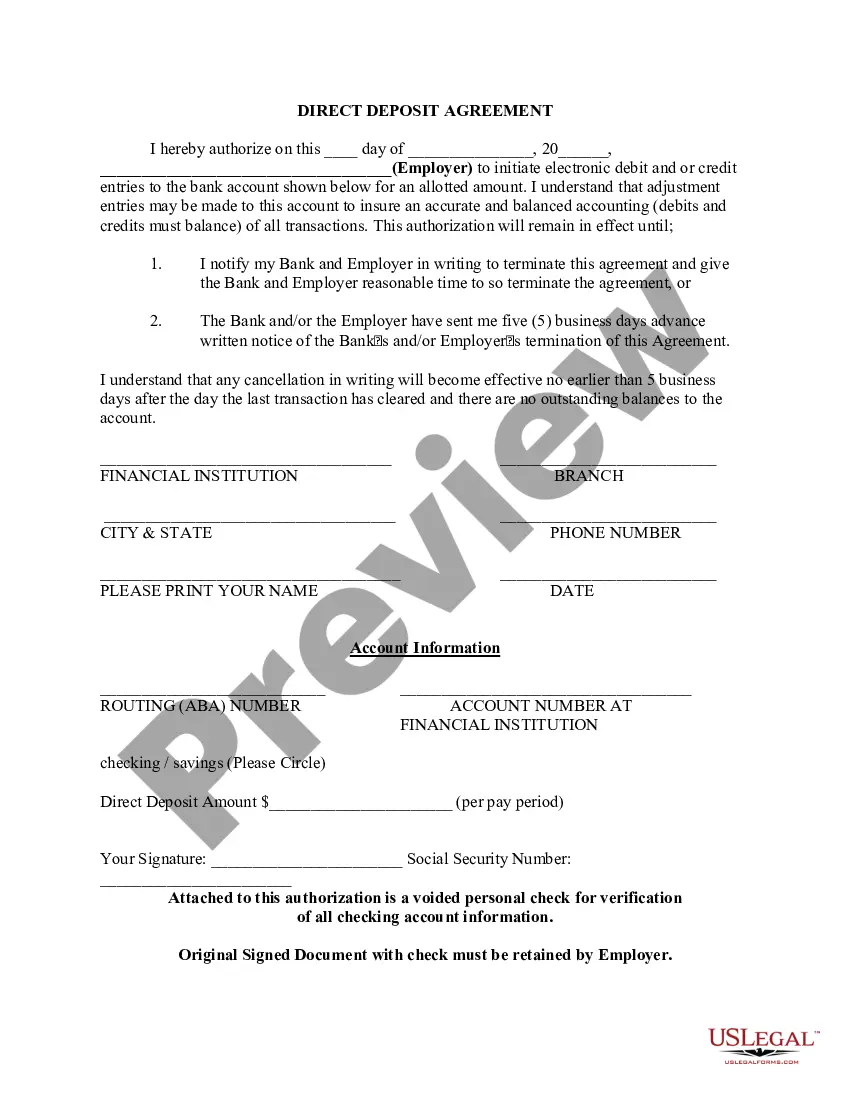


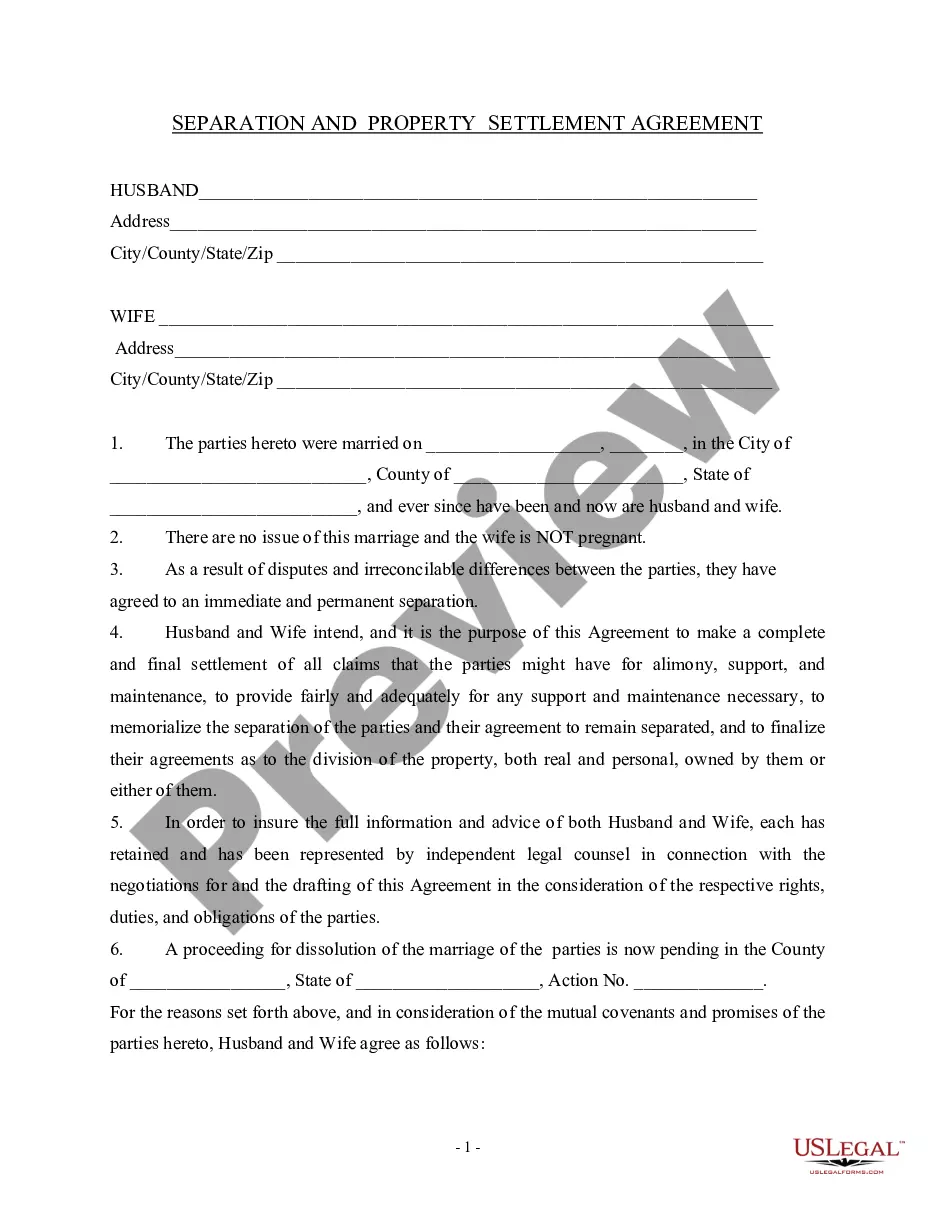
How to fill out Direct Deposit Form For IRS?
If you wish to finish, acquire, or print sanctioned documents topics, utilize US Legal Forms, the most extensive collection of legal forms available online.
Take advantage of the site's straightforward and user-friendly search to find the files you require. Various topics for commercial and personal purposes are organized by categories and states, or keywords.
Use US Legal Forms to obtain the Colorado Direct Deposit Form for IRS with just a few clicks.
Step 5. Complete the payment. You can use your Visa or Mastercard or PayPal account to finalize the transaction.
Step 6. Select the format of the legal document and download it to your device. Step 7. Fill out, edit, and print or sign the Colorado Direct Deposit Form for IRS. Every legal document template you obtain is yours indefinitely. You will have access to every form you downloaded in your account. Visit the My documents section and choose a form to print or download again. Complete and obtain, and print the Colorado Direct Deposit Form for IRS with US Legal Forms. There are countless professional and state-specific forms available for your business or personal requirements.
- If you are already a US Legal Forms customer, Log In to your account and then click the Acquire button to locate the Colorado Direct Deposit Form for IRS.
- You can also access forms you previously downloaded in the My documents section of your account.
- If you are using US Legal Forms for the first time, refer to the steps outlined below.
- Step 1. Ensure you have selected the form for the correct city/state.
- Step 2. Use the Preview option to review the form's details. Don't forget to read the description.
- Step 3. If you are not satisfied with the form, utilize the Search field at the top of the page to find alternative templates of the legal document.
- Step 4. Once you have found the form you need, click on the Acquire now button. Choose the payment plan you prefer and enter your details to register for an account.
Form popularity
FAQ
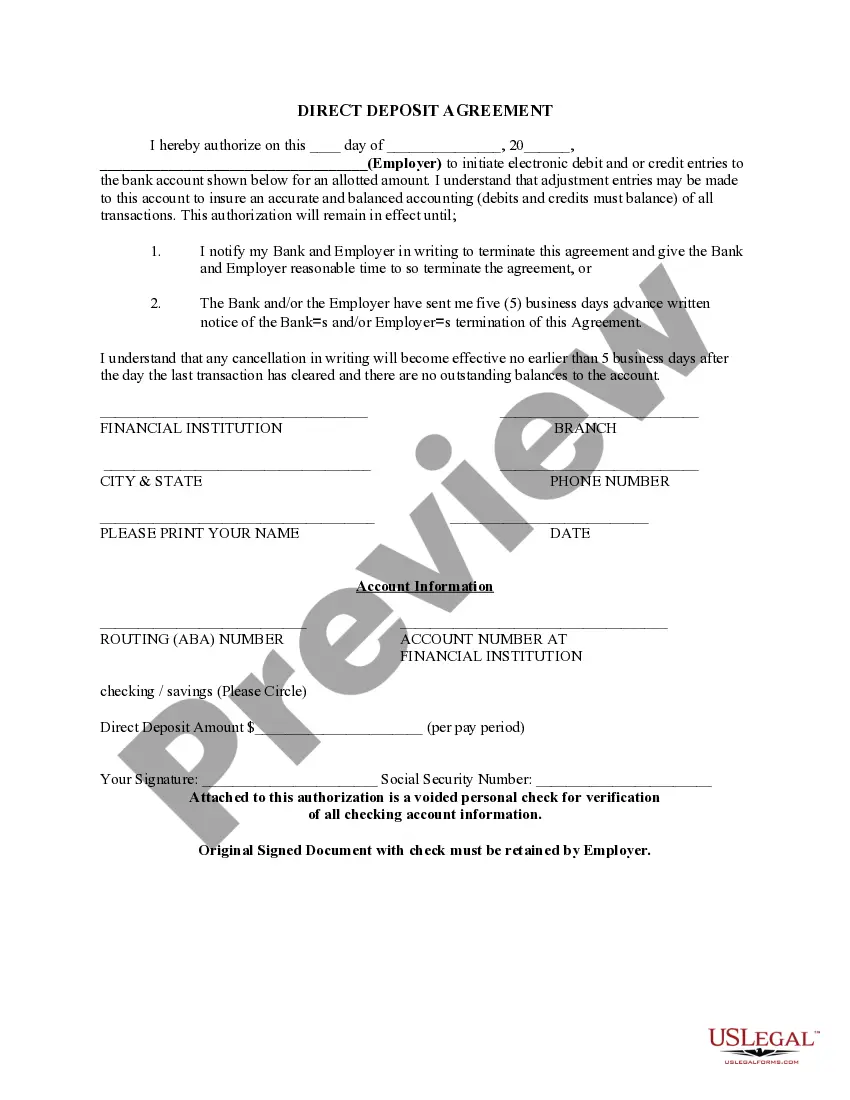
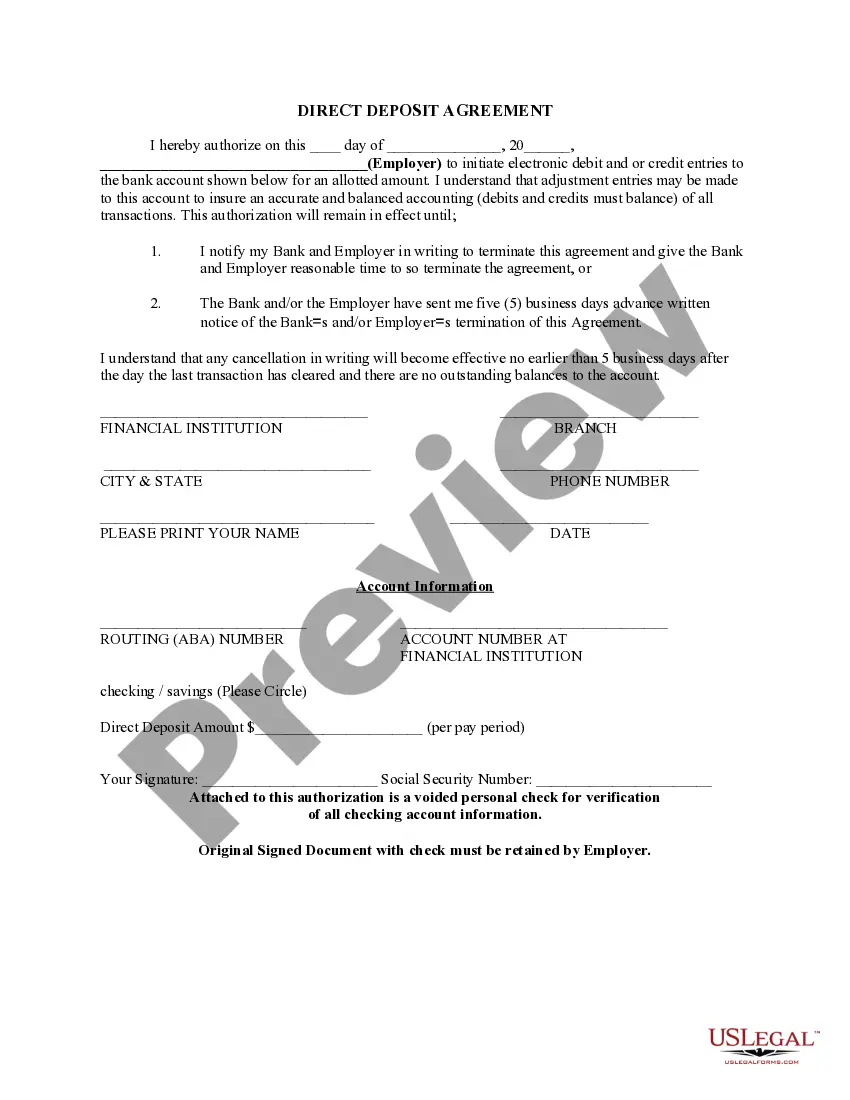
Filling out a direct deposit form correctly is crucial for ensuring your tax refund is deposited without issues. Start by accessing the Colorado Direct Deposit Form for IRS from a reliable source, such as uslegalforms. Fill in your personal information, including your Social Security number, and provide your bank account details accurately. Double-check all entries before submitting to avoid delays in receiving your refund.
To set up direct deposit for your refund, begin by filling out the Colorado Direct Deposit Form for IRS. You will need to provide your bank account information, including the routing number and account number. After completing the form, submit it along with your tax return. This simple process ensures that your refund is deposited directly into your account, making it convenient for you.
Yes, Colorado does offer direct deposit for tax refunds. When you file your taxes, you can choose the Colorado Direct Deposit Form for IRS to receive your refund electronically. This option not only speeds up the process but also provides a safer way to receive your funds compared to traditional paper checks. By opting for direct deposit, you can enjoy peace of mind knowing your refund goes straight to your bank account.
The direct deposit authorization form for tax refund allows taxpayers to request their tax refunds directly into their bank accounts. By using the Colorado Direct Deposit Form for IRS, you can ensure a faster and more secure method of receiving your refund. This form requires basic information about your bank account, such as the account number and routing number. Completing this form accurately helps streamline the refund process.
To track your refund reissue request in Colorado, you should use the online tools provided by the Colorado Department of Revenue. They offer a refund tracker that allows you to see the status of your request. If you submitted a Colorado Direct Deposit Form for IRS, this information will help you monitor your refund more effectively.
Yes, Colorado allows taxpayers to file directly with the IRS using online platforms. This includes the option to submit your Colorado Direct Deposit Form for IRS electronically, ensuring a quicker processing time for your refund. Check the Colorado Department of Revenue website for available services and integration options.
Yes, a tax refund check can be reissued if it is lost, stolen, or expired. You will need to contact the Colorado Department of Revenue to initiate this process. Having your Colorado Direct Deposit Form for IRS can help expedite the reissue of your refund.
Typically, the IRS takes about six weeks to reissue a refund after processing your request. However, this timeframe can vary based on your specific circumstances. If you have submitted your Colorado Direct Deposit Form for IRS, you may receive your funds faster than if you opted for a paper check.
Yes, you can print out a direct deposit form from the Colorado Department of Revenue website. They offer the Colorado Direct Deposit Form for IRS as a downloadable PDF. After printing, simply fill it out and submit it according to the provided instructions.
For inquiries about your Colorado state tax refund, reach out to the Colorado Department of Revenue. They have dedicated staff to assist with questions regarding processing times and refund statuses. Make sure to have your Colorado Direct Deposit Form for IRS handy for reference during your call.