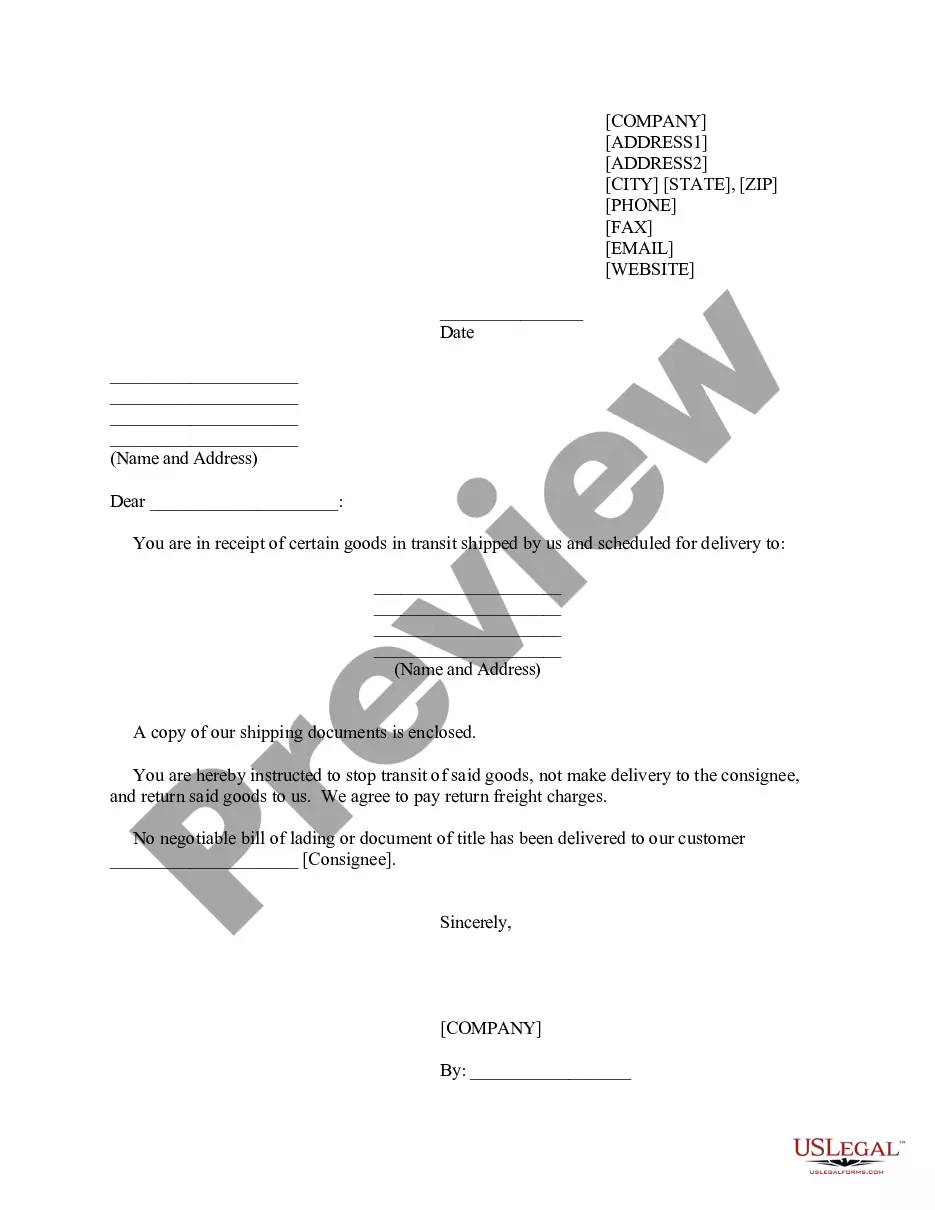
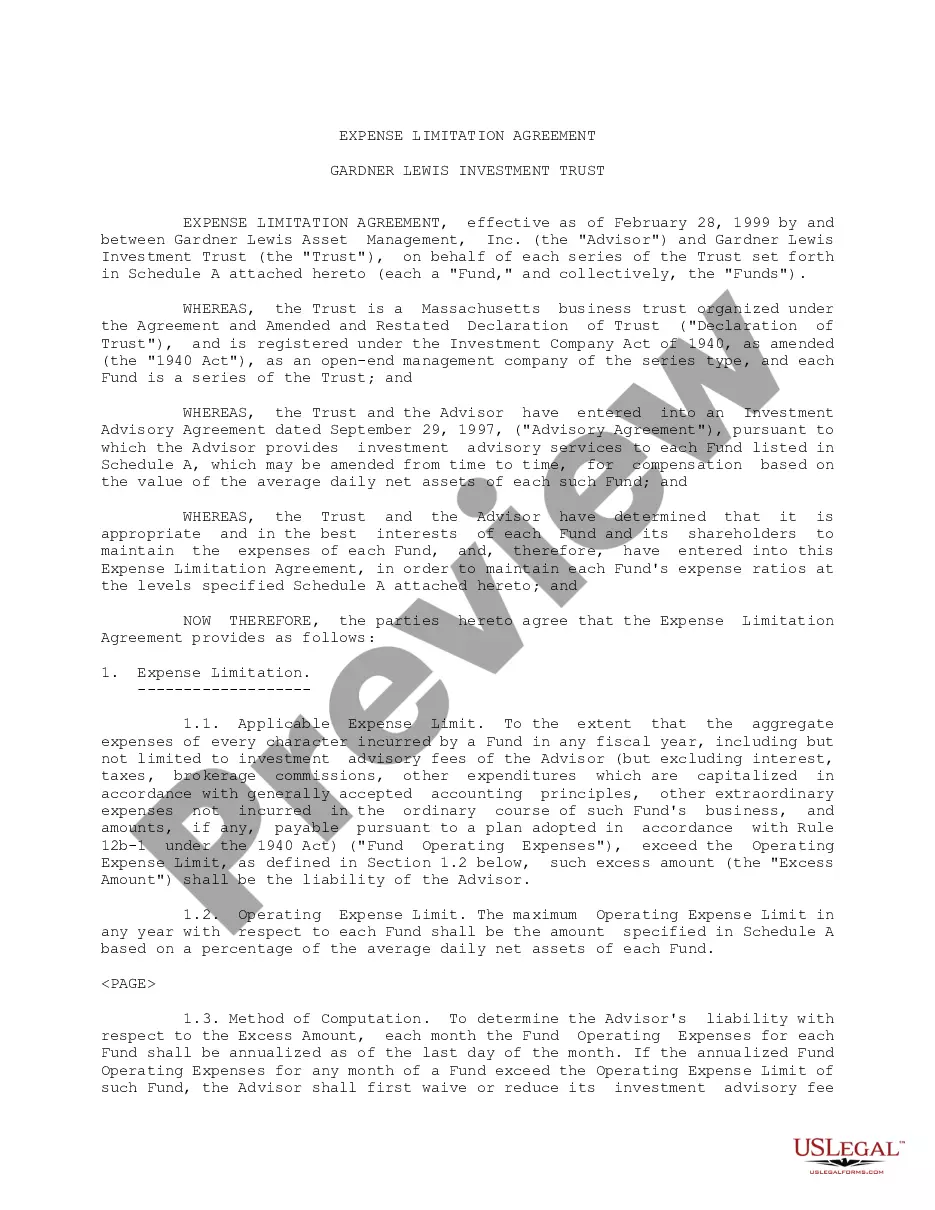
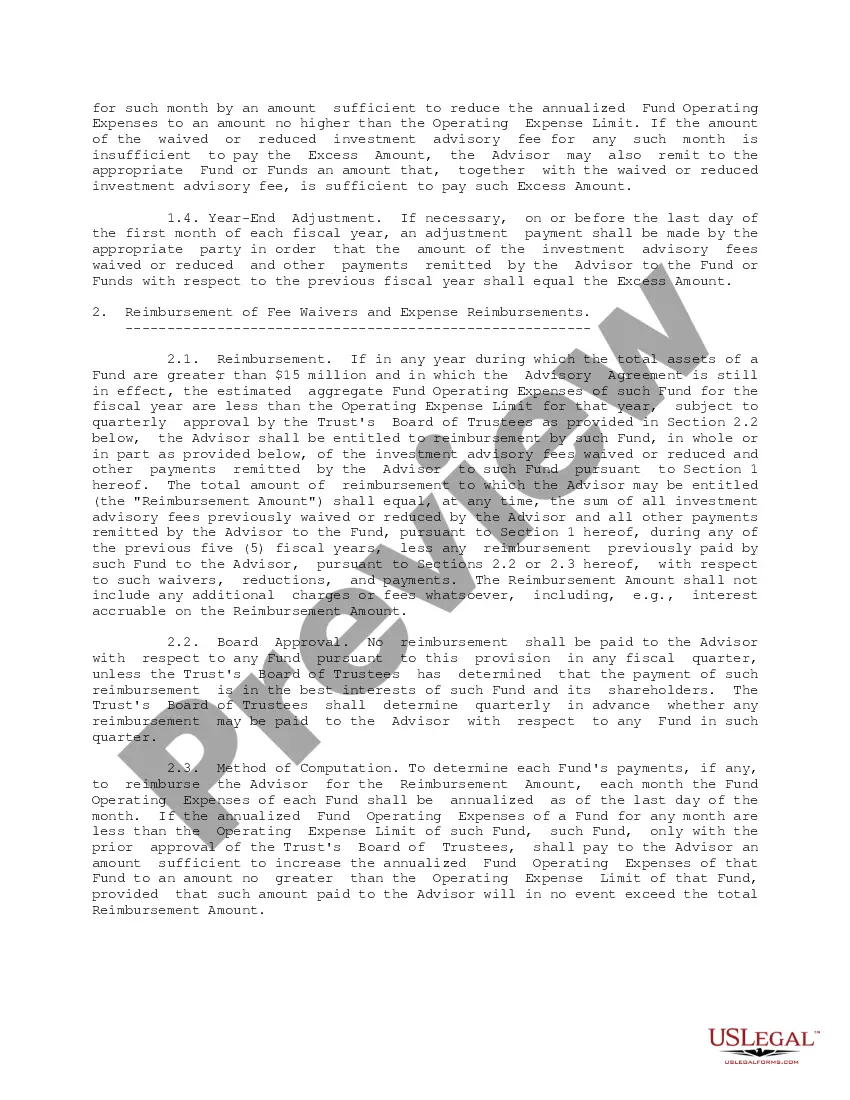
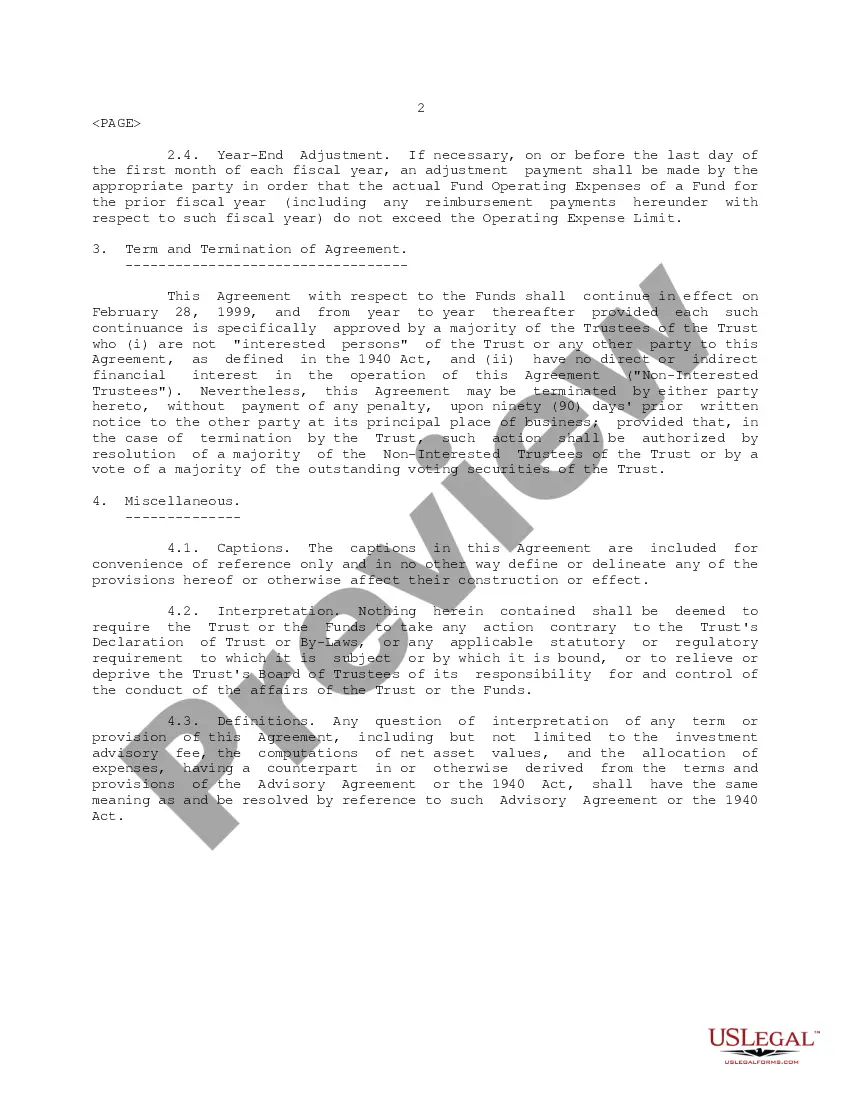
Colorado Expense Limitation Agreement
Description
Get your form ready online
Our built-in tools help you complete, sign, share, and store your documents in one place.
Make edits, fill in missing information, and update formatting in US Legal Forms—just like you would in MS Word.
Download a copy, print it, send it by email, or mail it via USPS—whatever works best for your next step.
Sign and collect signatures with our SignNow integration. Send to multiple recipients, set reminders, and more. Go Premium to unlock E-Sign.
If this form requires notarization, complete it online through a secure video call—no need to meet a notary in person or wait for an appointment.
We protect your documents and personal data by following strict security and privacy standards.

Make edits, fill in missing information, and update formatting in US Legal Forms—just like you would in MS Word.

Download a copy, print it, send it by email, or mail it via USPS—whatever works best for your next step.

Sign and collect signatures with our SignNow integration. Send to multiple recipients, set reminders, and more. Go Premium to unlock E-Sign.

If this form requires notarization, complete it online through a secure video call—no need to meet a notary in person or wait for an appointment.

We protect your documents and personal data by following strict security and privacy standards.
Looking for another form?
How to fill out Expense Limitation Agreement?
You may invest hours on-line searching for the legal file format which fits the federal and state needs you require. US Legal Forms provides a huge number of legal kinds which can be evaluated by experts. You can actually download or produce the Colorado Expense Limitation Agreement from our service.
If you already possess a US Legal Forms profile, you can log in and then click the Down load key. Next, you can full, revise, produce, or indication the Colorado Expense Limitation Agreement. Each legal file format you get is your own property forever. To get an additional copy for any purchased form, proceed to the My Forms tab and then click the related key.
Should you use the US Legal Forms site for the first time, keep to the straightforward guidelines listed below:
- Initially, ensure that you have chosen the proper file format for your region/town that you pick. Read the form information to ensure you have selected the correct form. If readily available, make use of the Preview key to appear throughout the file format as well.
- In order to locate an additional version of your form, make use of the Research industry to obtain the format that meets your requirements and needs.
- After you have identified the format you would like, simply click Acquire now to carry on.
- Choose the rates program you would like, type your credentials, and sign up for an account on US Legal Forms.
- Full the deal. You should use your Visa or Mastercard or PayPal profile to pay for the legal form.
- Choose the formatting of your file and download it to the product.
- Make modifications to the file if possible. You may full, revise and indication and produce Colorado Expense Limitation Agreement.
Down load and produce a huge number of file templates while using US Legal Forms site, that offers the greatest variety of legal kinds. Use skilled and state-specific templates to deal with your organization or individual demands.
Form popularity
FAQ
An S CORPORATION must file Form 106 for any year it is doing business in Colorado. Doing business in a state is defined as having income arising from the activity of one or more employees located in the state; or arising from the fact that real or personal property is located in the state for business purposes.
80% limitation Pursuant to the Rule Changes, Rule 39-22-504-2(3)(b)(ii) provides that: The 80% limitation applies to Colorado NOL deductions claimed for losses arising in tax years beginning after December 31, 2017, regardless of the tax year for which the deduction is claimed.
If you have winnings from blackjack, baccarat, craps, roulette, or big-6 wheel, and the gave you a Form 1042-S (Foreign Person's US Source income subject to withholding) showing that tax was withheld, enter these winnings in column d of line 10, with a tax rate of zero%. You can claim a refund of the tax.
In the case of Colorado, the state allows taxpayers to deduct gambling losses up to the amount of their gambling winnings, as long as they itemize deductions on their state tax return. However, Colorado does not allow taxpayers to carry over losses from one year to another.
Enter on DR 0108 the name and Social Security number, ITIN or FEIN of the nonresident partner or shareholder who will ultimately claim this payment. Do not send cash. Enclose, but do not staple or attach, your payment with this form. The State may convert your check to a one-time electronic banking transaction.