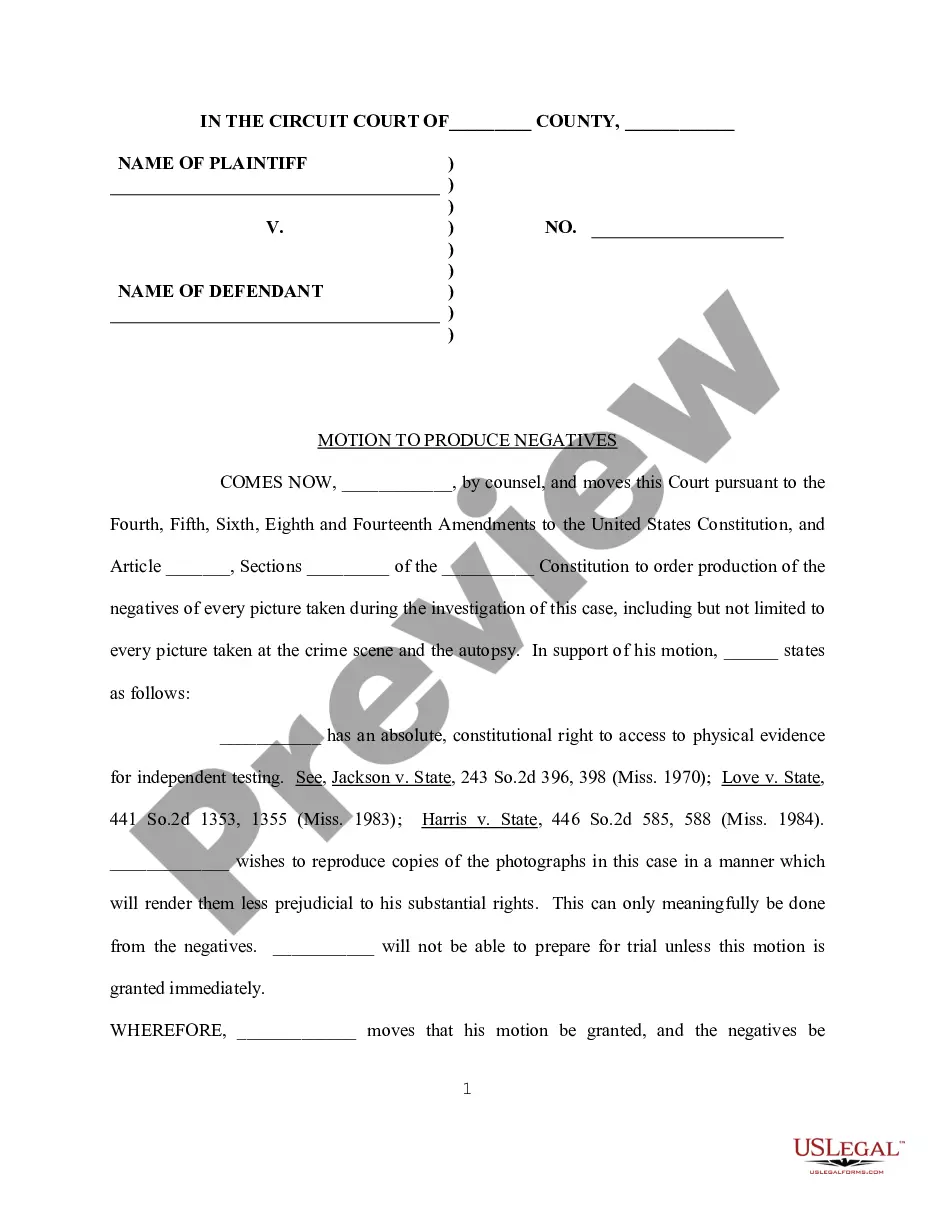
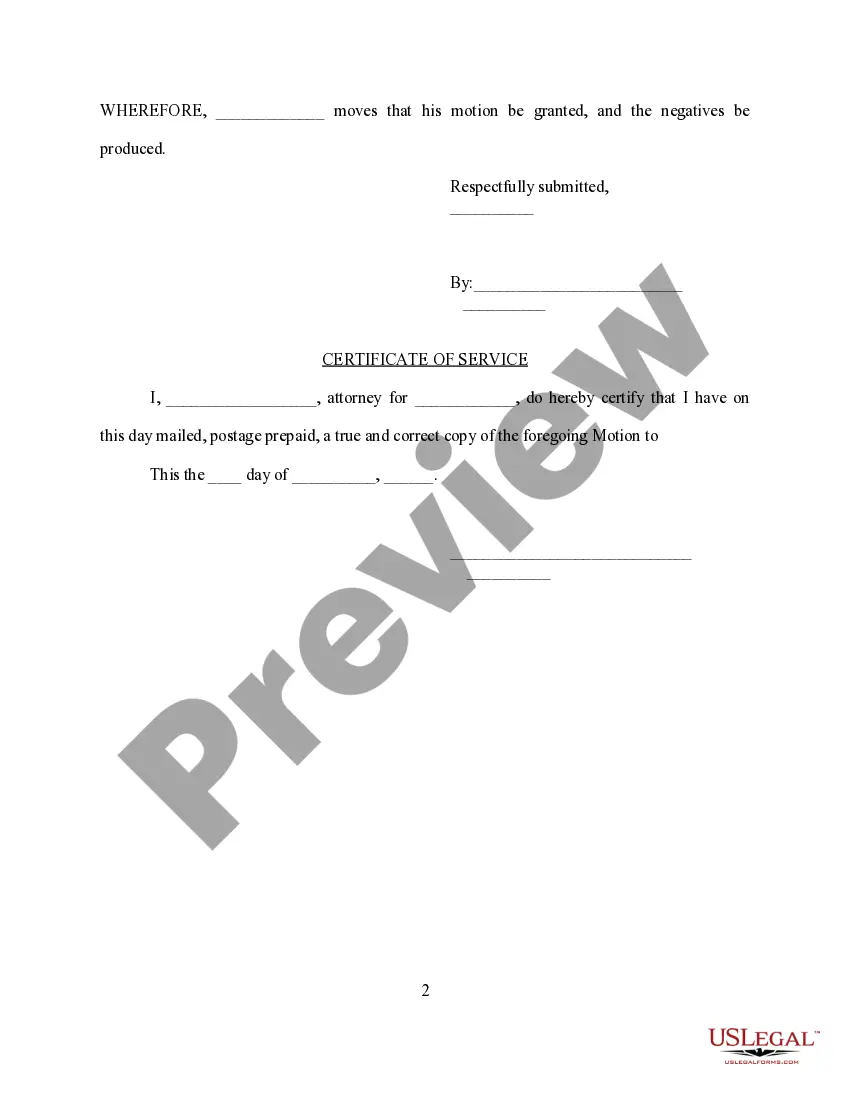
Connecticut Motion to Produce Negatives
Description
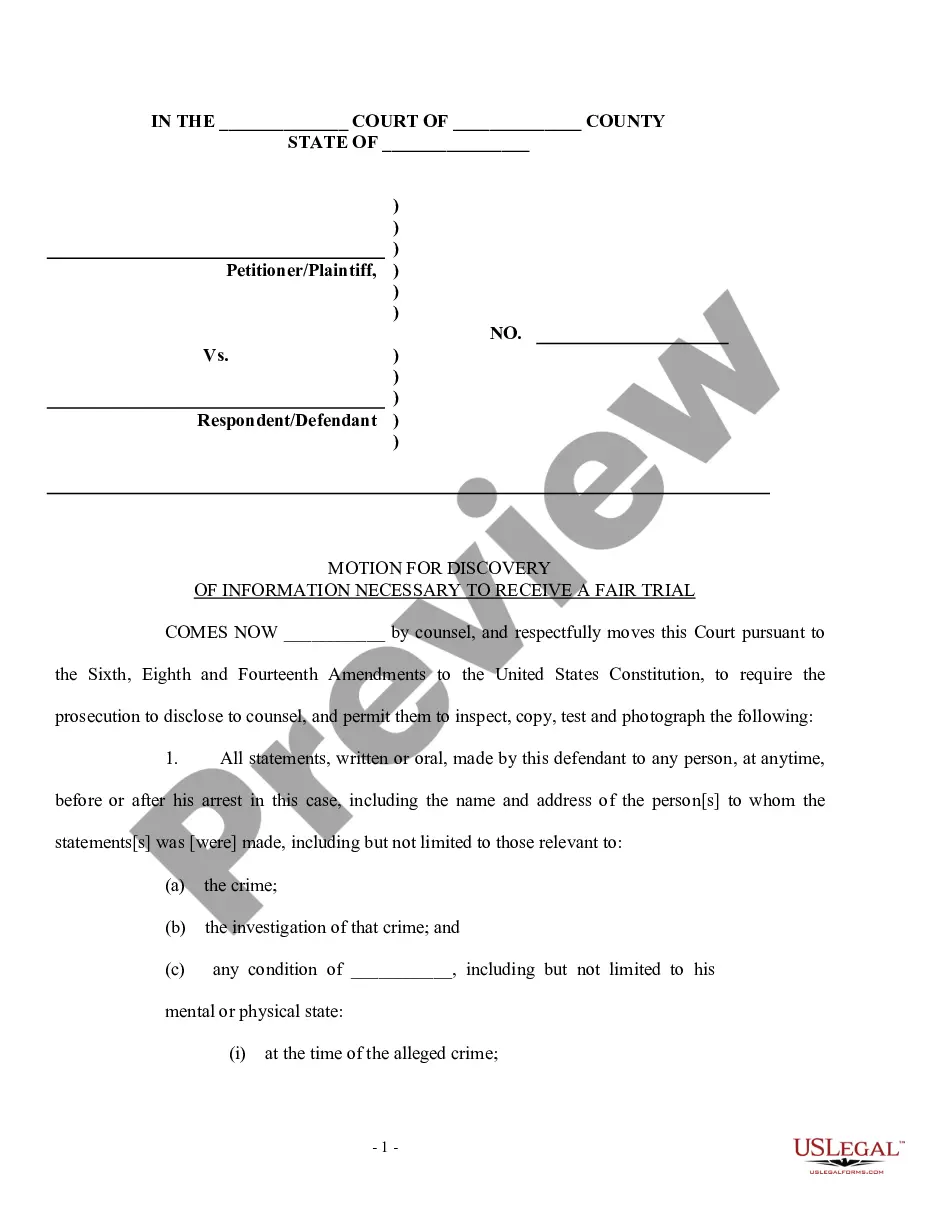
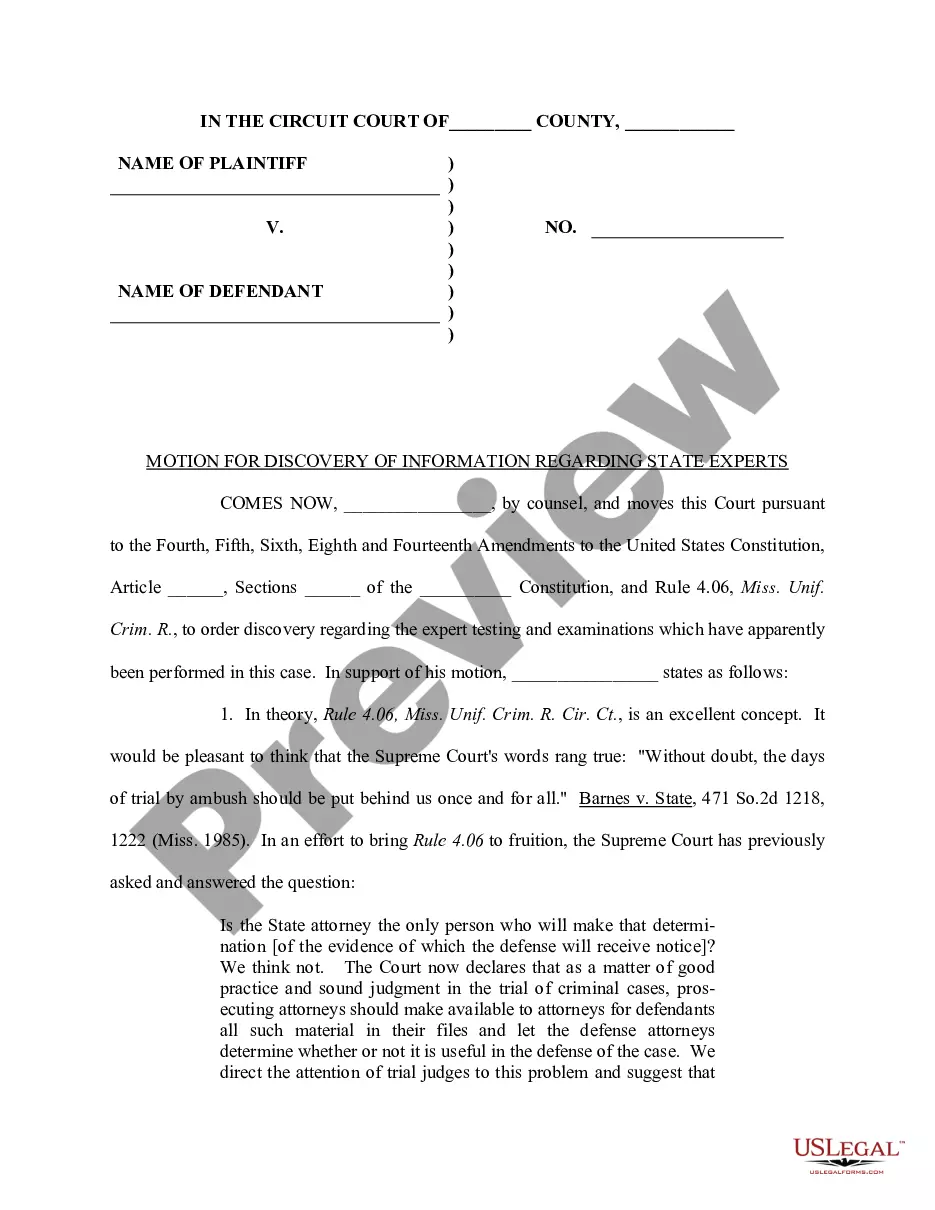
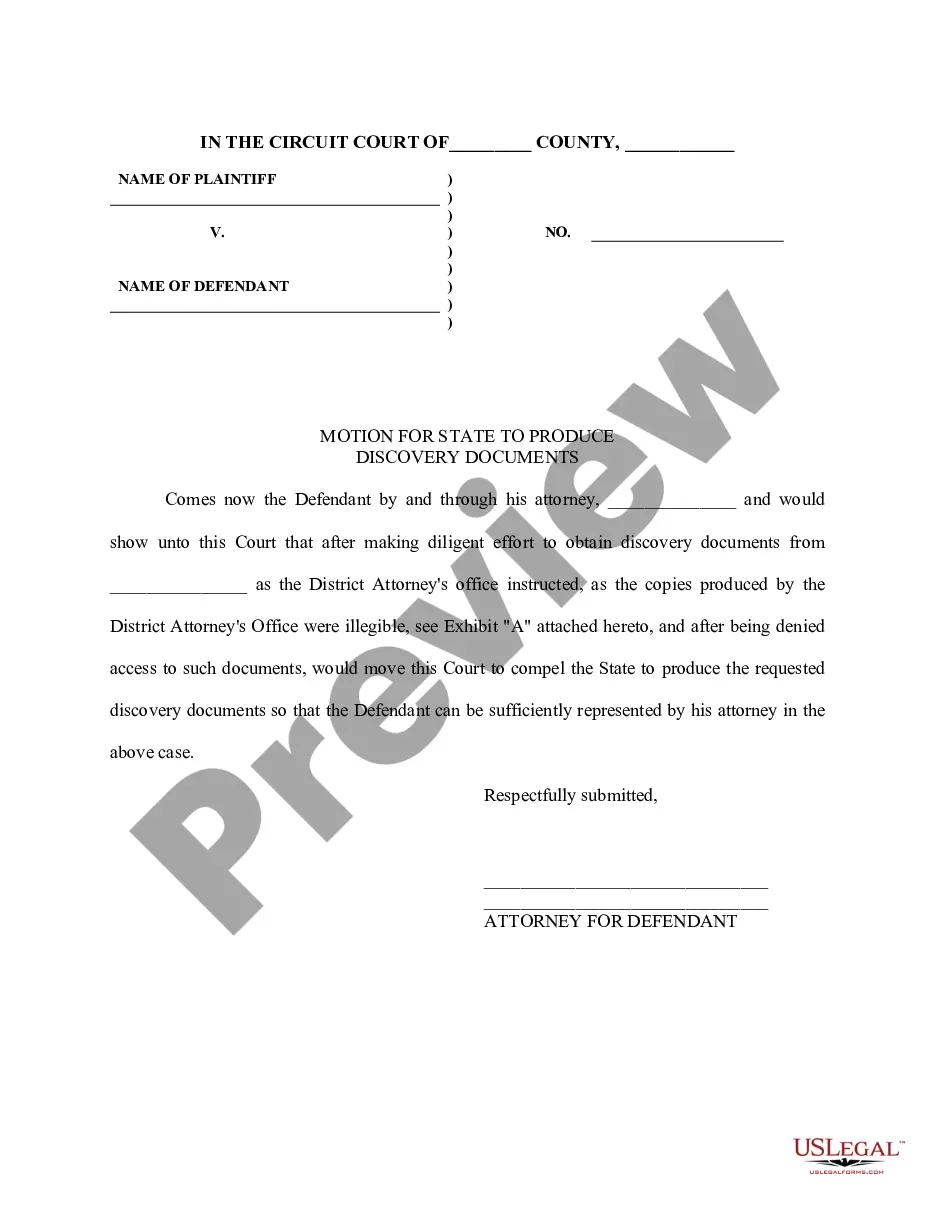

How to fill out Motion To Produce Negatives?
If you require thorough, acquire, or create legal document templates, utilize US Legal Forms, the largest assortment of legal forms available online.
Leverage the site’s straightforward and user-friendly search to locate the documents you need.
Various templates for business and personal purposes are organized by categories and states, or keywords.
Step 4. Once you have found the form you need, click the Buy now option. Choose your preferred pricing plan and enter your credentials to register for an account. Step 5. Complete the transaction. You can use your Misa or Mastercard or PayPal account to finalize the purchase. Step 6. Select the format of your legal form and download it to your device. Step 7. Fill out, edit, and print or sign the Connecticut Motion to Produce Negatives.
Every legal document template you purchase is yours forever. You have access to every form you saved in your account. Go to the My documents section and select a form to print or download again. Complete and download, and print the Connecticut Motion to Produce Negatives with US Legal Forms. There are numerous professional and state-specific forms you can use for your business or personal needs.
- Use US Legal Forms to find the Connecticut Motion to Produce Negatives in just a few clicks.
- If you are already a US Legal Forms user, Log In to your account and click the Download option to retrieve the Connecticut Motion to Produce Negatives.
- You can also access forms you previously saved from the My documents tab in your account.
- If you are using US Legal Forms for the first time, follow the instructions below.
- Step 1. Ensure you have selected the form for the appropriate city/state.
- Step 2. Utilize the Review option to examine the form’s details. Don’t forget to check the information.
- Step 3. If you are not satisfied with the form, use the Search field at the top of the screen to find other versions of your legal form template.
Form popularity
FAQ
Rule 7.1. A communication is false or misleading if it contains a material misrepresentation of fact or law, or omits a fact necessary to make the statement considered as a whole not materially misleading. Connecticut Rules of Professional Conduct - Law Firm Sites lawfirmsites.com ? states ? connecticut lawfirmsites.com ? states ? connecticut
Rule 1.10 - Imputation of Conflicts of Interest: General Rule (a) While lawyers are associated in a firm, none of them shall knowingly represent a client when any one of them practicing alone would be prohibited from doing so by Rules 1.7, 1.8(c), or 1.9, unless the prohibition is based on a personal interest of the ...
Rule 7.1. A lawyer shall not make a false or misleading communication about the lawyer or the lawyer's services. A communication is false or misleading if it contains a material misrepresentation of fact or law, or omits a fact necessary to make the statement considered as a whole not materially misleading.
Check with the court clerk or Court Service Center to make sure you are following the rules. Step 1: Fill out the court forms. link. ... Step 2: File the court forms with the clerk. link. ... Step 3: Tell the other party about the court case. link. ... Step 4: Return the original papers to the clerk. link. ... Step 5: Go to your court hearing.
Although it is prohibited to mix lawyer funds with client funds, Rule 1.15 of the Connecticut Rules of Professional Conduct permits a lawyer's own funds to be placed in a trust account for the sole purposes of paying financial institution service charges on the account or to obtain a waiver of fees and service charges ... FAQ : IOLTA/IOTA - Connecticut Bar Foundation ctbarfdn.org ? ioltaiota ? faq ctbarfdn.org ? ioltaiota ? faq
Rule 4.2 of the Rules of Professional Conduct provides that ?[i]n representing a client, a lawyer shall not communicate about the subject of the representation with a party the lawyer knows to be represented by another lawyer in the matter, unless the lawyer has the consent of the other lawyer or is authorized by law ... When the District of Connecticut dismisses a grievance, the matter ... uscourts.gov ? 071902.sru_.griev_.pdf uscourts.gov ? 071902.sru_.griev_.pdf
Rule 1.7 - Conflict of Interest: General Rule (a) Except as provided in paragraph (b), a lawyer shall not represent a client if the representation involves a concurrent conflict of interest. Conflict of Interest: General Rule, N.J. Ct. R. app 3 R. R. 1.7 - Casetext casetext.com ? part-i-rules-of-general-application casetext.com ? part-i-rules-of-general-application