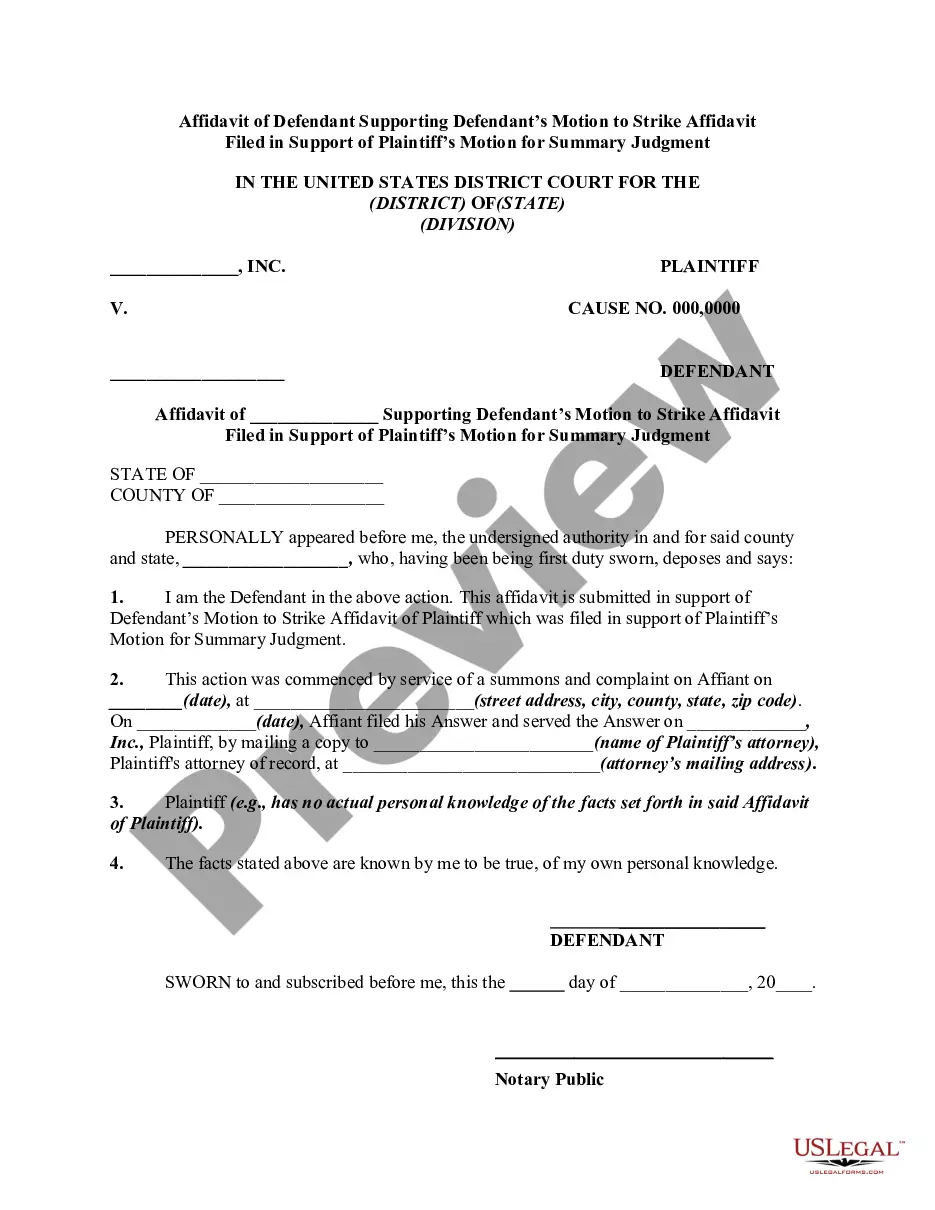
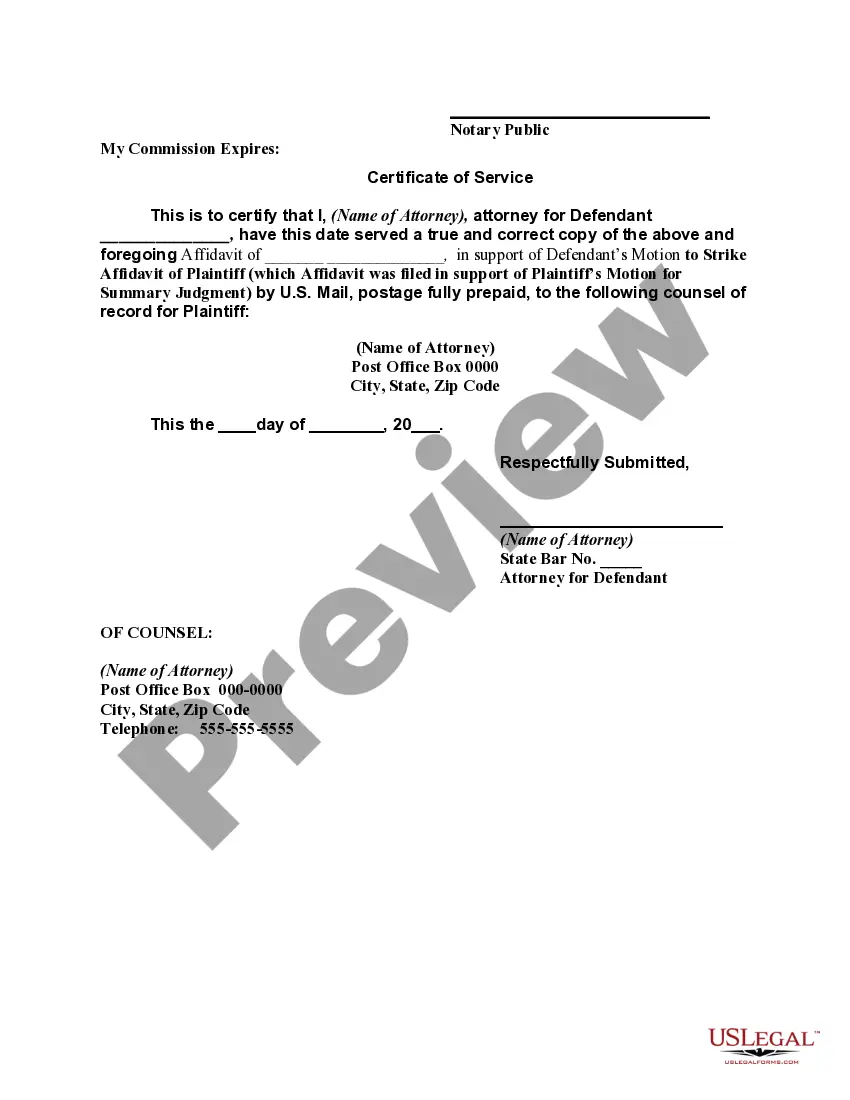
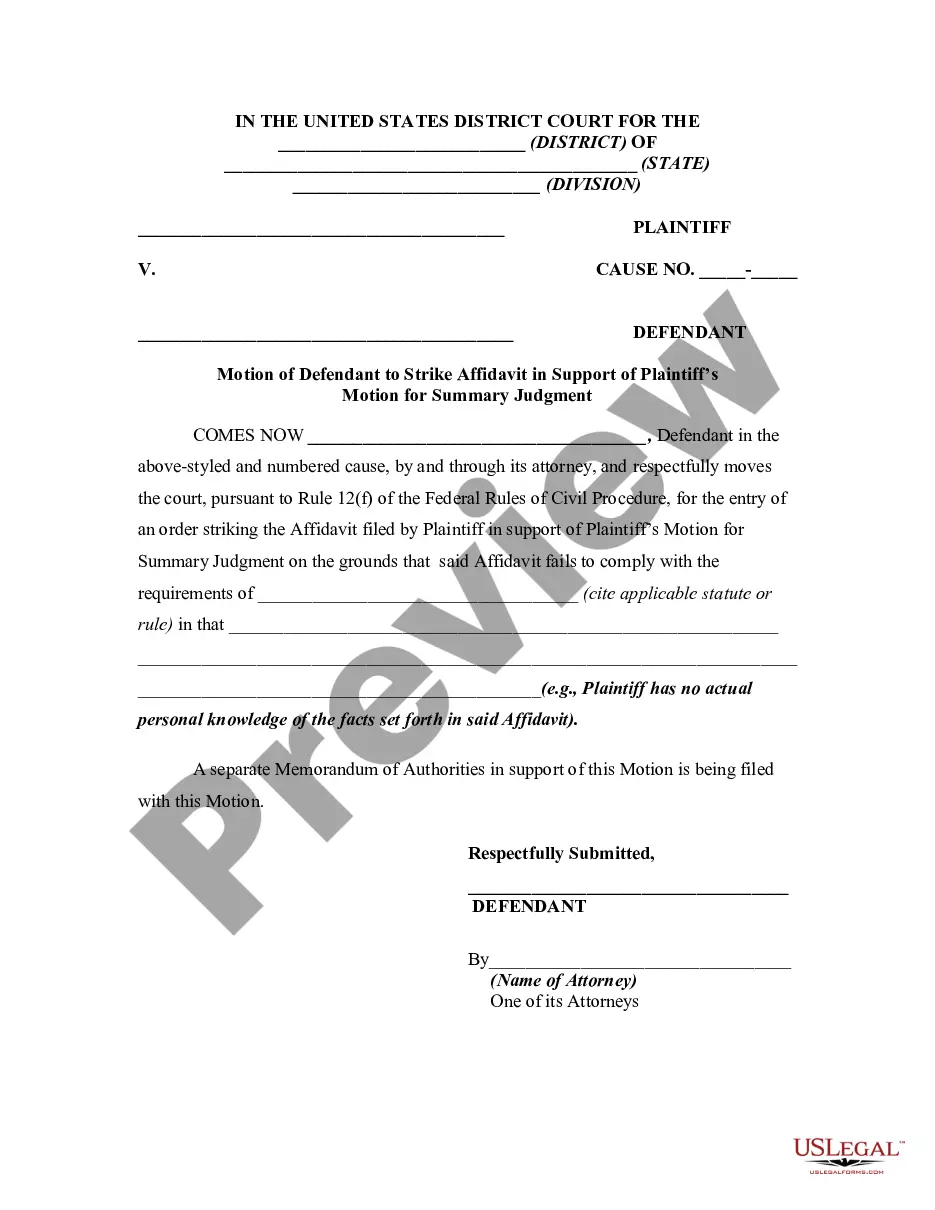
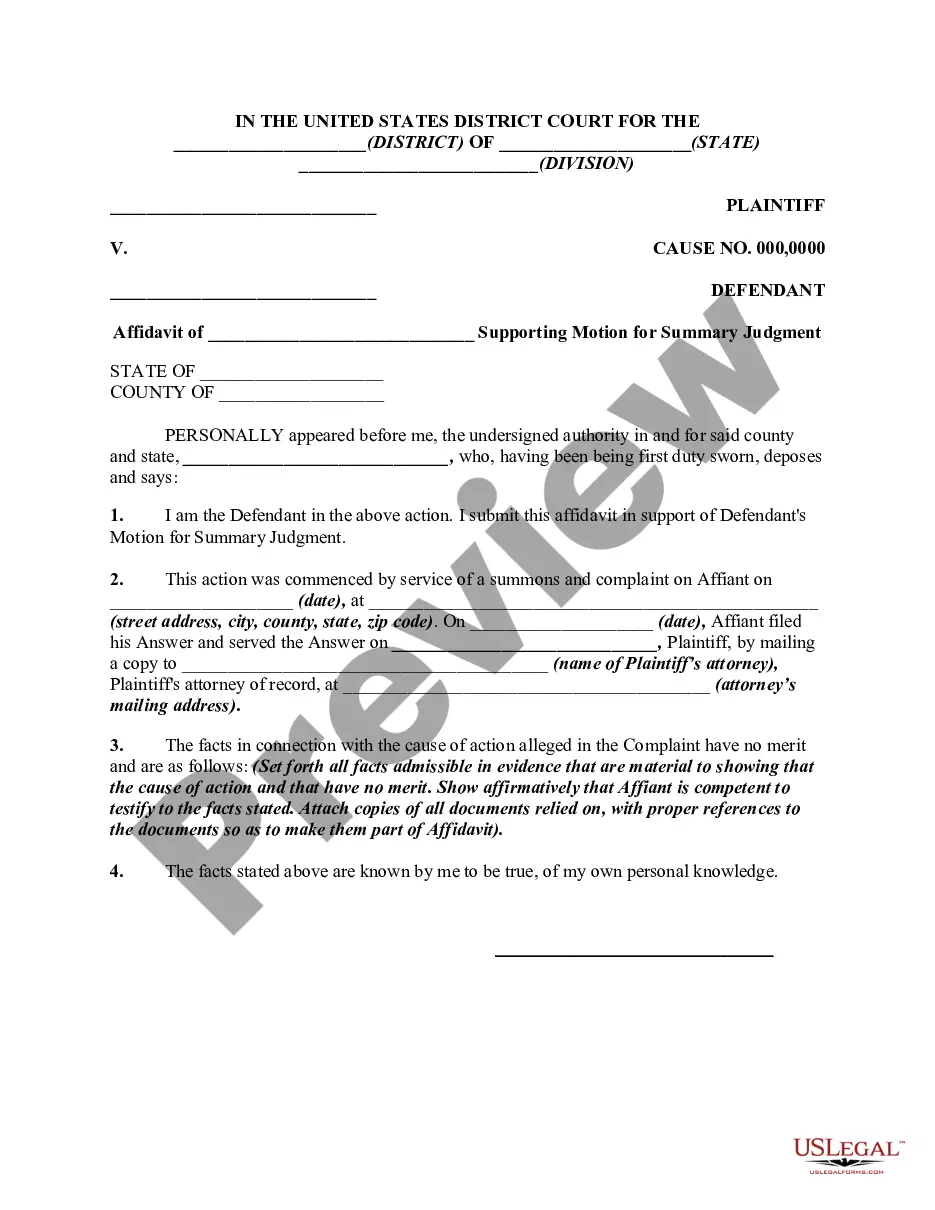
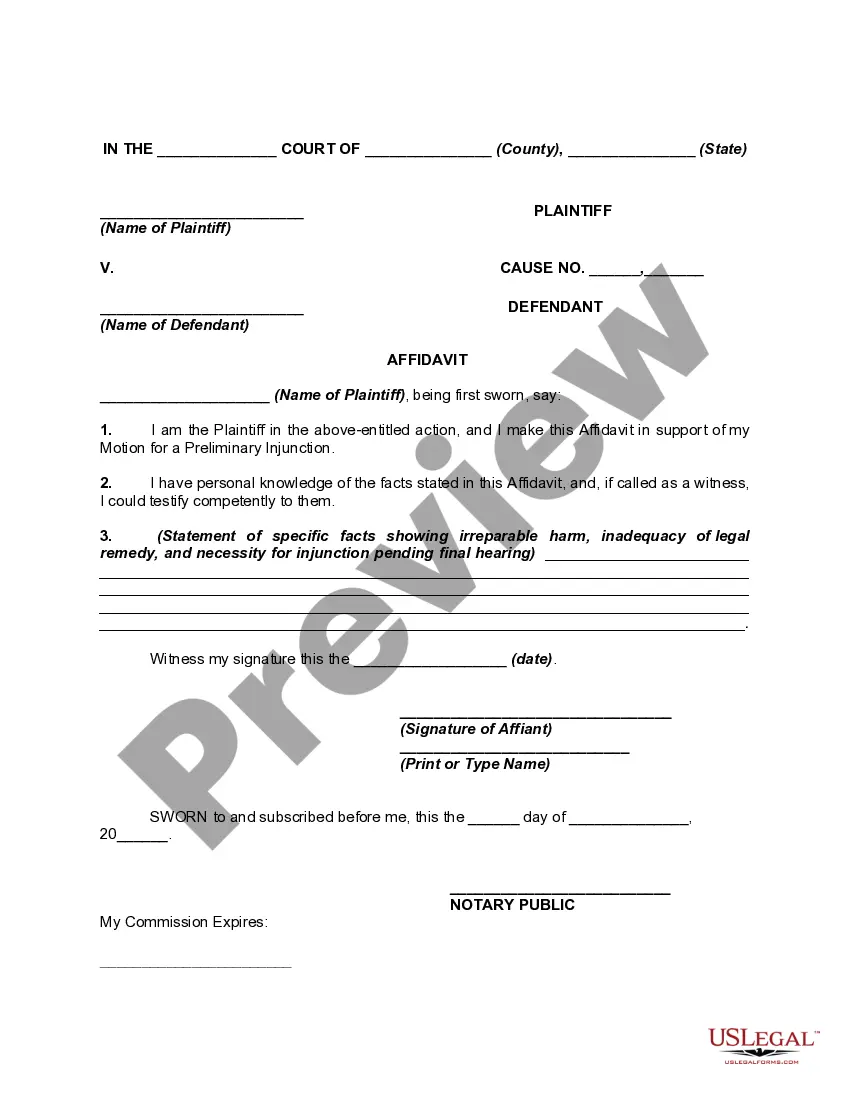
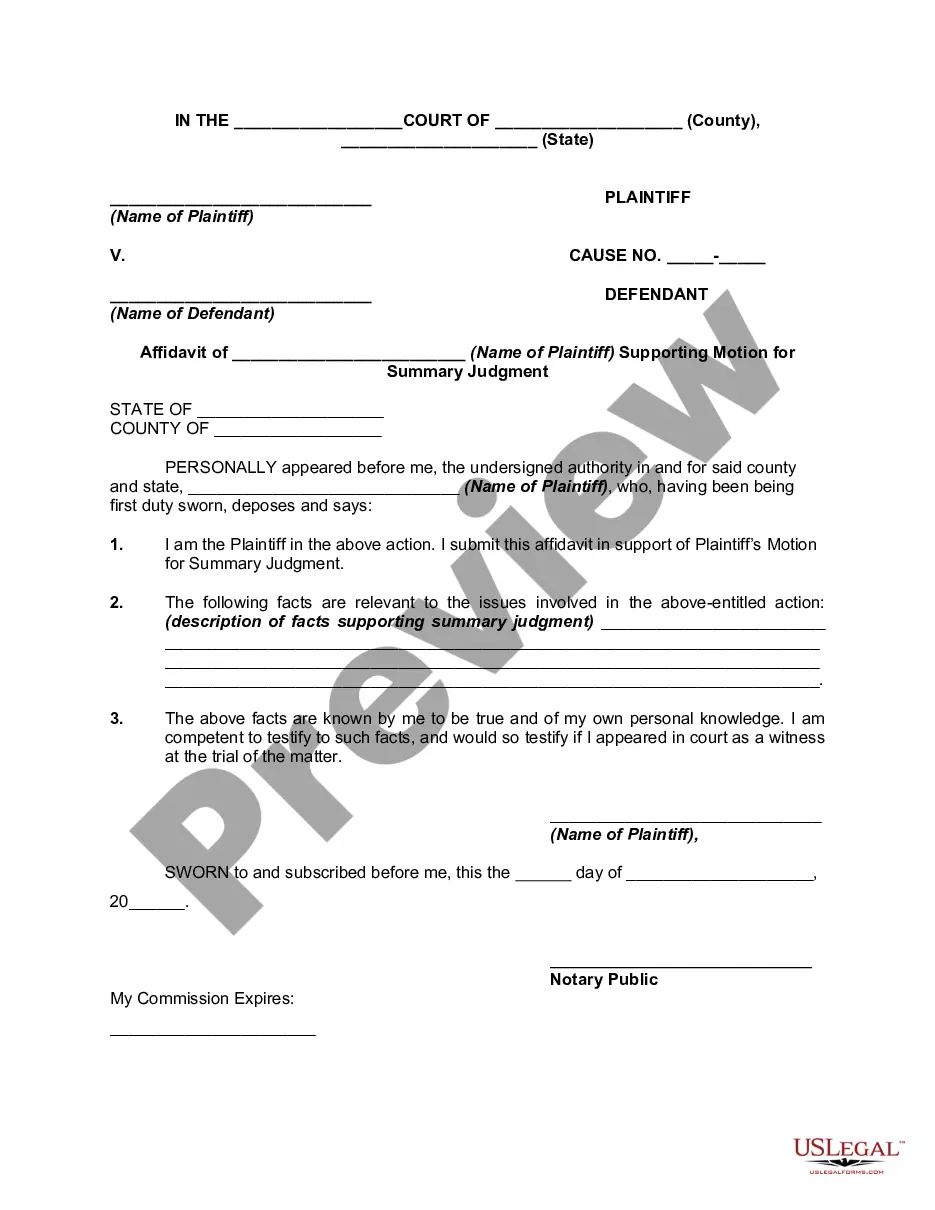
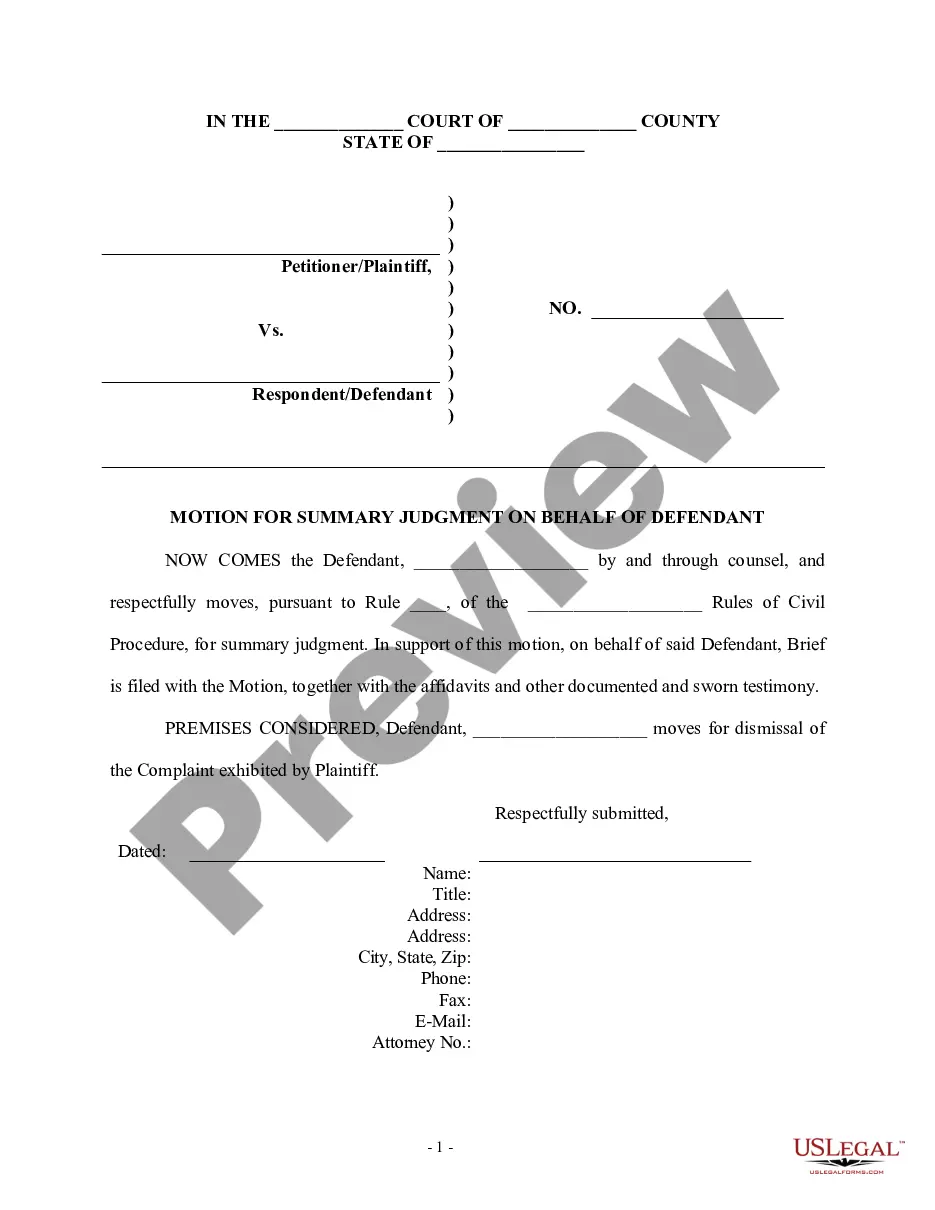
Connecticut Affidavit of Defendant Supporting Defendant's Motion to Strike Affidavit Filed in Support of Plaintiff's Motion for Summary Judgment
Description
Get your form ready online
Our built-in tools help you complete, sign, share, and store your documents in one place.
Make edits, fill in missing information, and update formatting in US Legal Forms—just like you would in MS Word.
Download a copy, print it, send it by email, or mail it via USPS—whatever works best for your next step.
Sign and collect signatures with our SignNow integration. Send to multiple recipients, set reminders, and more. Go Premium to unlock E-Sign.
If this form requires notarization, complete it online through a secure video call—no need to meet a notary in person or wait for an appointment.
We protect your documents and personal data by following strict security and privacy standards.

Make edits, fill in missing information, and update formatting in US Legal Forms—just like you would in MS Word.

Download a copy, print it, send it by email, or mail it via USPS—whatever works best for your next step.

Sign and collect signatures with our SignNow integration. Send to multiple recipients, set reminders, and more. Go Premium to unlock E-Sign.

If this form requires notarization, complete it online through a secure video call—no need to meet a notary in person or wait for an appointment.

We protect your documents and personal data by following strict security and privacy standards.
Looking for another form?
How to fill out Affidavit Of Defendant Supporting Defendant's Motion To Strike Affidavit Filed In Support Of Plaintiff's Motion For Summary Judgment?
If you wish to acquire, obtain, or print legal document templates, utilize US Legal Forms, the largest selection of legal forms available online.
Take advantage of the site's simple and user-friendly search to find the documents you require.
Various templates for business and personal applications are categorized by type and state, or by keywords.
Step 4. Once you have found the form you need, click the Purchase now button. Choose the payment plan you prefer and enter your credentials to register for an account.
Step 5. Complete the transaction. You can use your credit card or PayPal account to finalize the purchase.Step 6. Select the format of the legal form and download it to your device.Step 7. Complete, modify, and print or sign the Connecticut Affidavit of Defendant Supporting Defendant's Motion to Strike Affidavit Filed in Support of Plaintiff's Motion for Summary Judgment. Each legal document template you buy is yours permanently. You have access to every form you downloaded within your account. Click on the My documents section and select a form to print or download again.Complete and download, and print the Connecticut Affidavit of Defendant Supporting Defendant's Motion to Strike Affidavit Filed in Support of Plaintiff's Motion for Summary Judgment with US Legal Forms. There are thousands of professional and state-specific forms you can use for your business or personal needs.
- Use US Legal Forms to find the Connecticut Affidavit of Defendant Supporting Defendant's Motion to Strike Affidavit Filed in Support of Plaintiff's Motion for Summary Judgment in just a few clicks.
- If you are already a US Legal Forms customer, Log In to your account and then click the Download button to obtain the Connecticut Affidavit of Defendant Supporting Defendant's Motion to Strike Affidavit Filed in Support of Plaintiff's Motion for Summary Judgment.
- You can also access forms you have previously downloaded in the My documents section of your account.
- If you are using US Legal Forms for the first time, follow the directions below.
- Step 1. Make sure you have selected the form for the correct city/state.
- Step 2. Use the Review option to examine the form’s content. Don’t forget to read the description.
- Step 3. If you are dissatisfied with the form, use the Search field at the top of the screen to find other versions of the legal form template.
Form popularity
FAQ
3) Declaration in Support of Motion for Summary Judgment The Declaration is a sworn statement to the Court stating all of the declarant's facts supporting your Motion. These facts must come from the declarant's own personal knowledge of the events.
A motion to strike challenges the legal sufficiency of a pleading, and, consequently, requires no factual findings by the trial court. ... [The court takes] the facts to be those alleged in the complaint ... and [construes] the complaint in the manner most favorable to sustaining its legal sufficiency. ...
Consider the following five approaches: Show that the motion fails to list the specific facts and law supporting summary judgment. ... Show that a dispute exists on a material fact. ... Show that the law does not support judgment on the undisputed facts.
As an initial matter, the Court reiterated the utility of expert witness declarations in summary judgment motions: "An expert witness declaration is admissible to support or defeat summary judgment if the expert's testimony would be admissible at trial in ance with Evidence Code section 720.
A motion for summary judgment "searches the record," meaning that the court reviews all of the evidence in the record, regardless of which side submitted it.
A party seeking summary judgment may refer to any evidence that would be admissible at trial, such as depositions (or deposition excerpts), party admissions, affidavits in support from witnesses, documents received during discovery (such as contracts, emails, letters, and certified government documents).
Opposition to Summary Judgment: ?Unless otherwise ordered by the judicial authority, any adverse party shall file and serve a response to the motion for summary judgment within forty-five days of the filing of the motion, including opposing affidavits and other available documentary evidence.? Conn.
Rule 56(c)(4) provides that a formal affidavit or a written unsworn declaration that complies with 28 U.S.C. § 1746 can be used to support or oppose a motion for summary judgment.