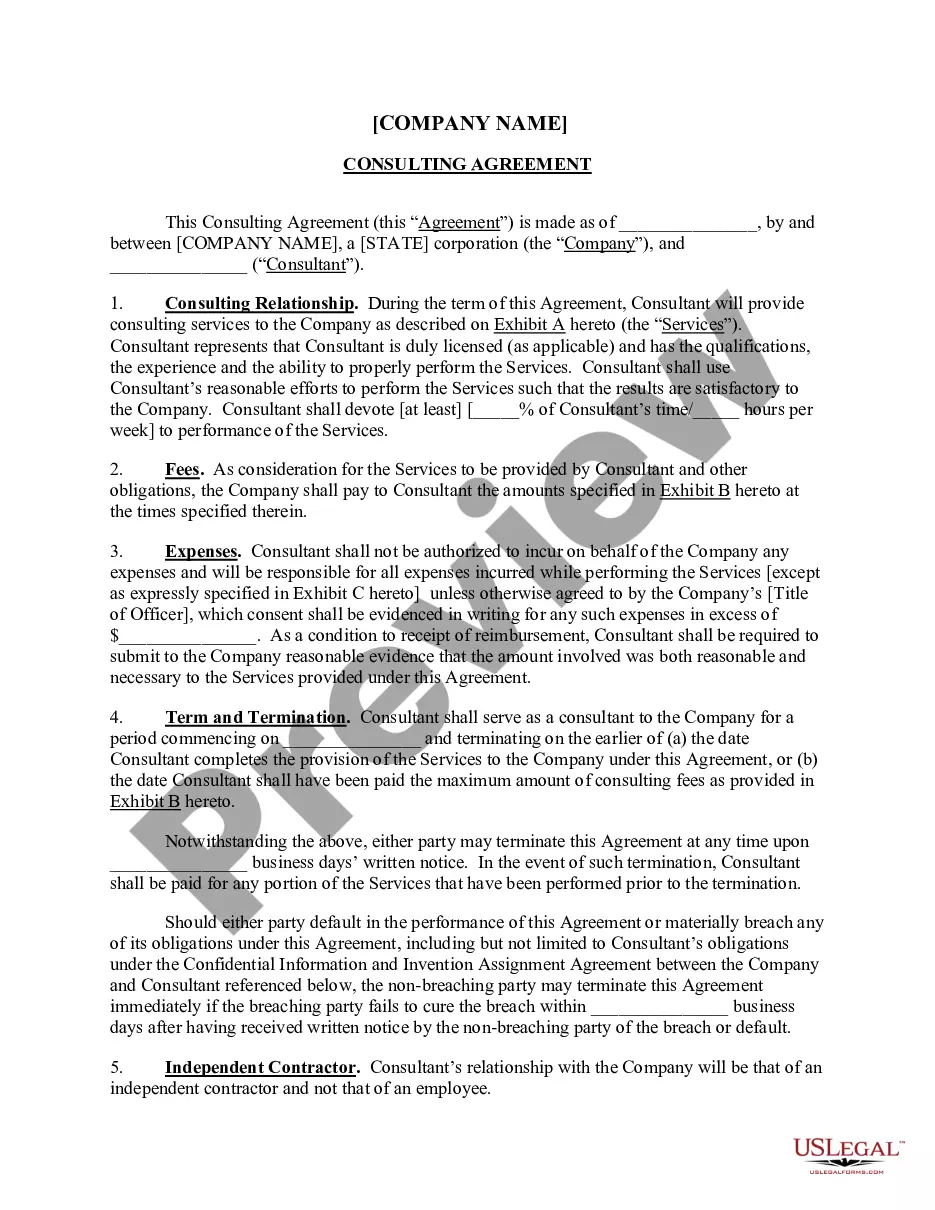
District of Columbia Sample Brief - Injunction
Description

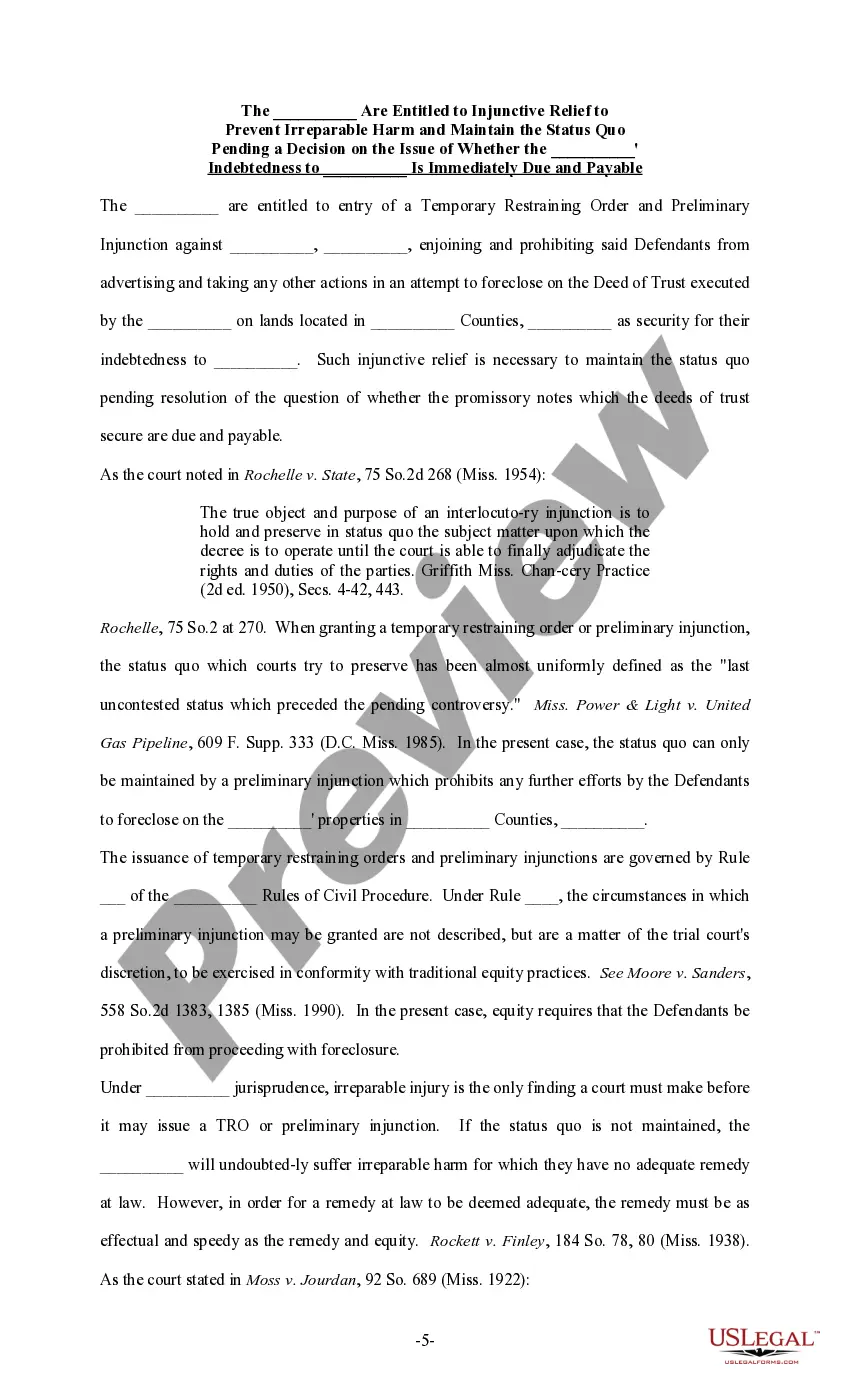
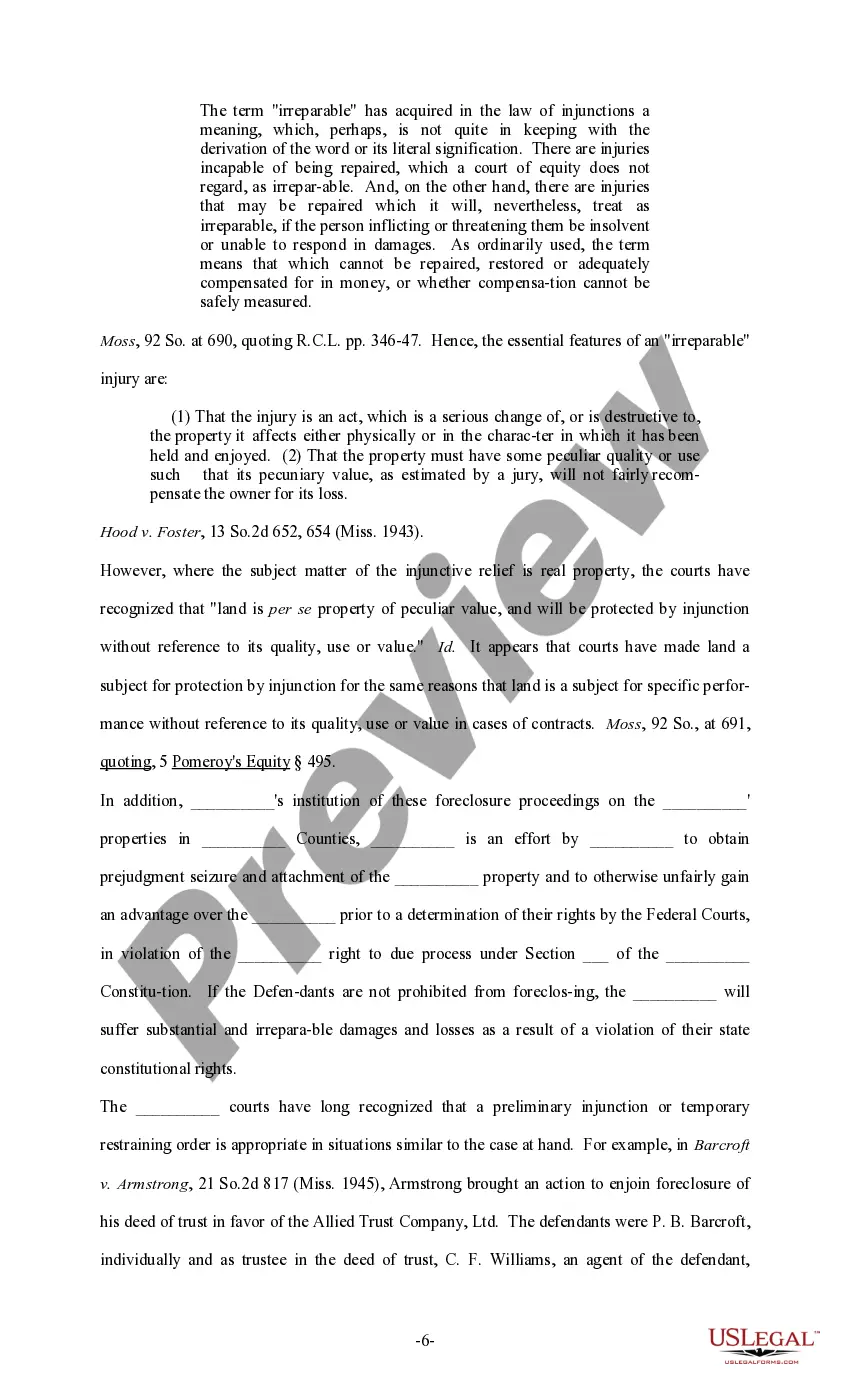
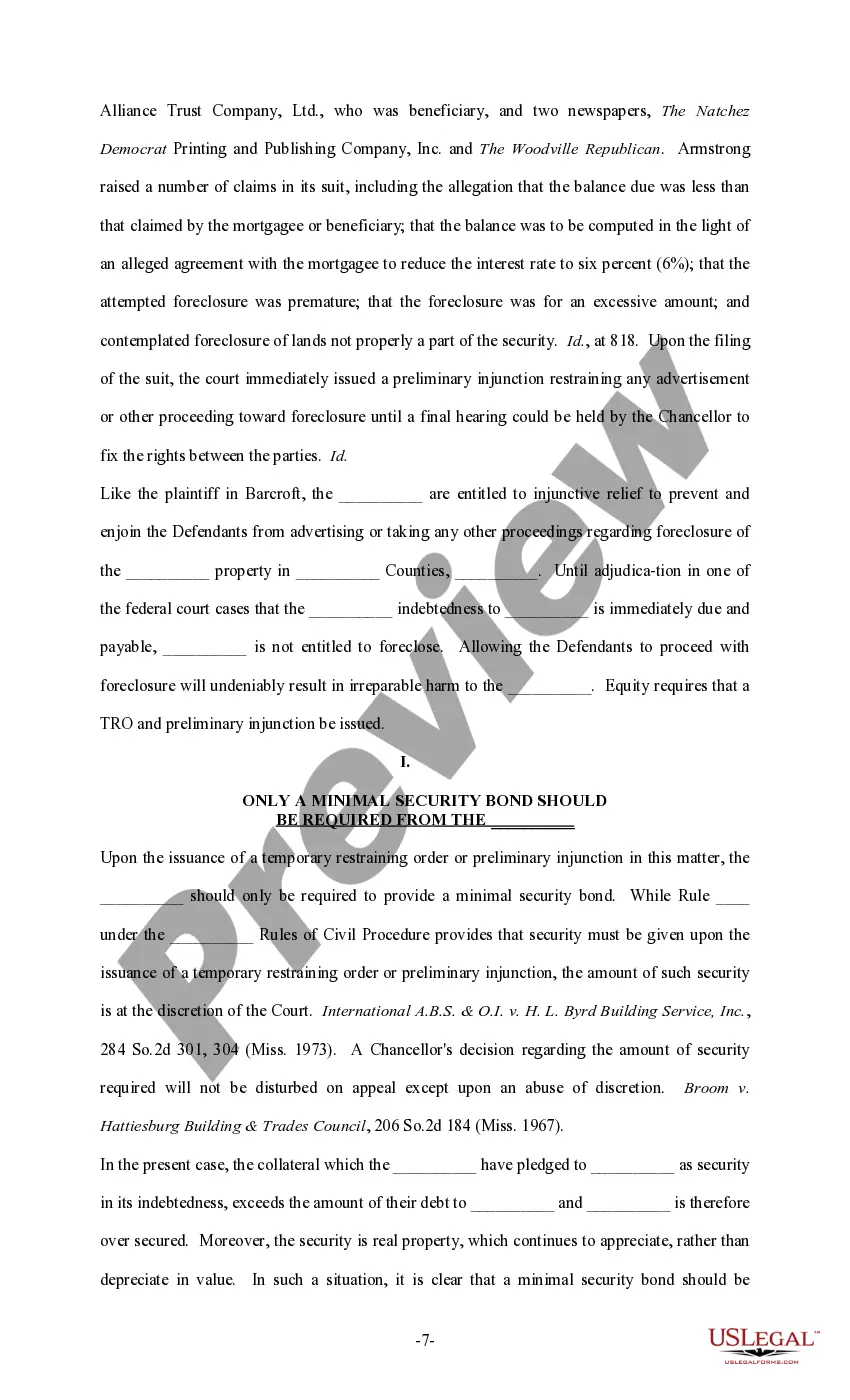
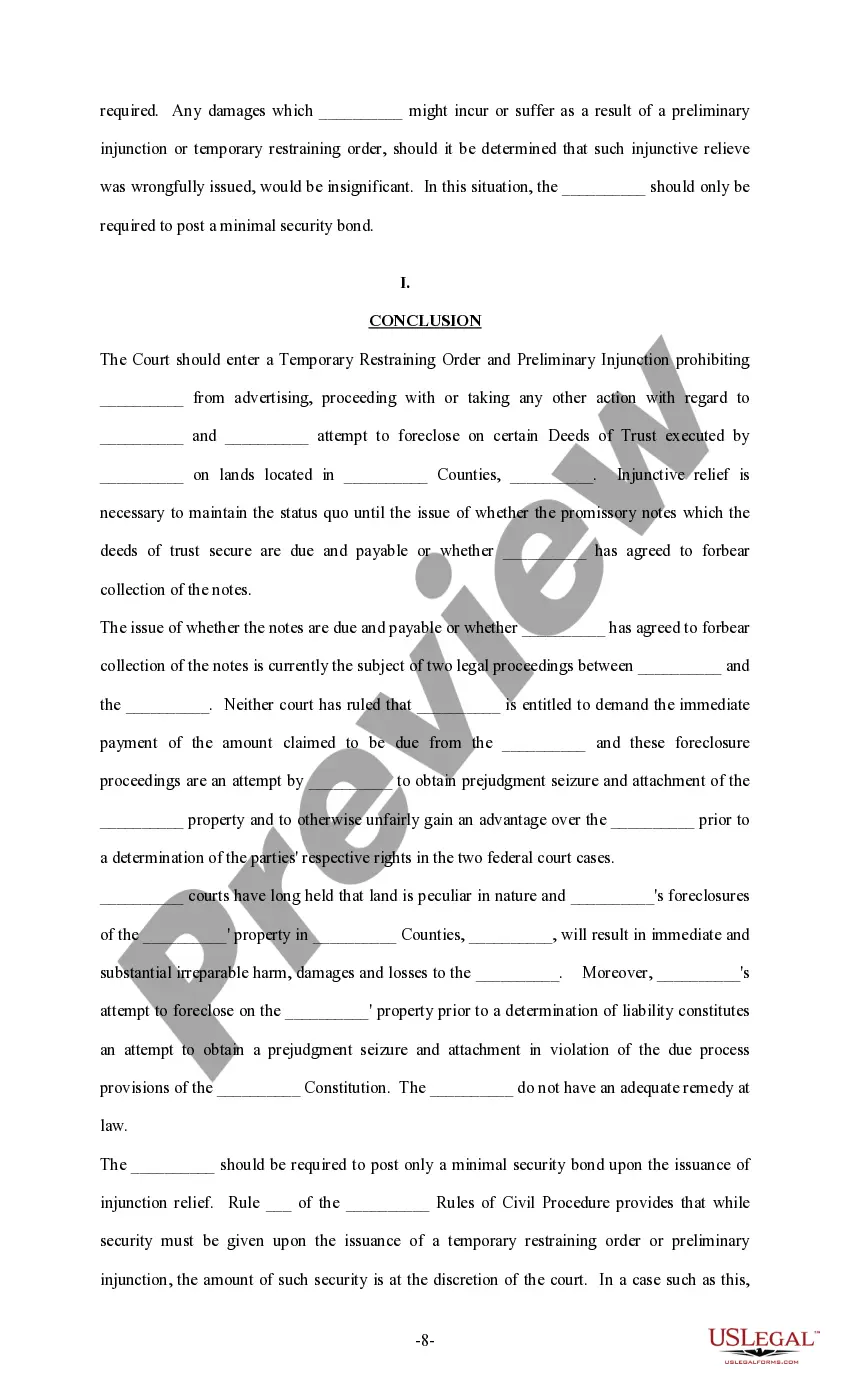
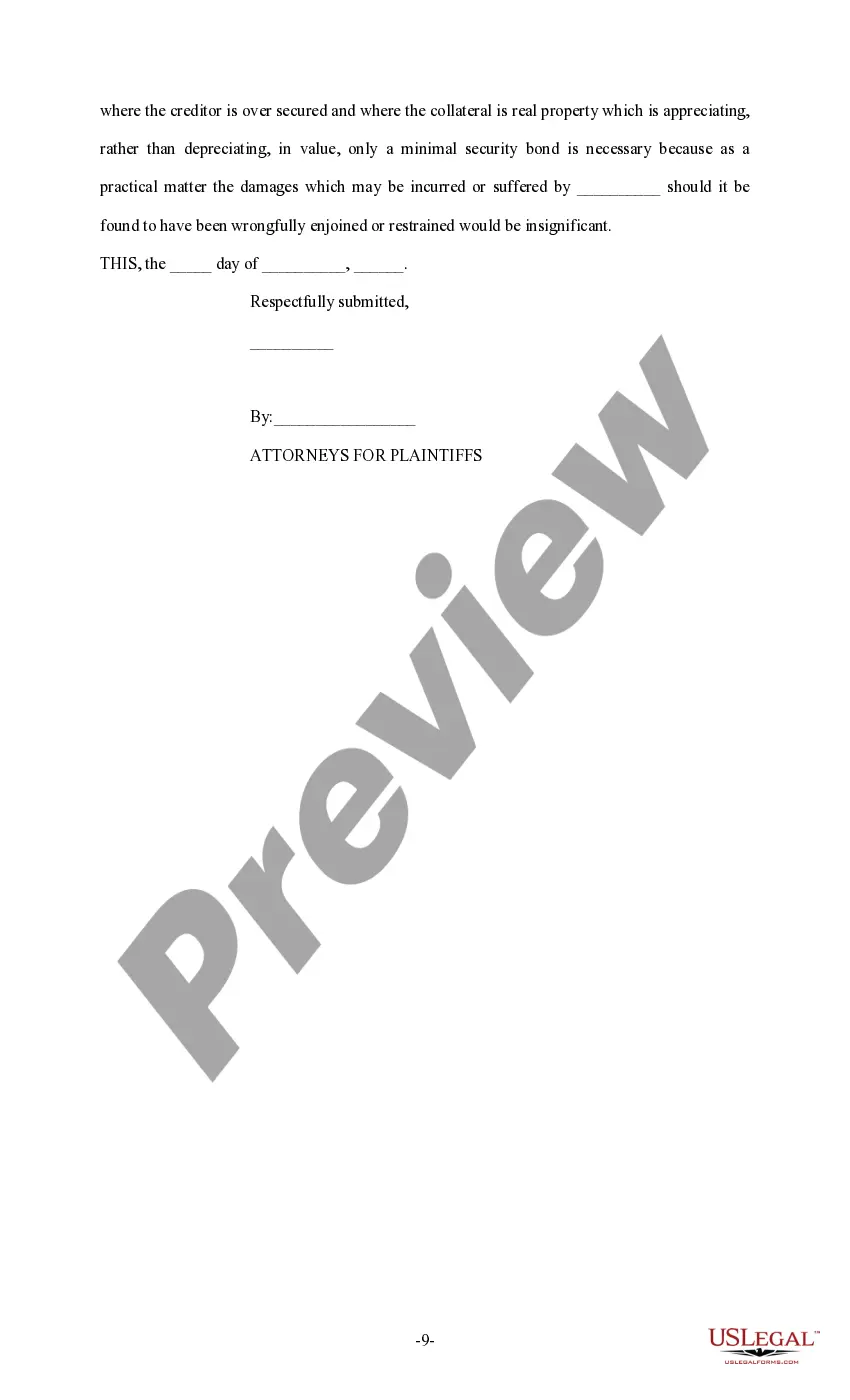
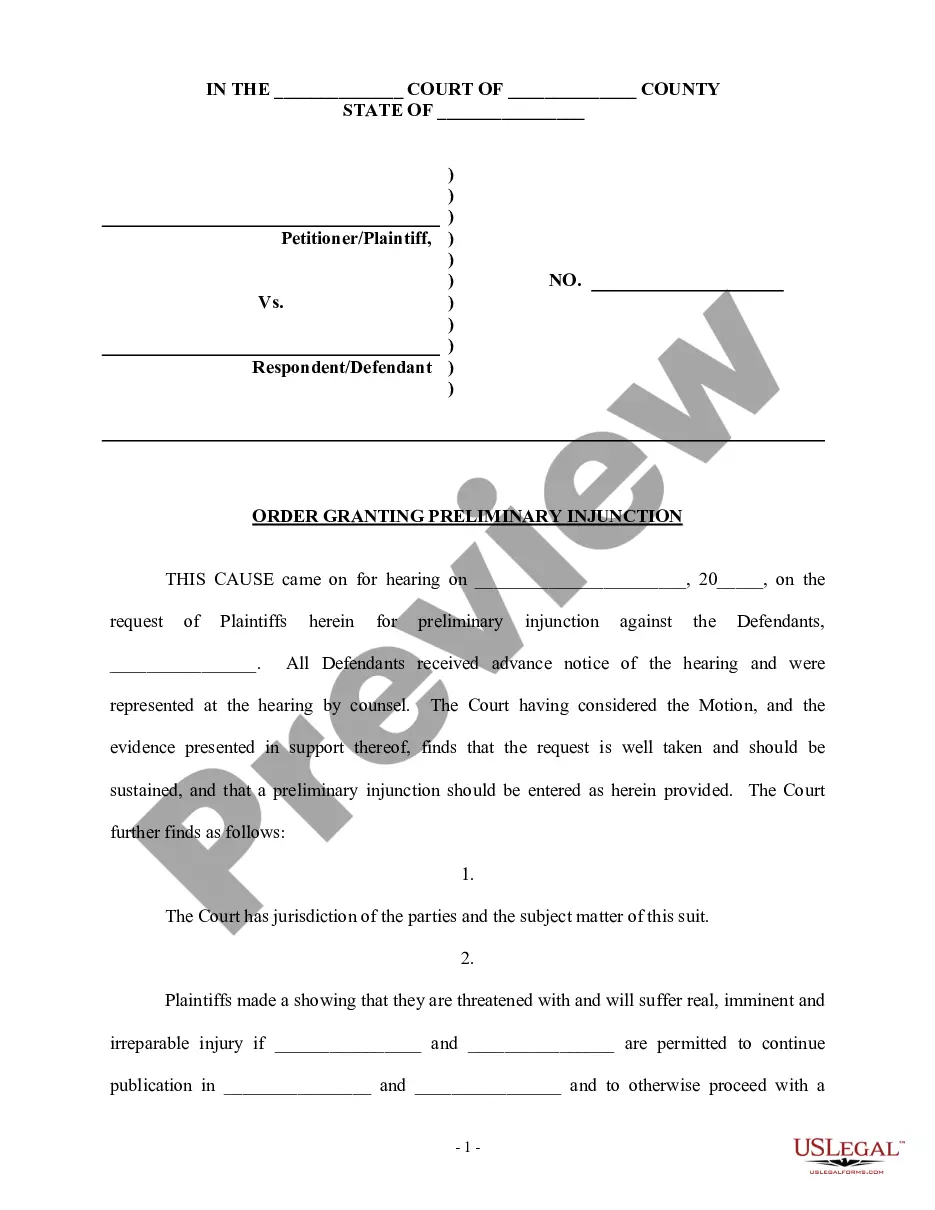
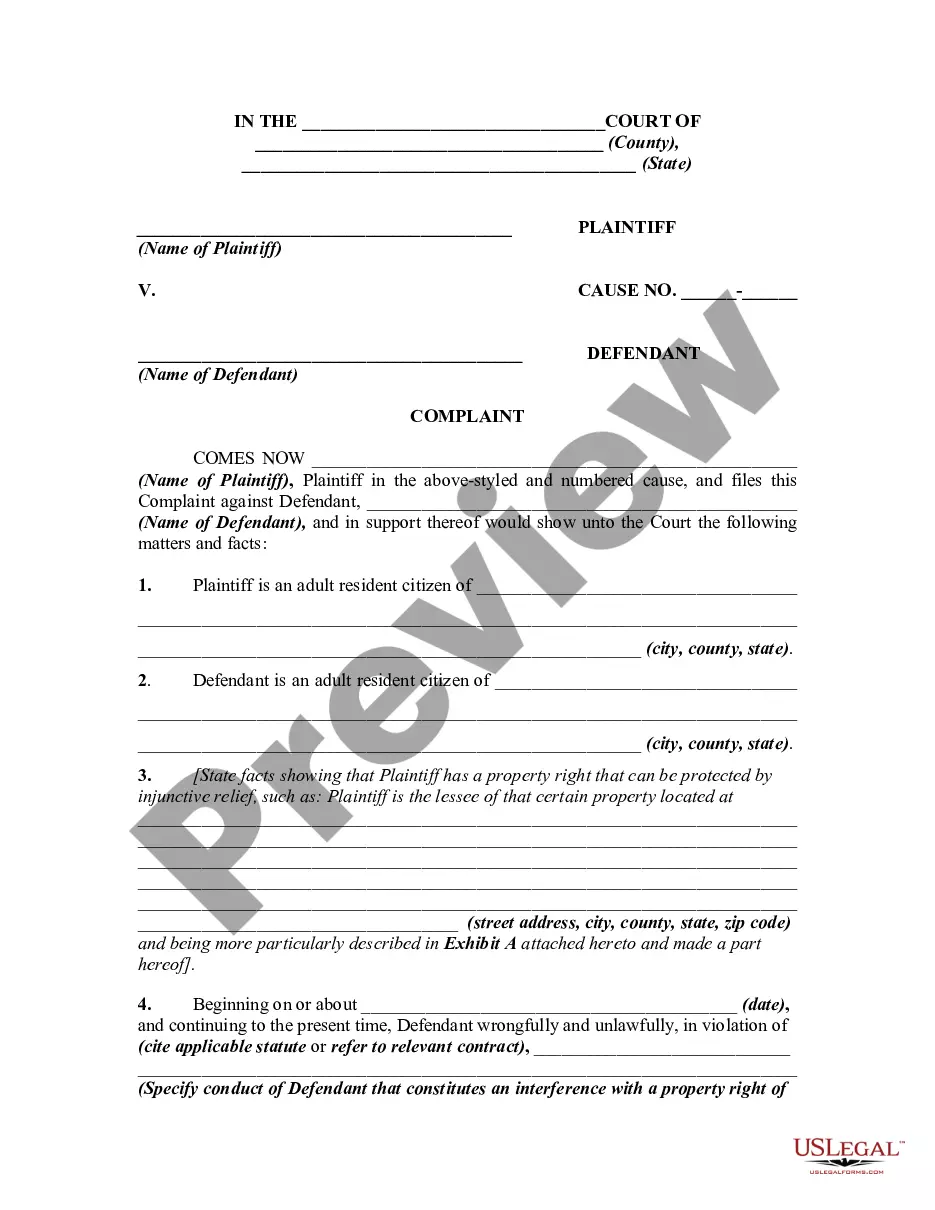
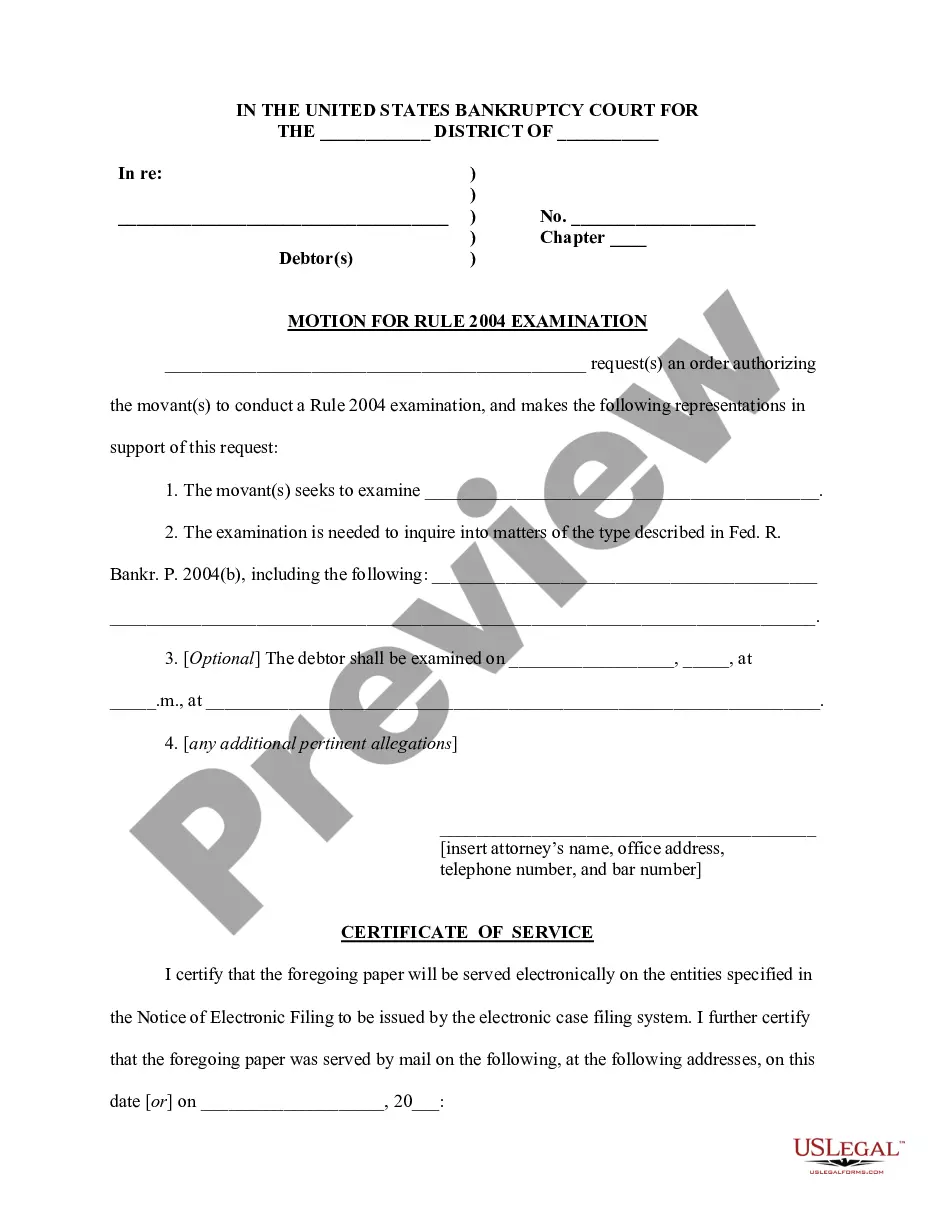
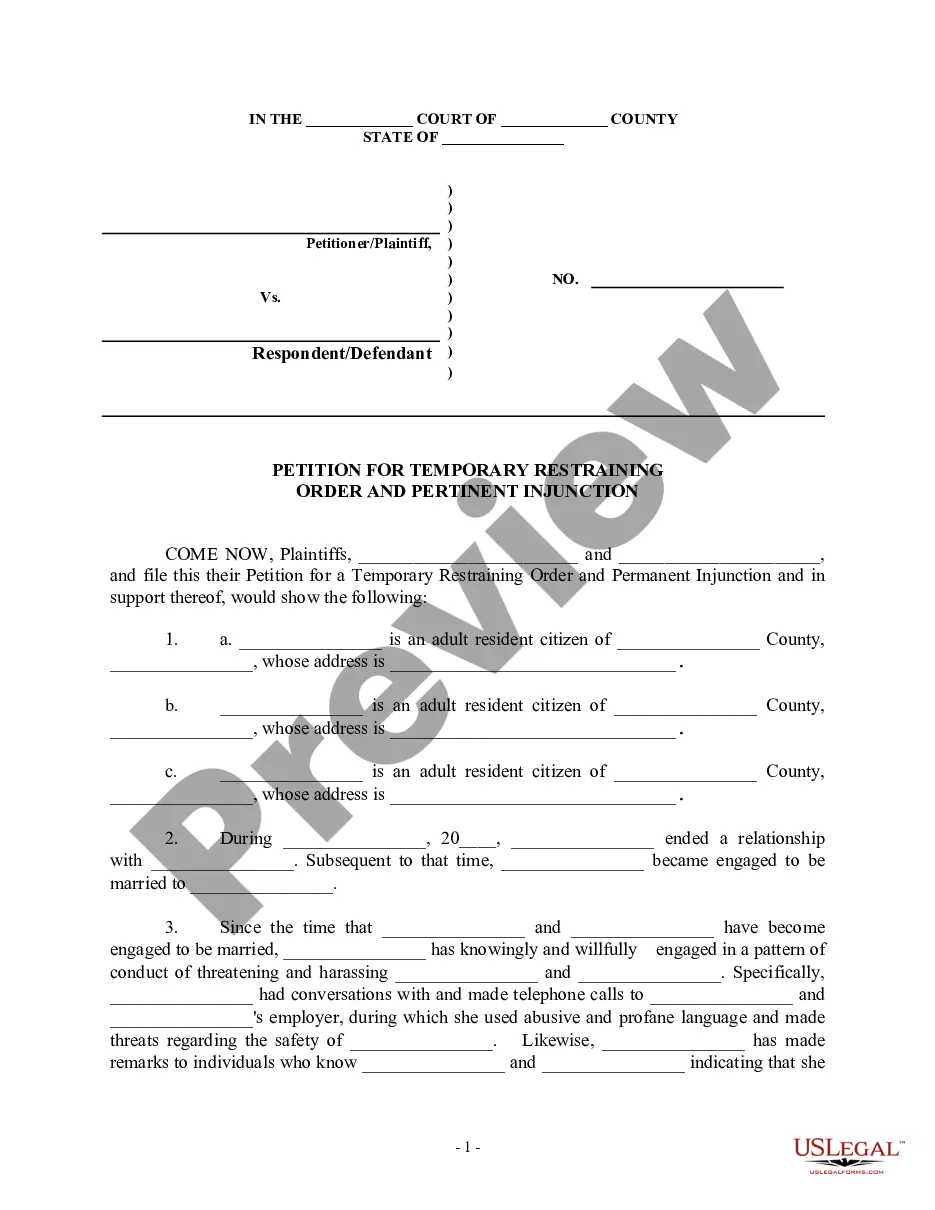




How to fill out Sample Brief - Injunction?
Selecting the appropriate authorized document format can be challenging. It goes without saying that there are numerous templates accessible online, but how do you locate the official type you seek? Utilize the US Legal Forms website. This service offers thousands of templates, including the District of Columbia Sample Brief - Injunction, suitable for both business and personal purposes. All forms are reviewed by experts and comply with state and federal regulations.
If you are already registered, Log In to your account and click the Download button to access the District of Columbia Sample Brief - Injunction. Use your account to browse through the legal forms you have previously purchased. Navigate to the My documents section of your account to retrieve another copy of the document you require.
If you are a new user of US Legal Forms, here are simple steps for you to follow: First, ensure you have selected the correct form for your city/county. You can preview the document using the Preview button and read the document details to confirm it is the right one for you. If the form does not meet your requirements, utilize the Search field to find the correct form. Once you are certain that the form is suitable, click the Buy now button to obtain the form. Choose the pricing plan you prefer and enter the necessary information. Create your account and finalize the transaction using your PayPal account or credit card. Select the file format and download the legal document format to your device. Complete, edit, print, and sign the obtained District of Columbia Sample Brief - Injunction.
Make the most of this resource to streamline your documentation process.
- US Legal Forms is the largest collection of legal forms where you can find countless document templates.
- Utilize the service to acquire professionally crafted documents that adhere to state regulations.
- The platform provides a user-friendly interface for easy navigation.
- Templates are verified for accuracy and compliance with legal standards.
- A variety of formats are available for your convenience.
- Customer support is available to assist with any inquiries.