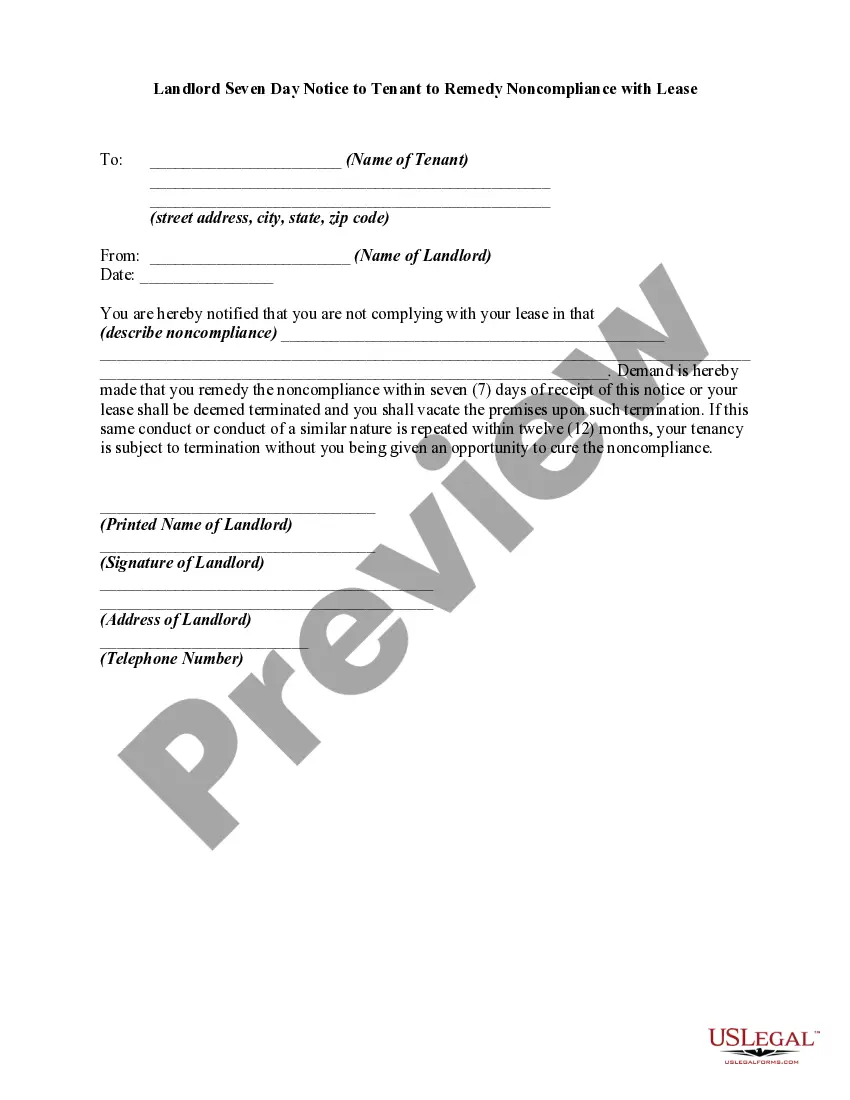
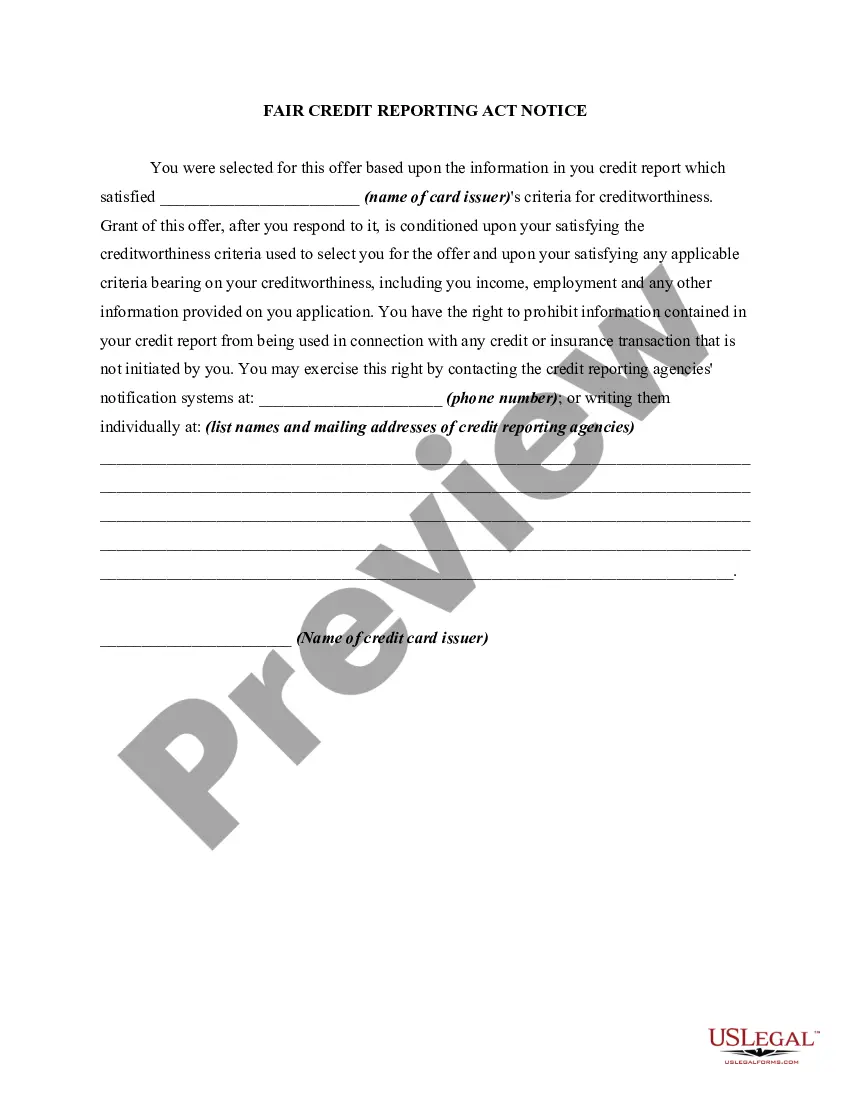
District of Columbia Free Linking Agreement
Description
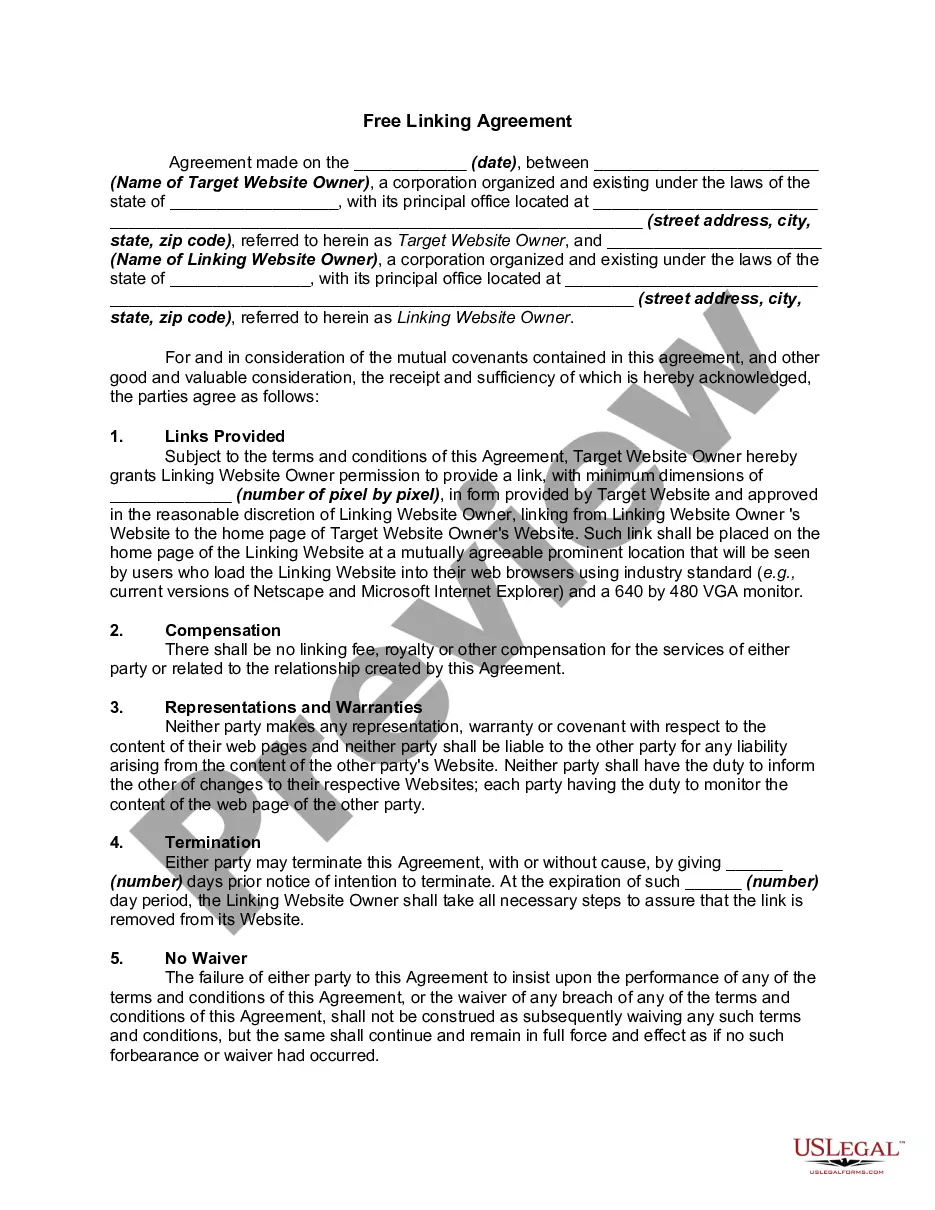
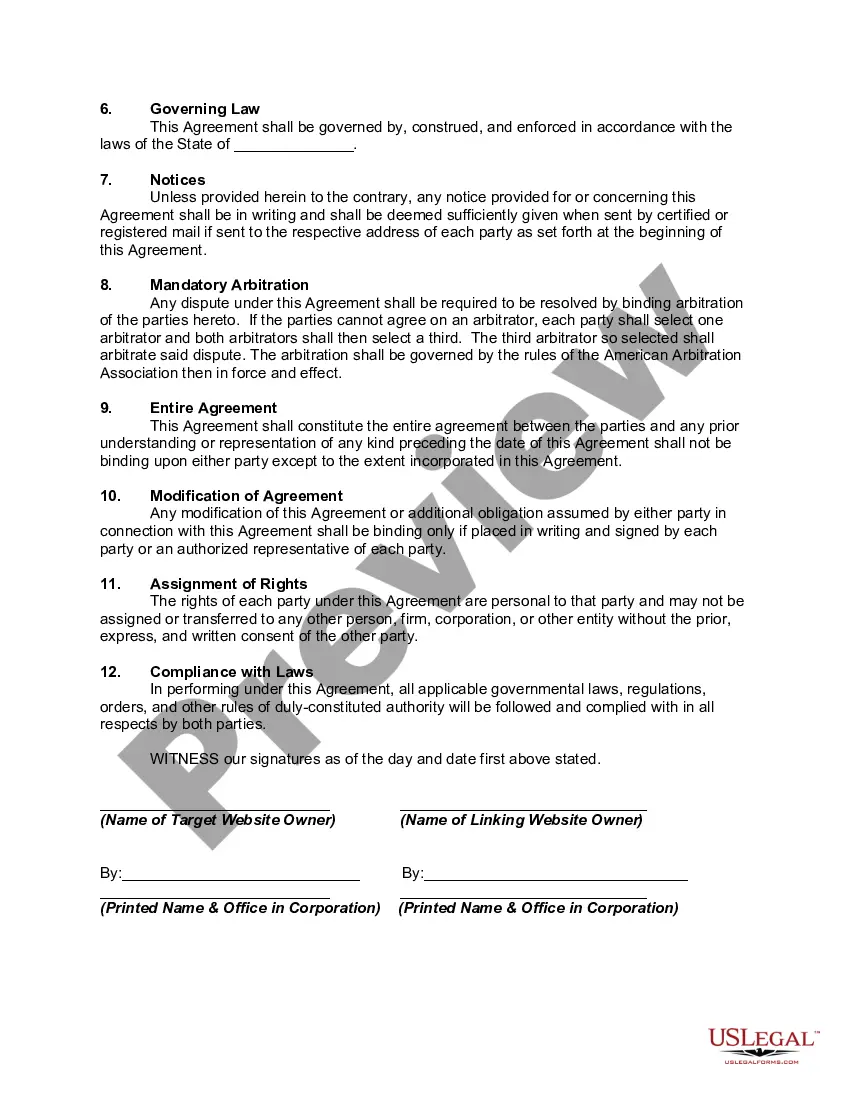
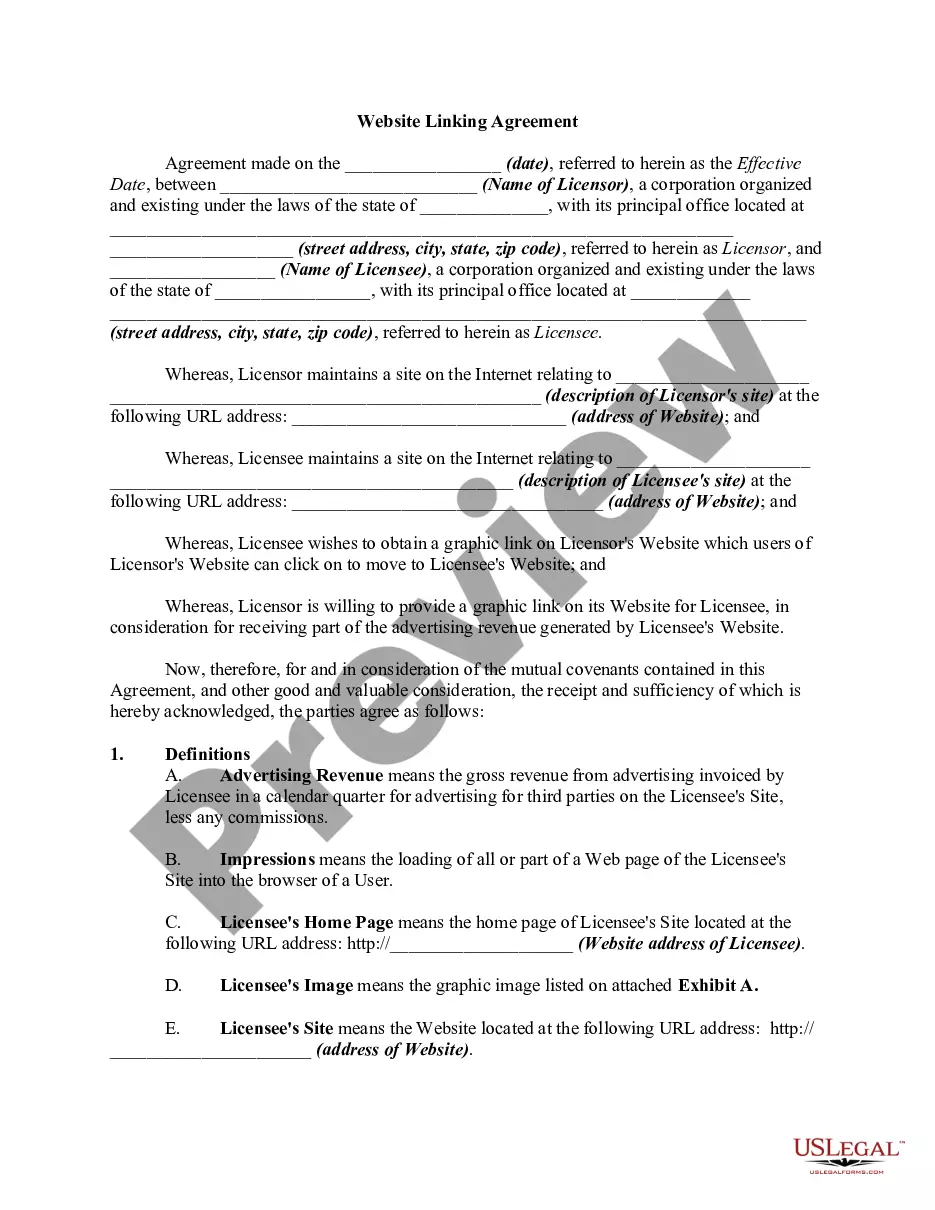
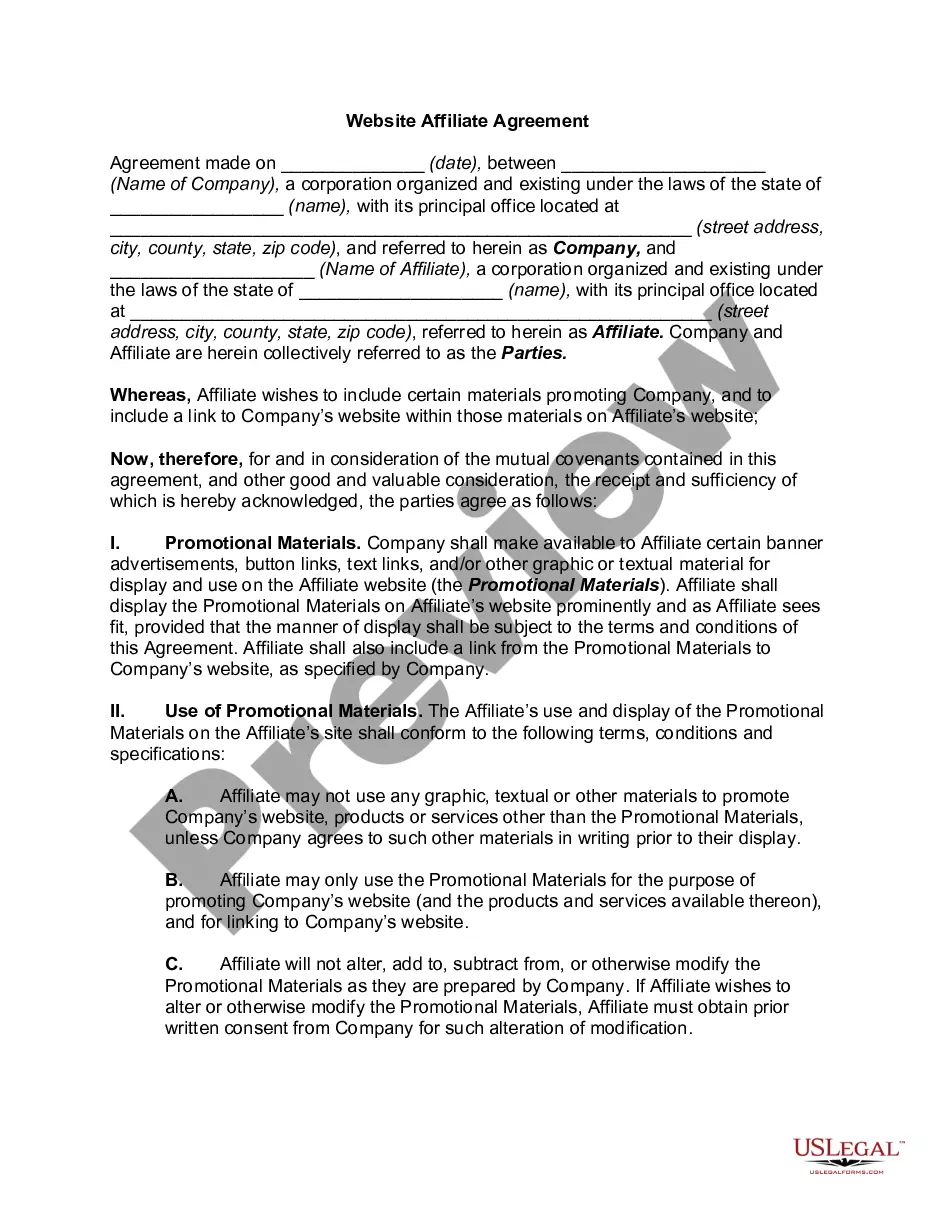
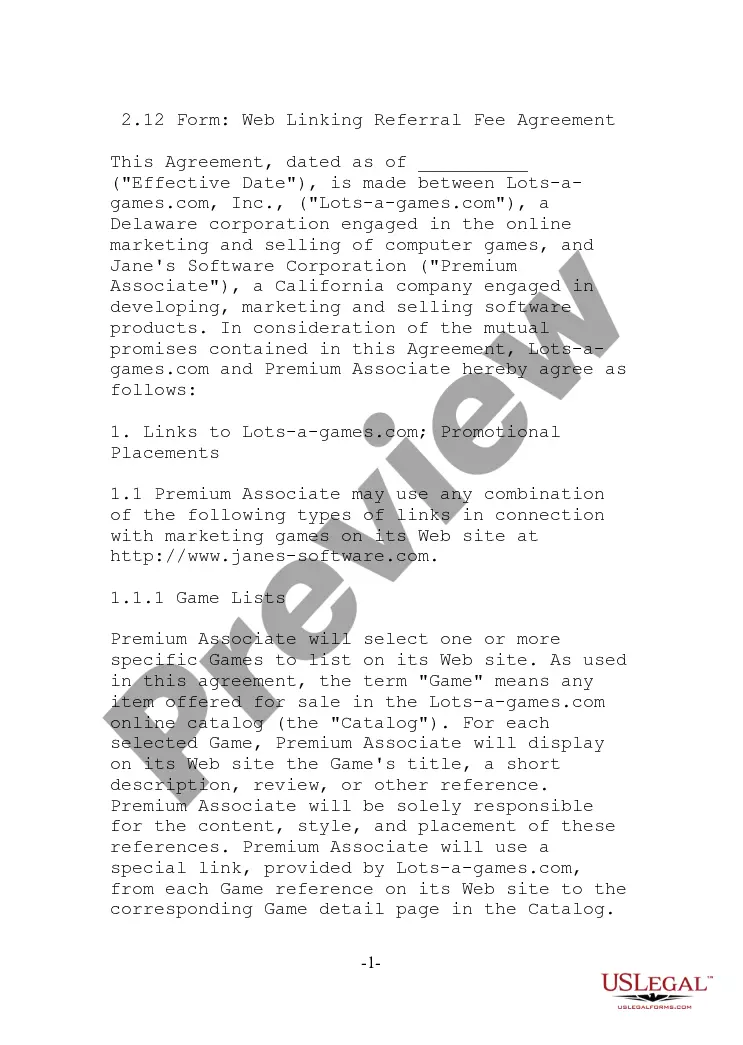
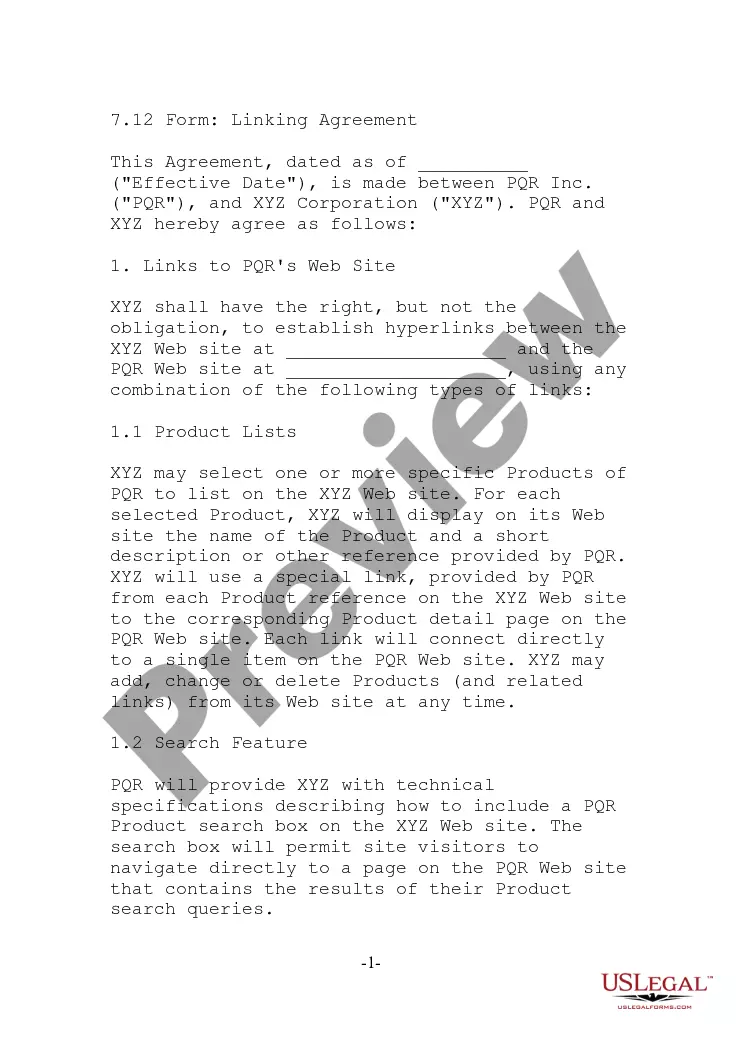
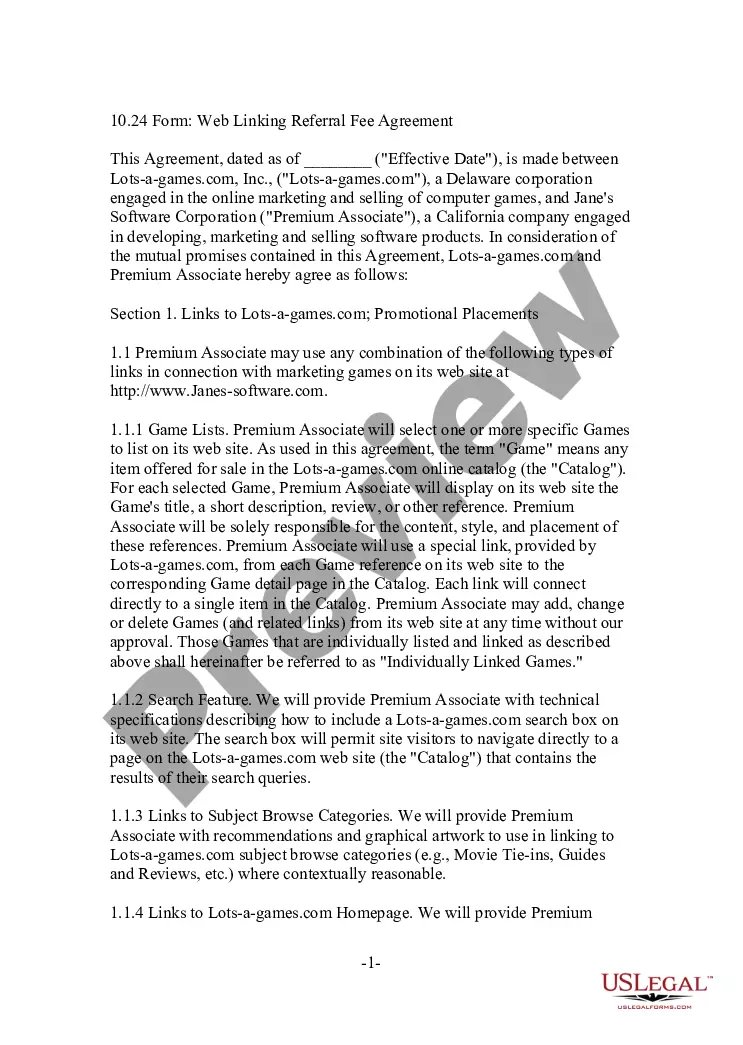

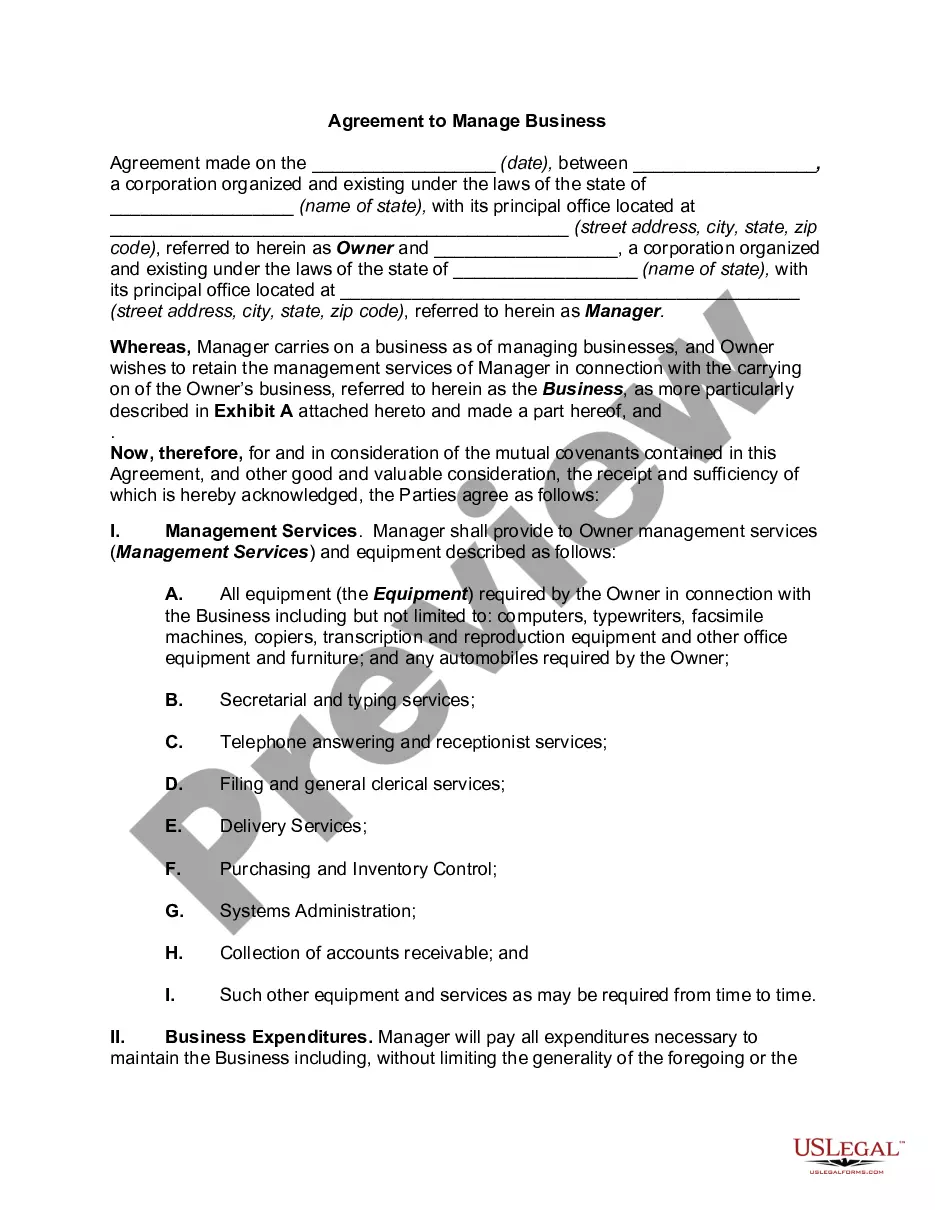
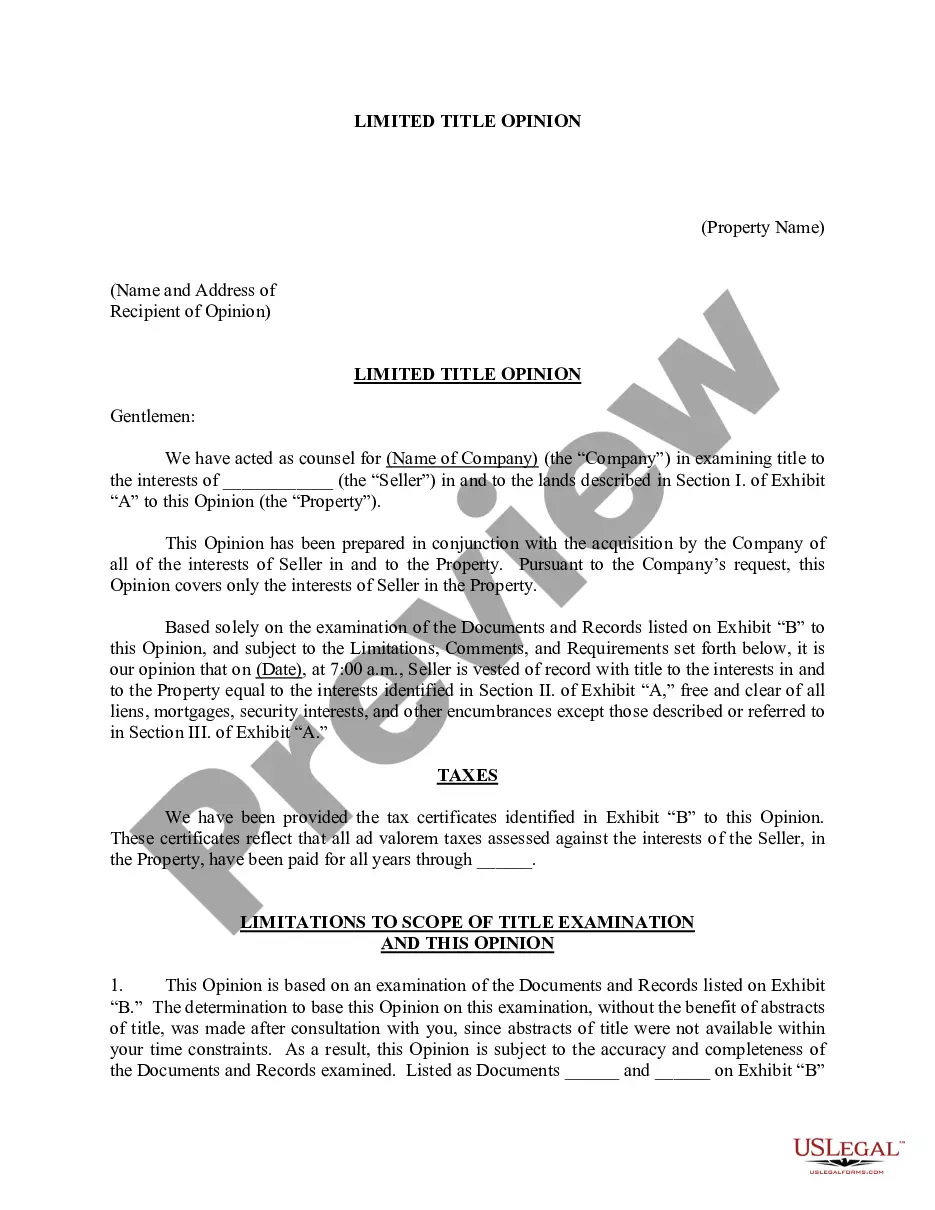



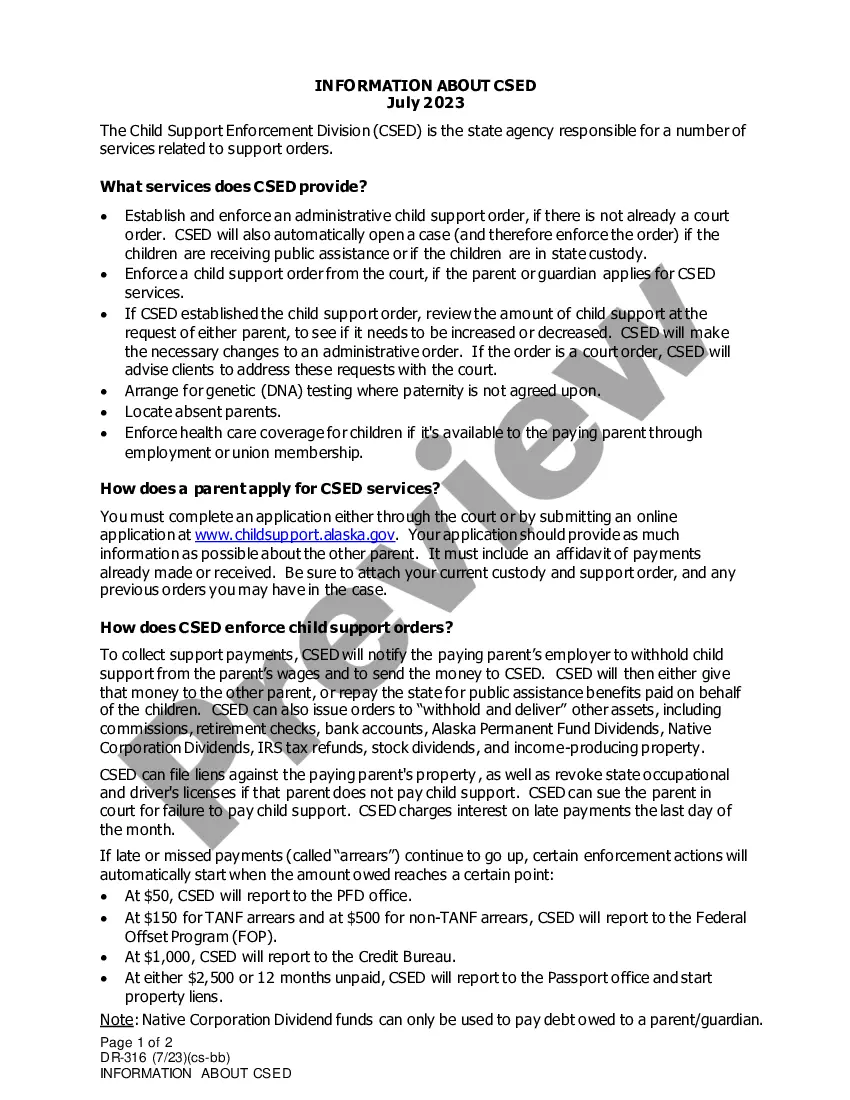
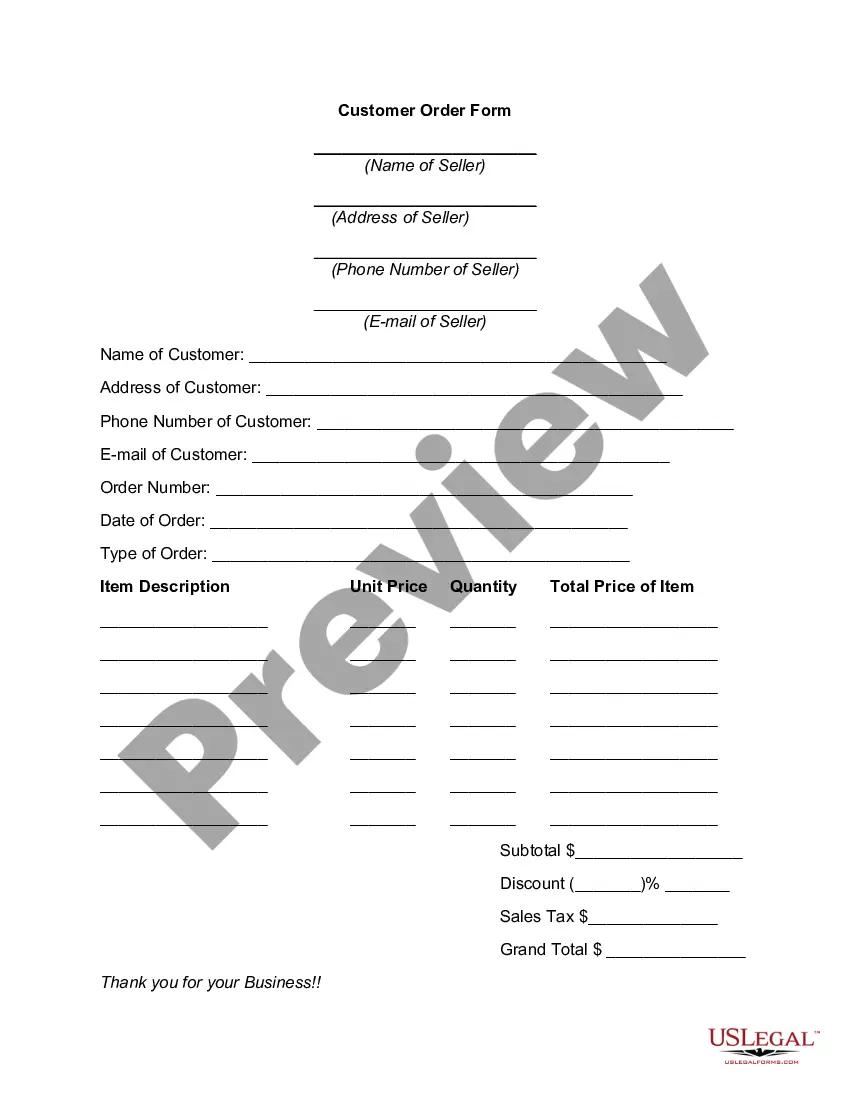
How to fill out Free Linking Agreement?
US Legal Forms - one of the largest collections of legal documents in the United States - offers a variety of legal form templates that you can download or print.
Through the website, you can access thousands of forms for both business and personal use, categorized by type, state, or keywords. You can find the latest versions of forms such as the District of Columbia Free Linking Agreement in moments.
If you hold a subscription, Log In and download the District of Columbia Free Linking Agreement from the US Legal Forms library. The Download button will appear on each template you view. You can access all previously saved forms from the My documents section of your account.
Process the payment. Use your credit card or PayPal account to complete the purchase.
Choose the format and download the form to your device. Make adjustments. Complete, edit, print, and sign the saved District of Columbia Free Linking Agreement. Every template you add to your account has no expiration date and belongs to you permanently. Therefore, if you wish to download or print another copy, simply go to the My documents section and click on the form you require. Access the District of Columbia Free Linking Agreement with US Legal Forms, the most extensive collection of legal document templates. Utilize thousands of professional and state-specific templates to fulfill your business or personal needs and requirements.
- Ensure you have selected the appropriate form for your locality/state.
- Click the Preview button to review the contents of the form.
- Check the form details to confirm you have chosen the right one.
- If the form does not meet your needs, utilize the Search field at the top of the screen to find one that does.
- Once satisfied with the form, affirm your selection by clicking the Buy now button.
- Next, select your preferred payment plan and provide your information to register for an account.
Form popularity
FAQ
Yes, if you expect to owe more than a certain amount in DC taxes, the district requires you to make estimated tax payments. These payments are typically quarterly, based on your projected income and tax liability. Failing to make required payments could result in penalties or interest charges. By using uslegalforms, you can find guidance on calculating and submitting these payments appropriately.
The amount you should withhold for District of Columbia taxes depends on your employees' wages and exemptions. Generally, employers must use the DC withholding tax tables to calculate the correct amount. If you are unsure about the calculations or payroll regulations, consider using uslegalforms as a resource to ensure compliance. Proper withholding will help you avoid issues with the DC Office of Tax and Revenue.
Filing the FR 500 DC forms requires you to gather all pertinent financial information related to your business's income, deductions, and credits. You must complete the FR 500 form accurately, then submit it to the District of Columbia Office of Tax and Revenue. Utilizing platforms like uslegalforms can simplify this process, guiding you through each step. Ensure your filing is done by the deadline to avoid penalties.
To form a District of Columbia LLC, you'll need to choose a unique name for your business. Next, file your Articles of Organization with the DC Department of Consumer and Regulatory Affairs. After approval, create an Operating Agreement to outline the management structure of your LLC. Finally, ensure you comply with any business licenses and permits required for your specific industry.
To register a vehicle in Washington D.C., bring not only a Bill of Sale but also original copies of the documents listed below, to a branch of the D.C. DMV (Department of Motor Vehicles).
Visit the ParkDC permits website. Download the ParkDC permits mobile app from the Apple Store or Google Play. Visit kiosks located at MPD District Stations, DDOT Headquarters, and the DDOT Permit Office. Call the DDOT Call Center at (202) 671-2631.
MyTax.DC.gov is the Office of Tax and Revenue's (OTR) online tax system. The system houses individual income, business, and real property taxes and fees administered by OTR.
To remove a co-owner from a DMV vehicle title, both parties have to sign the back of the title as the seller. The individual remaining on the title will sign as the buyer. This service must be completed at a DC DMV service center and fees will be assessed unless you qualify for an exemption.
To transfer your tags, you must go to a DC DMV service center with the following documents for the vehicle to which you are transferring the tags:A current vehicle registration.A current vehicle title.A valid vehicle inspection.A valid DC vehicle insurance policy.
Required DocumentsTitle Application (complete with appropriate signatures)Certificate of Origin (CO) or Title.Title Reassignment Form (if applicable)Bill of Sale.Lien-holder Financial Contract (if applicable)Proof of Insurance.DC DMV Vehicle Inspection Certificate (if applicable)More items...