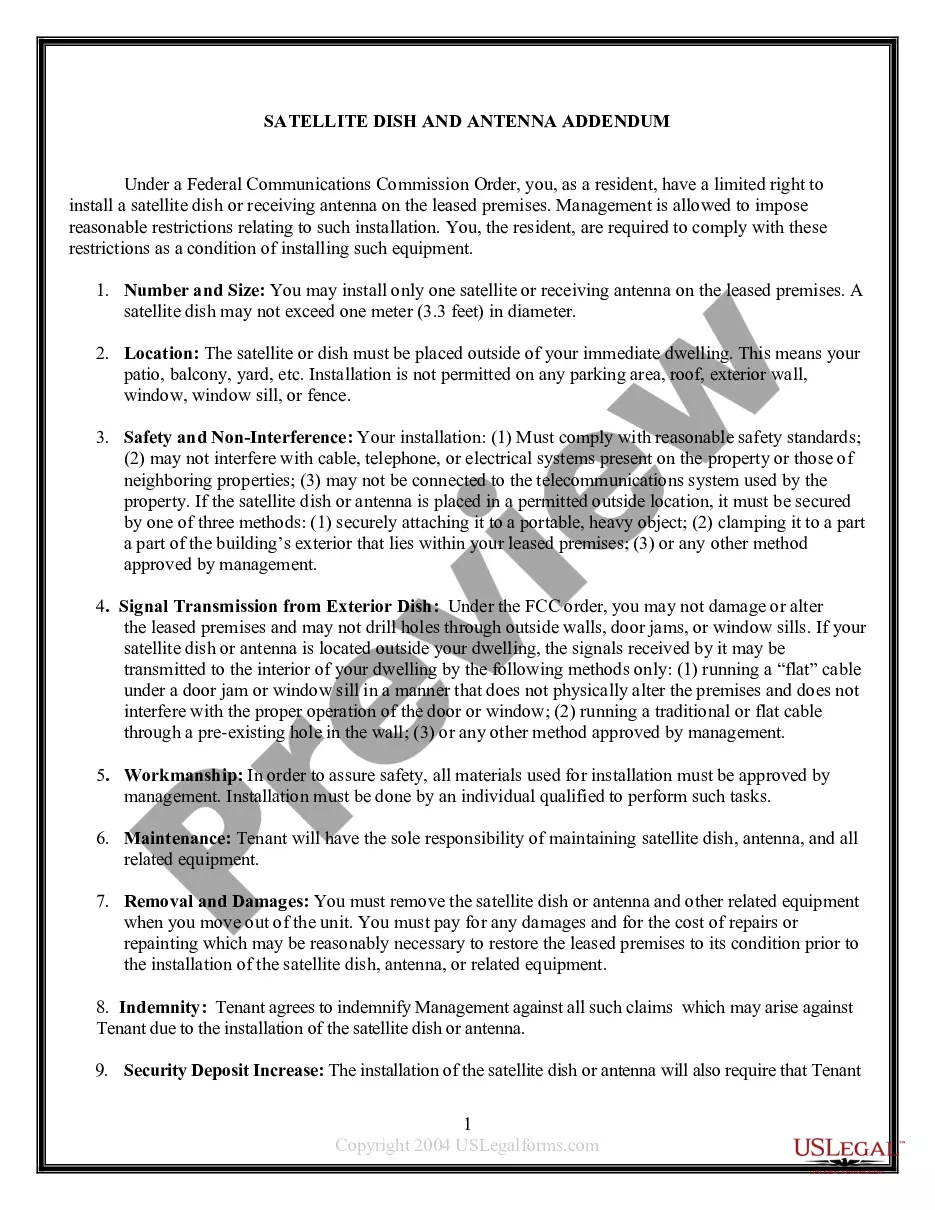
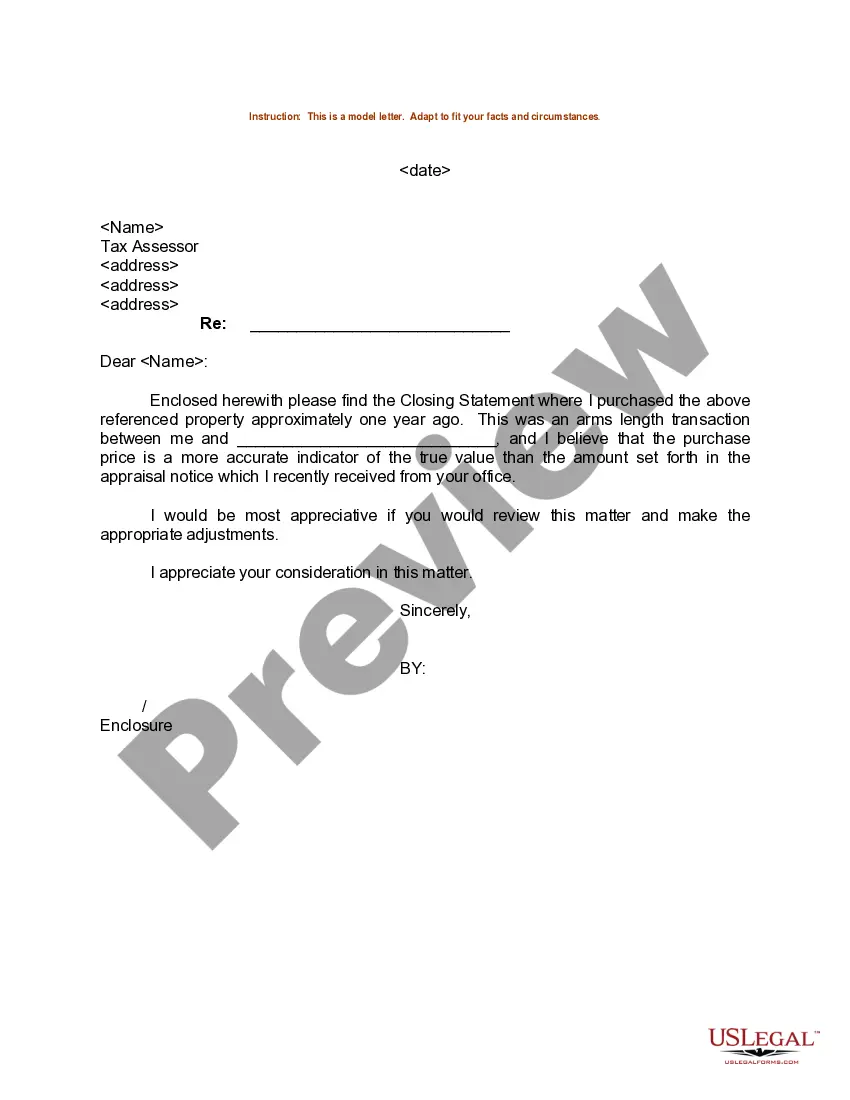
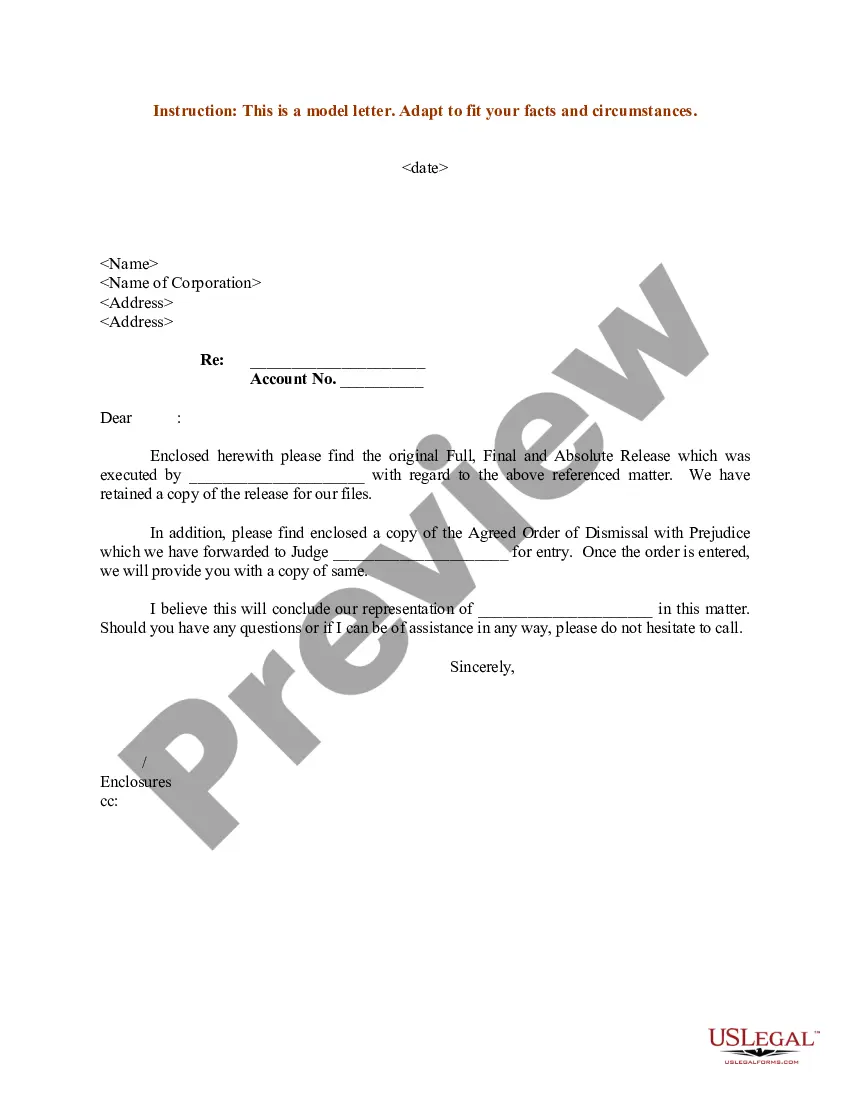
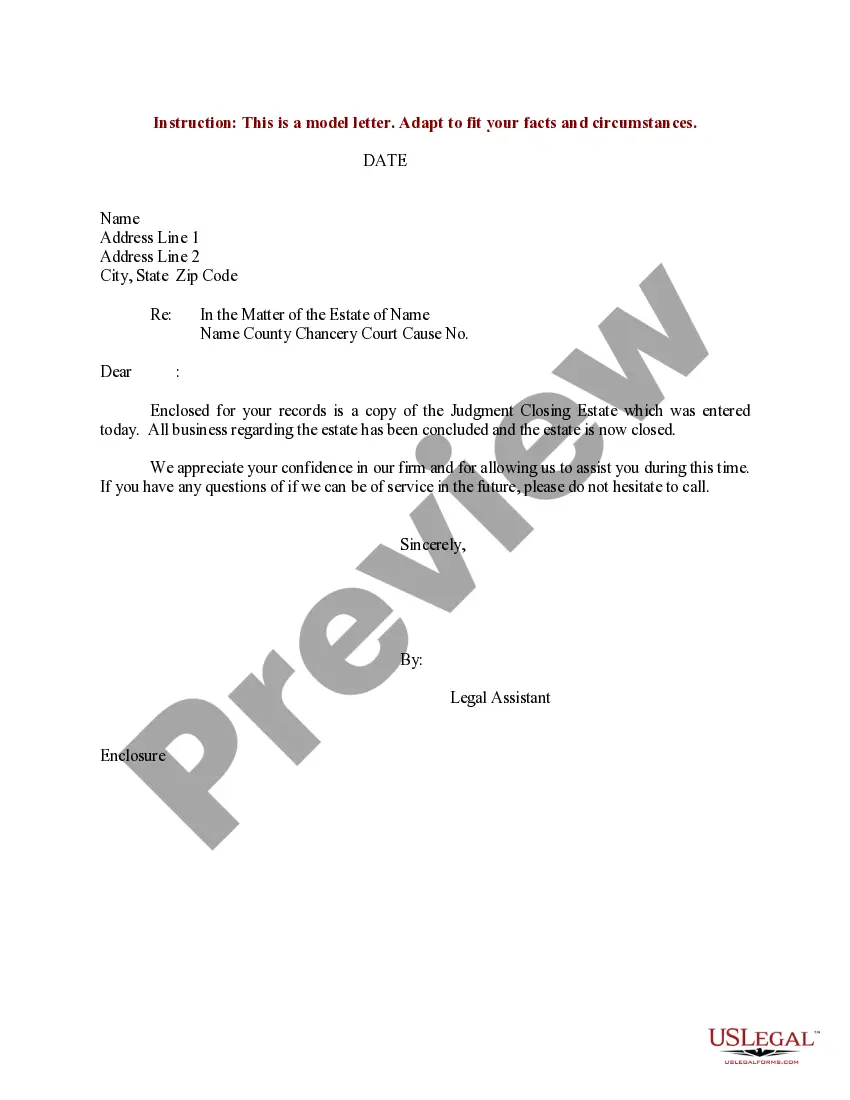
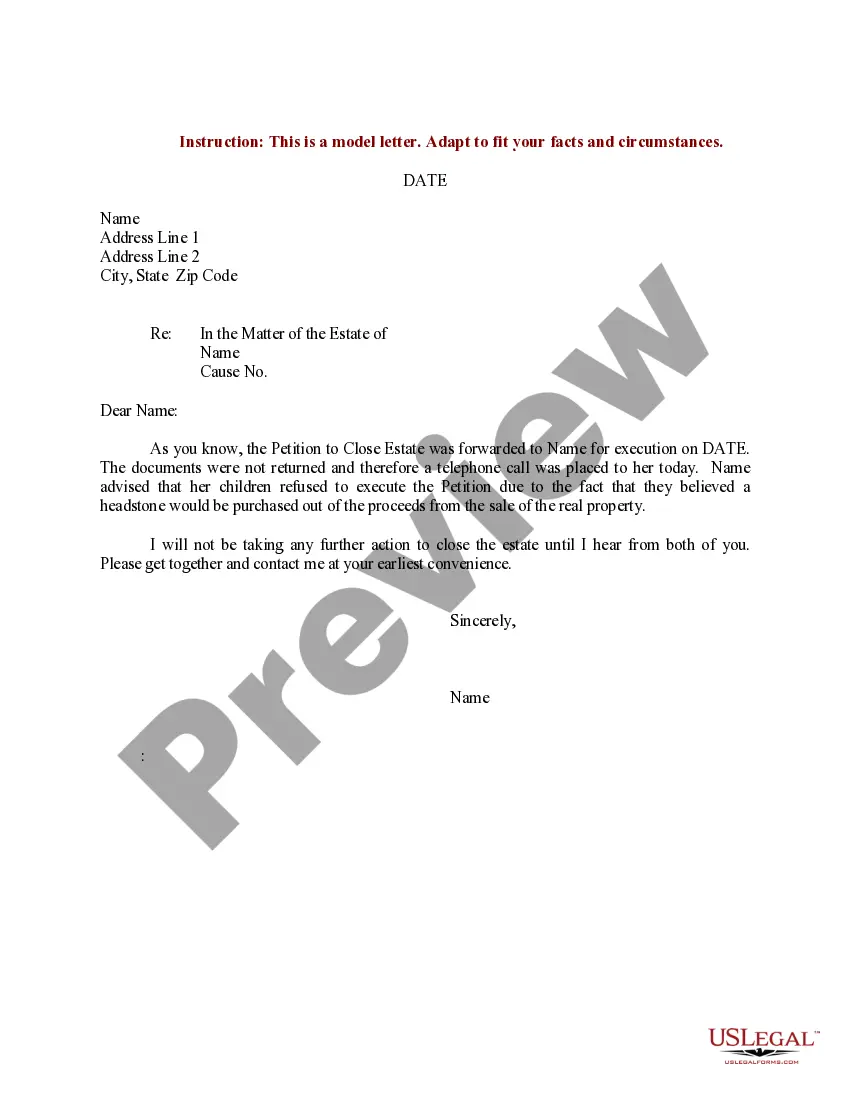
District of Columbia Sample Letter for Closing Statement
Description


Get your form ready online
Our built-in tools help you complete, sign, share, and store your documents in one place.
Make edits, fill in missing information, and update formatting in US Legal Forms—just like you would in MS Word.
Download a copy, print it, send it by email, or mail it via USPS—whatever works best for your next step.
Sign and collect signatures with our SignNow integration. Send to multiple recipients, set reminders, and more. Go Premium to unlock E-Sign.
If this form requires notarization, complete it online through a secure video call—no need to meet a notary in person or wait for an appointment.
We protect your documents and personal data by following strict security and privacy standards.

Make edits, fill in missing information, and update formatting in US Legal Forms—just like you would in MS Word.

Download a copy, print it, send it by email, or mail it via USPS—whatever works best for your next step.

Sign and collect signatures with our SignNow integration. Send to multiple recipients, set reminders, and more. Go Premium to unlock E-Sign.

If this form requires notarization, complete it online through a secure video call—no need to meet a notary in person or wait for an appointment.

We protect your documents and personal data by following strict security and privacy standards.
Looking for another form?

How to fill out Sample Letter For Closing Statement?
Finding the right lawful papers template could be a struggle. Of course, there are plenty of web templates available online, but how do you get the lawful kind you want? Take advantage of the US Legal Forms site. The assistance gives thousands of web templates, such as the District of Columbia Sample Letter for Closing Statement, that can be used for business and private demands. Every one of the kinds are checked by professionals and meet up with state and federal requirements.
If you are previously authorized, log in to the accounts and click the Down load button to get the District of Columbia Sample Letter for Closing Statement. Utilize your accounts to look with the lawful kinds you might have acquired in the past. Go to the My Forms tab of your own accounts and get another duplicate in the papers you want.
If you are a fresh end user of US Legal Forms, listed here are simple recommendations that you should stick to:
- Initial, be sure you have selected the proper kind to your town/county. You can examine the form utilizing the Review button and look at the form description to guarantee this is basically the right one for you.
- In the event the kind will not meet up with your needs, take advantage of the Seach discipline to get the appropriate kind.
- When you are sure that the form is proper, click the Get now button to get the kind.
- Opt for the rates program you want and enter the necessary information and facts. Design your accounts and pay money for the order utilizing your PayPal accounts or bank card.
- Pick the document format and download the lawful papers template to the system.
- Full, modify and produce and signal the received District of Columbia Sample Letter for Closing Statement.
US Legal Forms is definitely the greatest local library of lawful kinds where you will find numerous papers web templates. Take advantage of the company to download skillfully-created papers that stick to state requirements.
Form popularity
FAQ
Corporations Division Fees - Limited Liability CompanyDomestic Limited Liability CompanyStatement of authority$220.00Domestic Limited Liability CompanyStatement of denial$220.00Domestic Limited Liability CompanyStatement of dissolution$220.00Domestic Limited Liability CompanyFilings required for merger$220.0025 more rows
How to Dissolve a Corporation in California Step 1: Shareholders Vote to Dissolve the Corporation. ... Step 2: Prepare and File a Certificate of Election. ... Step 3: Board of Directors Provides Written Notice of Corporation's Dissolution. ... Step 4: Pay Taxes, Settle Debts, and Distribute Remaining Assets to Shareholders.
To officially dissolve your business in D.C., you must file a formal dissolution document with the Washington D.C. Corporations Commission of the Department of Consumer and Regulatory Affairs (DCRA). The two most common forms are: Corporations ? Articles of Dissolution of a Domestic For-profit Corporation ? Form DBU-7.
You can get a Certificate of Good Standing from the Corporations Division by visiting our office or submitting a request online.
LOC's are non-public, non disciplinary letters that are issued on primarily two occasions: When the Board closes a complaint, even though the standard of medical care may have been met, the patients expectations may not have been adequately met, raising a concern for the Board.
You may research this information at: Office of the Recorder of Deeds or Real Property Tax Database Search. The cost to purchase a copy is $2.25 per page plus ($2.25) per document for certification of a copied document. Your copies will be mailed promptly to you.
7 Steps to Dissolving a Washington Corporation: Submit a Revenue Clearance Certificate Application. ... Wait for processing. ... Fill out Articles of Dissolution. ... Attach the certificate. ... Submit Articles of Dissolution. ... Wait for processing. ... Inform your registered agent.
If you want to dissolve a Washington corporation, you must undertake a two-step process. You must first file with the Department of Revenue, which will confirm that you have paid all of your business taxes. Second, you must file with the Secretary of State, which will dissolve your Washington corporation.