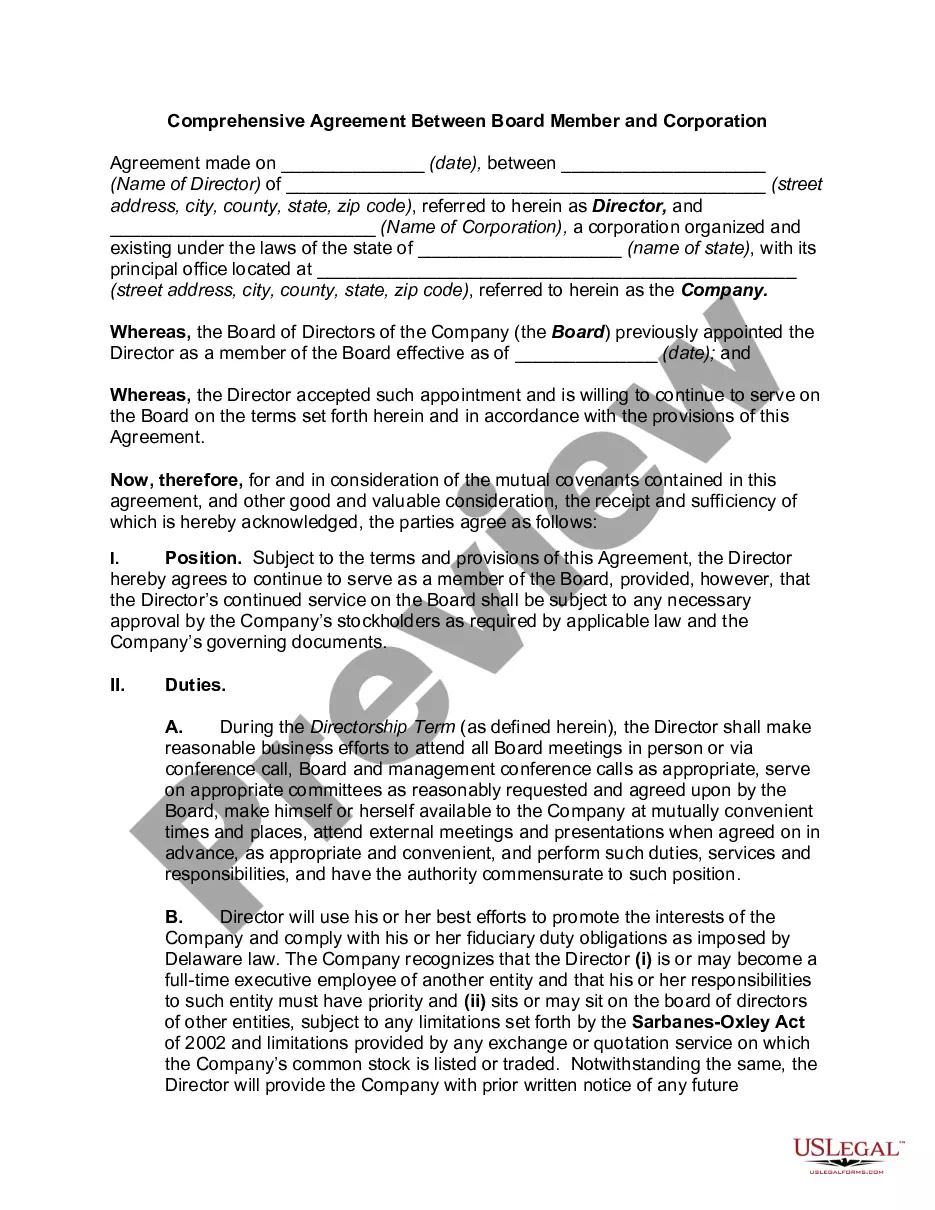
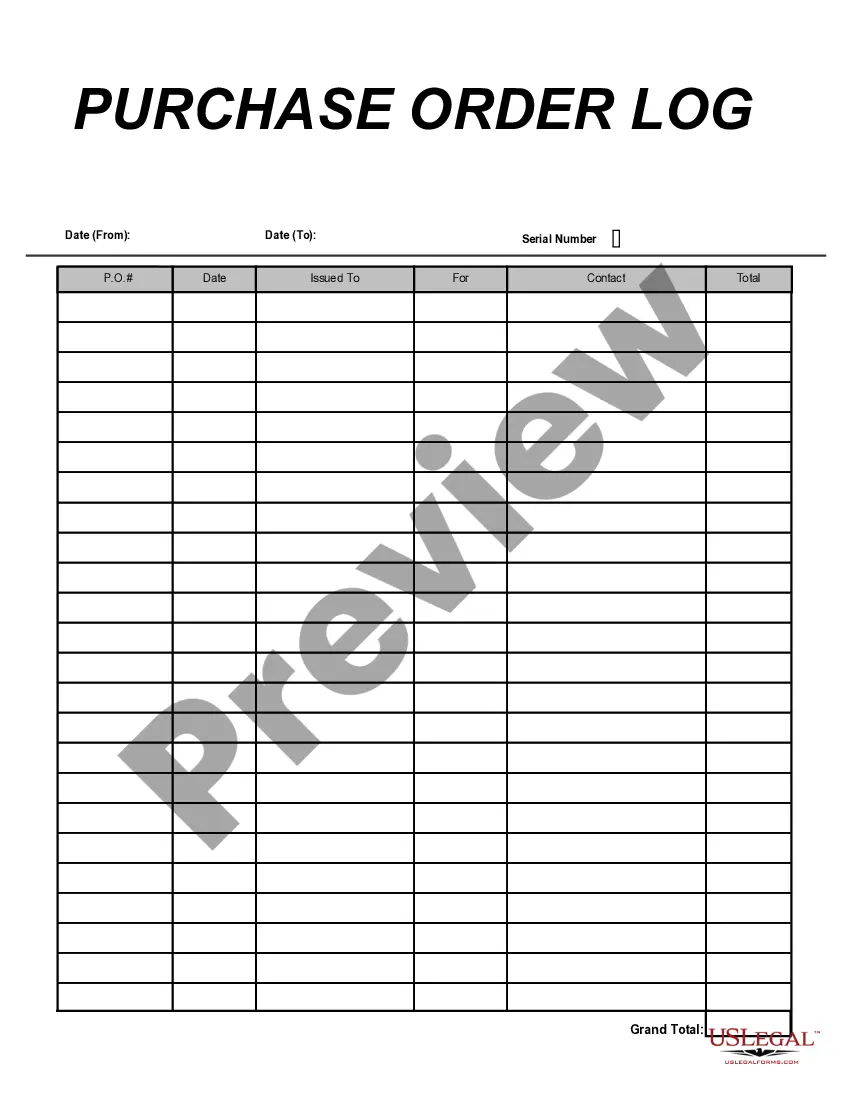
District of Columbia Purchase Order Log
Description



Get your form ready online
Our built-in tools help you complete, sign, share, and store your documents in one place.
Make edits, fill in missing information, and update formatting in US Legal Forms—just like you would in MS Word.
Download a copy, print it, send it by email, or mail it via USPS—whatever works best for your next step.
Sign and collect signatures with our SignNow integration. Send to multiple recipients, set reminders, and more. Go Premium to unlock E-Sign.
If this form requires notarization, complete it online through a secure video call—no need to meet a notary in person or wait for an appointment.
We protect your documents and personal data by following strict security and privacy standards.

Make edits, fill in missing information, and update formatting in US Legal Forms—just like you would in MS Word.

Download a copy, print it, send it by email, or mail it via USPS—whatever works best for your next step.

Sign and collect signatures with our SignNow integration. Send to multiple recipients, set reminders, and more. Go Premium to unlock E-Sign.

If this form requires notarization, complete it online through a secure video call—no need to meet a notary in person or wait for an appointment.

We protect your documents and personal data by following strict security and privacy standards.
Looking for another form?
How to fill out Purchase Order Log?
It is feasible to dedicate time online looking for the valid document format that meets the federal and state requirements you need.
US Legal Forms offers a large selection of valid templates that are vetted by professionals.
You can conveniently download or print the District of Columbia Purchase Order Log from our service.
To obtain another version of your form, utilize the Search field to find the format that fits your requirements and specifications.
- If you currently possess a US Legal Forms account, you can Log In and click the Obtain button.
- Subsequently, you can fill out, modify, print, or sign the District of Columbia Purchase Order Log.
- Each valid document format you acquire is your property indefinitely.
- To obtain another copy of any purchased form, navigate to the My documents tab and click the respective button.
- If you are visiting the US Legal Forms website for the first time, follow the simple instructions provided below.
- Initially, ensure that you have selected the correct document format for the county/town of your choice.
- Review the form description to confirm that you have chosen the appropriate form.
Form popularity
FAQ
To generate a Purchase Order (PO) in SAP, you can utilize the T code ME21N. This code facilitates the creation of new purchase orders, allowing users to specify required details. Utilizing the District of Columbia Purchase Order Log can streamline your purchasing process, ensuring that your organization maintains accurate and efficient procurement practices.
To view orders in SAP, you can navigate through several T codes, with ME2L being one of the most effective for vendor-specific searches. This feature enables users to filter and display purchase orders with ease. By incorporating the District of Columbia Purchase Order Log into your workflow, you gain greater visibility and control over your procurement activities.
To view purchase orders in SAP, you can use the T code ME23N. This code allows users to access detailed information about specific purchase orders. Leveraging the insights from the District of Columbia Purchase Order Log can significantly improve your understanding of order statuses and vendor relations.
The T code ME2L in SAP is used to display a list of purchase orders by vendor. This functionality helps users easily access and manage their order history. By utilizing the District of Columbia Purchase Order Log, you can enhance your organization’s procurement process and ensure timely order tracking.
The T code for checking a Purchase Order (PO) in SAP is ME23N. This code allows users to view purchase orders and their details efficiently. For those involved with the District of Columbia Purchase Order Log, understanding this T code is critical as it aids in tracking and managing procurement processes seamlessly. Utilizing the right tools and systems, such as US Legal Forms, can simplify this entire process for organizations operating in the District of Columbia.
A purchase order (PO) is a document that a buyer sends to a seller to outline the details of a purchase. For example, when a business needs to acquire office supplies, it might create a PO that lists the items, quantities, and agreed-upon prices. In the context of the District of Columbia Purchase Order Log, such a PO helps maintain clear records of transactions. This log provides an efficient way to track purchases and streamline the procurement process.
To do business with the District of Columbia, start by familiarizing yourself with the specific procurement regulations and opportunities available. You can access the District of Columbia Purchase Order Log to view current bids and purchase orders. It is essential to register as a supplier with the district, which involves completing necessary forms and providing relevant documentation. Utilizing platforms like US Legal Forms can simplify this process by offering the essential templates and guidance needed for a successful business transaction.