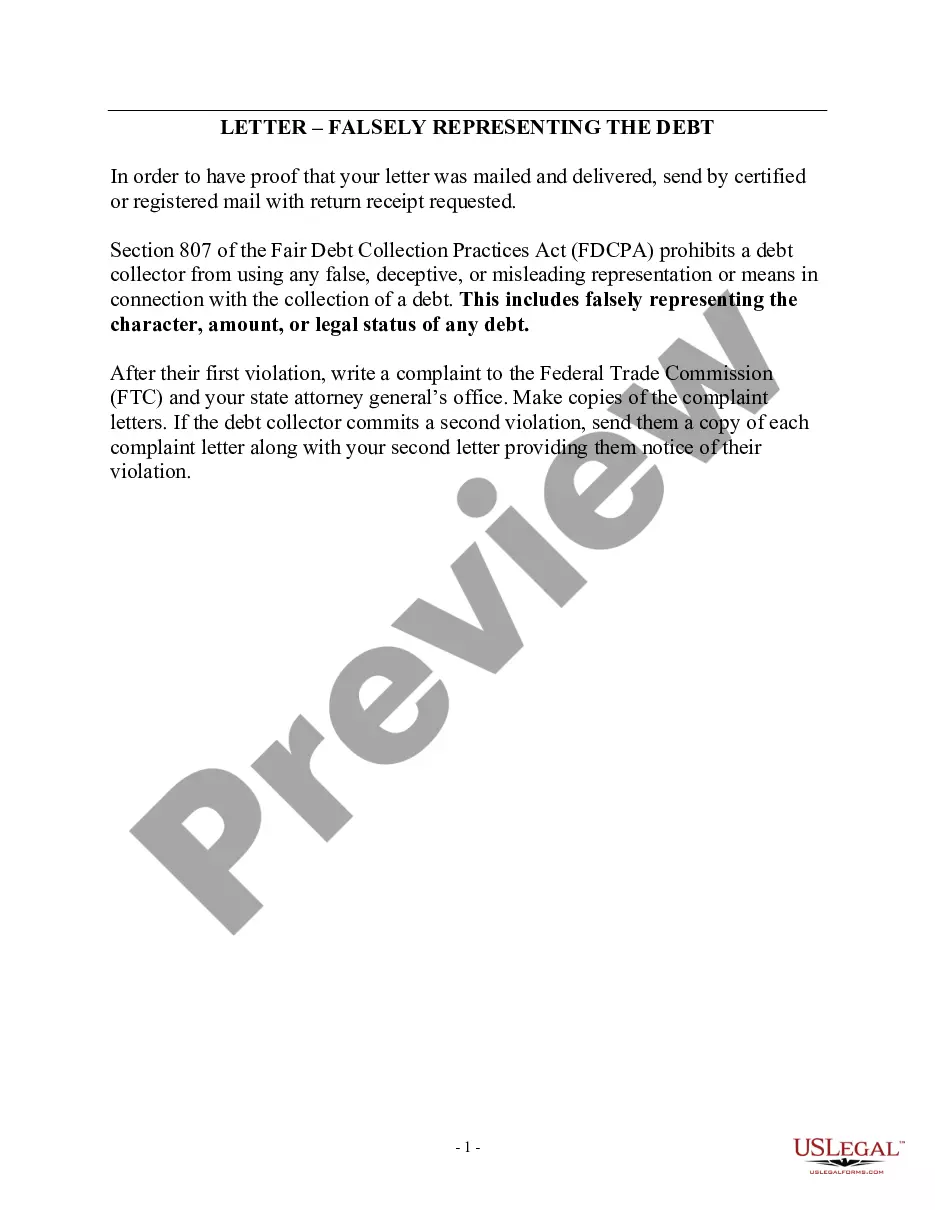
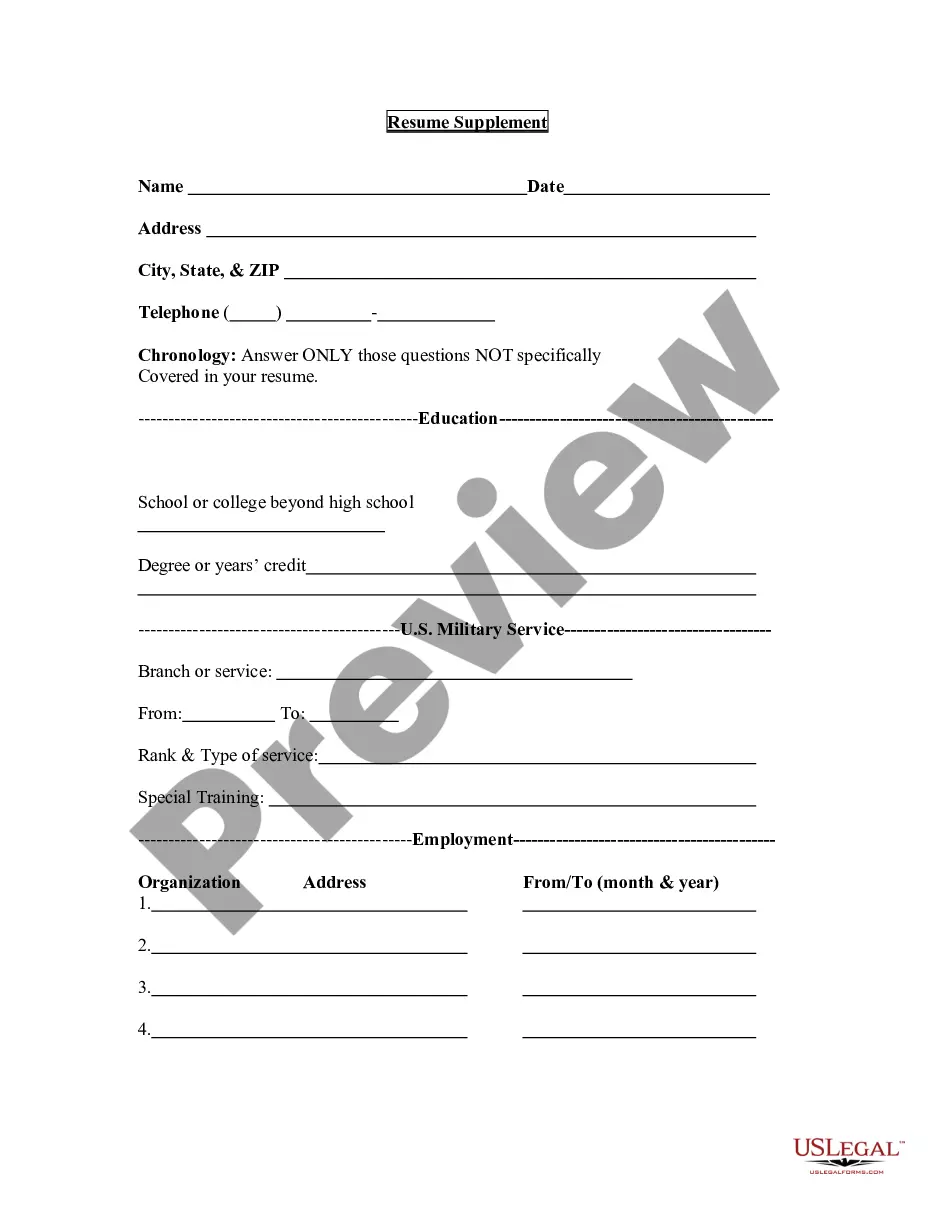
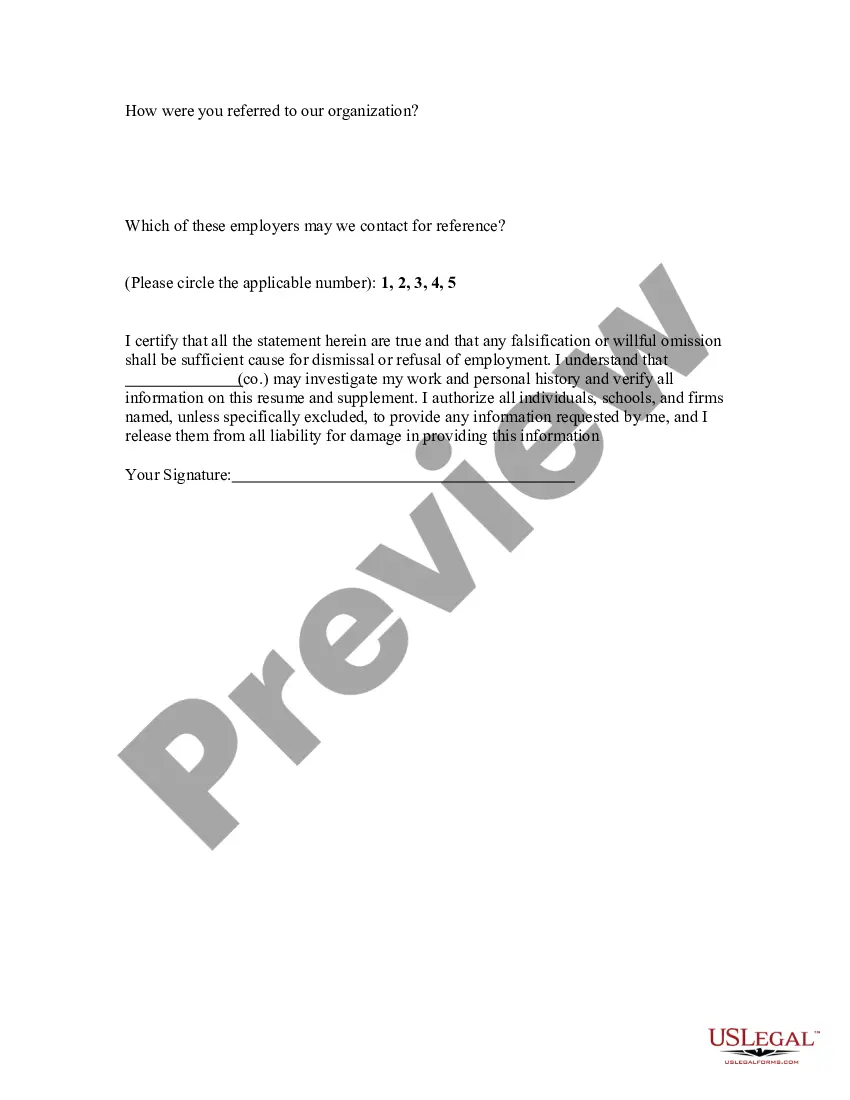
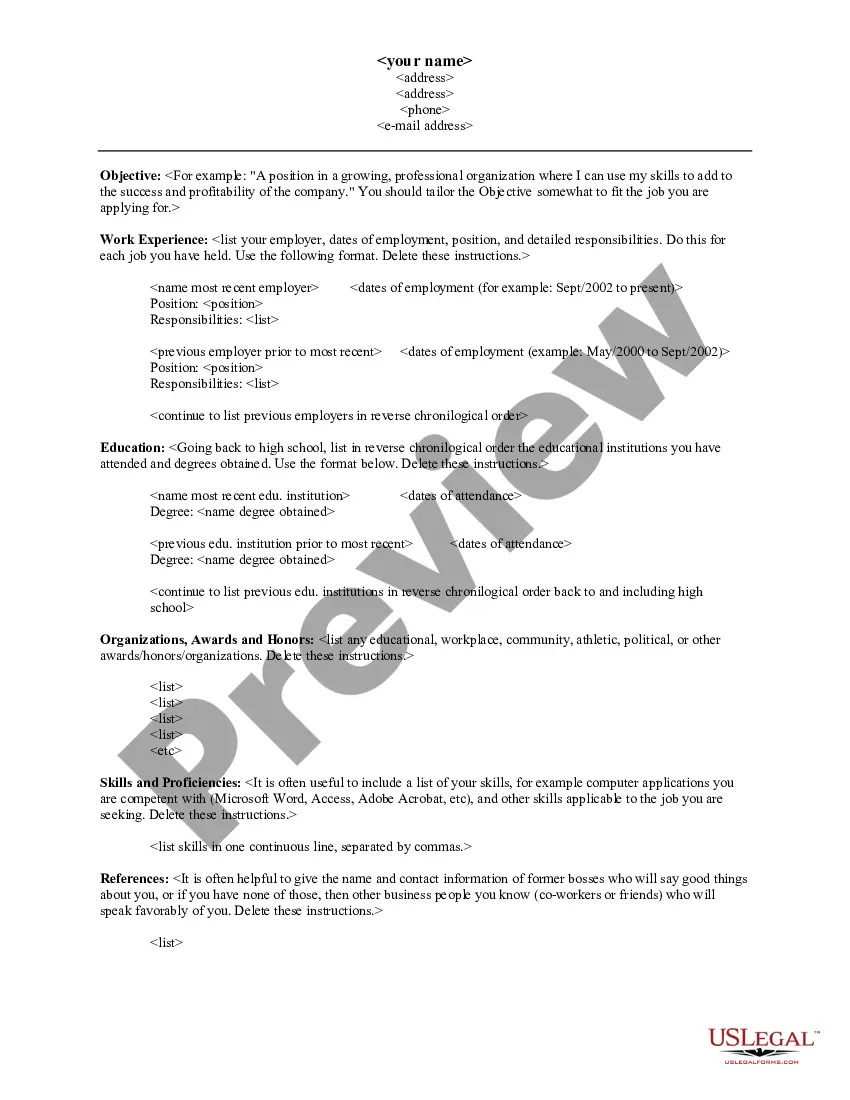
District of Columbia Resume Supplement
Description

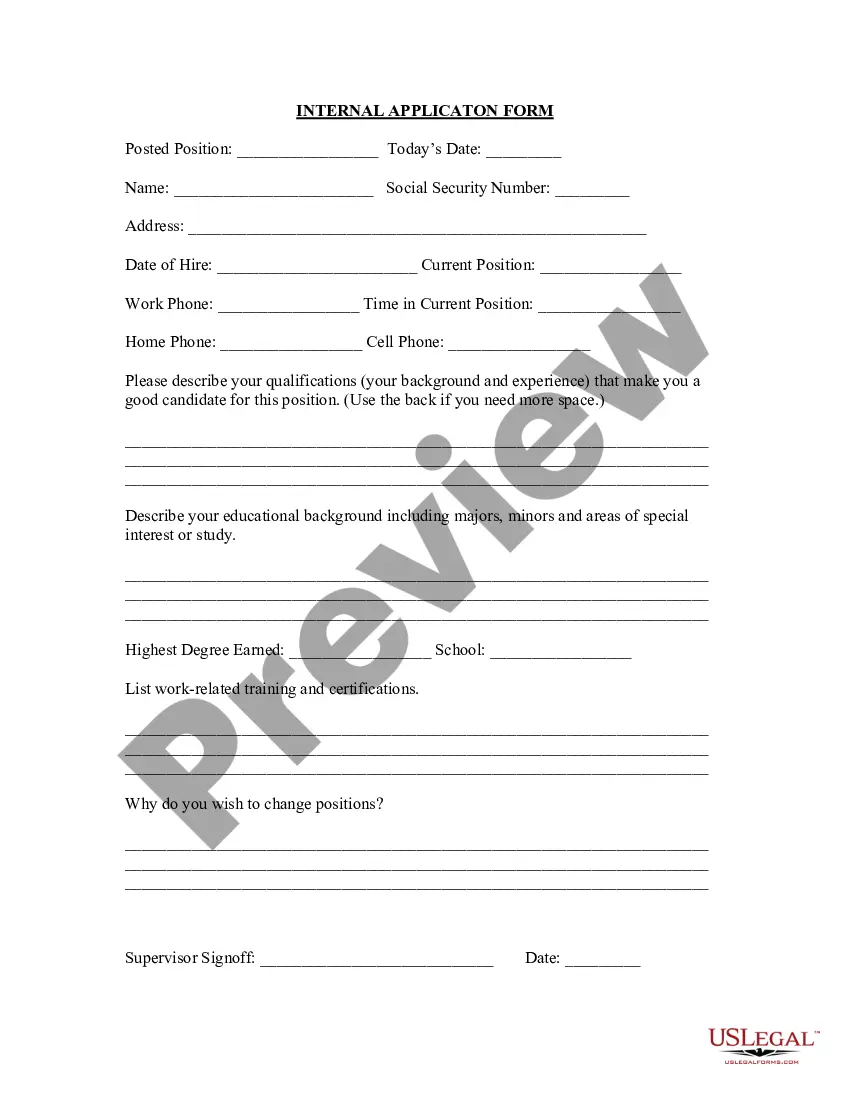

Get your form ready online
Our built-in tools help you complete, sign, share, and store your documents in one place.
Make edits, fill in missing information, and update formatting in US Legal Forms—just like you would in MS Word.
Download a copy, print it, send it by email, or mail it via USPS—whatever works best for your next step.
Sign and collect signatures with our SignNow integration. Send to multiple recipients, set reminders, and more. Go Premium to unlock E-Sign.
If this form requires notarization, complete it online through a secure video call—no need to meet a notary in person or wait for an appointment.
We protect your documents and personal data by following strict security and privacy standards.

Make edits, fill in missing information, and update formatting in US Legal Forms—just like you would in MS Word.

Download a copy, print it, send it by email, or mail it via USPS—whatever works best for your next step.

Sign and collect signatures with our SignNow integration. Send to multiple recipients, set reminders, and more. Go Premium to unlock E-Sign.

If this form requires notarization, complete it online through a secure video call—no need to meet a notary in person or wait for an appointment.

We protect your documents and personal data by following strict security and privacy standards.
Looking for another form?


How to fill out Resume Supplement?
It is feasible to spend hours on the internet searching for the legitimate document template that meets the federal and state requirements you need.
US Legal Forms offers thousands of legal templates that have been reviewed by professionals.
You can easily download or print the District of Columbia Resume Supplement from our service.
If available, use the Preview option to peruse the document template as well.
- If you possess a US Legal Forms account, you can Log In and hit the Download option.
- Afterward, you can complete, modify, print, or sign the District of Columbia Resume Supplement.
- Every legal document template you procure is yours forever.
- To obtain another copy of the purchased form, go to the My documents tab and select the appropriate option.
- If you're using the US Legal Forms website for the first time, follow the simple instructions below.
- First, ensure you have selected the correct document template for the area/city of your choice.
- Review the form details to confirm you have chosen the right template.
Form popularity
FAQ
To convert your normal resume to an ATS-friendly format, focus on using standard headings, keywords relevant to the job, and a simple layout. Avoid graphics and complex designs that ATS might not read correctly. Utilizing a District of Columbia Resume Supplement can ensure your resume meets the specific requirements while optimizing for applicant tracking systems.
EXTENDED BENEFITS (EB)The EB program provided up to 13 additional weeks of UI payments to claimants who met the filing requirements. DC leadership determined when this program was in effect based on the District's unemployment rate.
WILL END SEPTEMBER 11, 2021 Federal funding for the Extended Benefits (EB) Program, authorized under the American Rescue Plan Act (ARPA), will expire the week ending September 11, 2021.
UI is designed to last for 26 weeks, but fortunately, there are additional 13-week extensions currently available. The extension is not automatic, however. UI claimants will need to apply and fill out an application to receive extended support.
Which benefits are ending? DC has had three special unemployment programs that expire September 4, 2021: Pandemic Emergency Unemployment Compensation, or PEUC, extending the time you could receive regular unemployment (UI) benefits. Federal Pandemic Unemployment Compensation, or FPUC, giving an extra $300 per week.
If you have met the monetary requirements, and you were separated due to a layoff and you only worked in the District, it generally takes two weeks to process your claim.
If you are eligible to receive unemployment, your weekly benefit rate in D.C. will be 1/26 of your wages in the highest paid quarter of the base period. The maximum weekly benefit in D.C. is $444. (This amount may be adjusted every year by the D.C. Department of Employment Services.)
To file for PEUC, visit does.dcnetworks.org/initialclaims/ and follow the prompts. After you enter your Social Security Number (SSN) into the application, the system will route you to the PEUC application if you are eligible.
UI is designed to last for 26 weeks, but fortunately, there are additional 13-week extensions currently available. The extension is not automatic, however. UI claimants will need to apply and fill out an application to receive extended support.