Delaware Registration Statement
Description
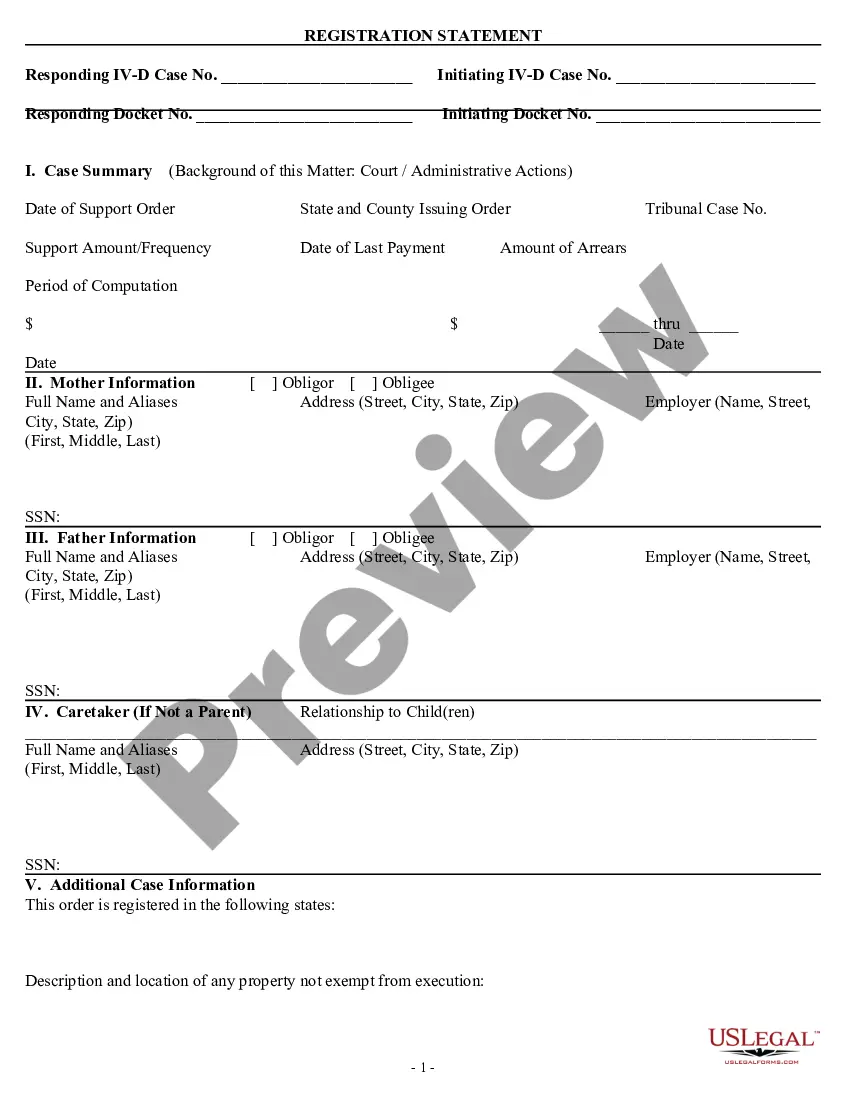
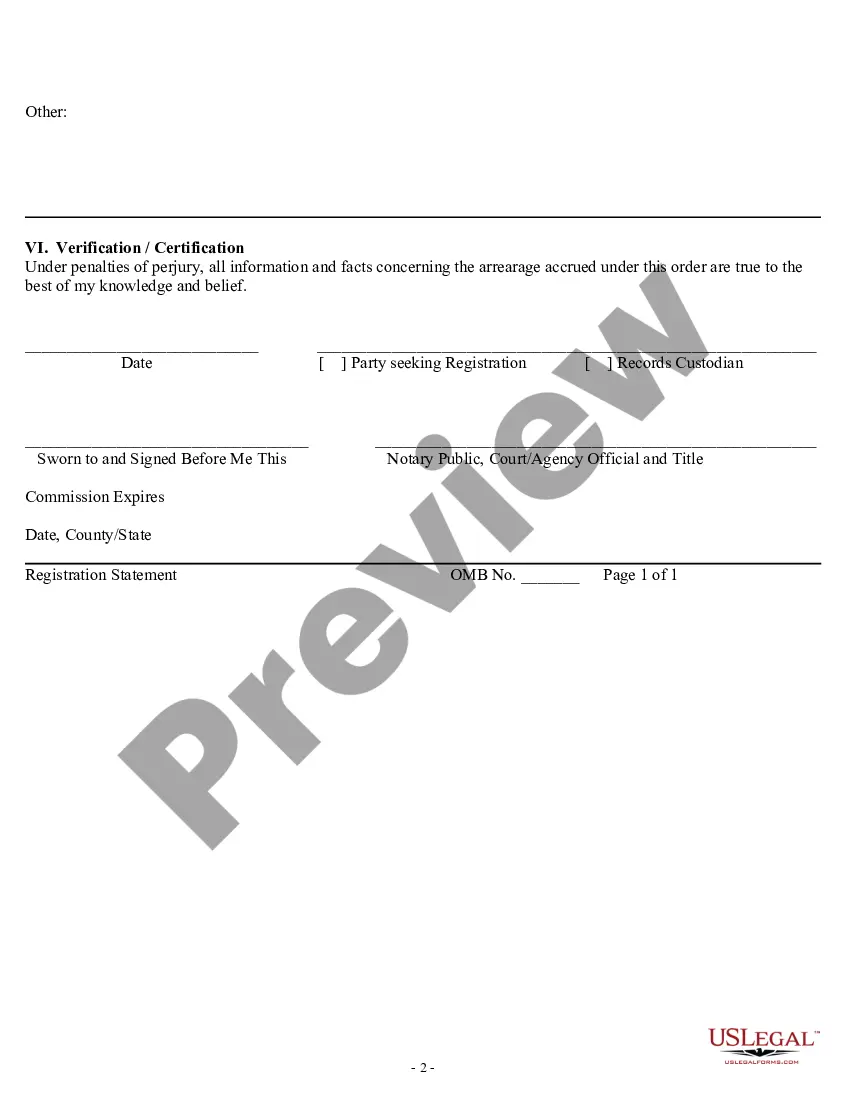
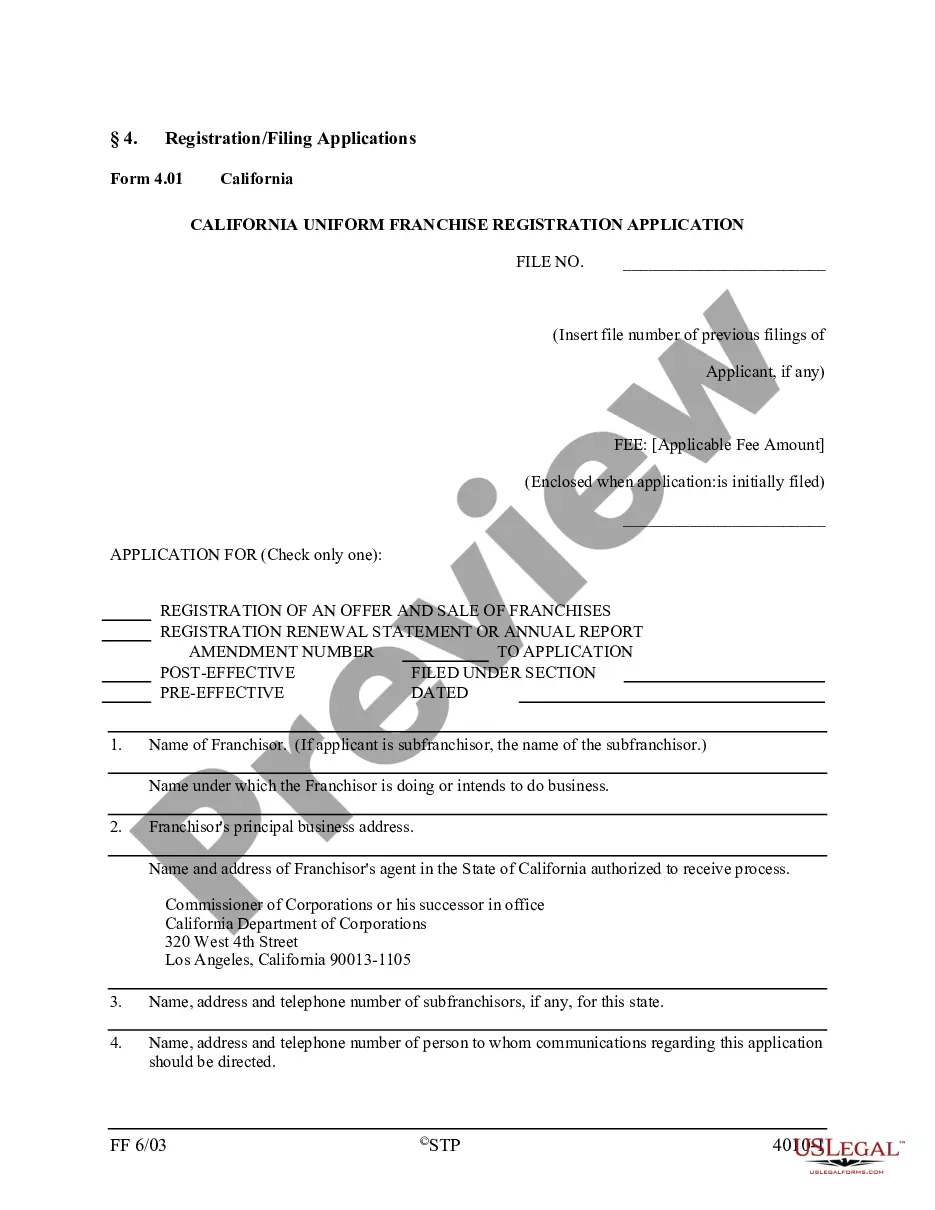

How to fill out Registration Statement?
If you need to finalize, acquire, or print valid document templates, utilize US Legal Forms, the leading assortment of legal forms available online.
Take advantage of the website's straightforward and convenient search to locate the documents you require.
Various templates for business and personal purposes are organized by categories and states, or keywords.
Step 4. Once you have found the form you need, select the Purchase now button. Choose your preferred pricing plan and provide your information to register for an account.
Step 5. Process the transaction. You can use your credit card or PayPal account to complete the transaction. Step 6. Choose the format of the legal form and download it to your device. Step 7. Complete, modify, and print or sign the Delaware Registration Statement. Every legal document template you purchase is yours indefinitely. You have access to every form you downloaded in your account. Click the My documents section and select a form to print or download again. Compete and acquire, and print the Delaware Registration Statement with US Legal Forms. There are millions of professional and state-specific forms available for your business or personal needs.
- Use US Legal Forms to obtain the Delaware Registration Statement with just a few clicks.
- If you are already a US Legal Forms user, Log In to your account and click the Download button to retrieve the Delaware Registration Statement.
- You can also access forms you previously downloaded from the My documents tab of your account.
- If you are using US Legal Forms for the first time, follow the instructions below.
- Step 1. Ensure you have selected the form for the correct region/country.
- Step 2. Use the Review option to check the form's content. Don't forget to read the description.
- Step 3. If you are unsatisfied with the form, use the Search field at the top of the screen to find alternative versions of the legal form design.
Form popularity
FAQ
Delaware Law requires every entity to appoint a Registered Agent with a physical office address in the State of Delaware. If the entity is not physically located in Delaware, they must appoint a Registered Agent to fulfill the requirement.
A Delaware corporation registration number will be issued to your corporation after you have completed the formation process. Your registration number, used to identify your company, will be seven digits.
If you wish to order a copy of an annual report, please call 302-739-3073 for more information. NOTE: Alternative entities (Limited Liability Companies, Limited Partnerships, and General Partnerships) do not currently file annual reports. Annual reports are required for domestic and foreign corporations only.
The state file number is issued by the State of Delaware. The EIN is issued by the Internal Revenue Service (IRS). You can find your state file number in the upper left or upper right hand side of your certificate of incorporation or certification of formation.
To find your Delaware Tax File number, you will need to look it up on the State's Entity Search web site: .
There is no documentation required to form an LLC in Delaware. The only information required, whether you are a United States citizen or not, is: Name of the company (check a company name for free) Communications Contact (must be an individual)
Division of Corporations - Filing. To retrieve information on a Delaware entity, Key in the name of the entity you are searching. The search results will return both active and inactive entities from our database.
Required Statement of Information Domestic Stock Corporations & Limited Liability Companies must file a complete statement of information (Annual Report) at the end of each year of operation.