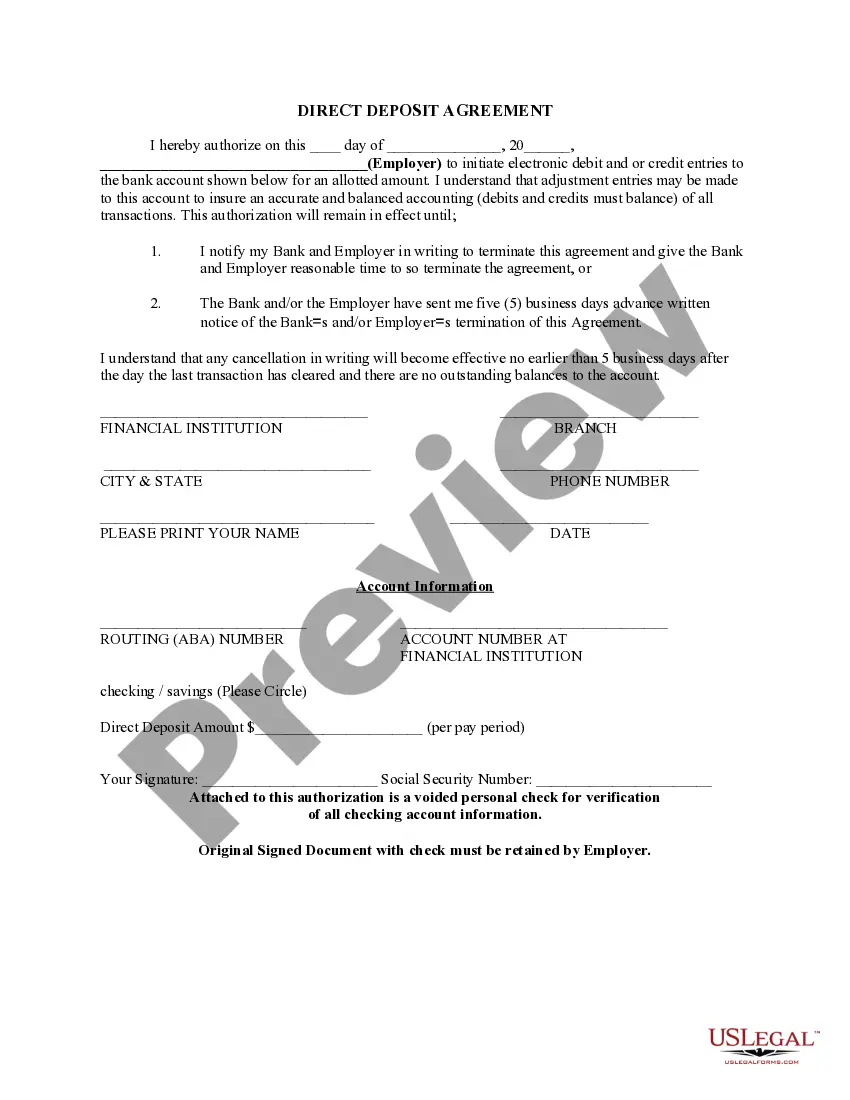
Georgia Direct Deposit Form for Social Security
Description
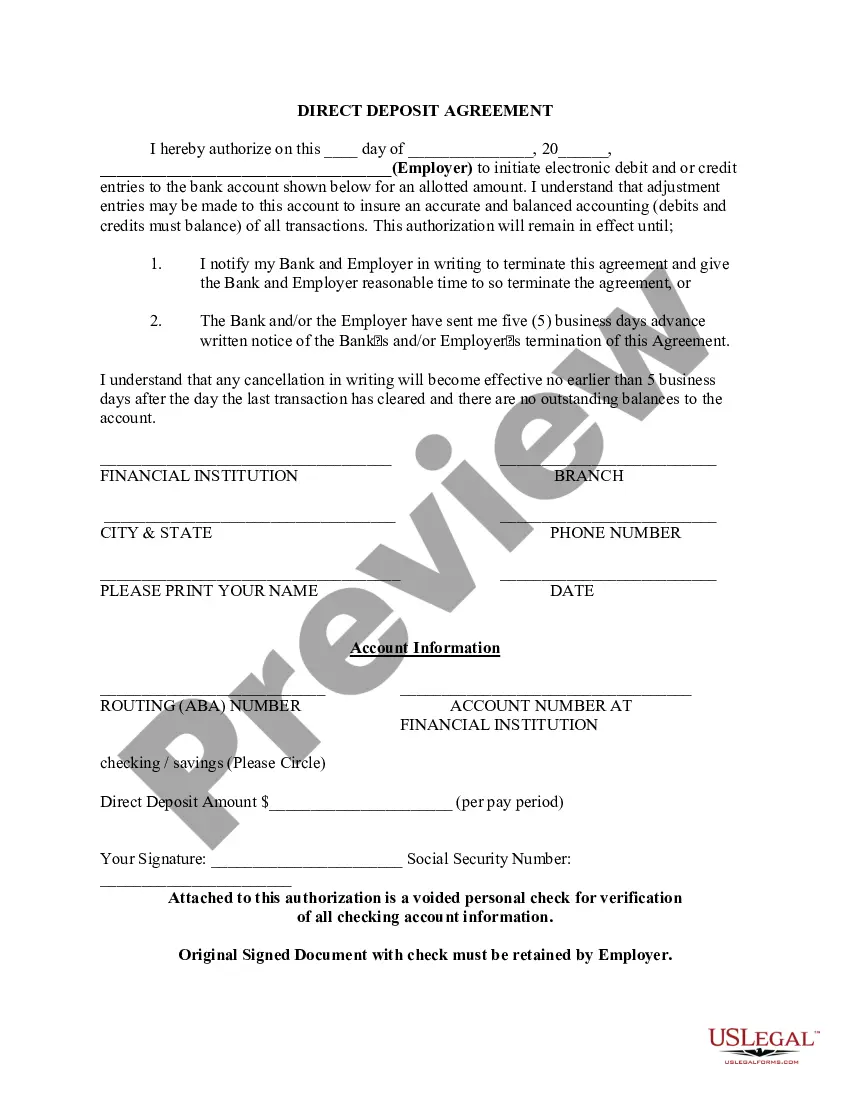
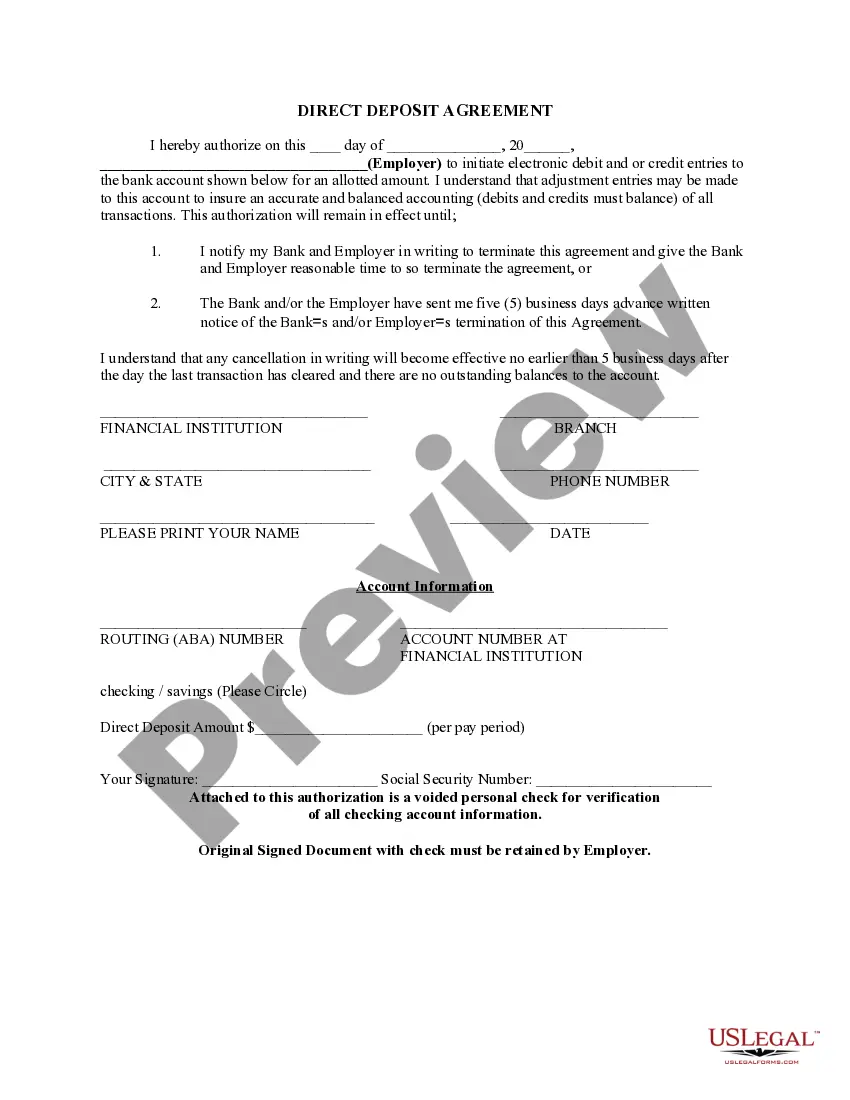




How to fill out Direct Deposit Form For Social Security?
US Legal Forms - one of the largest collections of legal documents in the United States - offers a wide range of legal document templates that you can download or print.
By using the website, you can find thousands of forms for business and personal purposes, organized by categories, states, or keywords. You can locate the latest versions of forms like the Georgia Direct Deposit Form for Social Security in seconds.
If you have an account, Log In and download the Georgia Direct Deposit Form for Social Security from the US Legal Forms library. The Download button will appear on each form you view. You can access all previously acquired forms from the My documents section of your account.
Make modifications. Fill out, edit, print, and sign the downloaded Georgia Direct Deposit Form for Social Security.
Every template you added to your account has no expiration date and belongs to you permanently. So, if you want to download or print another copy, just go to the My documents section and click on the form you need. Access the Georgia Direct Deposit Form for Social Security with US Legal Forms, the largest library of legal document templates. Utilize thousands of professional and state-specific templates that meet your business or personal needs and requirements.
- If you are using US Legal Forms for the first time, here are some simple steps to help you get started:
- Ensure you have selected the correct form for your area/county. Click the Review button to examine the content of the form. Check the form summary to make sure you have picked the right one.
- If the form does not meet your needs, use the Search bar at the top of the screen to find the one that does.
- When you are happy with the form, confirm your choice by clicking the Buy now button. Then, choose the payment plan you prefer and provide your details to register for an account.
- Complete the purchase. Use a Visa or Mastercard or PayPal account to finalize the payment.
- Select the format and download the form to your device.
Form popularity
FAQ
Form SF-1199a is a direct deposit sign-up form for anyone who wishes to receive direct deposit payments from a government agency. This includes retirees receiving Social Security benefits, active military service members receiving salaries or veterans receiving pensions.
How To: Change or Sign Up for Direct Deposit - YouTube YouTube Start of suggested clip End of suggested clip If you currently receive Social Security benefits. And you have a bank account starting or changingMoreIf you currently receive Social Security benefits. And you have a bank account starting or changing your direct deposit is quick secure. And easy with a personal my Social Security. Account.
Form SSA-1699, Request for Appointed Representative Services and Direct Payment. Representatives appointed by the claimants must complete and submit this form to receive direct payment. This is a one-time submission.
How Long Does It Take to Change to Direct Deposit with Social Security? Once you sign up (regardless of the method), it takes 30 to 60 days for any direct deposit changes or new accounts to take effect. Make sure you don't close or switch your bank account before you see that first successful deposit.
The Social Security Direct Deposit Form, sometimes referred to as ?Form 1199A,? is a method to deliver the information required by the Social Security Administration for beneficiaries wishing to receive their payments as electronic transfers.
If you get Social Security benefits (retirement, survivors, or disability) or are enrolled in Medicare, you can change your address or direct deposit information online using the My Profile tab in your personal my Social Security account. You can also decide when the change will take effect.
Starting or changing Direct Deposit online (Social Security benefits only), or. contacting your bank, credit union or savings and loan association, or. calling Social Security toll-free at 1-800-772-1213 (TTY 1-800-325-0778), or. visiting your local Social Security Field Office.
Quick ? It's easy to receive your benefit by Direct Deposit. You can sign up online at Go Direct®, by calling 1-800-333-1795, in person at your bank, savings and loan or credit union, or calling Social Security. Then, just relax. Your benefit will go automatically into your account every month.