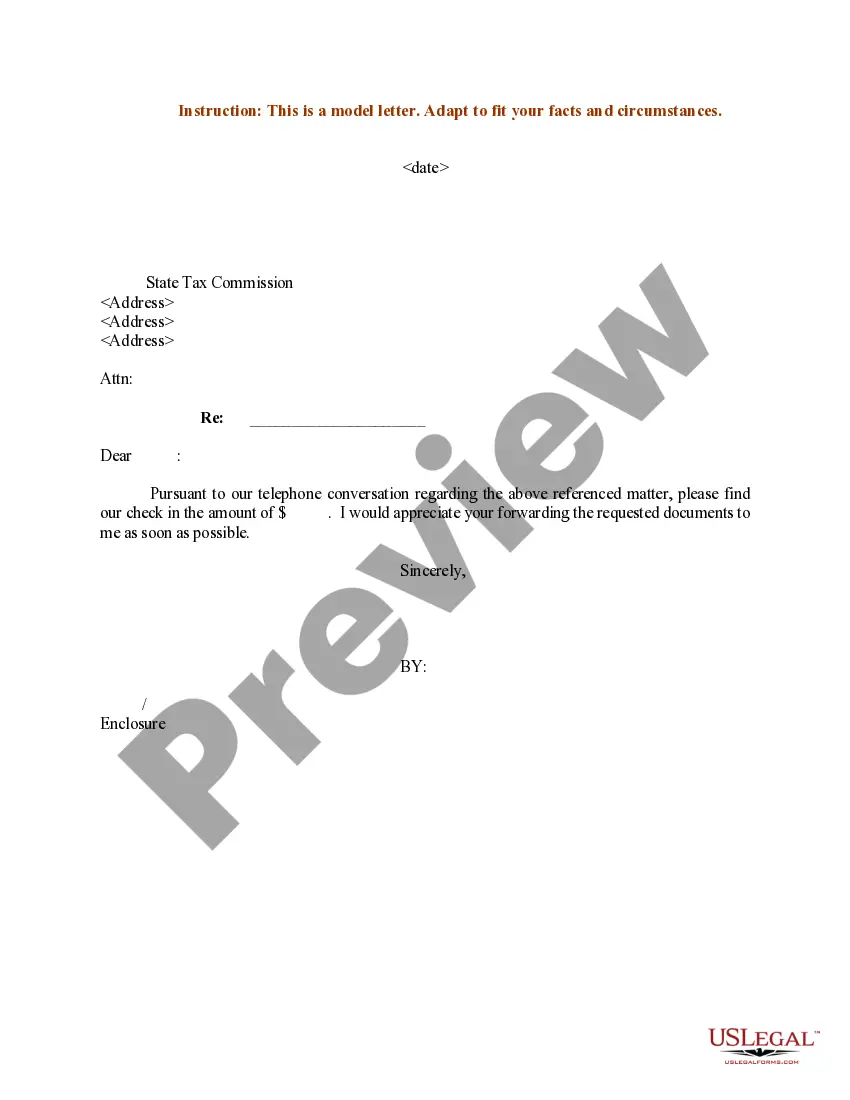
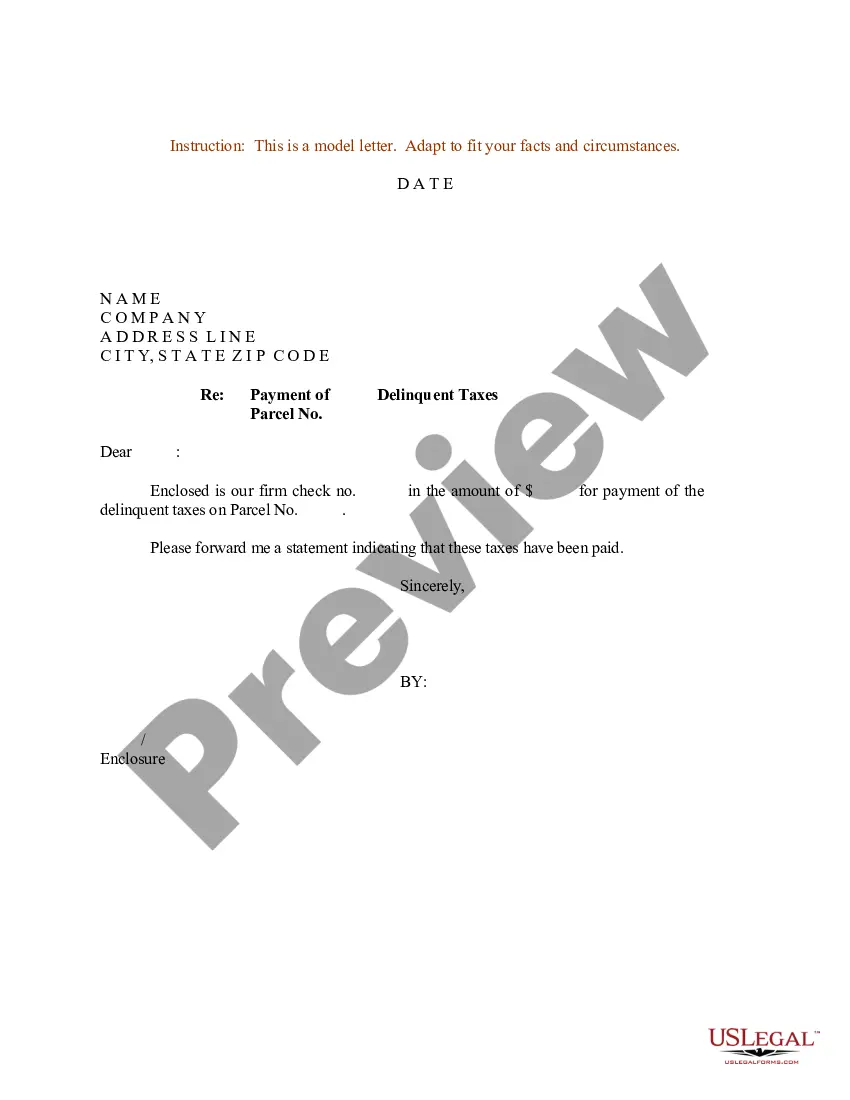
Georgia Sample Letter to State Tax Commission sending Payment
Description
Get your form ready online
Our built-in tools help you complete, sign, share, and store your documents in one place.
Make edits, fill in missing information, and update formatting in US Legal Forms—just like you would in MS Word.
Download a copy, print it, send it by email, or mail it via USPS—whatever works best for your next step.
Sign and collect signatures with our SignNow integration. Send to multiple recipients, set reminders, and more. Go Premium to unlock E-Sign.
If this form requires notarization, complete it online through a secure video call—no need to meet a notary in person or wait for an appointment.
We protect your documents and personal data by following strict security and privacy standards.

Make edits, fill in missing information, and update formatting in US Legal Forms—just like you would in MS Word.

Download a copy, print it, send it by email, or mail it via USPS—whatever works best for your next step.

Sign and collect signatures with our SignNow integration. Send to multiple recipients, set reminders, and more. Go Premium to unlock E-Sign.

If this form requires notarization, complete it online through a secure video call—no need to meet a notary in person or wait for an appointment.

We protect your documents and personal data by following strict security and privacy standards.
Looking for another form?
How to fill out Sample Letter To State Tax Commission Sending Payment?
Locating the appropriate legal document template can be a challenge. Naturally, there are numerous templates accessible online, but how can you find the specific legal form you require? Utilize the US Legal Forms platform. This service offers thousands of templates, including the Georgia Sample Letter to State Tax Commission sending Payment, which can be utilized for business and personal needs. All of the forms are verified by experts and adhere to federal and state regulations.
If you are currently registered, Log In to your account and click on the Obtain button to retrieve the Georgia Sample Letter to State Tax Commission sending Payment. Use your account to browse through the legal forms you may have previously purchased. Navigate to the My documents section of your account to obtain another copy of the document you need.
If you are a new user of US Legal Forms, here are straightforward instructions that you can follow: First, ensure you have chosen the correct form for your city/region. You can review the form using the Review option and examine the form details to confirm that it is suitable for you. If the form does not meet your requirements, utilize the Search area to find the appropriate form. Once you are confident that the form is correct, click on the Purchase now button to acquire the form. Select the payment method you wish to use and input the required information. Create your account and complete the purchase using your PayPal account or credit card. Choose the document format and download the legal document template to your device. Finally, complete, modify, and print the acquired Georgia Sample Letter to State Tax Commission sending Payment.
US Legal Forms provides a comprehensive collection of legal templates to help you find the appropriate documents that meet legal standards.
- US Legal Forms is the largest repository of legal documents where you can discover numerous document templates.
- Utilize the service to download properly-crafted paperwork that comply with state regulations.
- Finding the right legal document template can be difficult.
- There are many templates available online.
- You can browse through the forms you have previously purchased.
- Make sure to select the correct form for your area.
Form popularity
FAQ
You can pay your estimated tax electronically with DOR, by mail, or in person. Use the Georgia Tax Center (GTC), the DOR's secure electronic self-service portal, to manage and pay your estimated tax. If you're not yet registered with the GTC, simply follow the instructions GTC provides to create an account.
Make an Estimated Payment in GTC Go to the Georgia Tax Center. Log in to your account. From the GTC Home Screen click the Make a Payment hyperlink for the applicable account. Verify or update the information under Payment Channel. Under the Payment section: ... Click Submit or click the Pay by Credit Card button.
Georgia Income Tax Division, Georgia Department of Revenue, P.O. Box 740399, Atlanta, Georgia 30374-0399. 1. Income of fiduciary (Adjusted total income from attached Form 1041) .................................
Mailing Address - Individual/Fiduciary Income Tax Individual/Fiduciary Income Tax FormMailing Address500 ESGeorgia Dept. of Revenue PO Box 740319 Atlanta, GA 30374-0319525-TVGeorgia Dept. of Revenue PO Box 740323 Atlanta, GA 30374-0323IT-560Georgia Dept. of Revenue PO Box 105198 Atlanta, GA 30348-51984 more rows
Individual Go to the Georgia Tax Center. Under Tasks, click on Make a Quick Payment. Review the Request details and click Next. For Customer Type, select on Individual. For your ID Type, select the box Social Security # or Individual Taxpayer ID #. ... Select Yes or No if you have a payment number.
Make your checks or money order payable to the Georgia Department of Revenue.
Electronic payment options include: ACH-Debit (NACHA) ? your payment is electronically withdrawn from your bank account on the date specified by DOR. Credit Card ? Payments are made through a 3rd-party vendor, OPC, which charges a 2.5% convenience fee. This fee is charged by OPC and not DOR.
Make your payment via paper. Enclose your check or money order with the appropriate paper form and send via U.S. Mail. Instructions available on the forms. Payment plans or Installment Agreements are available for individual income tax and business or corporate income tax accounts.